Eurobank Mobile App
Ενημερώθηκε
Τρέχουσα έκδοση
6.10.2
Προσφέρεται από

Σταματήστε να ανησυχείτε για υπερβολικές χρεώσεις όταν χρησιμοποιείτε το Eurobank Mobile App στο κινητό σας, απελευθερώστε τον εαυτό σας από τη μικροσκοπική οθόνη και απολαύστε τη χρήση της εφαρμογής σε μια πολύ μεγαλύτερη οθόνη. Από τώρα και στο εξής, αποκτήστε εμπειρία πλήρους οθόνης της εφαρμογής σας με πληκτρολόγιο και ποντίκι. Το MEmu σας προσφέρει όλες τις εκπληκτικές δυνατότητες που περιμένατε: γρήγορη εγκατάσταση και εύκολη εγκατάσταση, διαισθητικά χειριστήρια, όχι περισσότερους περιορισμούς μπαταρίας, δεδομένα κινητής τηλεφωνίας και ενοχλητικές κλήσεις. Το ολοκαίνουργιο MEmu 9 είναι η καλύτερη επιλογή για χρήση του Eurobank Mobile App στον υπολογιστή σας. Κωδικοποιημένο με την απορρόφηση μας, ο διαχειριστής πολλαπλών παρουσιών καθιστά δυνατό το άνοιγμα 2 ή περισσότερων λογαριασμών ταυτόχρονα. Και το πιο σημαντικό, ο αποκλειστικός κινητήρας εξομοίωσης μπορεί να απελευθερώσει όλες τις δυνατότητες του υπολογιστή σας, να κάνει τα πάντα ομαλά και ευχάριστα.
Show more
Απολαύστε την υπέροχη εμπειρία αναπαραγωγής του Eurobank Mobile App σε υπολογιστή με το MEMU App Player. Πρόκειται για έναν ισχυρό δωρεάν εξομοιωτή Android που σας επιτρέπει να παίζετε χιλιάδες παιχνίδια Android. With the Eurobank Mobile App, you manage and control your finances securely and easily.
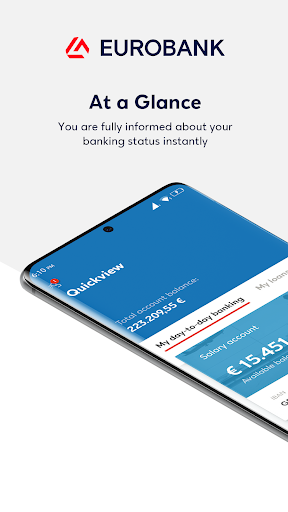
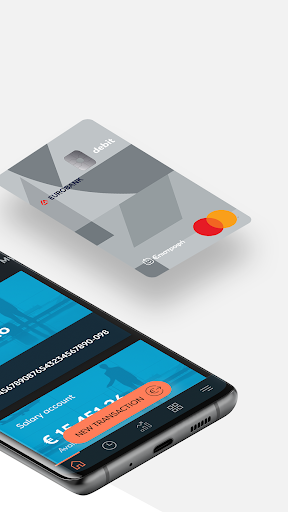
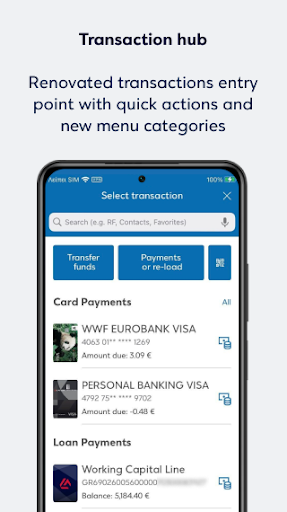
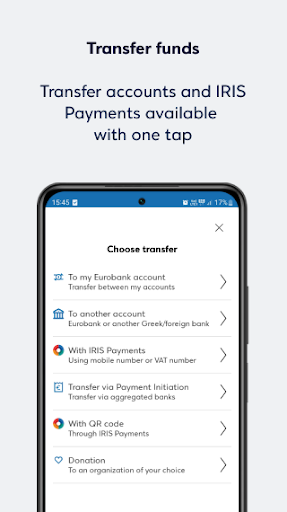
With the Eurobank Mobile App, you manage and control your finances securely and easily. In addition, you can take advantage of free products and services.
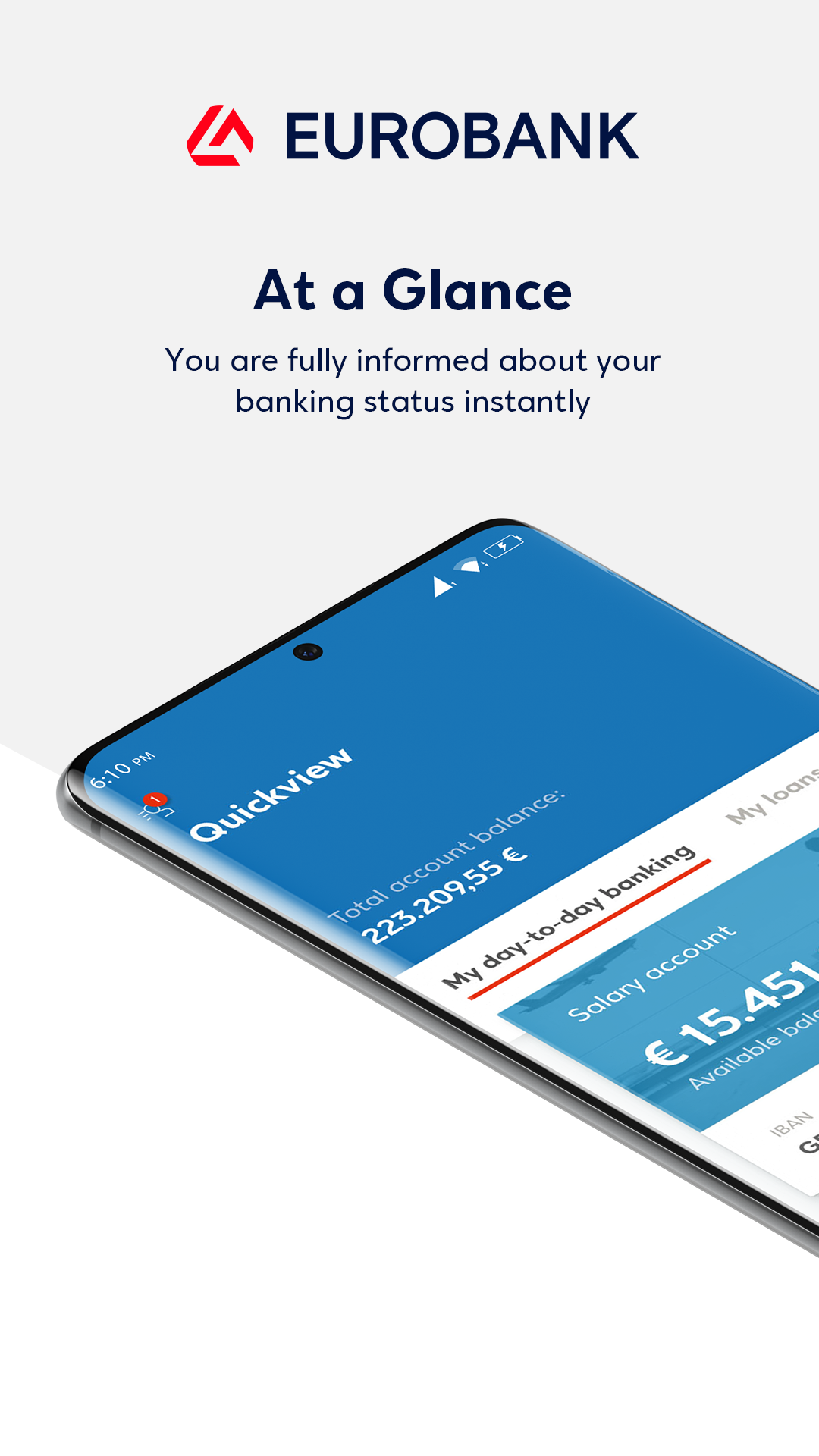
All your finances on one screen:
Accounts, debit and credit cards, even from other banks, loans and investments—all managed from one place. With the “Edit view” option, you can customize the screen environment according to your needs.
Everyday banking services from your mobile:
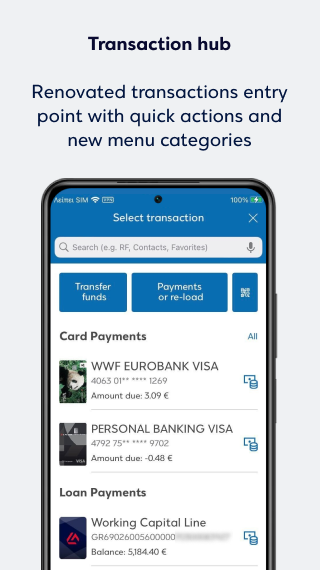
In the “Quick actions” section, you can see the actions you perform most often and complete them faster, while you can set up standing orders, save favorite transactions, and make transfers using contacts. At the same time, you can obtain the products you need online without visiting a branch, and if you wish, you can also easily and quickly book an appointment at a branch through the app.
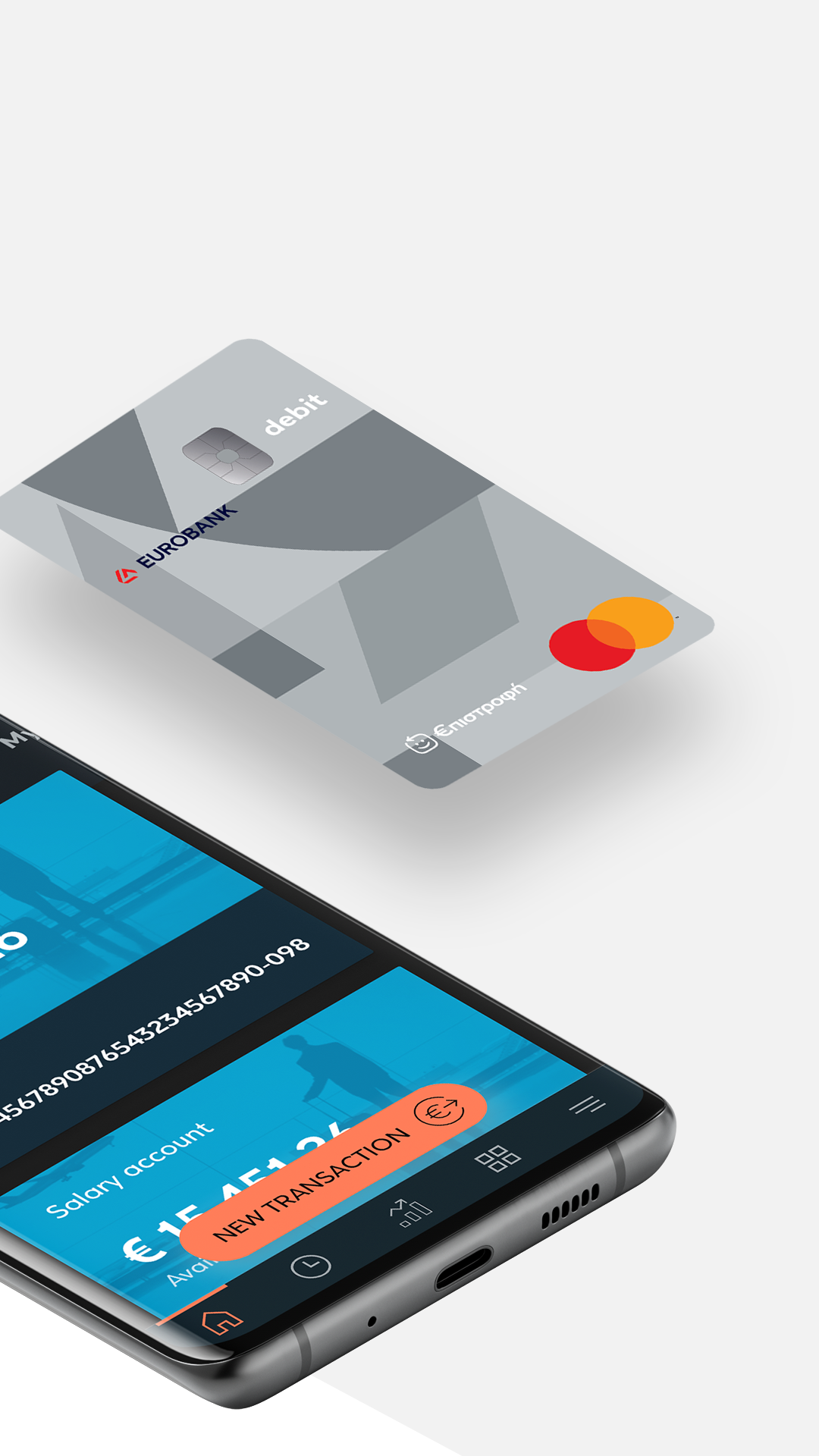
Earn rewards from your everyday purchases with the €pistrofi Rewards Program:
With every purchase you make using your Eurobank cards at participating merchants, you earn €pistrofi reward euros. Redeem them on your next purchases and pay less—or even nothing at all!
Through the Eurobank Mobile App, you have access to all the features of the €pistrofi Rewards Program. Discover participating merchants and the latest offers, track the €pistrofi reward euros you've earned, review your redemptions, and view an analysis of your purchases. This way, you can make the most of all the benefits of the €pistrofi
Rewards Program, wherever you are.
Access to free products and services that match your lifestyle:
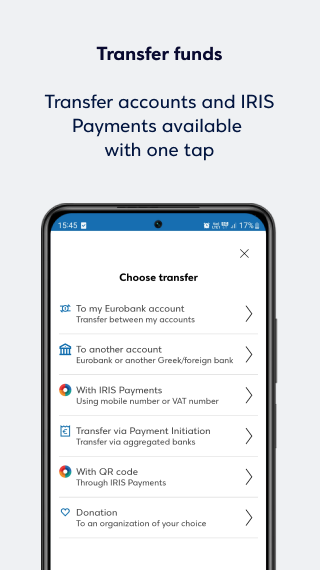
Travellers Prepaid card, ideal for travel, with 0% currency conversion fees, even on weekends. Digital allowance for children aged 15 to 17 with the Eurobank Teens service, offering free prepaid card issuance and free top-ups with any amount you choose. Free money transfers to anyone in Greece with the IRIS payments service, without using an IBAN. Introduction to investing with the EverydayInvest service, ideal for starting to invest small amounts easily and simply through your daily transactions.
Real-time card management:
Set limits for your transactions, cancel your card in case of loss and automatically get a new one, manage your purchases, view your card PIN, or request reissuance.
Support whenever you need it:
The digital assistant EVA is always available to answer your questions and guide you whenever you need help.
Security in every step:
Log in and perform transactions using modern security methods such as biometrics or PIN. Receive real-time notifications via push notifications for every activity on your accounts and cards. With Emergency Lock, you can stop all activity across your digital channels and accounts with a single tap, set your card limits to zero, and disconnect your devices. If you cannot find your card, you can temporarily deactivate it and “freeze” its use until you locate it. You can also dispute transactions you do not recognize directly from your mobile.
If your business is a legal entity, you can be served through the Eurobank Business App for businesses.
Not a customer yet?
With the Eurobank Mobile App, you can open an account in just a few minutes without visiting a branch and get a Hybrid Debit Mastercard debit card to use immediately from your mobile.
Learn more about the Eurobank Mobile App at www.eurobank.gr
Show more

1. Κατεβάστε το πρόγραμμα εγκατάστασης MEmu και ολοκληρώστε την εγκατάσταση

2. Ξεκινήστε το MEmu και στη συνέχεια ανοίξτε το Google Play στην επιφάνεια εργασίας

3. Αναζητήστε τον Eurobank Mobile App στο Google Play
Install
4. Λήψη και εγκατάσταση του Eurobank Mobile App
5. Μόλις ολοκληρωθεί η εγκατάσταση, κάντε κλικ στο εικονίδιο για να ξεκινήσετε

6. Απολαύστε τη χρήση του Eurobank Mobile App σε υπολογιστή με το MEmu
Το MEmu Play είναι ο καλύτερος δωρεάν εξομοιωτής Android, που χρησιμοποιείται αυτήν τη στιγμή από πάνω από 50 εκατομμύρια χρήστες που απολαμβάνουν την εμπειρία εφαρμογών που προσφέρει. Μέσω της τεχνολογίας εικονικοποίησης MEmu 9, οι χρήστες μπορούν να δοκιμάσουν εφαρμογές Android στους υπολογιστές τους, ακόμα και σε εκείνους που απαιτούν υψηλή ισχύ επεξεργασίας γραφικών, οι οποίες λειτουργούν ομαλά σαν να λειτουργούν στα κινητά τηλέφωνα τελευταίας γενιάς, χωρίς να θυσιάζεται η ποιότητα της εικόνας και η εμπειρία χρήστη.
Μεγαλύτερη οθόνη με καλύτερα γραφικά. Μεγάλη διάρκεια ζωής, χωρίς περιορισμό μπαταρίας ή δεδομένων κινητής τηλεφωνίας.
Πλήρης υποστήριξη αντιστοίχισης πλήκτρων για ακριβή έλεγχο του πληκτρολογίου και του ποντικιού ή του gamepad.
Πολλαπλοί λογαριασμοί παιχνιδιών ή εργασίες σε έναν υπολογιστή ταυτόχρονα με τον διαχειριστή πολλαπλών περιπτώσεων.
Use Eurobank Mobile App on PC by following steps: