Google Pay
Ενημερώθηκε
Τρέχουσα έκδοση
1790872482
Προσφέρεται από

Σταματήστε να ανησυχείτε για υπερβολικές χρεώσεις όταν χρησιμοποιείτε το Google Pay στο κινητό σας, απελευθερώστε τον εαυτό σας από τη μικροσκοπική οθόνη και απολαύστε τη χρήση της εφαρμογής σε μια πολύ μεγαλύτερη οθόνη. Από τώρα και στο εξής, αποκτήστε εμπειρία πλήρους οθόνης της εφαρμογής σας με πληκτρολόγιο και ποντίκι. Το MEmu σας προσφέρει όλες τις εκπληκτικές δυνατότητες που περιμένατε: γρήγορη εγκατάσταση και εύκολη εγκατάσταση, διαισθητικά χειριστήρια, όχι περισσότερους περιορισμούς μπαταρίας, δεδομένα κινητής τηλεφωνίας και ενοχλητικές κλήσεις. Το ολοκαίνουργιο MEmu 9 είναι η καλύτερη επιλογή για χρήση του Google Pay στον υπολογιστή σας. Κωδικοποιημένο με την απορρόφηση μας, ο διαχειριστής πολλαπλών παρουσιών καθιστά δυνατό το άνοιγμα 2 ή περισσότερων λογαριασμών ταυτόχρονα. Και το πιο σημαντικό, ο αποκλειστικός κινητήρας εξομοίωσης μπορεί να απελευθερώσει όλες τις δυνατότητες του υπολογιστή σας, να κάνει τα πάντα ομαλά και ευχάριστα.
Show more
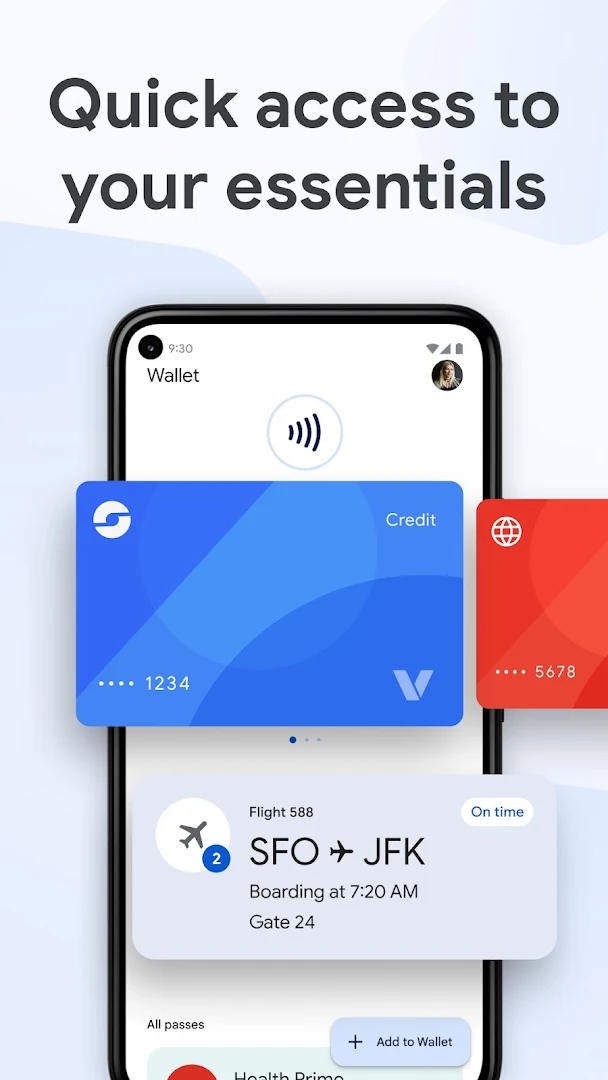
Απολαύστε την υπέροχη εμπειρία αναπαραγωγής του Google Pay σε υπολογιστή με το MEMU App Player. Πρόκειται για έναν ισχυρό δωρεάν εξομοιωτή Android που σας επιτρέπει να παίζετε χιλιάδες παιχνίδια Android. Google Wallet is the safe, fast, and smart way to access your credit cards, debit cards, transit passes, tickets, digital IDs, and more wherever you are—on the go, online, and across Google.
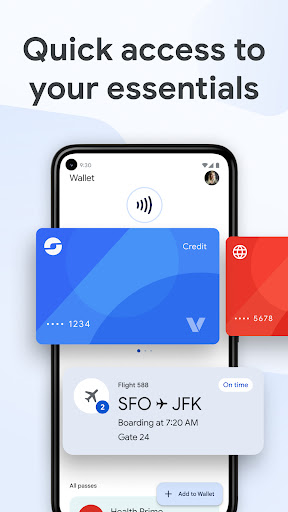
Google Wallet is the safe, fast, and smart way to access your credit cards, debit cards, transit passes, tickets, digital IDs, and more wherever you are—on the go, online, and across Google.
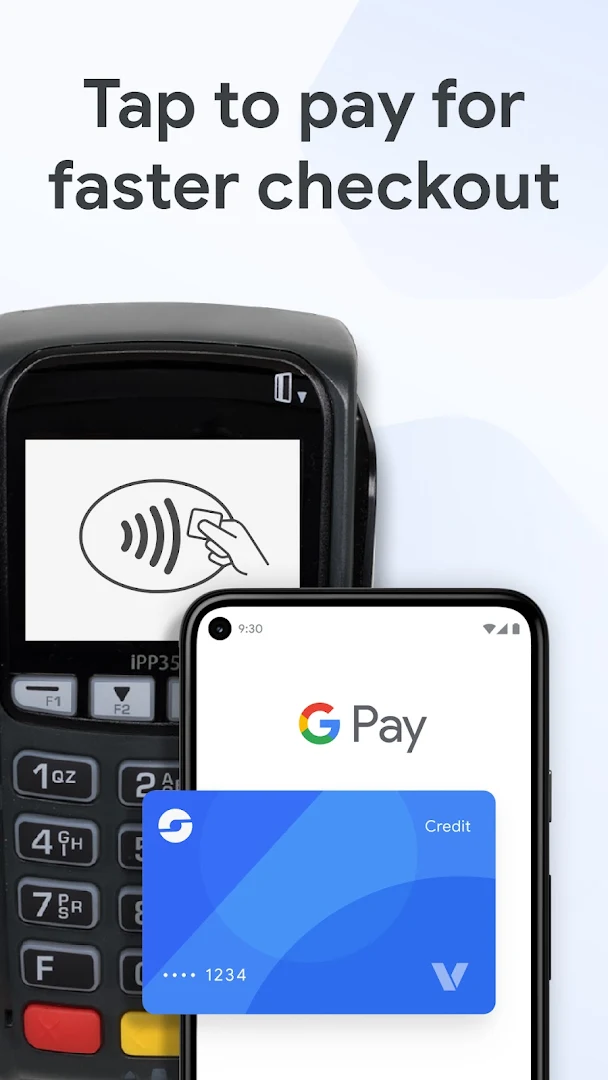
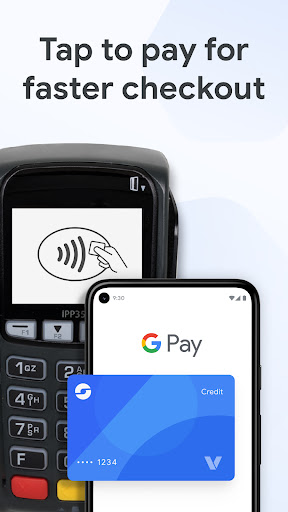
Breeze through checkout on sites, in apps, or in-store wherever contactless payments or Google Pay (GPay) are accepted.
Google Wallet keeps what matters to you in one secure place with built-in, industry-leading privacy and security.
Safer than swiping your debit card or credit card
• When you tap to pay with your Android device, Google Pay (GPay) protects your card information by sharing a unique virtual card number with the store—not your actual card number.
• Tap to pay is fast and easy. Just ensure NFC is enabled in your settings, unlock your phone, hold it near the terminal, and wait for the check mark.
Easily use your loyalty benefits
• Keep loyalty cards and gift cards organized and accessible, so you won’t miss a chance to earn or redeem rewards.
View your receipts in one place
• View receipts from online and in-store transactions right in your digital wallet.
Travel with confidence
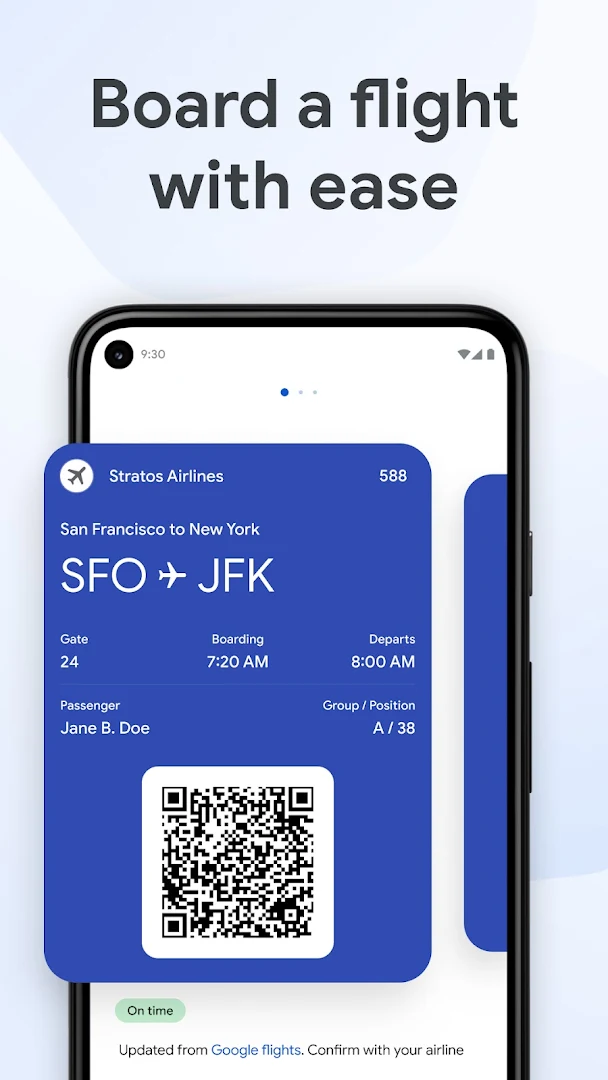
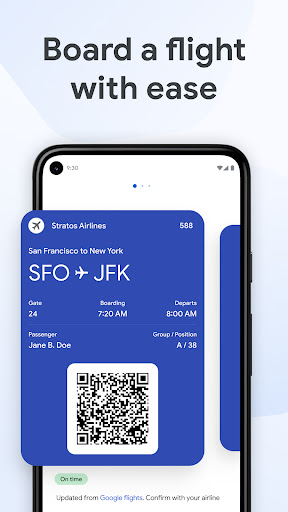
• Add your airline boarding pass and get real-time updates, like gate changes and departure times for your flight.
• Store your transit pass in Google Wallet, and pay your fare with just a tap.
Keep event passes handy
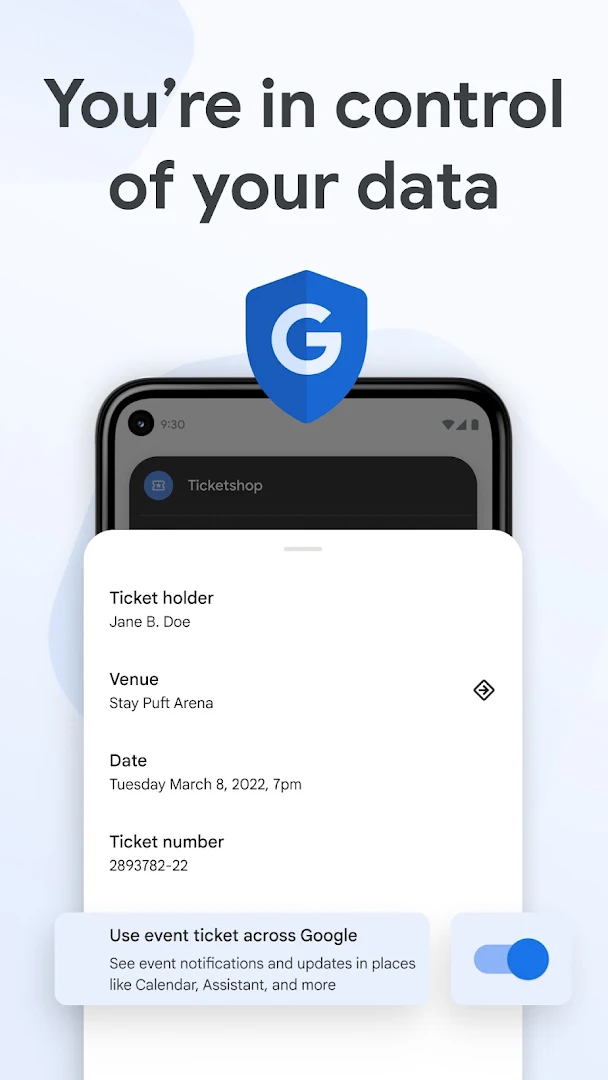
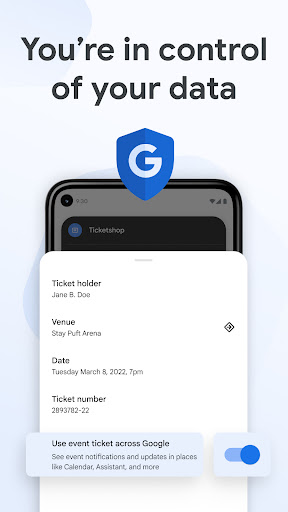
• Add your event, concert, and sports tickets to Wallet for easy access. Just open Wallet and show your ticket when entering the event.
• Google Wallet automatically updates your ticket with the latest event information, so you don’t miss a beat.
Speed through online checkout
• Use the GPay button or autofill in Chrome to quickly access credit cards and debit cards saved to your Google Wallet to make online purchases.
Track your online orders
• Link Google Wallet to Gmail to view the status and expected delivery date for your orders – all in one place. (US only)
Manage your digital IDs
• Get quick, reliable access to digital versions of your driver’s license, student ID, and more.
Security and privacy you can count on
• Google Wallet features industry-leading security built right into your Android phone, including 2-Step Verification, Find My Phone, and remote data erase.
• You choose the info you share between Google products, so you can better control your digital footprint.
Google Wallet is available on all Android phones (Pie 9.0+), Wear OS and Google Fitbit devices.
Not all features are available for supervised accounts. Learn more about Wallet for supervised accounts here: support.google.com/wallet?p=about_wallet_supervised.
Still have questions? Head over to support.google.com/wallet.
Show more

1. Κατεβάστε το πρόγραμμα εγκατάστασης MEmu και ολοκληρώστε την εγκατάσταση

2. Ξεκινήστε το MEmu και στη συνέχεια ανοίξτε το Google Play στην επιφάνεια εργασίας

3. Αναζητήστε τον Google Pay στο Google Play
Install
4. Λήψη και εγκατάσταση του Google Pay
5. Μόλις ολοκληρωθεί η εγκατάσταση, κάντε κλικ στο εικονίδιο για να ξεκινήσετε

6. Απολαύστε τη χρήση του Google Pay σε υπολογιστή με το MEmu
Το MEmu Play είναι ο καλύτερος δωρεάν εξομοιωτής Android, που χρησιμοποιείται αυτήν τη στιγμή από πάνω από 50 εκατομμύρια χρήστες που απολαμβάνουν την εμπειρία εφαρμογών που προσφέρει. Μέσω της τεχνολογίας εικονικοποίησης MEmu 9, οι χρήστες μπορούν να δοκιμάσουν εφαρμογές Android στους υπολογιστές τους, ακόμα και σε εκείνους που απαιτούν υψηλή ισχύ επεξεργασίας γραφικών, οι οποίες λειτουργούν ομαλά σαν να λειτουργούν στα κινητά τηλέφωνα τελευταίας γενιάς, χωρίς να θυσιάζεται η ποιότητα της εικόνας και η εμπειρία χρήστη.
Μεγαλύτερη οθόνη με καλύτερα γραφικά. Μεγάλη διάρκεια ζωής, χωρίς περιορισμό μπαταρίας ή δεδομένων κινητής τηλεφωνίας.
Πλήρης υποστήριξη αντιστοίχισης πλήκτρων για ακριβή έλεγχο του πληκτρολογίου και του ποντικιού ή του gamepad.
Πολλαπλοί λογαριασμοί παιχνιδιών ή εργασίες σε έναν υπολογιστή ταυτόχρονα με τον διαχειριστή πολλαπλών περιπτώσεων.
Use Google Pay on PC by following steps: