Google Pay
Updated
Current Version
1790872482
Offered By

Stop worrying about high battery drain when using Google Pay on your phone. Free yourself from the tiny screen and enjoy the app on a much larger display. From now on, get a full-screen experience of your app with the convenience of a keyboard and mouse. MEmu offers you all the surprising features you’d expect: quick installation and easy setup, intuitive controls, and no more worries about battery life, mobile data, or unexpected calls. The all-new MEmu 9 is the choice for using Google Pay on your computer. With the MEmu multi-instance manager, you can run two or more accounts at the same time. Most importantly, our exclusive emulation engine unlocks your PC’s full potential, delivering smooth and enjoyable performance.
Show more
Enjoy superb experience of using Google Pay on PC with MEMU App Player. It's a powerful free Android emulator which provides you with thousands of android apps for their desktop version. Enjoy connecting with friends and polishing your work with higher efficiency! Google Wallet is the safe, fast, and smart way to access your credit cards, debit cards, transit passes, tickets, digital IDs, and more wherever you are—on the go, online, and across Google.
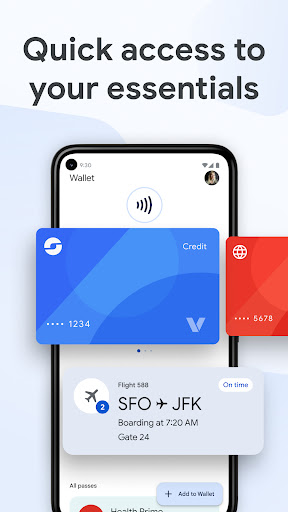
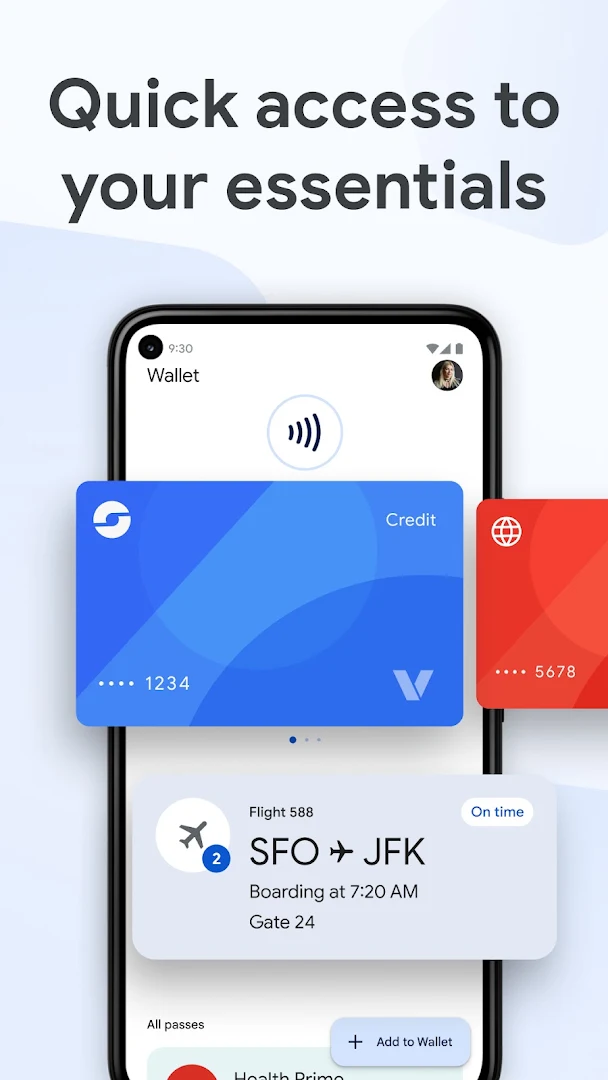
Google Wallet is the safe, fast, and smart way to access your credit cards, debit cards, transit passes, tickets, digital IDs, and more wherever you are—on the go, online, and across Google.
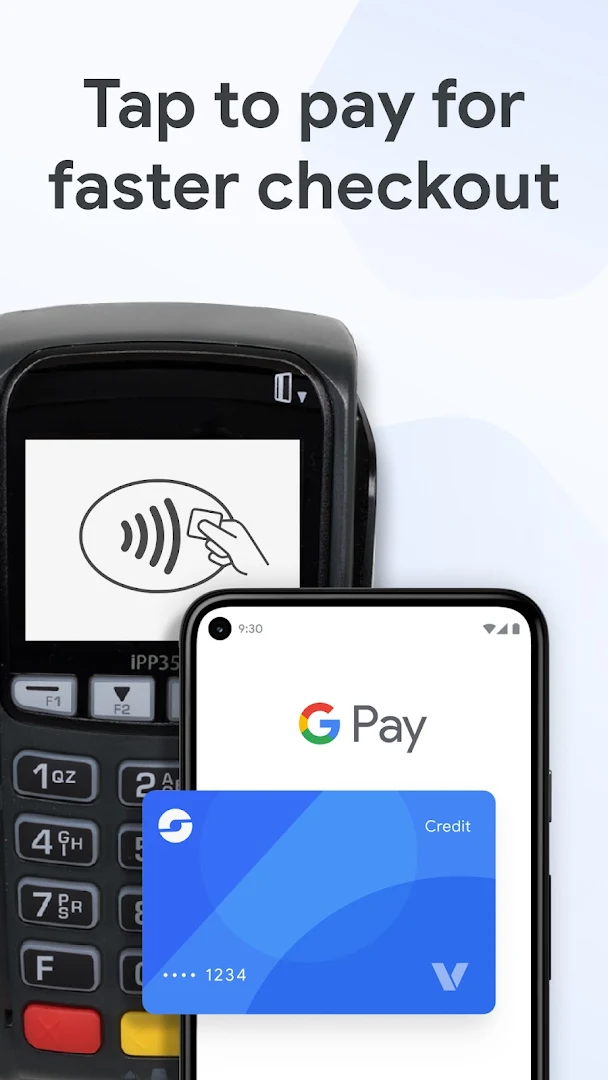
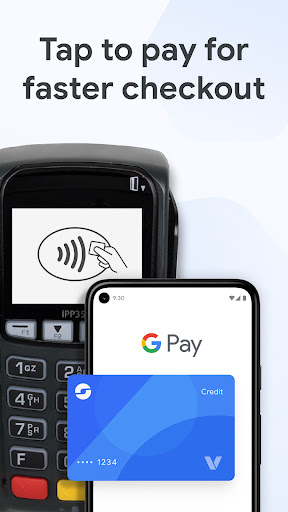
Breeze through checkout on sites, in apps, or in-store wherever contactless payments or Google Pay (GPay) are accepted.
Google Wallet keeps what matters to you in one secure place with built-in, industry-leading privacy and security.
Safer than swiping your debit card or credit card
• When you tap to pay with your Android device, Google Pay (GPay) protects your card information by sharing a unique virtual card number with the store—not your actual card number.
• Tap to pay is fast and easy. Just ensure NFC is enabled in your settings, unlock your phone, hold it near the terminal, and wait for the check mark.
Easily use your loyalty benefits
• Keep loyalty cards and gift cards organized and accessible, so you won’t miss a chance to earn or redeem rewards.
View your receipts in one place
• View receipts from online and in-store transactions right in your digital wallet.
Travel with confidence
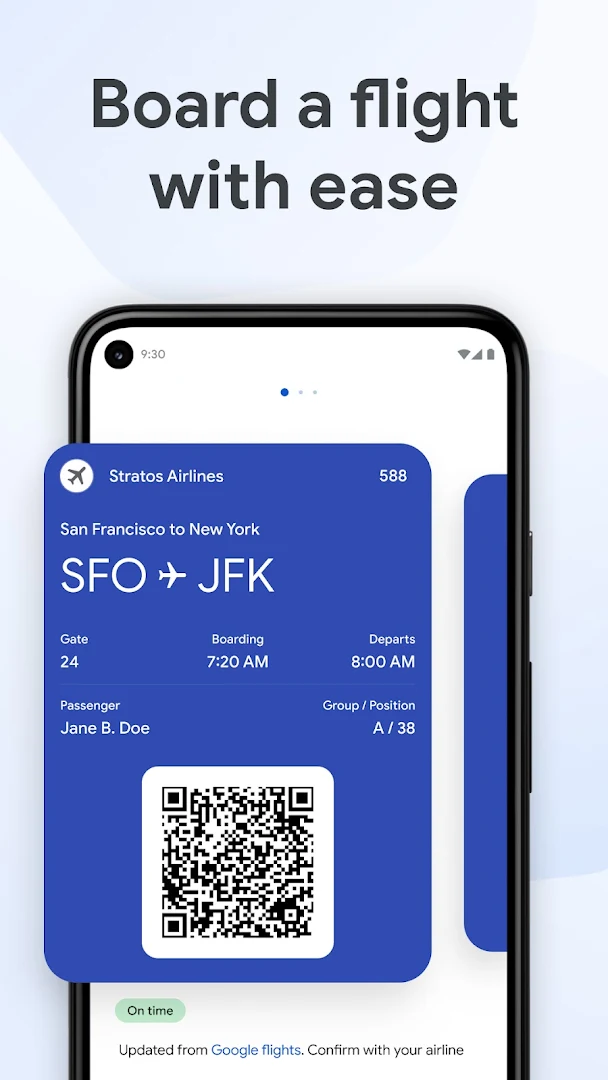
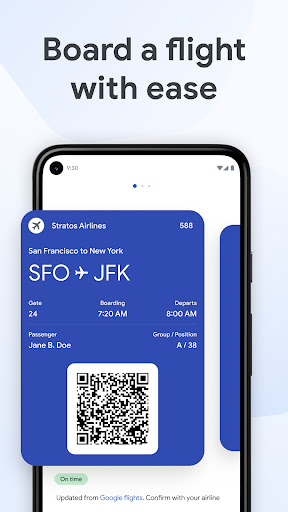
• Add your airline boarding pass and get real-time updates, like gate changes and departure times for your flight.
• Store your transit pass in Google Wallet, and pay your fare with just a tap.
Keep event passes handy
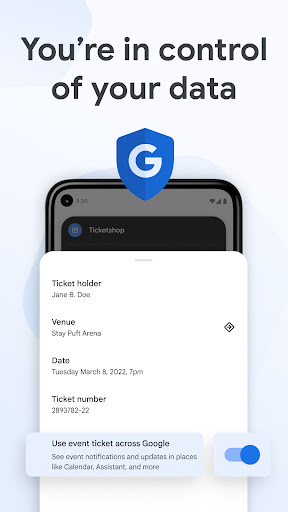
• Add your event, concert, and sports tickets to Wallet for easy access. Just open Wallet and show your ticket when entering the event.
• Google Wallet automatically updates your ticket with the latest event information, so you don’t miss a beat.
Speed through online checkout
• Use the GPay button or autofill in Chrome to quickly access credit cards and debit cards saved to your Google Wallet to make online purchases.
Track your online orders
• Link Google Wallet to Gmail to view the status and expected delivery date for your orders – all in one place. (US only)
Manage your digital IDs
• Get quick, reliable access to digital versions of your driver’s license, student ID, and more.
Security and privacy you can count on
• Google Wallet features industry-leading security built right into your Android phone, including 2-Step Verification, Find My Phone, and remote data erase.
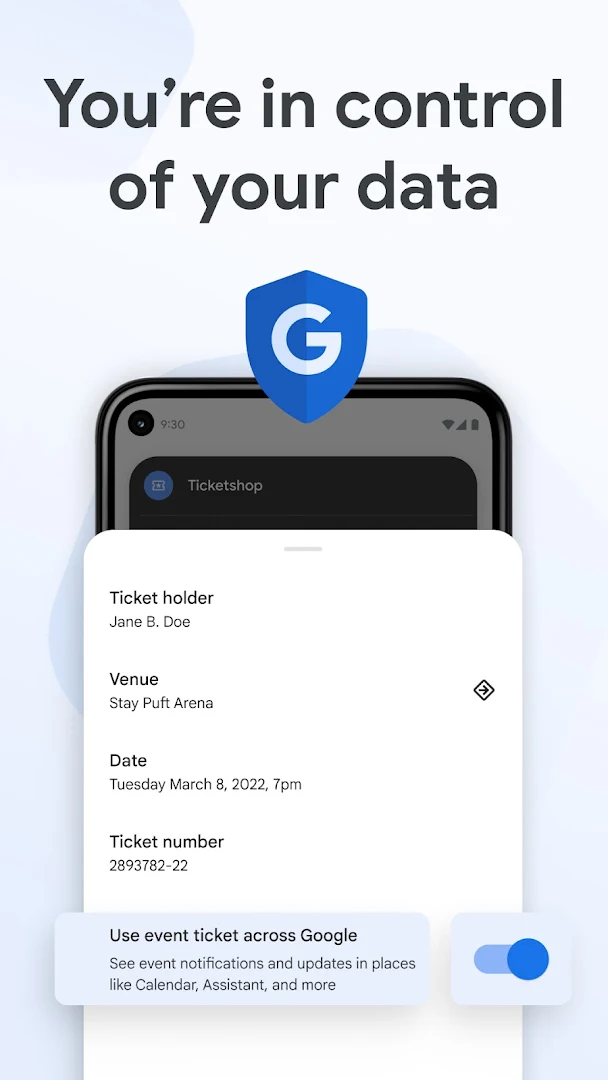
• You choose the info you share between Google products, so you can better control your digital footprint.
Google Wallet is available on all Android phones (Pie 9.0+), Wear OS and Google Fitbit devices.
Not all features are available for supervised accounts. Learn more about Wallet for supervised accounts here: support.google.com/wallet?p=about_wallet_supervised.
Still have questions? Head over to support.google.com/wallet.
Show more

1. Download MEmu installer and finish the setup

2. Start MEmu then open Google Play on the desktop

3. Search Google Pay in Google Play
Install
4. Download and Install Google Pay
5. On install completion click the icon to start

6. Enjoy using Google Pay on PC with MEmu
MEmu Play is the best Android emulator, and 100 million users already enjoy its superb Android app experience. Powered by advanced virtualization technology, it lets you enjoy thousands of Android apps smoothly on your PC—including the most graphics-intensive ones.
Bigger screen with better graphics; Long duration, without limitation of battery or mobile data.
Full Keymapping support for precise control of keyboard and mouse or gamepad.
Multiple game accounts or tasks on single PC at one time with Multi-Instance manager.
Use Google Pay on PC by following steps: