Bihari Penguin
अपडेट किया गया
वर्तमान वर्शन
1.0.0
संसाधन

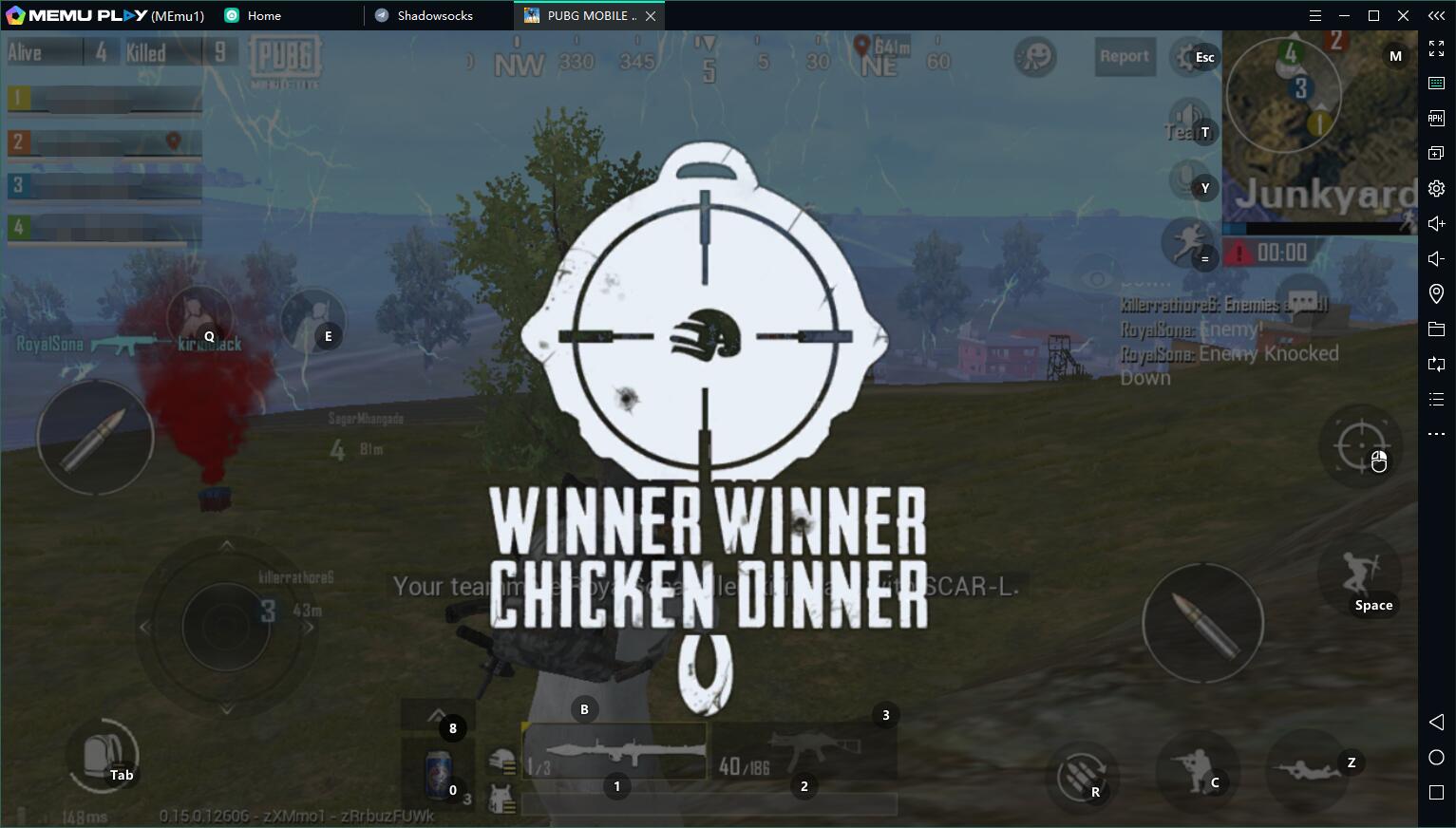
अपने सेलफोन पर Bihari Penguin का उपयोग करते समय ओवरचार्ज के बारे में चिंता करना बंद करें, अपने आप को छोटी स्क्रीन से मुक्त करें और बहुत बड़े डिस्प्ले पर ऐप का उपयोग करने का आनंद लें। अब से, कीबोर्ड और माउस के साथ अपने ऐप का पूर्ण-स्क्रीन अनुभव प्राप्त करें। एमईएमयू आपको उन सभी आश्चर्यजनक सुविधाओं की पेशकश करता है जिनकी आपको उम्मीद थी: त्वरित इंस्टॉल और आसान सेटअप, सहज नियंत्रण, बैटरी की कोई सीमा नहीं, मोबाइल डेटा और परेशान कॉल। आपके कंप्यूटर पर Bihari Penguin का उपयोग करने का सबसे अच्छा विकल्प नया MEmu 9 है। हमारे अवशोषण के साथ कोडित, बहु-उदाहरण प्रबंधक एक ही समय में 2 या अधिक खाते खोलना संभव बनाता है। और सबसे महत्वपूर्ण, हमारा अनन्य उत्सर्जन इंजन आपके पीसी की पूरी क्षमता को जारी कर सकता है, सब कुछ सुचारू और सुखद बना सकता है।
और दिखाएं
डाउनलोड करें Bihari Penguin पीसी पर MEmu एंड्रॉयड एमुलेटर के साथ बड़े पर्दे पर खेलने का आनंद लें। Welcome to Bihari Penguin, the ultimate fun-filled Indian meme game designed to keep you entertained for hours!

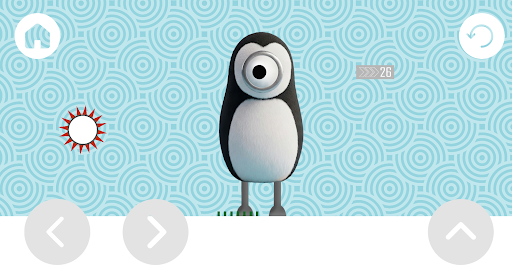
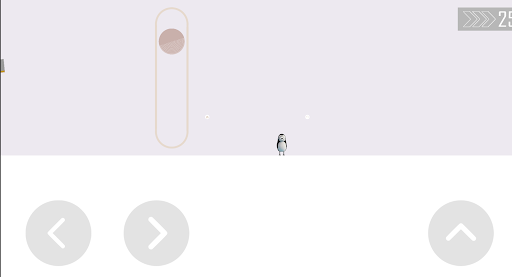
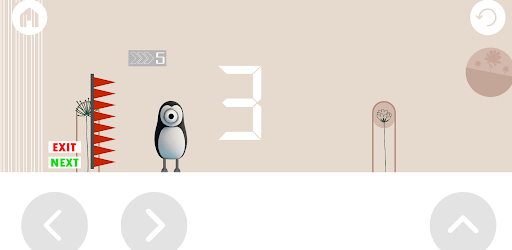
Welcome to Bihari Penguin, the ultimate fun-filled Indian meme game designed to keep you entertained for hours! Experience a unique and hilarious casual gaming journey filled with local flavors, funny physics, and endless entertainment.
Help our cool Bihari Penguin navigate through challenging obstacles, unlock epic power-ups, and survive as long as possible. Packed with witty humor, cultural references, and pure meme energy, this game is built to bring a smile to your face.
Why You’ll Love Bihari Penguin:
Pure Desi Meme Humor: Enjoy funny sounds and local meme elements integrated seamlessly into the gameplay.
Simple & Addictive Controls: Super easy to pick up but challenging to master! Just tap your way through the hurdles.
100% Offline Game: No internet? No problem! Play anytime, anywhere without worrying about mobile data or Wi-Fi.
Completely Ad-Free: Enjoy uninterrupted gameplay with absolutely zero advertisements.
No Sign-In Required: No accounts, no data logging, and no unnecessary tracking—just pure gaming bliss.
और दिखाएं

1. MEmu इंस्टॉलर को डाउनलोड करें और इंस्टॉलेशन को पूरा करें

2. MEmu शुरू करें फिर होमपेज पर Google Play खोलें

3. Google Play में Bihari Penguin खोजें
Install
4. Bihari Penguin डाउनलोड कर इंस्टॉल करें
5. इंस्टॉल पूरा होने पर आइकन दबाएं

6. MEmu से पीसी पर Bihari Penguin खेलने का आनंद लें
MEmu Play सबसे बेहतरीन मुफ़्त Android एमुलेटर है और 5 करोड़ लोग पहले ही इसके शानदार Android गेमिंग अनुभव का आनंद ले चुके हैं। MEmu 9 वर्चुअलाइज़ेशन तकनीक आपको अपने PC पर हज़ारों Android गेम, यहाँ तक कि सबसे ज़्यादा ग्राफ़िक्स वाले गेम भी, आसानी से खेलने की सुविधा देती है।
असीमित बैटरी या मोबाइल डेटा के साथ बेहतर ग्राफिक्स के साथ बड़ी स्क्रीन; लंबी अवधि।
कीबोर्ड और माउस या गेमपैड के उत्तम नियंत्रण के लिए संपूर्ण कीमैपिंग का समर्थन करता हैं।
एक ही पीसी पर मल्टी-इंस्टेंस मैनेजर के साथ एक समय में कई गेम खाते या कार्य कर सकते हैं।
Play Bihari Penguin on PC by following steps: