रंग पेज एएसएमआर ड्राइंग
अपडेट किया गया
वर्तमान वर्शन
8.3
संसाधन

अपने सेलफोन पर रंग पेज एएसएमआर ड्राइंग का उपयोग करते समय ओवरचार्ज के बारे में चिंता करना बंद करें, अपने आप को छोटी स्क्रीन से मुक्त करें और बहुत बड़े डिस्प्ले पर ऐप का उपयोग करने का आनंद लें। अब से, कीबोर्ड और माउस के साथ अपने ऐप का पूर्ण-स्क्रीन अनुभव प्राप्त करें। एमईएमयू आपको उन सभी आश्चर्यजनक सुविधाओं की पेशकश करता है जिनकी आपको उम्मीद थी: त्वरित इंस्टॉल और आसान सेटअप, सहज नियंत्रण, बैटरी की कोई सीमा नहीं, मोबाइल डेटा और परेशान कॉल। आपके कंप्यूटर पर रंग पेज एएसएमआर ड्राइंग का उपयोग करने का सबसे अच्छा विकल्प नया MEmu 9 है। हमारे अवशोषण के साथ कोडित, बहु-उदाहरण प्रबंधक एक ही समय में 2 या अधिक खाते खोलना संभव बनाता है। और सबसे महत्वपूर्ण, हमारा अनन्य उत्सर्जन इंजन आपके पीसी की पूरी क्षमता को जारी कर सकता है, सब कुछ सुचारू और सुखद बना सकता है।
और दिखाएं
डाउनलोड करें रंग पेज एएसएमआर ड्राइंग पीसी पर MEmu एंड्रॉयड एमुलेटर के साथ बड़े पर्दे पर खेलने का आनंद लें। Immerse yourself in a soothing world of colors, easy painting, and ASMR triggers as you embark on a relaxing coloring adventure like never before.
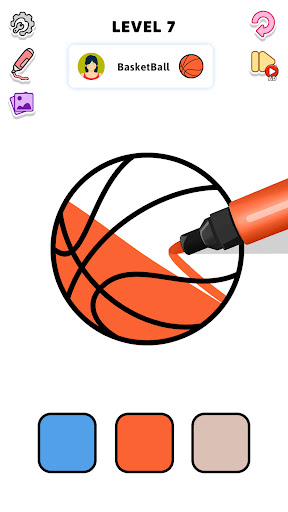
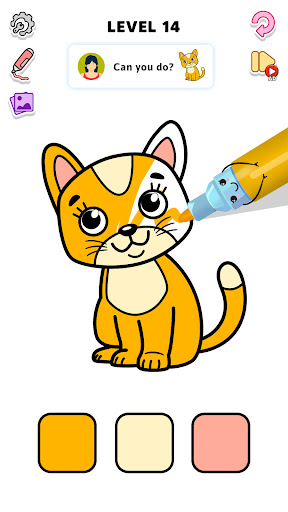
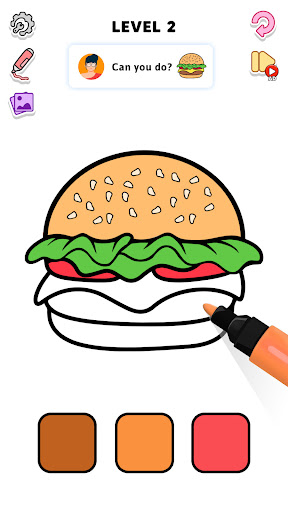
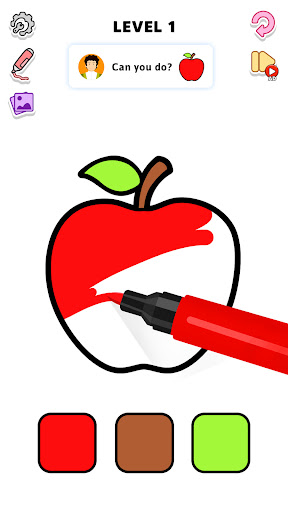
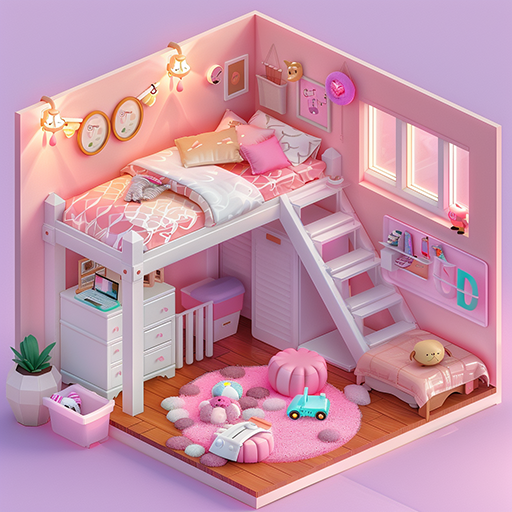
Immerse yourself in a soothing world of colors, easy painting, and ASMR triggers as you embark on a relaxing coloring adventure like never before. Dive into a calming, user-friendly coloring game filled with vibrant colors, textures, and drawing sensations, offering a uniquely tranquil experience.
Begin by tracing the outlines on your screen, then fill in the spaces to bring the entire picture. If you make a mistake, you can reset the picture and start a new one, ensuring a stress-free and enjoyable coloring experience.
Features of ASMR Page Coloring Game
Extensive coloring page library
Rich color palette for coloring & drawing
Stress-relieving drawing and coloring
User-friendly interface
Draw with just a touch of your finger
Simply enjoy the pure delight of coloring whenever and wherever you please. Color Page is the ASMR game you've been searching for. Immerse yourself in the relaxing world of coloring and drawing without the mess—all conveniently on your device.
Entertain yourself for hours with beautiful colors
और दिखाएं

1. MEmu इंस्टॉलर को डाउनलोड करें और इंस्टॉलेशन को पूरा करें

2. MEmu शुरू करें फिर होमपेज पर Google Play खोलें

3. Google Play में रंग पेज एएसएमआर ड्राइंग खोजें
Install
4. रंग पेज एएसएमआर ड्राइंग डाउनलोड कर इंस्टॉल करें
5. इंस्टॉल पूरा होने पर आइकन दबाएं

6. MEmu से पीसी पर रंग पेज एएसएमआर ड्राइंग खेलने का आनंद लें
MEmu Play सबसे बेहतरीन मुफ़्त Android एमुलेटर है और 5 करोड़ लोग पहले ही इसके शानदार Android गेमिंग अनुभव का आनंद ले चुके हैं। MEmu 9 वर्चुअलाइज़ेशन तकनीक आपको अपने PC पर हज़ारों Android गेम, यहाँ तक कि सबसे ज़्यादा ग्राफ़िक्स वाले गेम भी, आसानी से खेलने की सुविधा देती है।
असीमित बैटरी या मोबाइल डेटा के साथ बेहतर ग्राफिक्स के साथ बड़ी स्क्रीन; लंबी अवधि।
कीबोर्ड और माउस या गेमपैड के उत्तम नियंत्रण के लिए संपूर्ण कीमैपिंग का समर्थन करता हैं।
एक ही पीसी पर मल्टी-इंस्टेंस मैनेजर के साथ एक समय में कई गेम खाते या कार्य कर सकते हैं।
Play रंग पेज एएसएमआर ड्राइंग on PC by following steps: