Dustborn
अपडेट किया गया
वर्तमान वर्शन
संसाधन

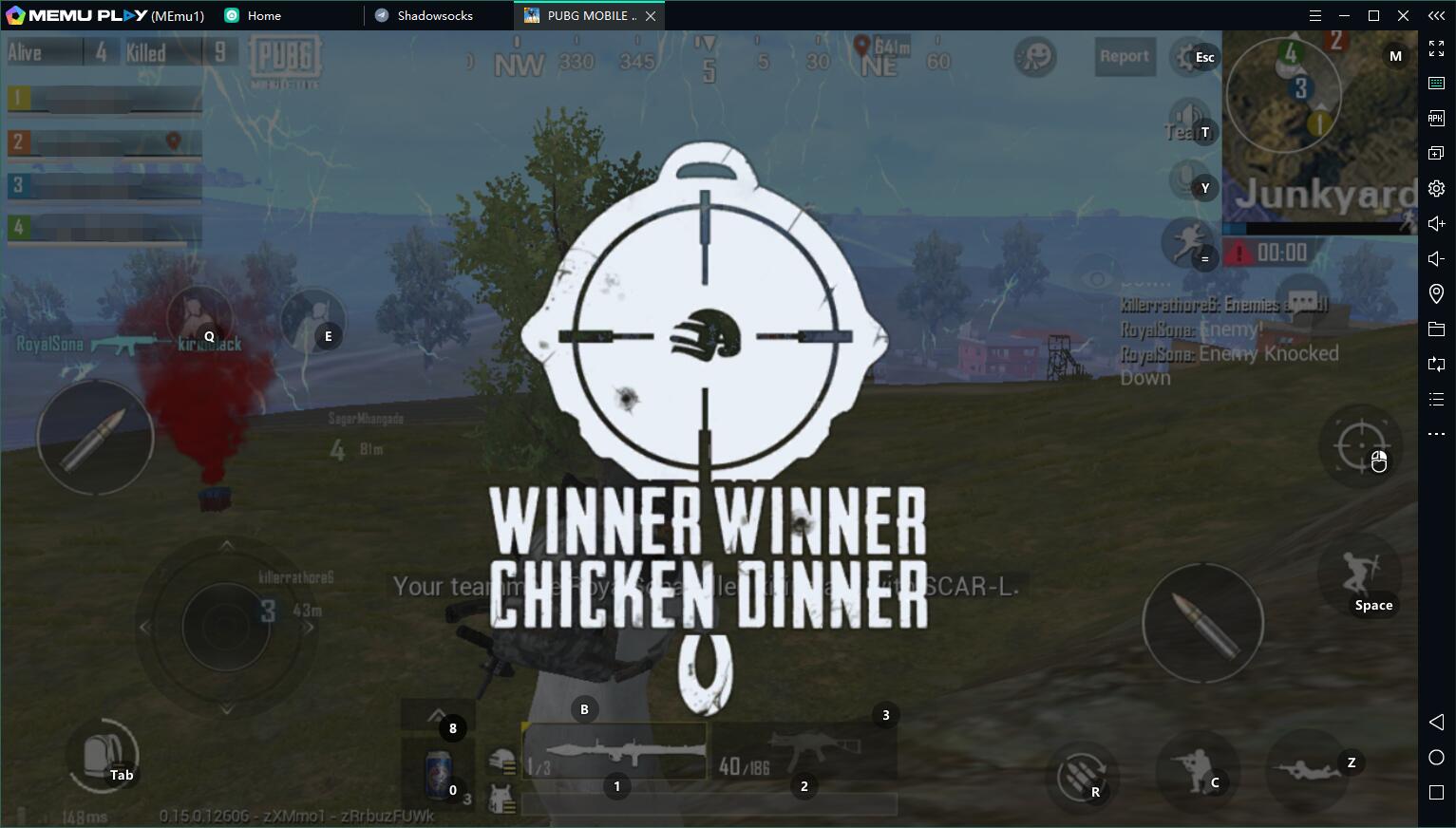
अपने सेलफोन पर Dustborn का उपयोग करते समय ओवरचार्ज के बारे में चिंता करना बंद करें, अपने आप को छोटी स्क्रीन से मुक्त करें और बहुत बड़े डिस्प्ले पर ऐप का उपयोग करने का आनंद लें। अब से, कीबोर्ड और माउस के साथ अपने ऐप का पूर्ण-स्क्रीन अनुभव प्राप्त करें। एमईएमयू आपको उन सभी आश्चर्यजनक सुविधाओं की पेशकश करता है जिनकी आपको उम्मीद थी: त्वरित इंस्टॉल और आसान सेटअप, सहज नियंत्रण, बैटरी की कोई सीमा नहीं, मोबाइल डेटा और परेशान कॉल। आपके कंप्यूटर पर Dustborn का उपयोग करने का सबसे अच्छा विकल्प नया MEmu 9 है। हमारे अवशोषण के साथ कोडित, बहु-उदाहरण प्रबंधक एक ही समय में 2 या अधिक खाते खोलना संभव बनाता है। और सबसे महत्वपूर्ण, हमारा अनन्य उत्सर्जन इंजन आपके पीसी की पूरी क्षमता को जारी कर सकता है, सब कुछ सुचारू और सुखद बना सकता है।
और दिखाएं
डाउनलोड करें Dustborn पीसी पर MEmu एंड्रॉयड एमुलेटर के साथ बड़े पर्दे पर खेलने का आनंद लें। Dustborn is a single-player, story-driven action-adventure game about hope, love, friendships, robots…and the power of words.
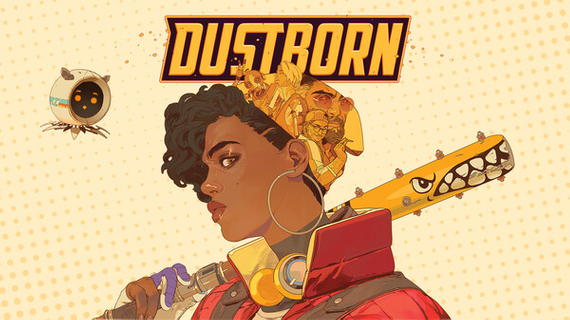
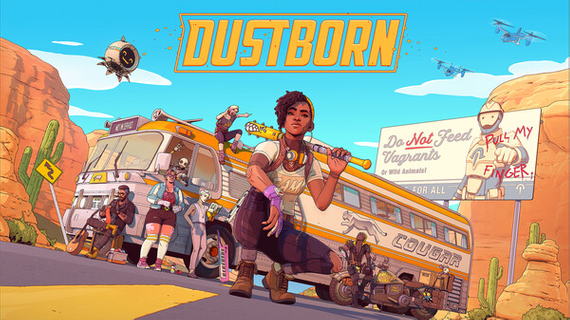
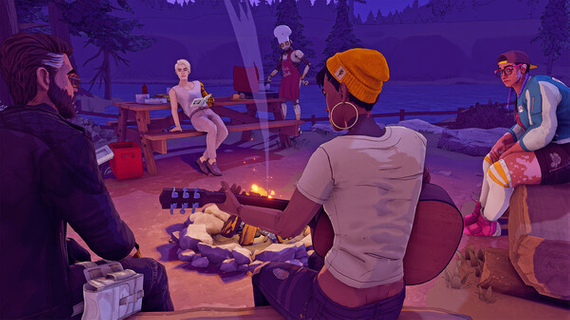
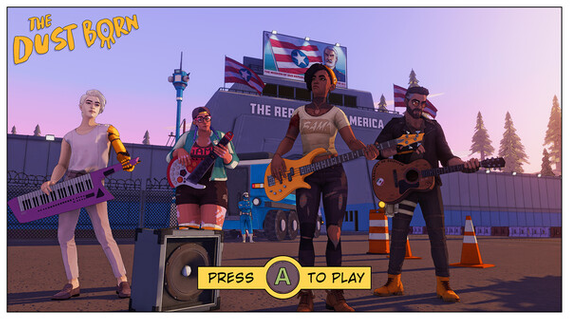
Dustborn is a single-player, story-driven action-adventure game about hope, love, friendships, robots…and the power of words. You play Pax: exile, con-artist, Anomal — with the ability to weaponize language. Looking for a new life and a way out, Pax has been hired to transport an important package from Pacifica to Nova Scotia, across the Justice-controlled American Republic. Sounds like a legit reason for a road-trip, right? So pack your bags, assemble a crew with their own peculiar powers, and get ready to travel the country! Explore the stunning Neo-Western landscapes of an alternate history America on a robot-driven tour bus, and stop at a dozen locations along the road to build your crew, manage relationships, complete missions, and face increasingly difficult challenges. But the people you stole the package from want it back, and the authoritarian Justice is hot on your heels, so don’t forget to pack your baseball bat! (And, oh yeah, you’re travelling undercover as a punk-rock band, so you’ll definitely need to brush up on your musical skills before your next gig.) At the end of the road lies salvation…but to get there, you’ll need to cross an entire continent.
और दिखाएं

1. MEmu इंस्टॉलर को डाउनलोड करें और इंस्टॉलेशन को पूरा करें

2. MEmu शुरू करें फिर होमपेज पर Google Play खोलें

3. Google Play में Dustborn खोजें
Install
4. Dustborn डाउनलोड कर इंस्टॉल करें
5. इंस्टॉल पूरा होने पर आइकन दबाएं

6. MEmu से पीसी पर Dustborn खेलने का आनंद लें
MEmu Play सबसे बेहतरीन मुफ़्त Android एमुलेटर है और 5 करोड़ लोग पहले ही इसके शानदार Android गेमिंग अनुभव का आनंद ले चुके हैं। MEmu 9 वर्चुअलाइज़ेशन तकनीक आपको अपने PC पर हज़ारों Android गेम, यहाँ तक कि सबसे ज़्यादा ग्राफ़िक्स वाले गेम भी, आसानी से खेलने की सुविधा देती है।
असीमित बैटरी या मोबाइल डेटा के साथ बेहतर ग्राफिक्स के साथ बड़ी स्क्रीन; लंबी अवधि।
कीबोर्ड और माउस या गेमपैड के उत्तम नियंत्रण के लिए संपूर्ण कीमैपिंग का समर्थन करता हैं।
एक ही पीसी पर मल्टी-इंस्टेंस मैनेजर के साथ एक समय में कई गेम खाते या कार्य कर सकते हैं।
Play Dustborn on PC by following steps: