Interstellar War
अपडेट किया गया
वर्तमान वर्शन
1.0.2
संसाधन

अपने सेलफोन पर Interstellar War का उपयोग करते समय ओवरचार्ज के बारे में चिंता करना बंद करें, अपने आप को छोटी स्क्रीन से मुक्त करें और बहुत बड़े डिस्प्ले पर ऐप का उपयोग करने का आनंद लें। अब से, कीबोर्ड और माउस के साथ अपने ऐप का पूर्ण-स्क्रीन अनुभव प्राप्त करें। एमईएमयू आपको उन सभी आश्चर्यजनक सुविधाओं की पेशकश करता है जिनकी आपको उम्मीद थी: त्वरित इंस्टॉल और आसान सेटअप, सहज नियंत्रण, बैटरी की कोई सीमा नहीं, मोबाइल डेटा और परेशान कॉल। आपके कंप्यूटर पर Interstellar War का उपयोग करने का सबसे अच्छा विकल्प नया MEmu 9 है। हमारे अवशोषण के साथ कोडित, बहु-उदाहरण प्रबंधक एक ही समय में 2 या अधिक खाते खोलना संभव बनाता है। और सबसे महत्वपूर्ण, हमारा अनन्य उत्सर्जन इंजन आपके पीसी की पूरी क्षमता को जारी कर सकता है, सब कुछ सुचारू और सुखद बना सकता है।
और दिखाएं
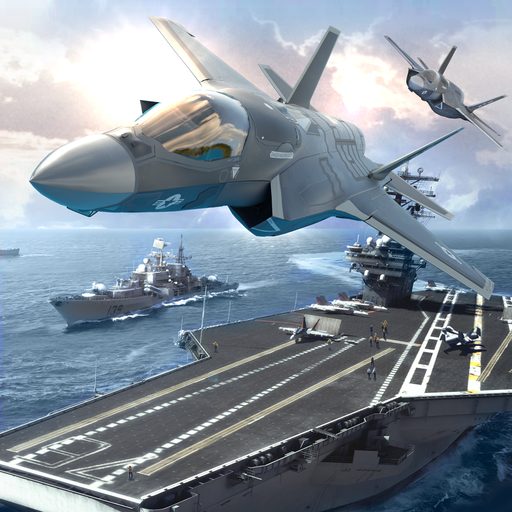
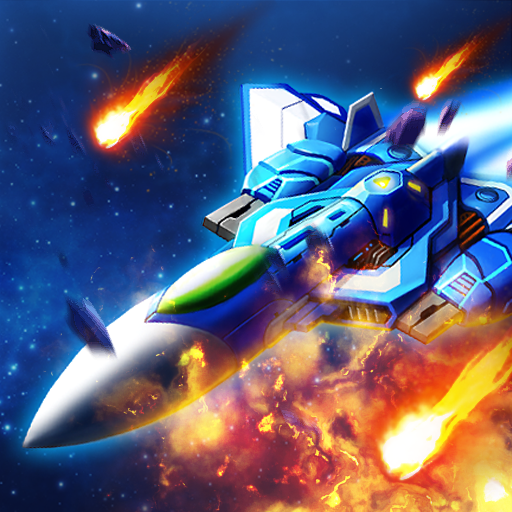
डाउनलोड करें Interstellar War पीसी पर MEmu एंड्रॉयड एमुलेटर के साथ बड़े पर्दे पर खेलने का आनंद लें। "Play as the galaxy's most notorious pirate, a bounty hunter on an adventure exploring alien-contaminated planets.
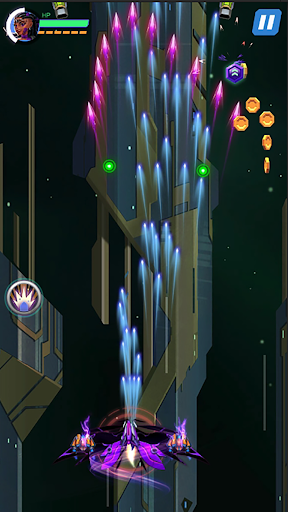
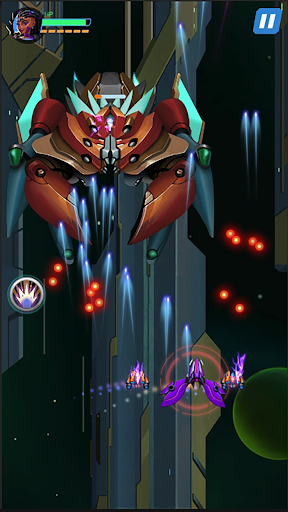
"Play as the galaxy's most notorious pirate, a bounty hunter on an adventure exploring alien-contaminated planets. Speed up and soar!
This game is built on the classic Shoot'em up framework, incorporating all the best features of classic games but with a brand new game system. With superb graphics and an engaging story, you will be hooked from the start.
Each time you board a new ship, you are offered a variety of airships (each with its own skills) to choose from, ensuring a brand new experience: new characters and unique weapons! In this grand adventure, two partners will become your comrades.
Discover and conquer new territories in the vast galaxy awaiting your challenge.
Defeat or be defeated - the choice is yours! Galactic Pirates
Features:
Stunning graphics and incredible music
Smooth gameplay on every device
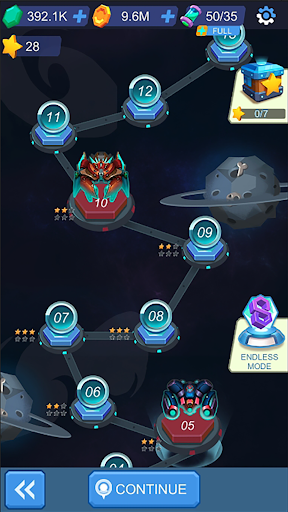
Multiple play modes: Campaign, Endless, and PVP
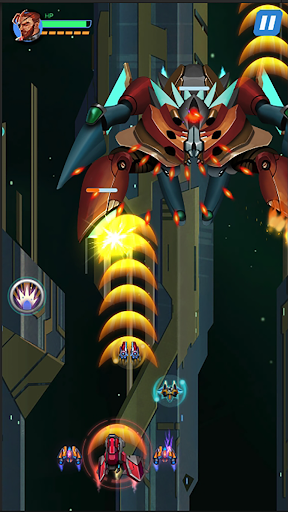
Intense boss battles every three levels
How to Play?
Touch the screen to control the spaceship
Upgrade your ship and power core"
और दिखाएं

1. MEmu इंस्टॉलर को डाउनलोड करें और इंस्टॉलेशन को पूरा करें

2. MEmu शुरू करें फिर होमपेज पर Google Play खोलें

3. Google Play में Interstellar War खोजें
Install
4. Interstellar War डाउनलोड कर इंस्टॉल करें
5. इंस्टॉल पूरा होने पर आइकन दबाएं

6. MEmu से पीसी पर Interstellar War खेलने का आनंद लें
MEmu Play सबसे बेहतरीन मुफ़्त Android एमुलेटर है और 5 करोड़ लोग पहले ही इसके शानदार Android गेमिंग अनुभव का आनंद ले चुके हैं। MEmu 9 वर्चुअलाइज़ेशन तकनीक आपको अपने PC पर हज़ारों Android गेम, यहाँ तक कि सबसे ज़्यादा ग्राफ़िक्स वाले गेम भी, आसानी से खेलने की सुविधा देती है।
असीमित बैटरी या मोबाइल डेटा के साथ बेहतर ग्राफिक्स के साथ बड़ी स्क्रीन; लंबी अवधि।
कीबोर्ड और माउस या गेमपैड के उत्तम नियंत्रण के लिए संपूर्ण कीमैपिंग का समर्थन करता हैं।
एक ही पीसी पर मल्टी-इंस्टेंस मैनेजर के साथ एक समय में कई गेम खाते या कार्य कर सकते हैं।
Play Interstellar War on PC by following steps: