Minecraft: Build it, Dream it!
अपडेट किया गया
वर्तमान वर्शन
संसाधन

अपने सेलफोन पर Minecraft: Build it, Dream it! का उपयोग करते समय ओवरचार्ज के बारे में चिंता करना बंद करें, अपने आप को छोटी स्क्रीन से मुक्त करें और बहुत बड़े डिस्प्ले पर ऐप का उपयोग करने का आनंद लें। अब से, कीबोर्ड और माउस के साथ अपने ऐप का पूर्ण-स्क्रीन अनुभव प्राप्त करें। एमईएमयू आपको उन सभी आश्चर्यजनक सुविधाओं की पेशकश करता है जिनकी आपको उम्मीद थी: त्वरित इंस्टॉल और आसान सेटअप, सहज नियंत्रण, बैटरी की कोई सीमा नहीं, मोबाइल डेटा और परेशान कॉल। आपके कंप्यूटर पर Minecraft: Build it, Dream it! का उपयोग करने का सबसे अच्छा विकल्प नया MEmu 9 है। हमारे अवशोषण के साथ कोडित, बहु-उदाहरण प्रबंधक एक ही समय में 2 या अधिक खाते खोलना संभव बनाता है। और सबसे महत्वपूर्ण, हमारा अनन्य उत्सर्जन इंजन आपके पीसी की पूरी क्षमता को जारी कर सकता है, सब कुछ सुचारू और सुखद बना सकता है।
और दिखाएं
डाउनलोड करें Minecraft: Build it, Dream it! पीसी पर MEmu एंड्रॉयड एमुलेटर के साथ बड़े पर्दे पर खेलने का आनंद लें। Dive into an open world of building, crafting, and survival in the ultimate sandbox adventure!
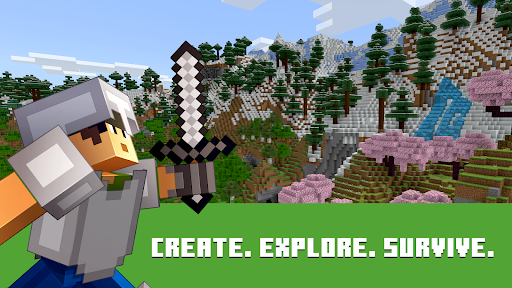
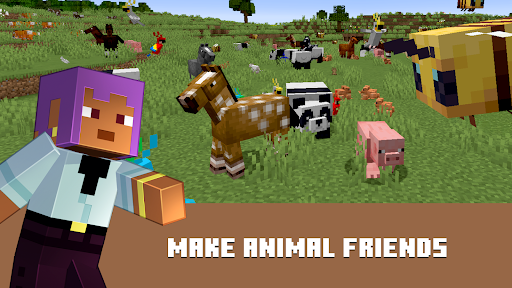
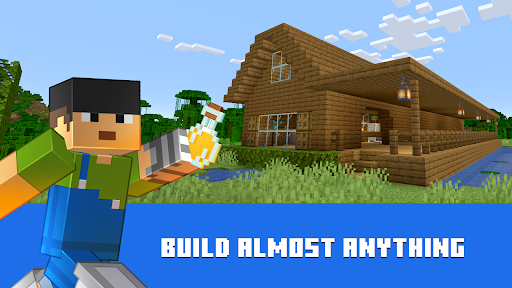
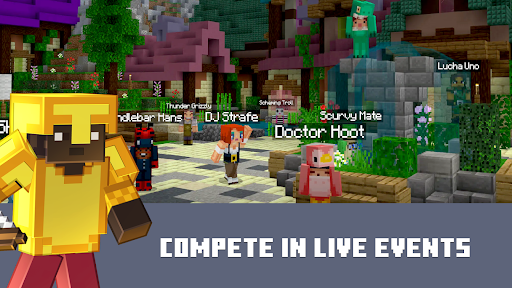
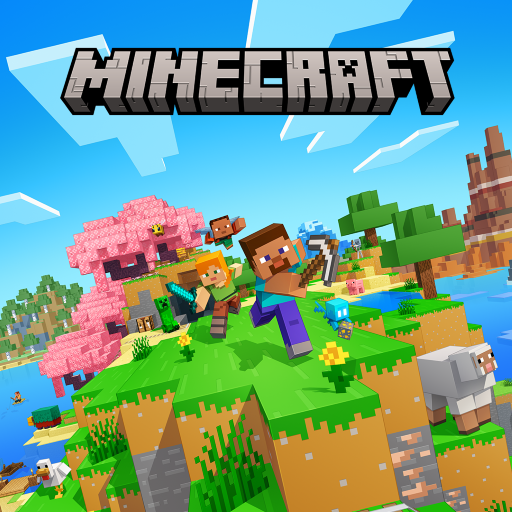
Dive into an open world of building, crafting, and survival in the ultimate sandbox adventure! Gather resources, mine deep underground, build a world one block at a time, and survive the dangerous nights. Explore and craft your way through a completely free open-world simulation game. Bring your imagination to life, build your dream house, craft a mega city, or just experiment to the limits of your creativity in this expansive simulation game!
In Creative Mode, enjoy unlimited resources, freedom of superior building, and the ultimate crafting experience. In Survival Mode, face intense battles, explore mysterious biomes, craft powerful tools, and defend your base from hostile creatures.
CRAFT, BUILD & EXPLORE
Build From Scratch: Build a simple house, starting farm, or an entire voxel world from the ground up.
Infinite Exploration: Explore an endless 3D simulation filled with unique landscapes, hidden caves, and secret treasures.
Resource Gathering: Mine rare blocks, craft essential tools, and collect special resources to create brand-new structures.
Ultimate Sandbox Freedom: A crafting game perfect for kids, adults, and anyone who loves open-world creativity.
SURVIVE THE NIGHT
Action-Packed Survival: Face environmental hazards, craft armor, and fight off dangerous monsters that appear after dark.
Tower Defense & Tactics: Setup your defenses, build high walls, and secure your territory to survive the ultimate challenges.
Smooth Controls: Enjoy intuitive crafting mechanics and smooth 3D block physics designed for the best gameplay experience.
Whether you want to mine deep into the earth, battle mysterious enemies, or just build beautiful cities, Cave Block: Craft Legend 3D gives you the infinite freedom to play your way.
Mine, craft, build, and explore the ultimate 3D legend today!
और दिखाएं

1. MEmu इंस्टॉलर को डाउनलोड करें और इंस्टॉलेशन को पूरा करें

2. MEmu शुरू करें फिर होमपेज पर Google Play खोलें

3. Google Play में Minecraft: Build it, Dream it! खोजें
Install
4. Minecraft: Build it, Dream it! डाउनलोड कर इंस्टॉल करें
5. इंस्टॉल पूरा होने पर आइकन दबाएं

6. MEmu से पीसी पर Minecraft: Build it, Dream it! खेलने का आनंद लें
MEmu Play सबसे बेहतरीन मुफ़्त Android एमुलेटर है और 5 करोड़ लोग पहले ही इसके शानदार Android गेमिंग अनुभव का आनंद ले चुके हैं। MEmu 9 वर्चुअलाइज़ेशन तकनीक आपको अपने PC पर हज़ारों Android गेम, यहाँ तक कि सबसे ज़्यादा ग्राफ़िक्स वाले गेम भी, आसानी से खेलने की सुविधा देती है।
असीमित बैटरी या मोबाइल डेटा के साथ बेहतर ग्राफिक्स के साथ बड़ी स्क्रीन; लंबी अवधि।
कीबोर्ड और माउस या गेमपैड के उत्तम नियंत्रण के लिए संपूर्ण कीमैपिंग का समर्थन करता हैं।
एक ही पीसी पर मल्टी-इंस्टेंस मैनेजर के साथ एक समय में कई गेम खाते या कार्य कर सकते हैं।
Play Minecraft: Build it, Dream it! on PC by following steps: