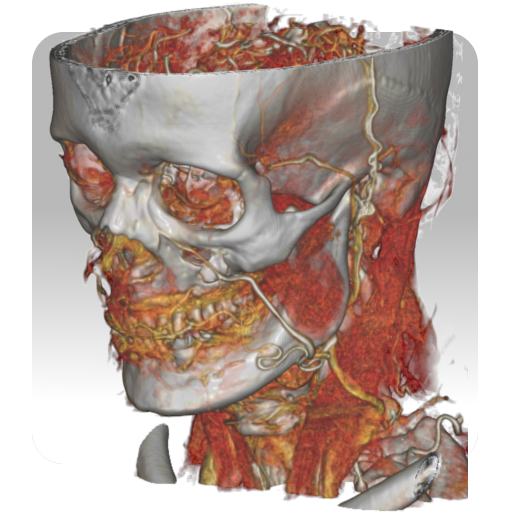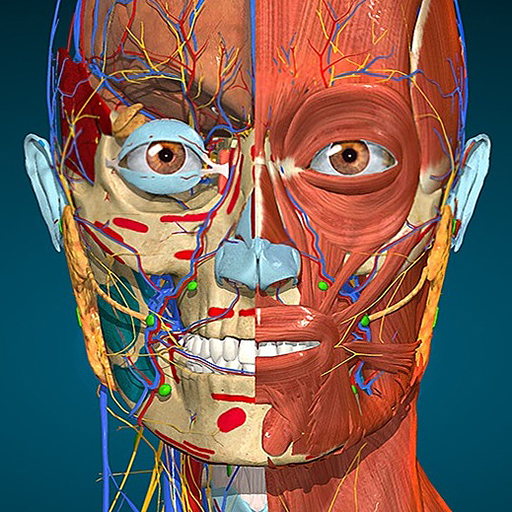
Anatomy Learning - 3D Anatomy
अपडेट किया गया
वर्तमान वर्शन
2.1.449
संसाधन

Anatomy Learning - 3D Anatomy पर अपनी मोबाइल डेटा सीमा पार करने को अलविदा कहें और छोटी स्क्रीन की सीमाओं से मुक्त होकर बड़े डिस्प्ले के लाभों का अनुभव करें। अब, आप अपने कीबोर्ड और माउस का उपयोग करके फुल-स्क्रीन मोड में टॉपर्स क्लैन की शक्ति का अनुभव कर सकते हैं। MEmu Play में वे सभी बेहतरीन सुविधाएँ हैं जिनकी आप अपेक्षा करते हैं: त्वरित इंस्टॉलेशन और आसान सेटअप, सहज नियंत्रण, बैटरी की आवश्यकता नहीं, और कोई डेटा या कॉल समय सीमा नहीं। नया MEmu 9 आपके कंप्यूटर पर Anatomy Learning - 3D Anatomy का उपयोग करने के लिए सबसे अच्छा विकल्प है। हमारा मालिकाना मल्टी-इंस्टेंस मैनेजर एक साथ दो या अधिक खातों को चलाने का समर्थन करता है। इससे भी महत्वपूर्ण बात यह है कि हमारा अनूठा इम्यूलेशन इंजन आपके कंप्यूटर के प्रदर्शन का पूरा उपयोग करता है, जिससे एक सहज और निर्बाध अनुभव मिलता है।
और दिखाएं
डाउनलोड करें Anatomy Learning - 3D Anatomy पीसी पर MEmu एंड्रॉयड एमुलेटर के साथ बड़े पर्दे पर खेलने का आनंद लें। A true and totally 3D app for studying human anatomy, built on an advanced interactive 3D touch interface.
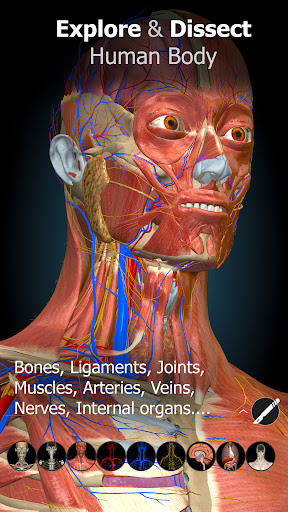
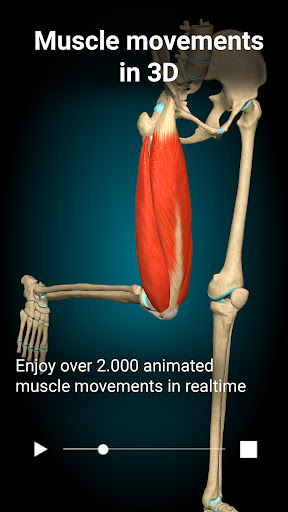
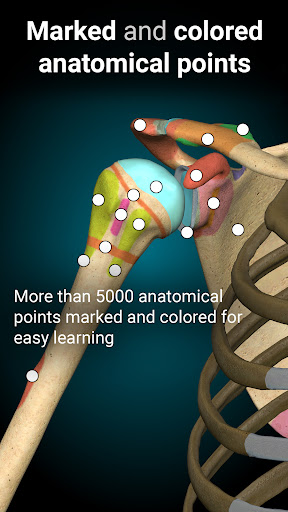
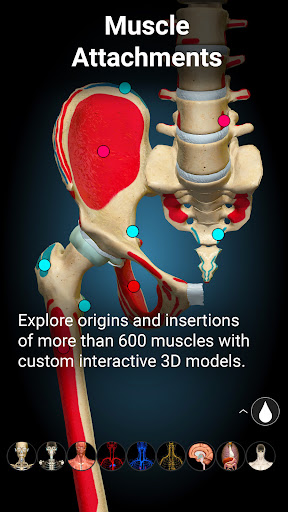
A true and totally 3D app for studying human anatomy, built on an advanced interactive 3D touch interface.
Features:
★ You can rotate models to any angles and zoom in and out
★ Remove structures to reveal the anatomical structures below them.
★ 3D location quizzes to test your knowledge
★ Switch on/off different anatomy systems
★ Both male and female reproductive systems are available
★ Support Spanish, French, German, Polish, Russian, Portuguese, Chinese and Japanese.
Contents:
★ Bones
★ Ligaments
★ Joints
★ Muscles
★ Circulation (arteries, vein and heart)
★ Central nervous system
★ Peripheral nervous system
★ Sense organs
★ Respiratory
★ Digestive
★ Urinary
★ Reproductive ( both male and female)
और दिखाएं

1. MEmu इंस्टॉलर को डाउनलोड करें और इंस्टॉलेशन को पूरा करें

2. MEmu शुरू करें फिर होमपेज पर Google Play खोलें

3. Google Play में Anatomy Learning - 3D Anatomy खोजें
Install
4. Anatomy Learning - 3D Anatomy डाउनलोड कर इंस्टॉल करें
5. इंस्टॉल पूरा होने पर आइकन दबाएं

6. MEmu का उपयोग करके अपने कंप्यूटर पर Anatomy Learning - 3D Anatomy का अनुभव करें
MEmu Play सबसे बेहतरीन मुफ़्त Android एमुलेटर है और 5 करोड़ लोग पहले ही इसके शानदार Android ऐप अनुभव का आनंद ले चुके हैं। MEmu 9 वर्चुअलाइज़ेशन तकनीक आपको अपने PC पर हज़ारों Android ऐप्स, यहाँ तक कि सबसे ज़्यादा ग्राफ़िक्स वाले ऐप्स भी, आसानी से चलाने की सुविधा देती है।
असीमित बैटरी या मोबाइल डेटा के साथ बेहतर ग्राफिक्स के साथ बड़ी स्क्रीन; लंबी अवधि।
कीबोर्ड और माउस या गेमपैड के उत्तम नियंत्रण के लिए संपूर्ण कीमैपिंग का समर्थन करता हैं।
एक ही पीसी पर मल्टी-इंस्टेंस मैनेजर के साथ एक समय में कई गेम खाते या कार्य कर सकते हैं।
Use Anatomy Learning - 3D Anatomy on PC by following steps: