War Robots
Updated
Current Version
12.3.1
Offered By

With your passion for War Robots, you shouldn’t have to limit yourself to the small screen of a phone. Play like a pro and take full control of the game using a keyboard and mouse. MEmu gives you everything you’re looking for. Download and play War Robots on PC. Play as long as you want — no more worries about battery life, mobile data, or unexpected calls. The all-new MEmu 9 is the best way to play War Robots on PC. With our expertly designed keymapping system, War Robots feels just like a real PC game. The MEmu multi-instance manager lets you run two or more accounts on the same device at the same time. Most importantly, our exclusive emulation engine unlocks your PC’s full potential, delivering smooth and seamless performance.
Show more
Download War Robots on PC with MEmu Android Emulator. Enjoy playing on big screen. Great to see you, Commander!
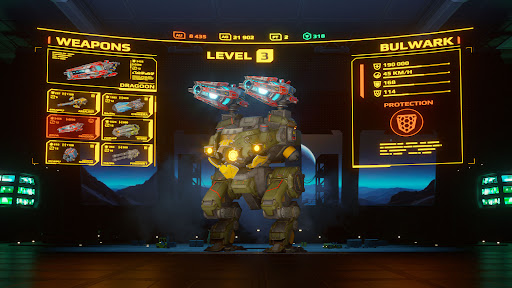
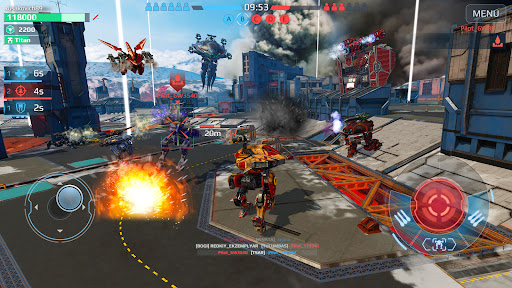
Great to see you, Commander!
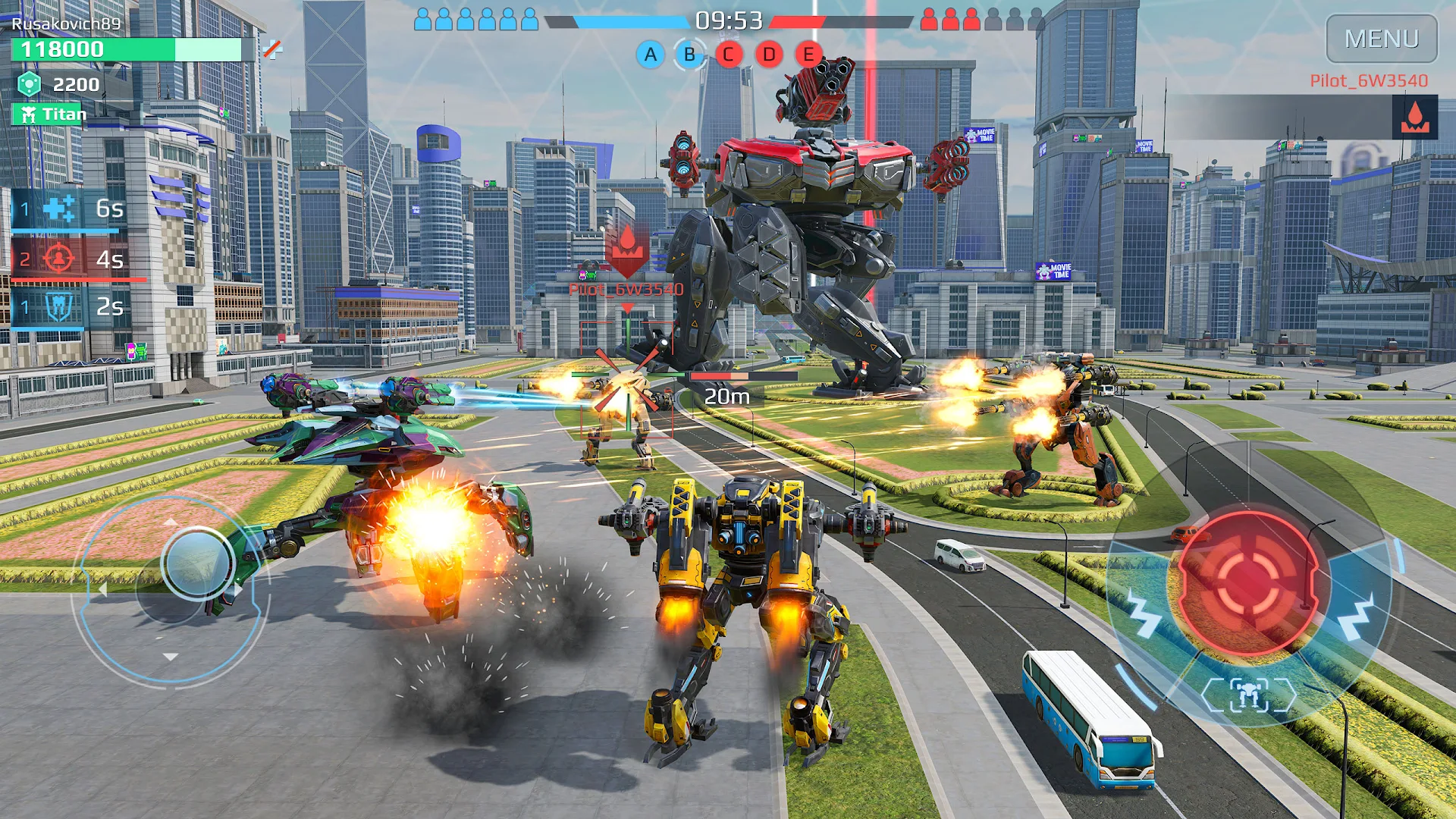
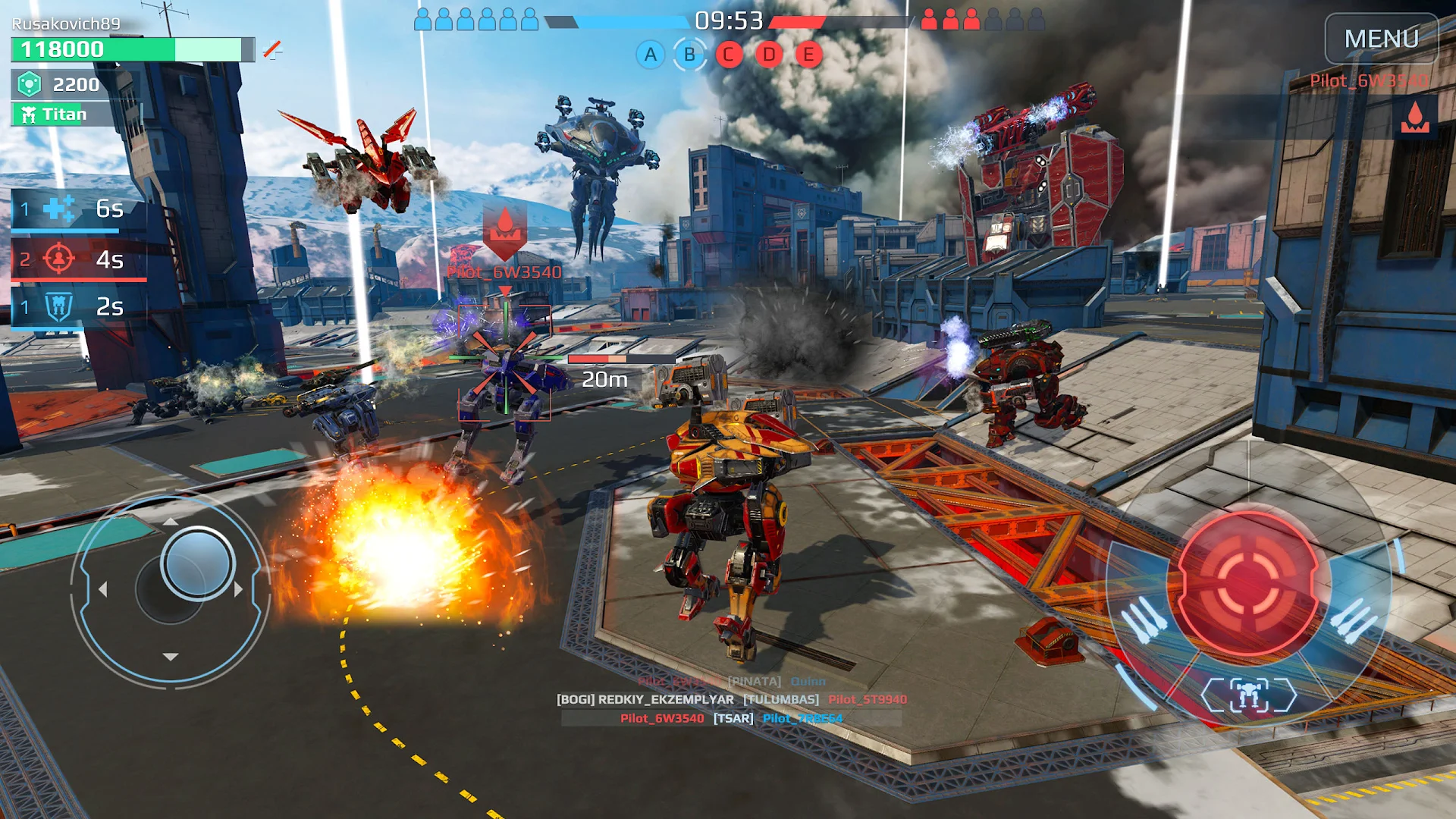
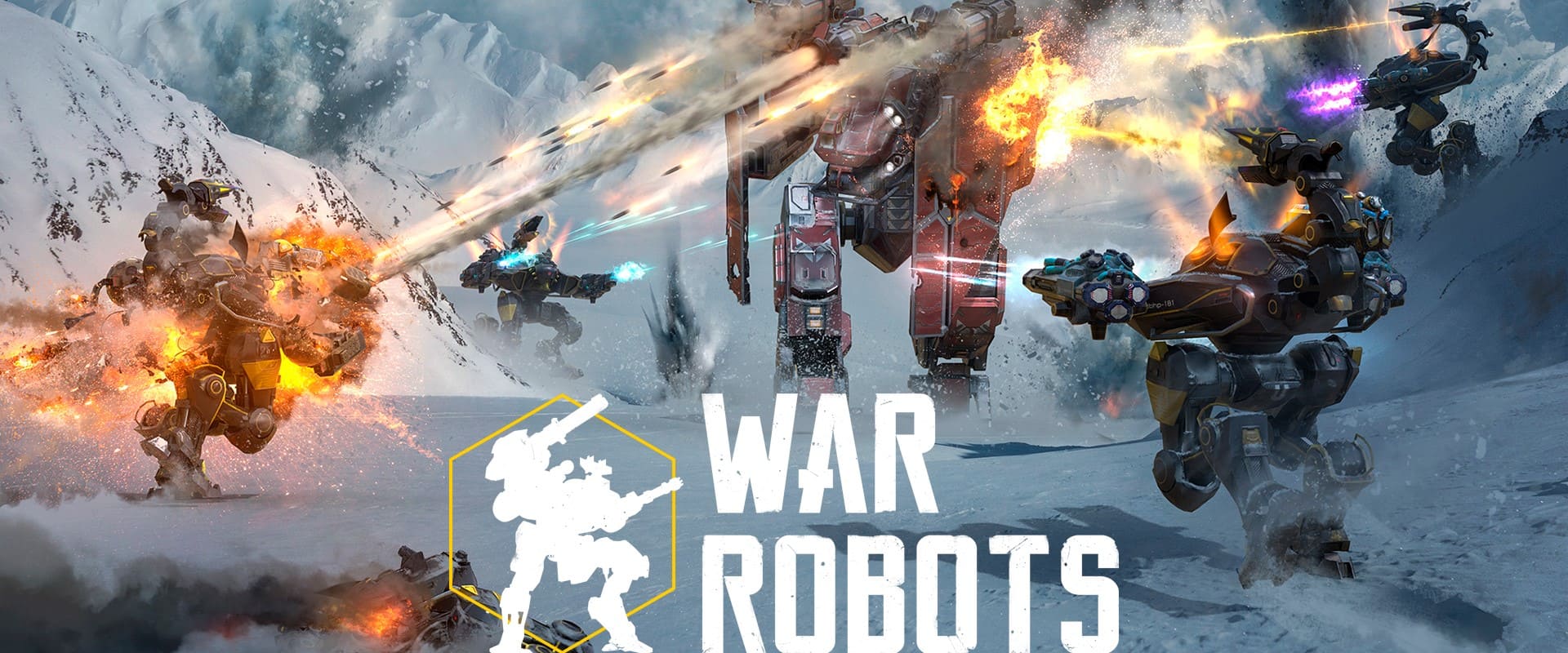
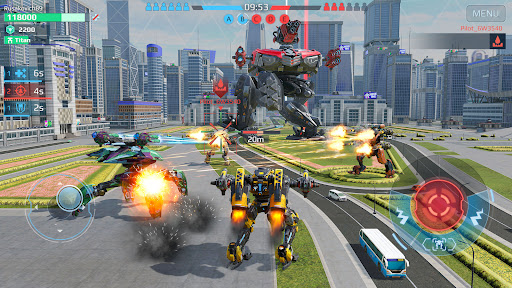
War Robots is a shooter game about giant robots that fits into your pocket. Join epic PvP battles against rivals from all over the world and show them who’s the smartest, fastest, toughest pilot around! Prepare for surprise attacks, intricate tactical maneuvers and other tricks up enemies’ sleeves. Destroy! Capture! Upgrade! Become stronger — and prove yourself as the best mech commander in the War Robots online universe!
MAIN FEATURES
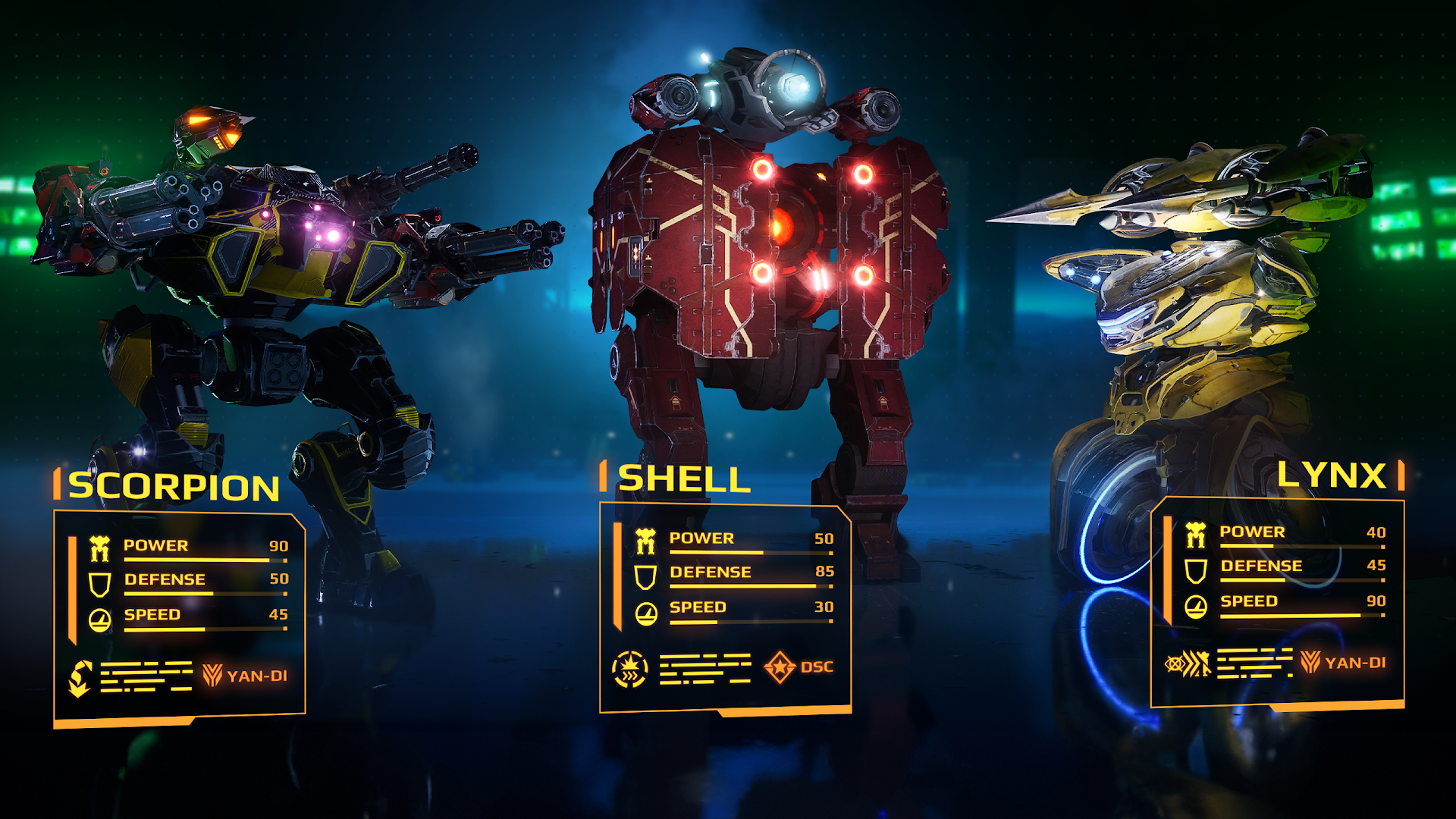
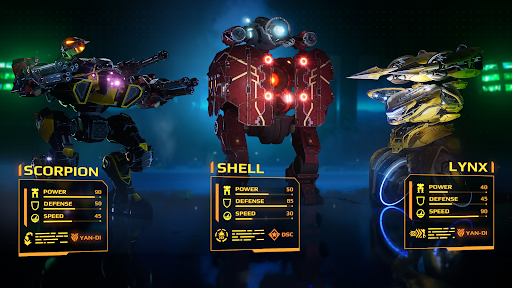
Choose your fighter. Over 50 robots with unique designs and powers let you find a style to call your own.
Play how you want. Want to crush and destroy? To save and protect? Or just annoy the hell out of your enemies? You can do it all with the massive selection of weapons, including ballistic missiles, plasma cannons, and giant shotguns!
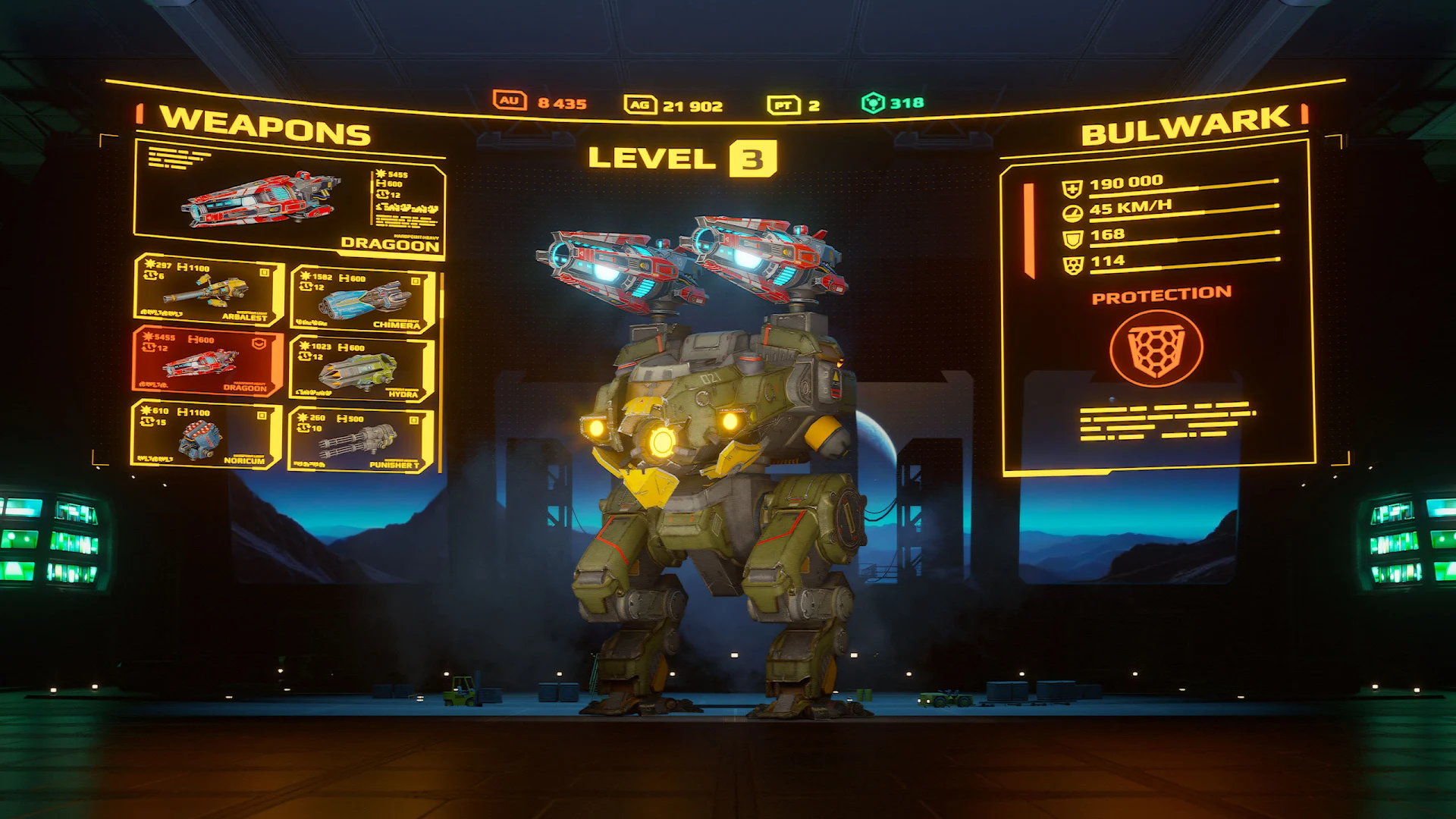
Customize. Each robot can be fitted with weapons and modules of your choice. Find your favorite combo and show everyone what you’ve got!
Battle together in multiplayer. Team up with other people! Join a powerful clan to find trusty partners (and friends!), or even start your own!
Battle on your own. Prefer playing solo? Lone wolves can express themselves in special modes like Arena or Free-for-All!
Explore the lore. The War Robots world grows and expands with every update, and the ever-growing community is always ready to help you.
Looking for more action?
Check out the latest news on Facebook: https://www.facebook.com/warrobots/
…or Twitter: https://twitter.com/warrobotsgame
Watch War Robots TV on YouTube: https://www.youtube.com/user/WALKINGWARROBOTS
Hop on Reddit for in-depth discussions: https://www.reddit.com/r/walkingwarrobots/
And visit our official website for articles, patch notes and development stories: https://warrobots.com
Note: War Robots requires a stable internet connection for the best gameplay experience.
Good hunting, Commander!
PLEASE NOTE! War Robots is free to download and play, however, some game items can also be purchased for real money. In-App purchases may include random items. The application contains ads.
Brought to you by MYGAMES MENA FZ LLC
© 2025 Published by MYGAMES MENA FZ LLC. All rights reserved. All trademarks are the property of their respective owners.
Show more

1. Download MEmu installer and finish the setup

2. Start MEmu then open Google Play on the desktop

3. Search War Robots in Google Play
Install
4. Download and Install War Robots
5. On install completion click the icon to start

6. Enjoy playing War Robots on PC with MEmu
MEmu Play is the best Android emulator and 100 million people already enjoy its superb Android gaming experience. The MEmu virtualization technology empowers you to play thousands of Android games smoothly on your PC, even the most graphic-intensive ones.
Bigger screen with better graphics; Long duration, without limitation of battery or mobile data.
Full Keymapping support for precise control of keyboard and mouse or gamepad.
Multiple game accounts or tasks on single PC at one time with Multi-Instance manager.
Play War Robots on PC by following steps: