Another Crab's Treasure
Updated
Current Version
Offered By

With your passion for Another Crab's Treasure, you shouldn’t have to limit yourself to the small screen of a phone. Play like a pro and take full control of the game using a keyboard and mouse. MEmu gives you everything you’re looking for. Download and play Another Crab's Treasure on PC. Play as long as you want — no more worries about battery life, mobile data, or unexpected calls. The all-new MEmu 9 is the best way to play Another Crab's Treasure on PC. With our expertly designed keymapping system, Another Crab's Treasure feels just like a real PC game. The MEmu multi-instance manager lets you run two or more accounts on the same device at the same time. Most importantly, our exclusive emulation engine unlocks your PC’s full potential, delivering smooth and seamless performance.
Show more
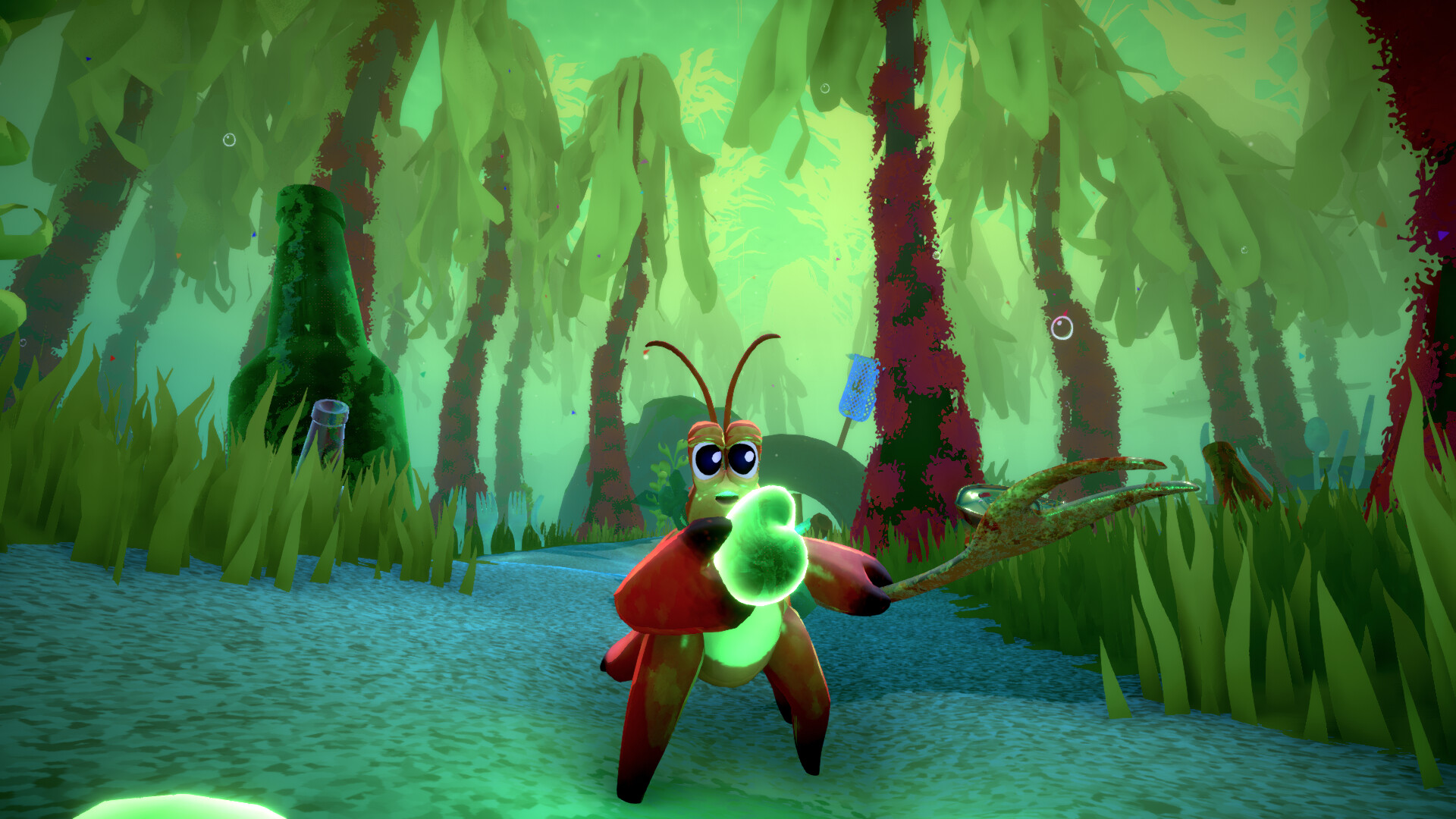
Download Another Crab's Treasure on PC with MEmu Android Emulator. Enjoy playing on big screen. Another Crab's Treasure is an exciting soulslike game that takes place in a dystopian underwater realm.


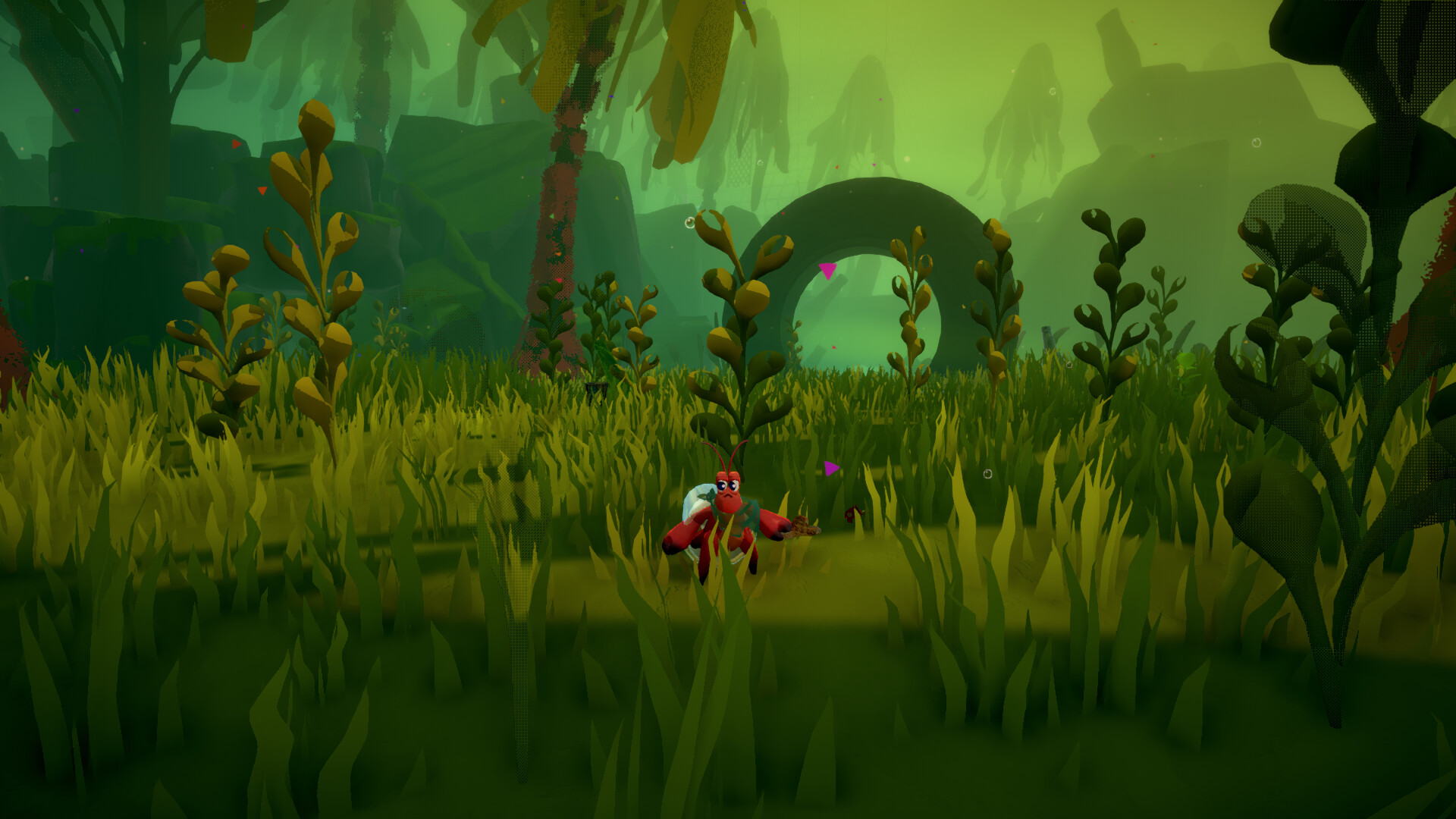
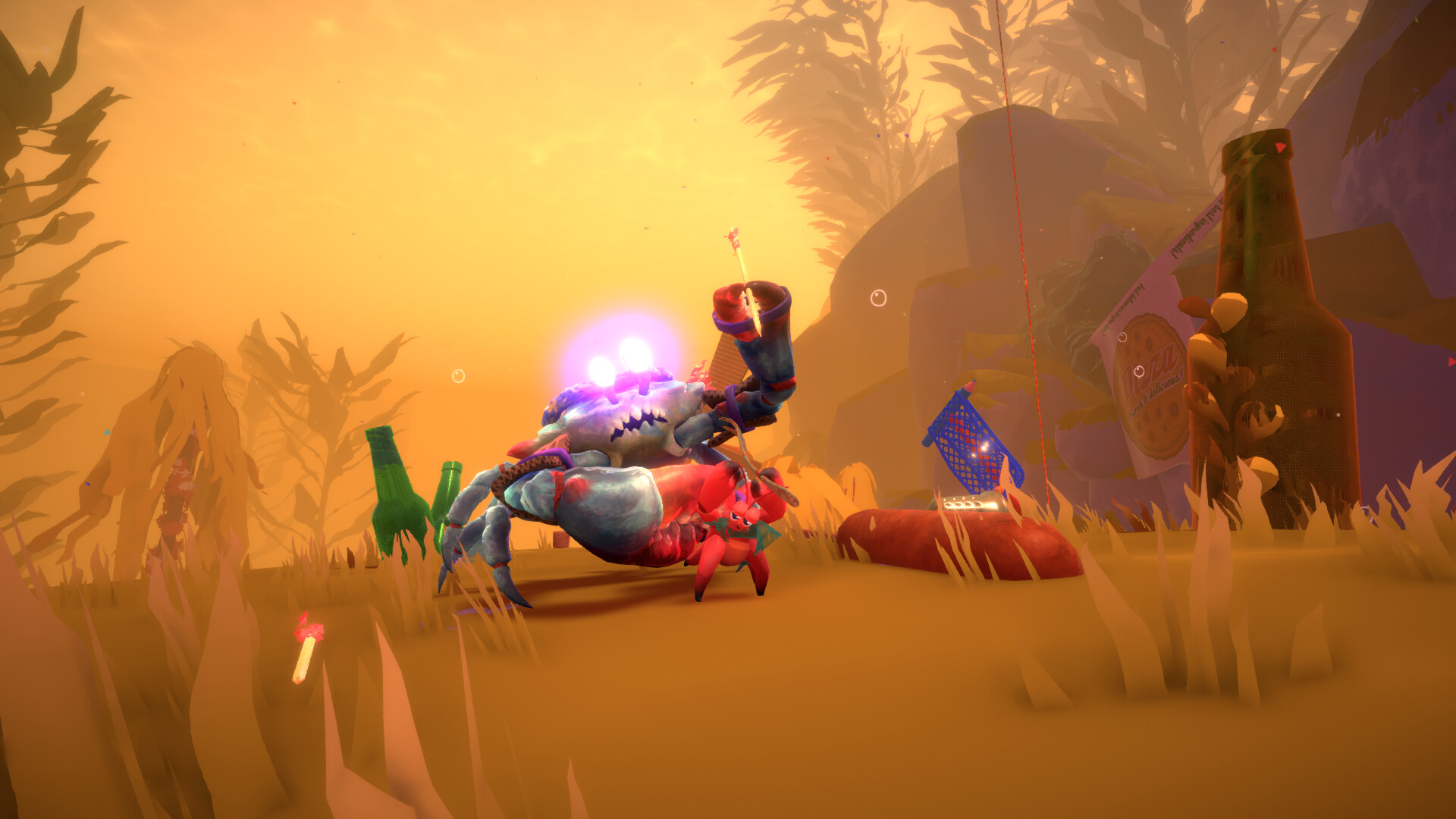
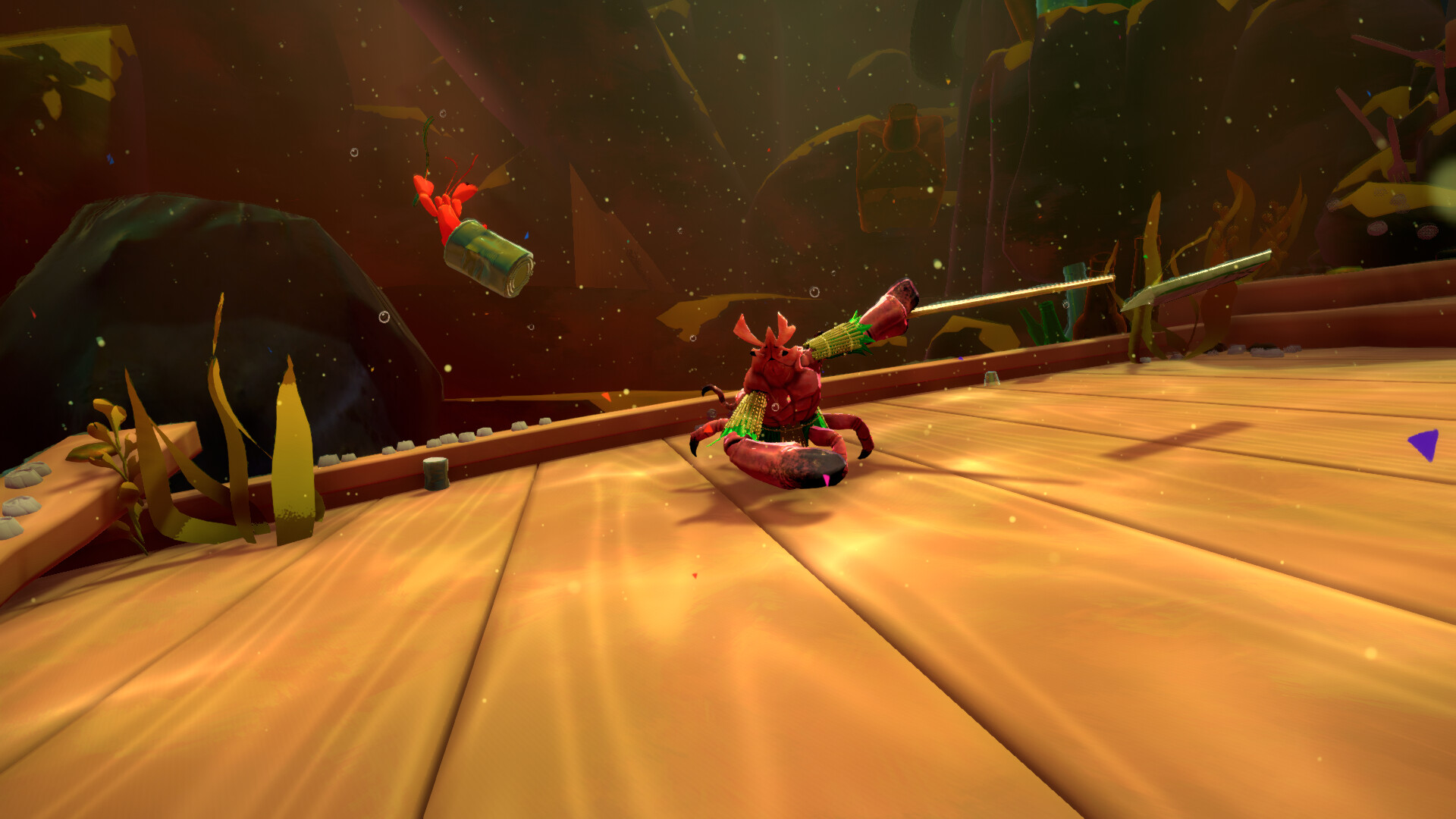
Another Crab's Treasure is an exciting soulslike game that takes place in a dystopian underwater realm. In this immersive adventure, you assume the role of Kril, a hermit crab facing a crumbling and polluted world. To survive in this harsh environment, you must cleverly use the trash that surrounds you as protective shells against formidable enemies that far exceed your size.As you embark on an epic treasure hunt, you will encounter challenging obstacles and treacherous foes. Your ultimate goal is to retrieve your repossessed shell by acquiring valuable treasures along the way. These treasures not only hold the key to reclaiming your identity but also unveil the sinister secrets that lie beneath the murky depths of the ocean.Prepare for a journey filled with adrenaline-pumping encounters and visually stunning landscapes. By honing your combat skills and mastering the art of strategic shell selection, you can bravely face the threats and unravel the mysteries that await you in the dark abyss.
Show more

1. Download MEmu installer and finish the setup

2. Start MEmu then open Google Play on the desktop

3. Search Another Crab's Treasure in Google Play
Install
4. Download and Install Another Crab's Treasure
5. On install completion click the icon to start

6. Enjoy playing Another Crab's Treasure on PC with MEmu
MEmu Play is the best Android emulator and 100 million people already enjoy its superb Android gaming experience. The MEmu virtualization technology empowers you to play thousands of Android games smoothly on your PC, even the most graphic-intensive ones.
Bigger screen with better graphics; Long duration, without limitation of battery or mobile data.
Full Keymapping support for precise control of keyboard and mouse or gamepad.
Multiple game accounts or tasks on single PC at one time with Multi-Instance manager.
Play Another Crab's Treasure on PC by following steps: