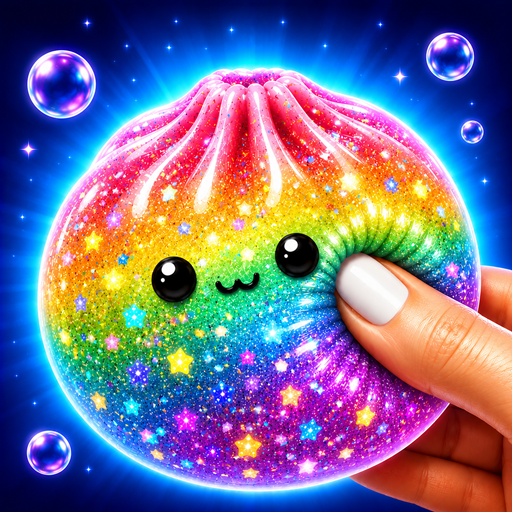
Squishy Magic
Updated
Current Version
7.31
Offered By

With your passion for Squishy Magic, you shouldn’t have to limit yourself to the small screen of a phone. Play like a pro and take full control of the game using a keyboard and mouse. MEmu gives you everything you’re looking for. Download and play Squishy Magic on PC. Play as long as you want — no more worries about battery life, mobile data, or unexpected calls. The all-new MEmu 9 is the best way to play Squishy Magic on PC. With our expertly designed keymapping system, Squishy Magic feels just like a real PC game. The MEmu multi-instance manager lets you run two or more accounts on the same device at the same time. Most importantly, our exclusive emulation engine unlocks your PC’s full potential, delivering smooth and seamless performance.
Show more
Download Squishy Magic: 3D Art Coloring & DIY Toys Maker on PC with MEmu Android Emulator. Enjoy playing on big screen. Welcome to the ultimate 3D squishy toy simulator, designed to melt your stress away!
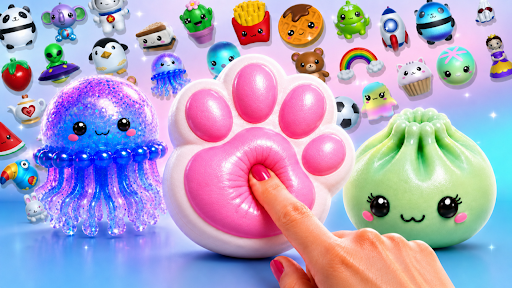

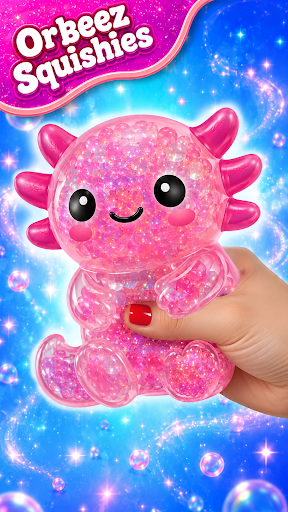
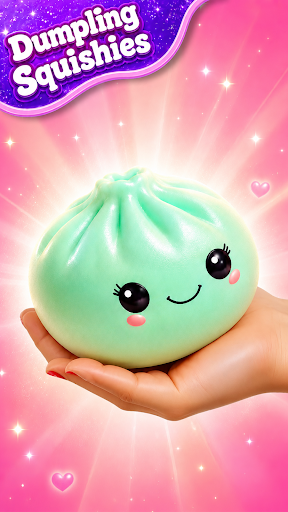
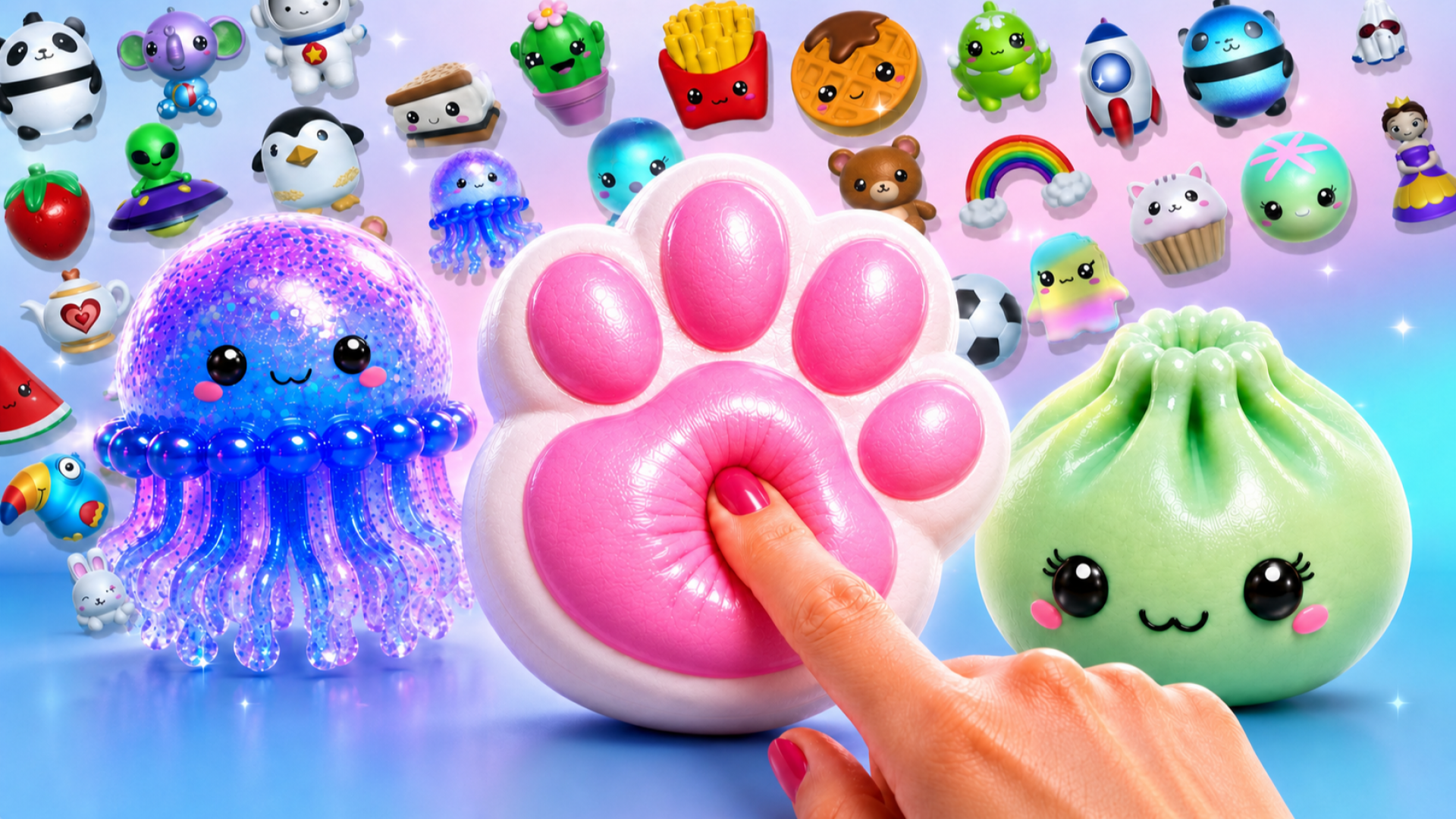
Welcome to the ultimate 3D squishy toy simulator, designed to melt your stress away! Create, paint, and customize your own DIY fidget toys using a massive library of cute, kawaii colors and shapes. Squeeze, press, and stretch your virtual creations to experience oddly satisfying ASMR anti-stress physics right on your screen.
Create adorable cute DIY creations and discover the most relaxing fidget experience ever! Design, paint and color your favorite characters in full 3D, then squeeze, stretch, rotate and play with them just like real sensory toys. Build an amazing collection of handmade creations and enjoy an endlessly satisfying and calming experience that you'll want to come back to every day.
Whether you love fidget fun, relaxing ASMR, creative DIY games or realistic simulator experiences, Squishy Magic has something for everyone. Every toy starts as a blank canvas—choose its colors, textures and decorations, then watch it come to life before enjoying hours of interactive play. It's the perfect mix of creativity, collection and stress relief.
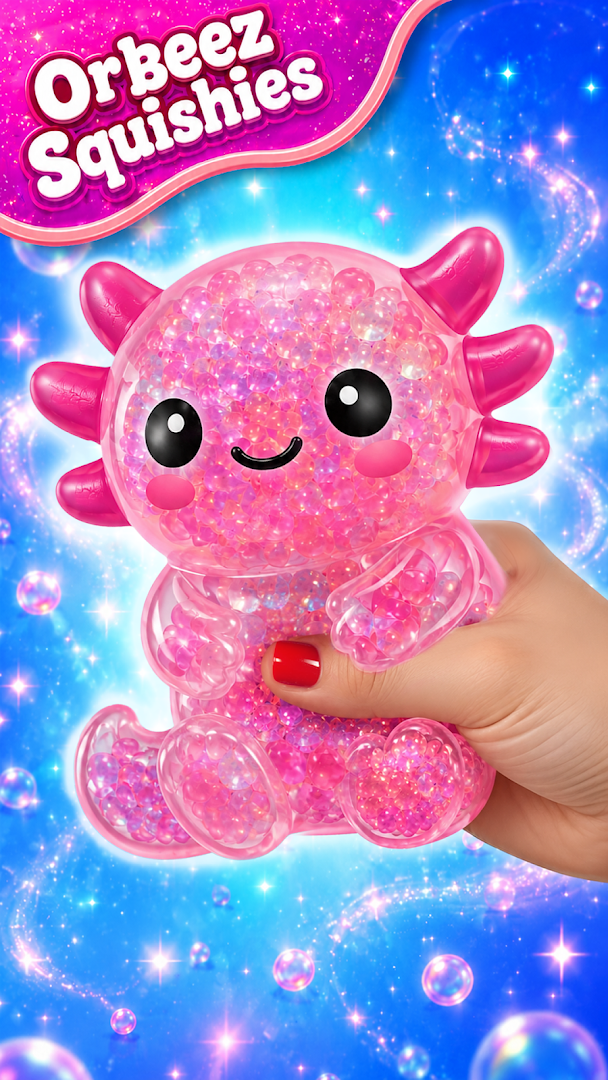
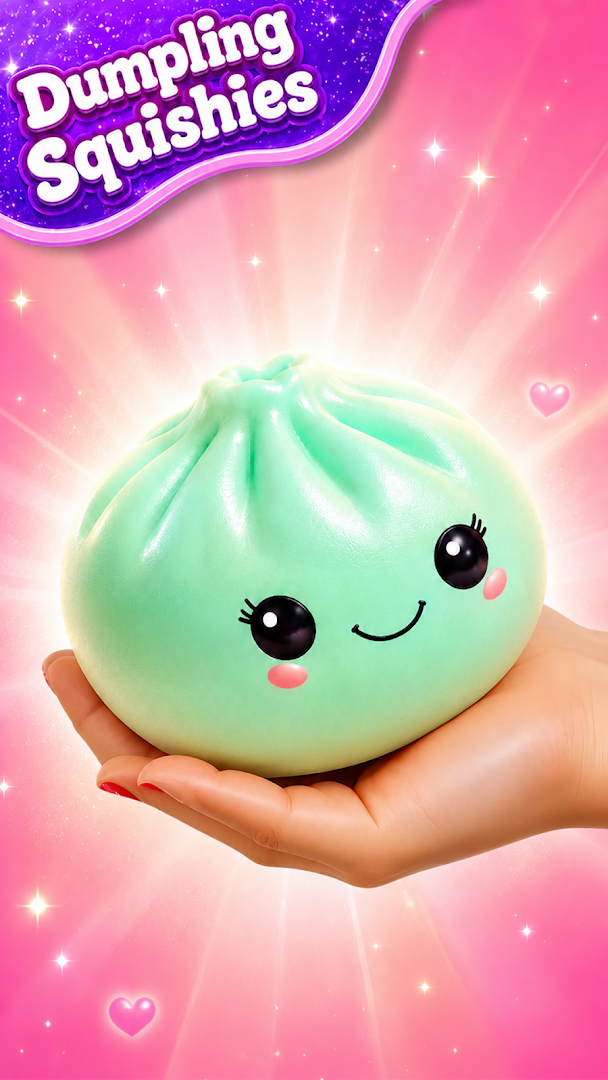
Love collecting adorable characters? Fill your shelves with hundreds of unique creations, including dumpling squishies, axolotl and other magical creatures, plushie toys, ice cubes, pop-It inspired fidgets and many more Kawaii favorites. Every design becomes part of your personal collection, making every masterpiece truly your own.
Once you've finished painting and coloring, it's time to play! Press, squeeze, stretch, rotate and crush your creations using realistic physics in the ultimate simulator. Watch every toy slowly return to its original shape while enjoying relaxing ASMR sounds that make every interaction feel incredibly satisfying. It's the perfect antistress activity after a busy day.
Looking for creative Stress Relief? Let the soft sounds, smooth animations and realistic squishing melt away your stress. Every squeeze, every stretch and every bounce delivers a soothing, calming experience inspired by your favorite fidget toys and Sensory Toys. Whether you're relaxing for a few minutes or enjoying a longer play session, Squishy Magic is your happy place.
FEATURES
DIY Toy Maker
Design and customize your own adorable creations with endless colors, textures and decorations.
Become the ultimate DIY toy maker and express your creativity.
Plushie Maker
Create soft-looking plushie inspired toys and build an ever-growing collection.
Enjoy the cutest plushie maker experience packed with lovable characters.
Hundreds of Cute Designs
Paint a dumpling squishy, sugar squishy, axolotl, animals, desserts, fantasy creatures, emojis, food, squishy ball toys, ice-cube designs and much more.
Discover new cute and Kawaii creations to unlock.
Painting & Coloring
Enjoy relaxing painting and coloring with hundreds of beautiful shades, glossy finishes, gradients and fun effects.
Rotate every model in 3D to paint every angle perfectly.
Interactive Fidgets 3D
Press, stretch, twist and squeeze realistic interactive fidgets 3D creations with lifelike physics.
Experience incredibly responsive squeeze toys that feel amazingly real.
Relaxing ASMR
Immerse yourself in soft ASMR sounds that make every squeeze even more satisfying.
Turn up the volume for a wonderfully calming experience.
Toy Factory
Unlock new molds and expand your own creative toy factory.
Create endless combinations and grow the ultimate collection.
Endless Fidget Fun
Discover new fidget experiences every day.
Collect dozens of sensory toys, squeeze toys, pop-it inspired designs and colorful Kawaii favorites.
Download Squishy Magic today and start building the cutest collection ever!
Show more

1. Download MEmu installer and finish the setup

2. Start MEmu then open Google Play on the desktop

3. Search Squishy Magic in Google Play
Install
4. Download and Install Squishy Magic
5. On install completion click the icon to start

6. Enjoy playing Squishy Magic on PC with MEmu
MEmu Play is the best Android emulator and 100 million people already enjoy its superb Android gaming experience. The MEmu virtualization technology empowers you to play thousands of Android games smoothly on your PC, even the most graphic-intensive ones.
Bigger screen with better graphics; Long duration, without limitation of battery or mobile data.
Full Keymapping support for precise control of keyboard and mouse or gamepad.
Multiple game accounts or tasks on single PC at one time with Multi-Instance manager.
Play Squishy Magic on PC by following steps: