Diner DASH Adventures
Updated
Current Version
1.66.0
Offered By

With your passion for Diner DASH Adventures, you shouldn’t have to limit yourself to the small screen of a phone. Play like a pro and take full control of the game using a keyboard and mouse. MEmu gives you everything you’re looking for. Download and play Diner DASH Adventures on PC. Play as long as you want — no more worries about battery life, mobile data, or unexpected calls. The all-new MEmu 9 is the best way to play Diner DASH Adventures on PC. With our expertly designed keymapping system, Diner DASH Adventures feels just like a real PC game. The MEmu multi-instance manager lets you run two or more accounts on the same device at the same time. Most importantly, our exclusive emulation engine unlocks your PC’s full potential, delivering smooth and seamless performance.
Show more
Download Diner DASH Adventures on PC with MEmu Android Emulator. Enjoy playing on big screen. Can you beat the clock?

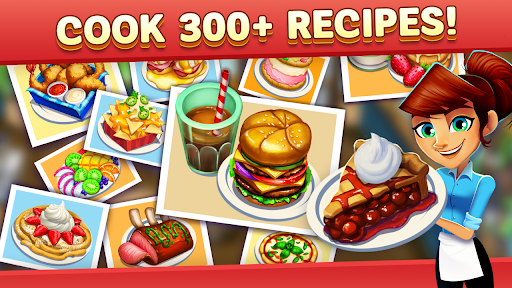
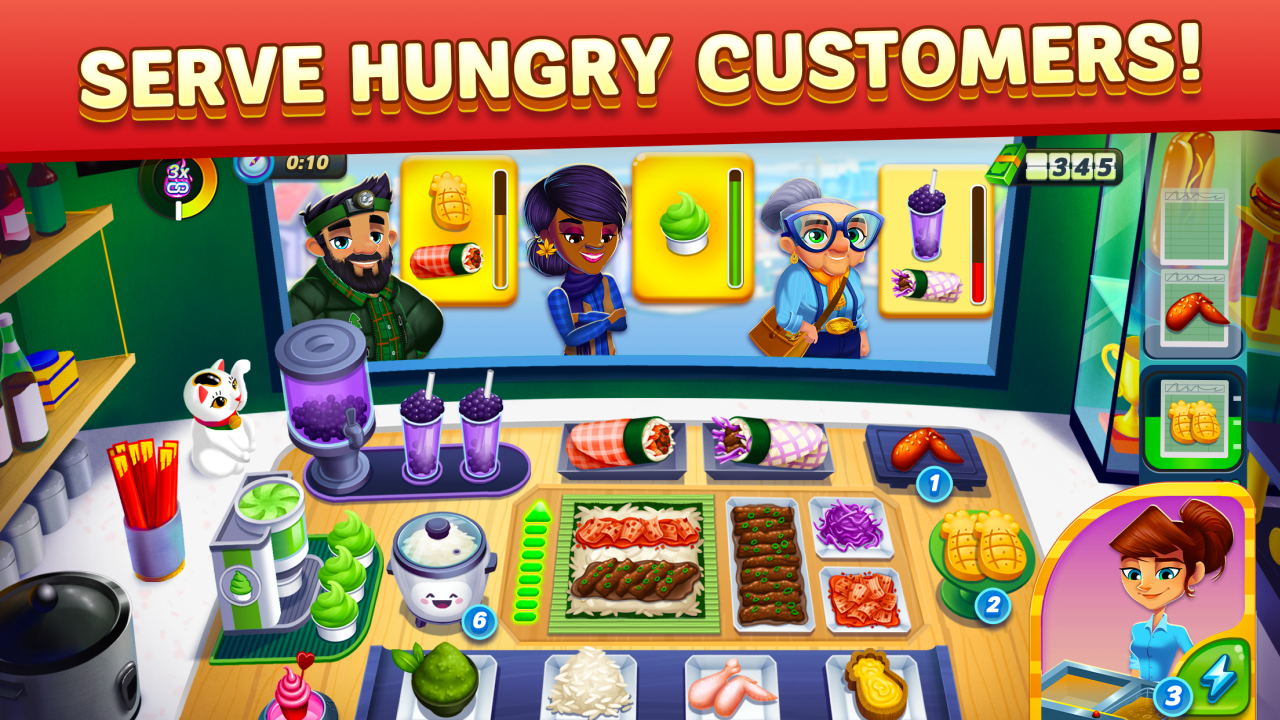
Can you beat the clock? Take casual cooking simulation up a notch, and play the classic cooking and time management game, Diner DASH Adventures!
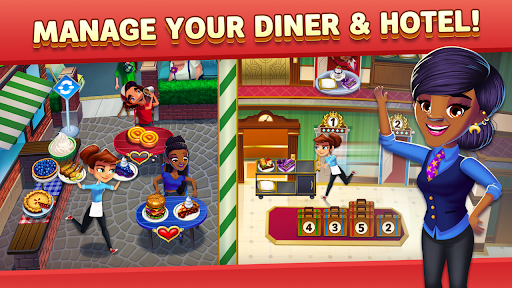
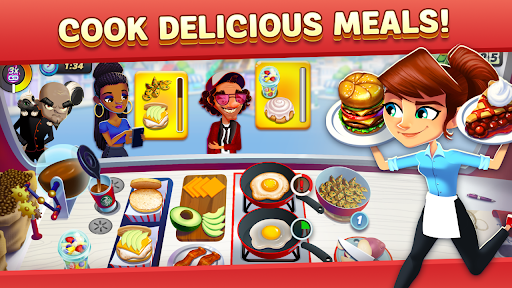
Cook delicious dishes, match customers to orders, serve food and renovate the town! Enjoy cooking games with time management challenges to give you a fast-paced cooking simulator experience. Think you have what it takes? Serve and cook food as quickly as possible as you battle against a flurry of orders to keep customers happy. Take Diner DASH Adventures with you wherever you go - no wifi needed to play offline cooking games.
Reveal the heartwarming story of our hero, Flo, as she returns to her hometown to help a unique cast of citizens and adorable animals of DinerTown. Stop Mr. Big and his mischievous goons as they cook up their evil plans!
Serve hundreds of unique foods to customers. Design DinerTown YOUR way to #savetheday!
FUN COOKING GAMES
• Get cooking fever with hundreds of fast levels.
• Fun cooking games with hundreds of customizable foods, recipes and menus.
• Cook up fun: Donuts, burgers, milkshakes, & more.
• Crush cooking competitors: Team up with the top chef in town, Cookie, to beat Mr. Big and other rivals.
• Simulate cooking in a fast paced food gameplay in large restaurants, bakeries or food trucks!
FAST-PACED TIME MANAGEMENT GAMEPLAY
• Tap to cook food, serve customers, and manage your restaurant.
• Play food games: Serve and cook food for customer orders.
• Hundreds of fun levels with challenges, boosts, mini-games, and puzzles!
• Classic and casual puzzle play for fans of challenging and fun franchises.
DECORATE. RENOVATE. EXPLORE.
• Design and remodel restaurants, gardens, houses, cruise ships, mansions, and more.
• Renovate an entire town and choose your favorite decorations.
• Choose from thousands of design and decor combinations.
• Cute pets can be yours to collect.
• Adventure awaits! Discover the Diner DASH story filled with colorful characters.
This app: Requires acceptance of EA’s Privacy & Cookie Policy and User Agreement. Requires an Internet connection (network fees may apply). Includes in-game advertising. Collects data through third-party ad-serving and analytics technology (See Privacy & Cookie Policy for details). Contains direct links to the Internet and social networking sites intended for an audience over 13. Includes optional in-game purchases of virtual currency that can be used to acquire virtual in-game items, including a random selection of virtual in-game items.
User Agreement: terms.ea.com
Privacy and Cookie Policy: privacy.ea.com
Visit help.ea.com for assistance or inquiries.
Do Not Sell My Personal Information: https://tos.ea.com/legalapp/WEBPRIVACYCA/US/en/PC/
EA may retire online features after 30 days’ notice posted on ea.com/service-updates.
Show more

1. Download MEmu installer and finish the setup

2. Start MEmu then open Google Play on the desktop

3. Search Diner DASH Adventures in Google Play
Install
4. Download and Install Diner DASH Adventures
5. On install completion click the icon to start

6. Enjoy playing Diner DASH Adventures on PC with MEmu
MEmu Play is the best Android emulator and 100 million people already enjoy its superb Android gaming experience. The MEmu virtualization technology empowers you to play thousands of Android games smoothly on your PC, even the most graphic-intensive ones.
Bigger screen with better graphics; Long duration, without limitation of battery or mobile data.
Full Keymapping support for precise control of keyboard and mouse or gamepad.
Multiple game accounts or tasks on single PC at one time with Multi-Instance manager.
Play Diner DASH Adventures on PC by following steps: