Granny Running: Angry Run
Updated
Current Version
1.3
Offered By

With your passion for Granny Running: Angry Run, you shouldn’t have to limit yourself to the small screen of a phone. Play like a pro and take full control of the game using a keyboard and mouse. MEmu gives you everything you’re looking for. Download and play Granny Running: Angry Run on PC. Play as long as you want — no more worries about battery life, mobile data, or unexpected calls. The all-new MEmu 9 is the best way to play Granny Running: Angry Run on PC. With our expertly designed keymapping system, Granny Running: Angry Run feels just like a real PC game. The MEmu multi-instance manager lets you run two or more accounts on the same device at the same time. Most importantly, our exclusive emulation engine unlocks your PC’s full potential, delivering smooth and seamless performance.
Show more
Download Granny Running: Angry Run on PC with MEmu Android Emulator. Enjoy playing on big screen. Be the master of the street with Granny Running: Angry Run!


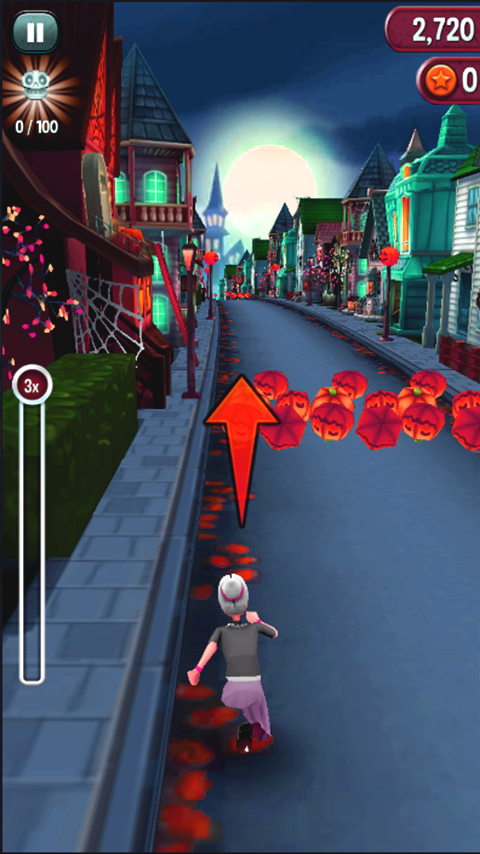
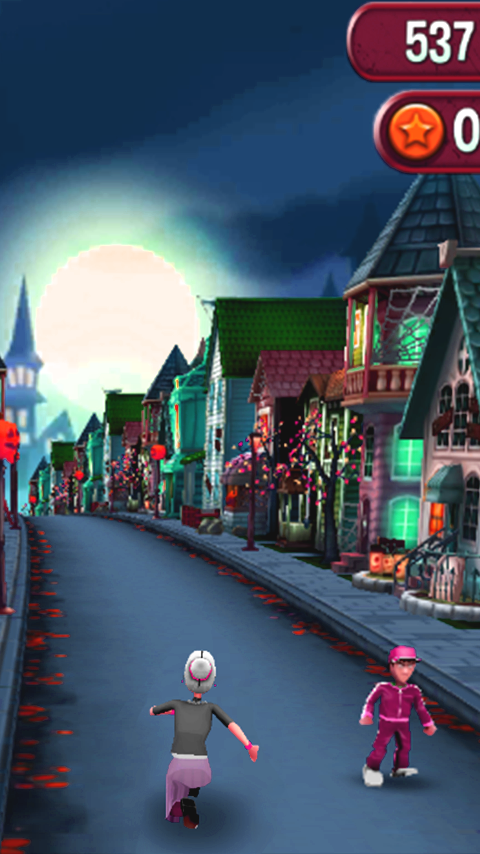
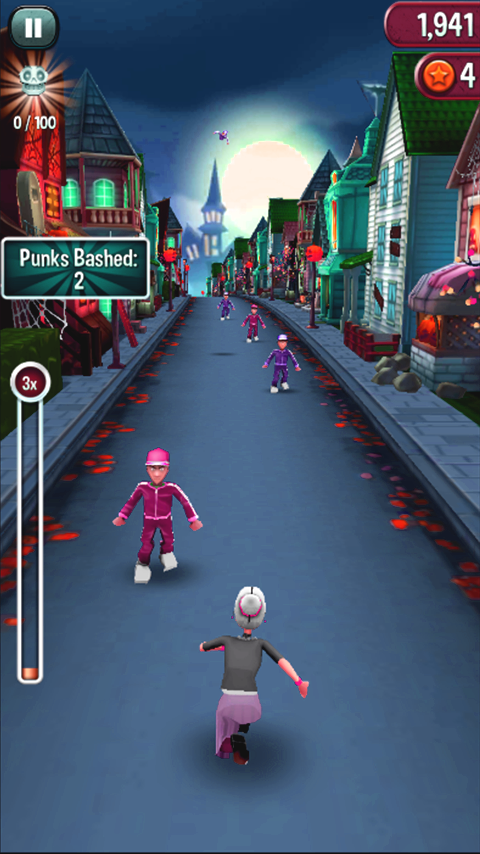
Be the master of the street with Granny Running: Angry Run!! Our Granny has been locked up in the Angry Asylum by Fred the agent in white, she's plotting her escape, and she needs YOU to guide her through the streets once she's busted out! *Assist our Granny in the run by: - Tilt the phone to bash Punk and avoid the narrow street - Swipe up to jump, down to slide to pass insane obstacles. - Swipe left and right to turn the corner *Granny Running: Angry Run with the best features: - Classic running game with new appearance and amazing graphics - Refreshing the look by multiple of costume available to purchase. - Buy and upgrade loads of different power-ups - Simple interaction and user-friendly - Easy to learn, hard to master. - Hooked, highly addictive and endless gameplay. - Attractive themes and interface, suitable for all ages. Forget the temple, jungles and subway stations - the cities is waiting for you!!!
Show more

1. Download MEmu installer and finish the setup

2. Start MEmu then open Google Play on the desktop

3. Search Granny Running: Angry Run in Google Play
Install
4. Download and Install Granny Running: Angry Run
5. On install completion click the icon to start

6. Enjoy playing Granny Running: Angry Run on PC with MEmu
MEmu Play is the best Android emulator and 100 million people already enjoy its superb Android gaming experience. The MEmu virtualization technology empowers you to play thousands of Android games smoothly on your PC, even the most graphic-intensive ones.
Bigger screen with better graphics; Long duration, without limitation of battery or mobile data.
Full Keymapping support for precise control of keyboard and mouse or gamepad.
Multiple game accounts or tasks on single PC at one time with Multi-Instance manager.
Play Granny Running: Angry Run on PC by following steps: