
No Man's Sky
Updated
Current Version
Offered By

With your passion for No Man's Sky, you shouldn’t have to limit yourself to the small screen of a phone. Play like a pro and take full control of the game using a keyboard and mouse. MEmu gives you everything you’re looking for. Download and play No Man's Sky on PC. Play as long as you want — no more worries about battery life, mobile data, or unexpected calls. The all-new MEmu 9 is the best way to play No Man's Sky on PC. With our expertly designed keymapping system, No Man's Sky feels just like a real PC game. The MEmu multi-instance manager lets you run two or more accounts on the same device at the same time. Most importantly, our exclusive emulation engine unlocks your PC’s full potential, delivering smooth and seamless performance.
Show more
Download No Man's Sky on PC with MEmu Android Emulator. Enjoy playing on big screen. Inspired by the adventure and imagination that we love from classic science-fiction, No Man's Sky presents you with a galaxy to explore, filled with unique planets and lifeforms, and constant danger and action.
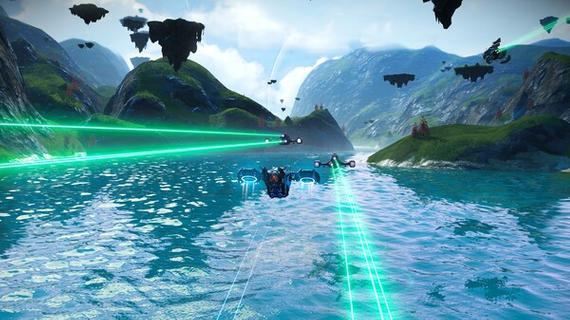
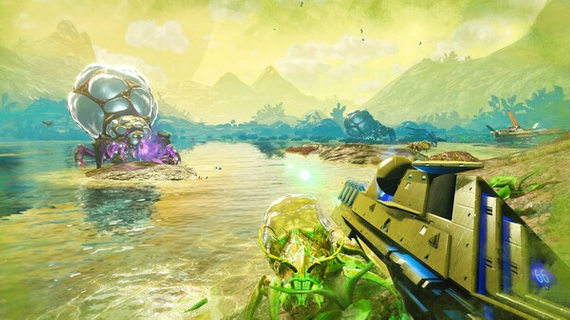
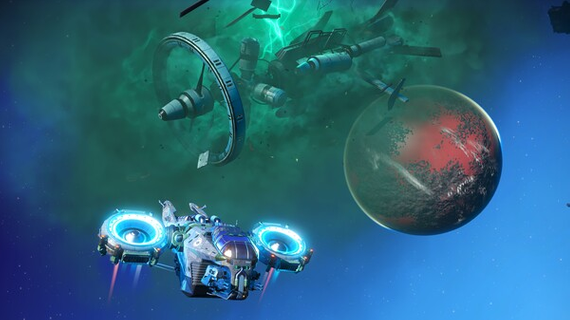
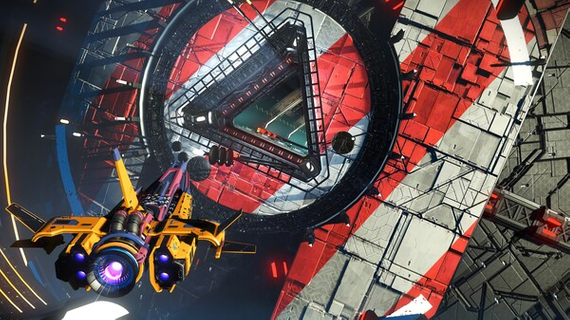
Inspired by the adventure and imagination that we love from classic science-fiction, No Man's Sky presents you with a galaxy to explore, filled with unique planets and lifeforms, and constant danger and action.In No Man's Sky, every star is the light of a distant sun, each orbited by planets filled with life, and you can go to any of them you choose. Fly smoothly from deep space to planetary surfaces, with no loading screens, and no limits. In this infinite procedurally generated universe, you'll discover places and creatures that no other players have seen before - and perhaps never will again. Now including...Play with all major updates since launch: Foundation, Pathfinder, Atlas Rises, NEXT, The Abyss, Visions, the 2.0 BEYOND update, Synthesis, Living Ship, Exo Mech, Desolation and the 3.0 update, ORIGINS, Next Generation, Companions, Expeditions, Prisms, Frontiers, Sentinel, Outlaws, Endurance, Waypoint (4.0), Fractal, Interceptor, Echoes, Omega, Orbital and Worlds Part I (5.0).Available for PC and Mac (see recommended and minimum specs for details). An epic voyage to the centre of a shared universe awaits, allowing you to explore, trade, fight and survive alone or with friends. Embark on an epic voyageAt the centre of the galaxy lies a irresistible pulse which draws you on a journey towards it to learn the true nature of the cosmos. But, facing hostile creatures and fierce pirates, you'll know that death comes at a cost, and survival will be down to the choices you make over how you upgrade your ship, your weapon and suit.Find your own destinyYour voyage through No Man's Sky is up to you. Will you be a fighter, preying on the weak and taking their riches, or taking out pirates for their bounties? Power is yours if you upgrade your ship for speed and weaponry.Or a trader? Find rich resources on forgotten worlds and exploit them for the highest prices. Invest in more cargo space and you'll reap huge rewards. Or perhaps an explorer? Go beyond the known frontier and discover places and things that no one has ever seen before. Upgrade your engines to jump ever farther, and strengthen your suit for survival in toxic environments that would kill the unwary. Share your journeyThe galaxy is a living, breathing place. Trade convoys travel between stars, factions vie for territory, pirates hunt the unwary, and the police are ever watching. Every other player lives in the same galaxy, and you can choose to share your discoveries with them on a map that spans known space. Perhaps you will see the results of their actions as well as your own...
Show more

1. Download MEmu installer and finish the setup

2. Start MEmu then open Google Play on the desktop

3. Search No Man's Sky in Google Play
Install
4. Download and Install No Man's Sky
5. On install completion click the icon to start

6. Enjoy playing No Man's Sky on PC with MEmu
MEmu Play is the best Android emulator and 100 million people already enjoy its superb Android gaming experience. The MEmu virtualization technology empowers you to play thousands of Android games smoothly on your PC, even the most graphic-intensive ones.
Bigger screen with better graphics; Long duration, without limitation of battery or mobile data.
Full Keymapping support for precise control of keyboard and mouse or gamepad.
Multiple game accounts or tasks on single PC at one time with Multi-Instance manager.
Play No Man's Sky on PC by following steps: