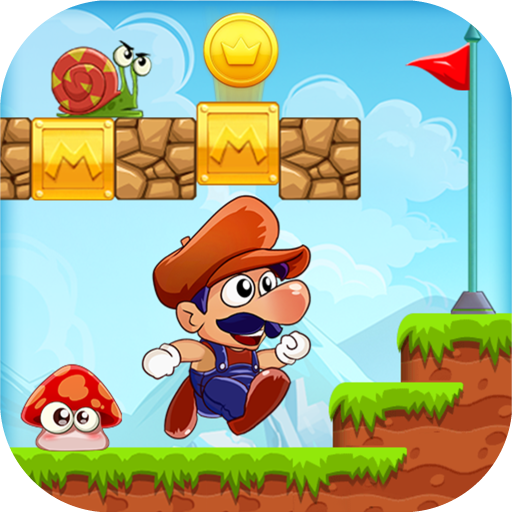
Super Bino Go - New Games 2019
Updated
Current Version
4.5.83.304
Offered By

With your passion for Super Bino Go - New Games 2019, you shouldn’t have to limit yourself to the small screen of a phone. Play like a pro and take full control of the game using a keyboard and mouse. MEmu gives you everything you’re looking for. Download and play Super Bino Go - New Games 2019 on PC. Play as long as you want — no more worries about battery life, mobile data, or unexpected calls. The all-new MEmu 9 is the best way to play Super Bino Go - New Games 2019 on PC. With our expertly designed keymapping system, Super Bino Go - New Games 2019 feels just like a real PC game. The MEmu multi-instance manager lets you run two or more accounts on the same device at the same time. Most importantly, our exclusive emulation engine unlocks your PC’s full potential, delivering smooth and seamless performance.
Show more
Download Super Bino Go - New Games 2019 on PC with MEmu Android Emulator. Enjoy playing on big screen. Super Bino Go: New Adventure Jungle 2023 - a totally new old-school running game, will surprise you with the greatest adventure of Mario to Mushroom Kingdom World!
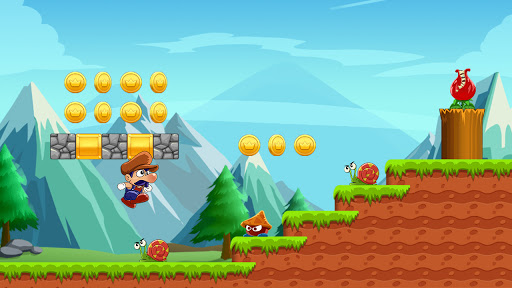
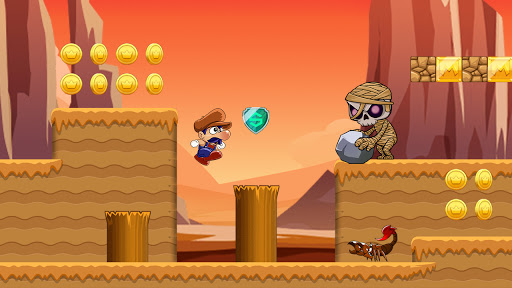
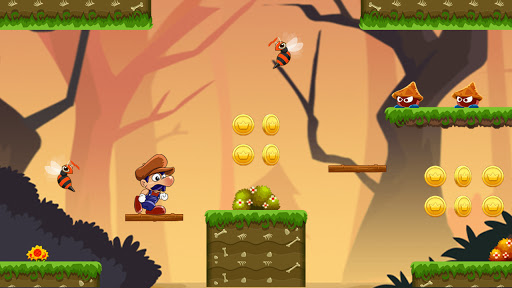
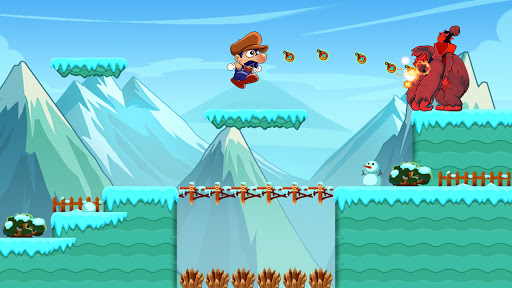
Super Bino Go: New Adventure Jungle 2023 - a totally new old-school running game, will surprise you with the greatest adventure of Mario to Mushroom Kingdom World!
Super Bino Go will lead you to step back in time to your childhood with the Mario game or platform game. Bino legendary mission is Princess Rescue and your task is helping him run through the mysterious and adventurous islands, jump and run over the obstacles, and fight against super evil monsters to save the beautiful Mushroom Princess at the final destination in a dangerous world.
You can be a Bino, a Mario, a Pop, a Lep or Bob to save your princess.
Let's have a look at what awaits you in our classic game:
+ 8 Iconic Islands including many types of world level (sky, water, underground, etc.) and 145 levels
+ 7 Fierce Bosses to defeat to move to the next Bob island
+ Cool control like in classic platform games
+ Beautiful high-resolution graphics
+ Smooth user interface
+ Music and sound effects
+ Suitable for both kids & adults
+ Game is no-paid; no purchase required
+ Phone and Tablet support
To pass such difficult levels, you should seek help from 3 types of powerful items that are hidden in bricks or bought by collected coins in this world.
+ Get "Grow-up" to become bigger Bob mario
+ Get "Fire" to throw bomb at the enemies
+ Get "Shield" to protect Bino and Bob in a limited amount of time
Do not hesitate to join one of the most interesting and adventurous jungle adventure ever with Super Bino Go.
Defeat the monsters – Break all records – And most important: SAVE THE PRINCESS.
Download the best classic arcade game now!!!
Follow us to have more updates and tutorials:
Facebook: https://www.facebook.com/binoadventure/
Youtube: https://www.youtube.com/channel/UCI4B1K1_C8B18U02XAejd5w
Show more

1. Download MEmu installer and finish the setup

2. Start MEmu then open Google Play on the desktop

3. Search Super Bino Go - New Games 2019 in Google Play
Install
4. Download and Install Super Bino Go - New Games 2019
5. On install completion click the icon to start

6. Enjoy playing Super Bino Go - New Games 2019 on PC with MEmu
MEmu Play is the best Android emulator and 100 million people already enjoy its superb Android gaming experience. The MEmu virtualization technology empowers you to play thousands of Android games smoothly on your PC, even the most graphic-intensive ones.
Bigger screen with better graphics; Long duration, without limitation of battery or mobile data.
Full Keymapping support for precise control of keyboard and mouse or gamepad.
Multiple game accounts or tasks on single PC at one time with Multi-Instance manager.
Play Super Bino Go - New Games 2019 on PC by following steps: