Fashion Makeover:Salon&DressUp
Updated
Current Version
1.2.8
Offered By

With your passion for Fashion Makeover:Salon&DressUp, you shouldn’t have to limit yourself to the small screen of a phone. Play like a pro and take full control of the game using a keyboard and mouse. MEmu gives you everything you’re looking for. Download and play Fashion Makeover:Salon&DressUp on PC. Play as long as you want — no more worries about battery life, mobile data, or unexpected calls. The all-new MEmu 9 is the best way to play Fashion Makeover:Salon&DressUp on PC. With our expertly designed keymapping system, Fashion Makeover:Salon&DressUp feels just like a real PC game. The MEmu multi-instance manager lets you run two or more accounts on the same device at the same time. Most importantly, our exclusive emulation engine unlocks your PC’s full potential, delivering smooth and seamless performance.
Show more
Download Fashion Makeover:Salon&DressUp on PC with MEmu Android Emulator. Enjoy playing on big screen. Welcome to Fashion Makeover:Salon&DressUp – a delightful experience designed for all beauty lovers and relaxation seekers!
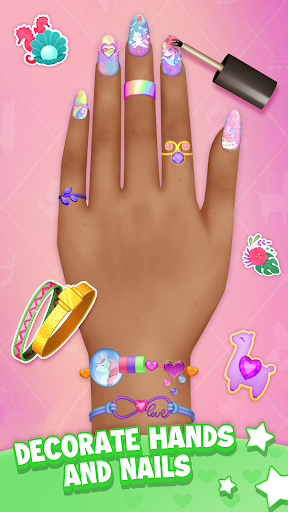
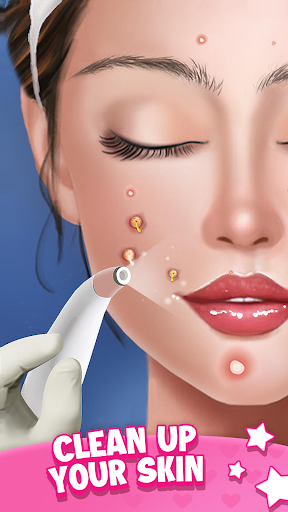
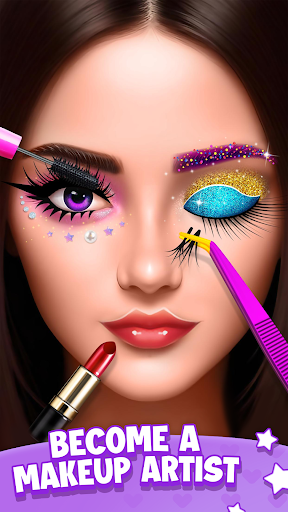
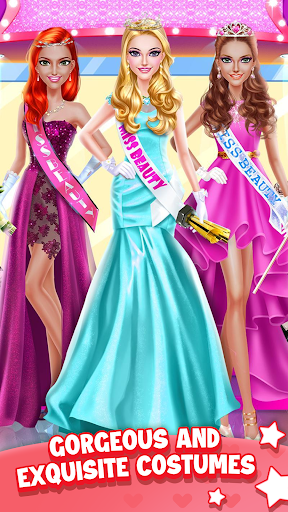
Welcome to Fashion Makeover:Salon&DressUp – a delightful experience designed for all beauty lovers and relaxation seekers!
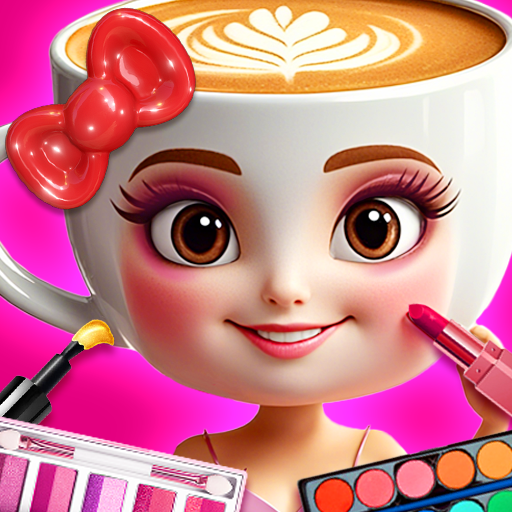
In our game, you can explore different categories of mini-games, each offering something exciting and different. Whether you’re passionate about makeup, love fashion, or enjoy a good DIY project, this game has something special for you!
Experiment with Makeup Styles
From subtle, natural looks to bold, colorful transformations, our makeup mini-games let you explore a full range of cosmetics and styles. Create the perfect base with foundation, contour, and blush; add eye-catching eye shadows and eyeliners; and finish with flawless lip colors. You can follow guided makeup challenges or simply freestyle to see what unique looks you can create!
Express Your Style in Dress-Up Challenges
With our dress-up mini-games, you get to mix and match clothing styles for any occasion. Whether it’s casual streetwear, glamorous evening attire, or playful seasonal outfits, our wardrobe selection covers every possible vibe. These games are designed for you to fully explore your fashion creativity and discover different outfit combinations that truly match your style.
Get Crafty with DIY and Handcrafts
If you enjoy being hands-on, our DIY craft section is made for you. Here, you can create custom beauty accessories, such as beaded bracelets, hand-painted nails, and even your own design of fashionable stickers. Crafting with virtual materials, textures, and colors, you’ll find endless possibilities for making something uniquely yours!
Personalize with Fun Stickers and Accessories
Our sticker mini-games let you add a touch of creativity to everything! Decorate beauty products, phone cases, or even create a whole sticker book filled with your designs. With various themed sticker packs and customization options, you’ll always find something that resonates with your personal style.
Each mini-game is designed to be relaxing and easy to play, with intuitive controls that allow you to get right into the fun. There’s something for every type of beauty enthusiast, from beginners to experts. So whether you want to experiment with new looks, design one-of-a-kind accessories, or just find a relaxing escape, our beauty collection game is your new go-to app for all things beauty and style!
Show more

1. Download MEmu installer and finish the setup

2. Start MEmu then open Google Play on the desktop

3. Search Fashion Makeover:Salon&DressUp in Google Play
Install
4. Download and Install Fashion Makeover:Salon&DressUp
5. On install completion click the icon to start

6. Enjoy playing Fashion Makeover:Salon&DressUp on PC with MEmu
MEmu Play is the best Android emulator and 100 million people already enjoy its superb Android gaming experience. The MEmu virtualization technology empowers you to play thousands of Android games smoothly on your PC, even the most graphic-intensive ones.
Bigger screen with better graphics; Long duration, without limitation of battery or mobile data.
Full Keymapping support for precise control of keyboard and mouse or gamepad.
Multiple game accounts or tasks on single PC at one time with Multi-Instance manager.
Play Fashion Makeover:Salon&DressUp on PC by following steps: