Hero Stickman
Updated
Current Version
1755835424
Offered By

With your passion for Hero Stickman, you shouldn’t have to limit yourself to the small screen of a phone. Play like a pro and take full control of the game using a keyboard and mouse. MEmu gives you everything you’re looking for. Download and play Hero Stickman on PC. Play as long as you want — no more worries about battery life, mobile data, or unexpected calls. The all-new MEmu 9 is the best way to play Hero Stickman on PC. With our expertly designed keymapping system, Hero Stickman feels just like a real PC game. The MEmu multi-instance manager lets you run two or more accounts on the same device at the same time. Most importantly, our exclusive emulation engine unlocks your PC’s full potential, delivering smooth and seamless performance.
Show more
Download Hero Stickman on PC with MEmu Android Emulator. Enjoy playing on big screen. Dive into Hero Stickman, where Stickman Warriors are summoned into perilous dungeons!
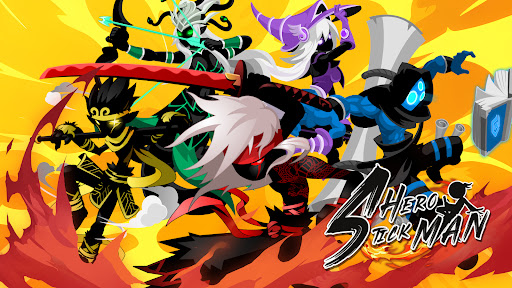
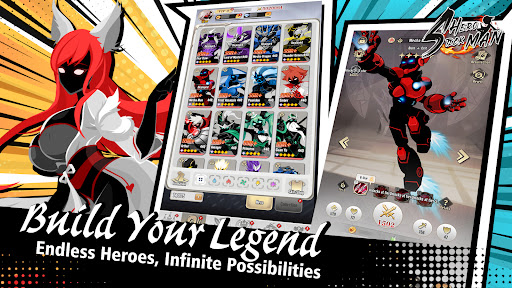
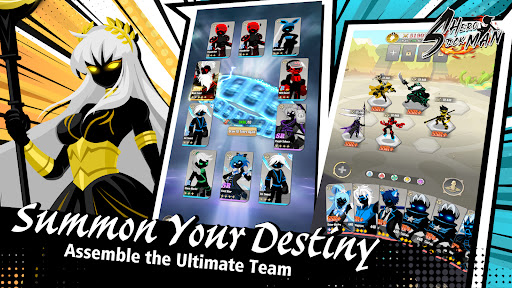
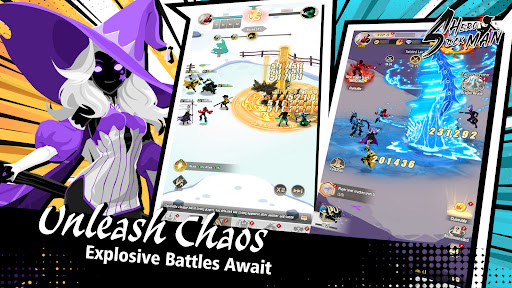
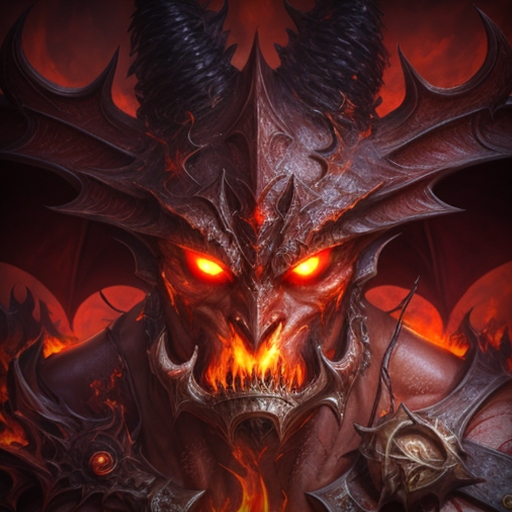
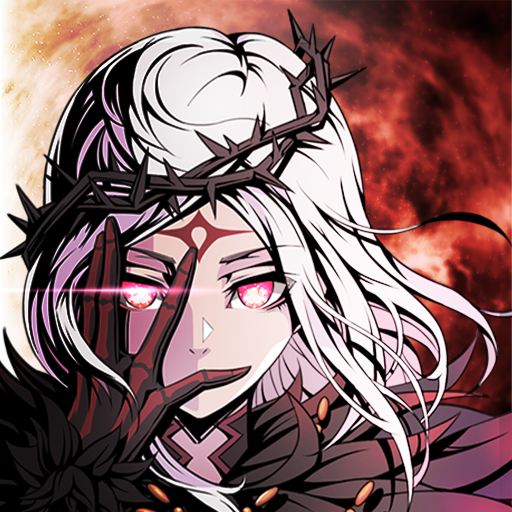
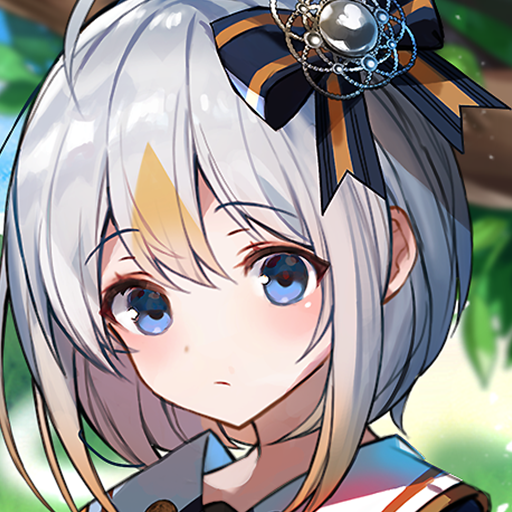
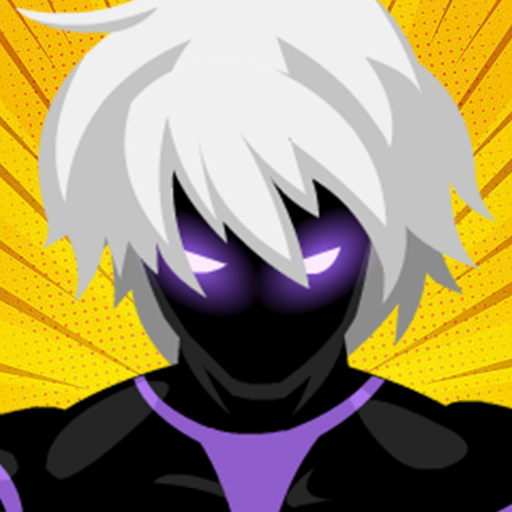
Dive into Hero Stickman, where Stickman Warriors are summoned into perilous dungeons! This RPG shines as a Free Online Game focused on PvE action, blending Turn‑based strategy planning with non‑stop Side‑scrolling beat' em up combat. Rally heroes through an exhilarating Character collection system and mold them via a deep Progression system. Venture solo or with your guild to conquer diverse instances—upgrade gear, unlock sky‑shattering skills, and crush hordes of foes in epic Adventure!
【Game Features】
● Dungeon Domination & Arena Glory
Charge into themed dungeons to claim legend‑forged loot, then prove your mettle in explosive PvP showdowns—feel the heat of both PvE and PvP battlefields!
● Elemental Stickman Alliance
Summon and collect warriors of Light, Shadow, Fire, Water, and Wind—each with unique strengths. Forge your dream team: unleash blazing infernos, tidal ruptures, gale storms, radiant beams, or abyssal shadows!
● Masterful Turn‑Based Tactics
In Turn‑based strategy duels, outthink your foes with perfect positioning: let your full‑screen mage strike first, your tank warrior hold the frontline, then dive into side‑scrolling combos to turn the tide!
● Over‑the‑Top Progression System
Elevate your champions through an insane Progression system: level up, socket epic weapons, unlock meteor‑summoning ultimate skills and earth‑shaking super moves—watch your Stickman Warriors ascend to god‑like power!
● Guild Quests & Social Conquests
Forge the mightiest guild, recruit true comrades, and embark on grand campaigns together—share glory, strategies, and build friendships that outlast any boss fight!
● Festivals & Unique Mini‑Games
Between battles, join Castle Siege tournaments, supercharge weapons in the Magma Forge, clash in Dimensional Wars, or unwind with serene fishing contests—fun never stops!
Show more

1. Download MEmu installer and finish the setup

2. Start MEmu then open Google Play on the desktop

3. Search Hero Stickman in Google Play
Install
4. Download and Install Hero Stickman
5. On install completion click the icon to start

6. Enjoy playing Hero Stickman on PC with MEmu
MEmu Play is the best Android emulator and 100 million people already enjoy its superb Android gaming experience. The MEmu virtualization technology empowers you to play thousands of Android games smoothly on your PC, even the most graphic-intensive ones.
Bigger screen with better graphics; Long duration, without limitation of battery or mobile data.
Full Keymapping support for precise control of keyboard and mouse or gamepad.
Multiple game accounts or tasks on single PC at one time with Multi-Instance manager.
Play Hero Stickman on PC by following steps: