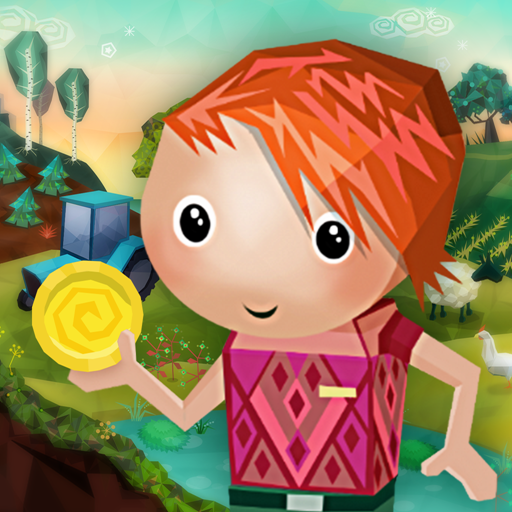
Moneyville
Updated
Current Version
1.7.2
Offered By

With your passion for Moneyville, you shouldn’t have to limit yourself to the small screen of a phone. Play like a pro and take full control of the game using a keyboard and mouse. MEmu gives you everything you’re looking for. Download and play Moneyville on PC. Play as long as you want — no more worries about battery life, mobile data, or unexpected calls. The all-new MEmu 9 is the best way to play Moneyville on PC. With our expertly designed keymapping system, Moneyville feels just like a real PC game. The MEmu multi-instance manager lets you run two or more accounts on the same device at the same time. Most importantly, our exclusive emulation engine unlocks your PC’s full potential, delivering smooth and seamless performance.
Show more
Download Moneyville on PC with MEmu Android Emulator. Enjoy playing on big screen. In Moneyville, it’s fun to earn money.
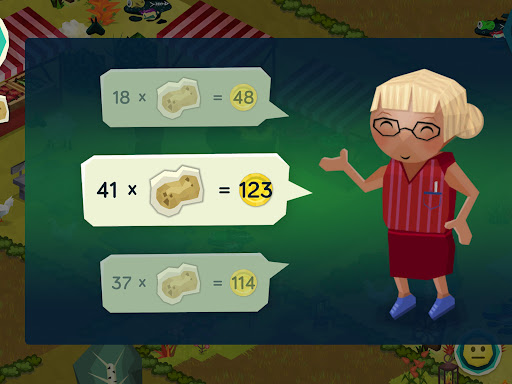

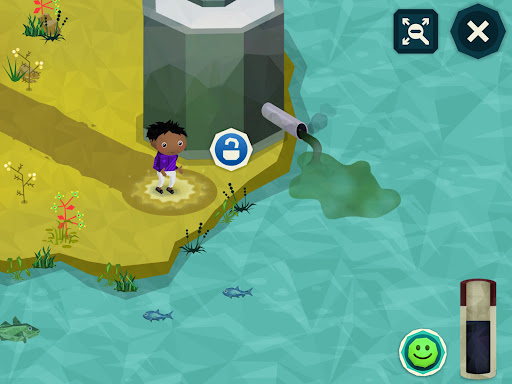
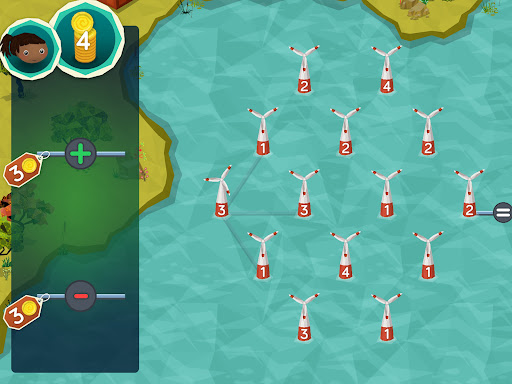
In Moneyville, it’s fun to earn money. Walk around the city, collect items and then sell them at the market. Make the city cooler and more stylish – or save your money for later. At the same time, you have to make sure the city is green, clean and a happy place. All this will help you learn about money and maths in daily life.
If you keep the city green, then it won’t be as polluted. And that will mean you can earn more money. Which is good for you and good for Moneyville.
- Harvest vegetables, catch fish and get other goods. Sell them at the market and receive money in exchange.
- Play fun mini-games, all while learning about numbers, money and maths along the way.
- Accessorise your character and the city – or save your money for later.
- Make the city greener and more sustainable – and earn more money in the long term.
- Why not buy a new electric truck or make the city’s water treatment plant even better?
Moneyville is an interactive, colourful universe in which 6-9 year old children learn about money, finances, maths and sustainability. The game is designed for use as part of the maths syllabus and is supplemented by relevant teaching materials.
In Moneyville, children learn about healthy habits relating to finances, saving and investing in the future. Children also learn to invest in a more sustainable and green local community. In doing so, Moneyville supports the UN’s Sustainable Development Goals for a more sustainable world.
Moneyville has been developed by Danske Bank in partnership with experts in education and didactics.
Read more about Moneyville and find our teacher guidelines at www.pengeby.dk (in Danish)
Privacy Policy:
http://moneyville.com/en/page/personal-data-en
Show more

1. Download MEmu installer and finish the setup

2. Start MEmu then open Google Play on the desktop

3. Search Moneyville in Google Play
Install
4. Download and Install Moneyville
5. On install completion click the icon to start

6. Enjoy playing Moneyville on PC with MEmu
MEmu Play is the best Android emulator and 100 million people already enjoy its superb Android gaming experience. The MEmu virtualization technology empowers you to play thousands of Android games smoothly on your PC, even the most graphic-intensive ones.
Bigger screen with better graphics; Long duration, without limitation of battery or mobile data.
Full Keymapping support for precise control of keyboard and mouse or gamepad.
Multiple game accounts or tasks on single PC at one time with Multi-Instance manager.
Play Moneyville on PC by following steps: