Monster Must Die
Updated
Current Version
18.0
Offered By

With your passion for Monster Must Die, you shouldn’t have to limit yourself to the small screen of a phone. Play like a pro and take full control of the game using a keyboard and mouse. MEmu gives you everything you’re looking for. Download and play Monster Must Die on PC. Play as long as you want — no more worries about battery life, mobile data, or unexpected calls. The all-new MEmu 9 is the best way to play Monster Must Die on PC. With our expertly designed keymapping system, Monster Must Die feels just like a real PC game. The MEmu multi-instance manager lets you run two or more accounts on the same device at the same time. Most importantly, our exclusive emulation engine unlocks your PC’s full potential, delivering smooth and seamless performance.
Show more
Download Monster Must Die on PC with MEmu Android Emulator. Enjoy playing on big screen. Welcome to a brand-new roguelike tower-defense adventure!
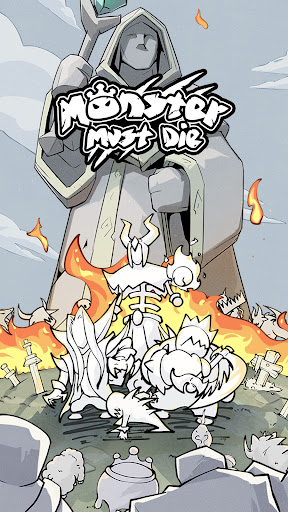
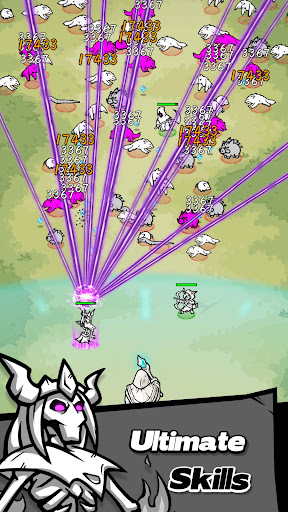
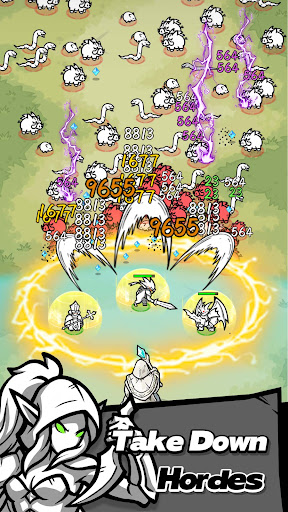
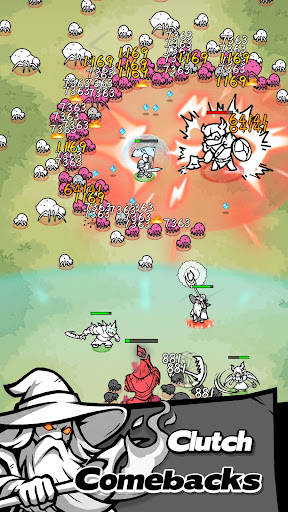
Welcome to a brand-new roguelike tower-defense adventure!
The seal on the Abyssal Rift has shattered, and monsters surge out of the depths. Guardian, rally your heroes and defend the world's last order!
Features:
1. Start with one summoning tower: Gather four heroes onto the battlefield and beat back the endless horde!
2. Endless monsters, unbroken lines: Heroes fight on their own and reap the swarm with ease!
3. Ever-shifting strategy combos to turn any battle around: Combine myriad skills on a whim! Every run stays fresh!
4. Unlimited Stamina! Anytime, anywhere, play whenever you like. You just can't stop!
5. Dungeons grant permanent growth. The more you fight, the stronger you get!
As the monsters grow ever stronger, can you hold the Primordial Statue?
Show more

1. Download MEmu installer and finish the setup

2. Start MEmu then open Google Play on the desktop

3. Search Monster Must Die in Google Play
Install
4. Download and Install Monster Must Die
5. On install completion click the icon to start

6. Enjoy playing Monster Must Die on PC with MEmu
MEmu Play is the best Android emulator and 100 million people already enjoy its superb Android gaming experience. The MEmu virtualization technology empowers you to play thousands of Android games smoothly on your PC, even the most graphic-intensive ones.
Bigger screen with better graphics; Long duration, without limitation of battery or mobile data.
Full Keymapping support for precise control of keyboard and mouse or gamepad.
Multiple game accounts or tasks on single PC at one time with Multi-Instance manager.
Play Monster Must Die on PC by following steps: