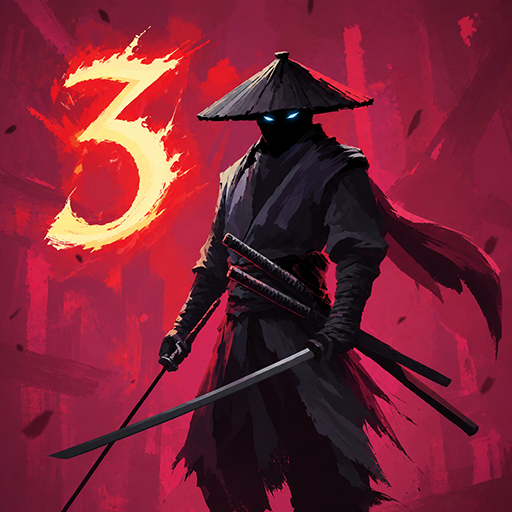
Ninja Arashi 3
Updated
Current Version
1.2
Offered By

With your passion for Ninja Arashi 3, you shouldn’t have to limit yourself to the small screen of a phone. Play like a pro and take full control of the game using a keyboard and mouse. MEmu gives you everything you’re looking for. Download and play Ninja Arashi 3 on PC. Play as long as you want — no more worries about battery life, mobile data, or unexpected calls. The all-new MEmu 9 is the best way to play Ninja Arashi 3 on PC. With our expertly designed keymapping system, Ninja Arashi 3 feels just like a real PC game. The MEmu multi-instance manager lets you run two or more accounts on the same device at the same time. Most importantly, our exclusive emulation engine unlocks your PC’s full potential, delivering smooth and seamless performance.
Show more
Download Ninja Arashi 3 on PC with MEmu Android Emulator. Enjoy playing on big screen. Become a legendary ninja.
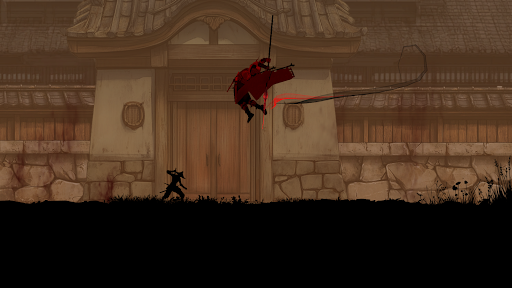
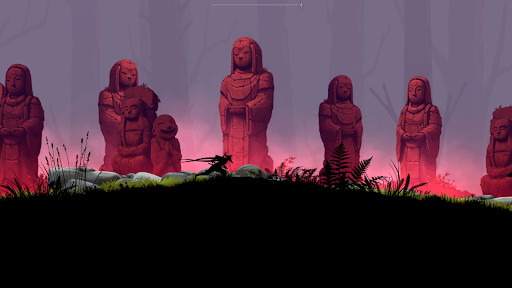
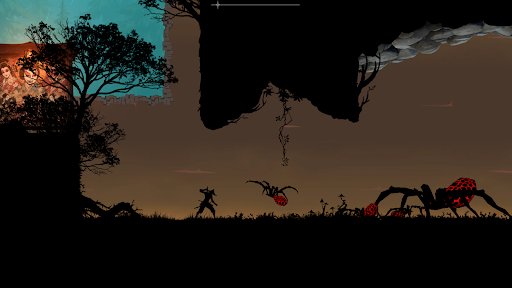
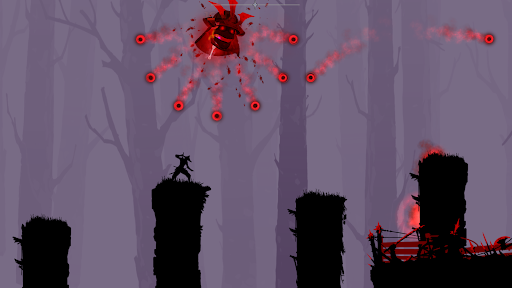
Become a legendary ninja. Rescue your son. Uncover the truth.
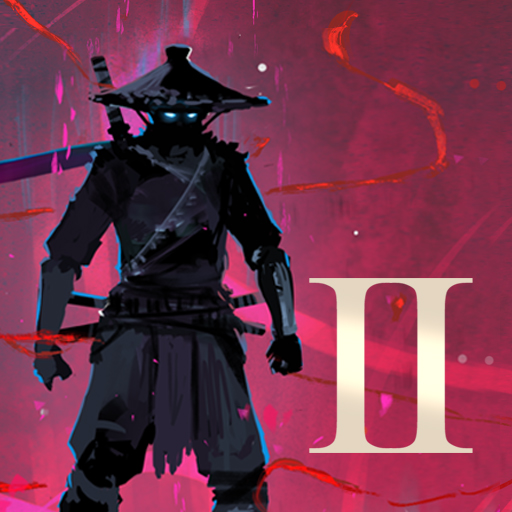
Ninja Arashi 3 continues a dark journey of revenge, mystery, and survival. Step into the shadow of a dangerous world, where deadly enemies stand in your way and the past holds answers you may not be ready to face.
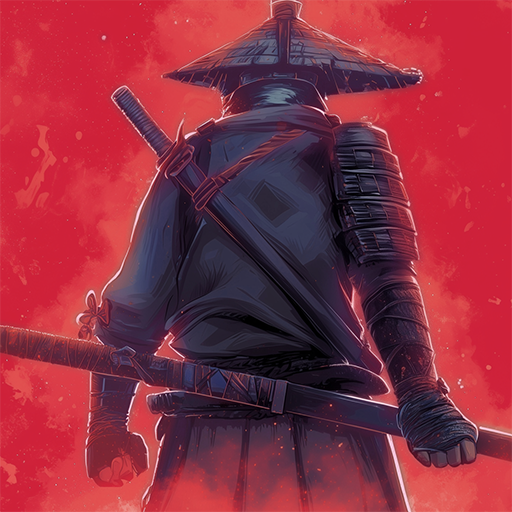
Play as Ninja Arashi and fight through treacherous landscapes filled with hidden traps, fierce warriors, and restless spirits. Follow the trail of your missing son, discover forgotten memories, and uncover the secrets behind the tragedy that shattered your family. Every shadow may conceal an enemy—or a clue.
MASTER DEADLY NINJA COMBAT
Combine swift sword attacks, precise kunai throws, and powerful abilities to overcome your enemies. In Ninja Arashi 3, timing and positioning can turn a desperate encounter into a decisive victory.
• Challenging action platformer
Jump across dangerous gaps, dodge lethal traps, and master demanding platforming challenges.
• Stealth and surprise attacks
Strike from the shadow, approach enemies from behind, and choose the right moment to attack.
• Powerful elemental abilities
Harness fire, ice, poison, lightning, and dark powers. Experiment with different abilities to shape your fighting style.
• Intense boss battles
Face formidable opponents, learn their attack patterns, and put your ninja skills to the test.
• Equipment and artifacts
Strengthen your character, upgrade your equipment, and collect mysterious artifacts to prepare for greater challenges.
• A dark fantasy adventure
Explore a world of shadow and mystery, meet memorable characters, and discover stories hidden beyond the main path.
DISCOVER WHAT LIES BEYOND REVENGE
The journey in Ninja Arashi 3 goes beyond combat. Listen to those you meet, take on side quests, and make choices that affect their stories. Some need your help. Others remember things you have forgotten.
Your son is still out there. The truth is waiting.
Enter the shadow. Begin your journey in Ninja Arashi 3.
Show more

1. Download MEmu installer and finish the setup

2. Start MEmu then open Google Play on the desktop

3. Search Ninja Arashi 3 in Google Play
Install
4. Download and Install Ninja Arashi 3
5. On install completion click the icon to start

6. Enjoy playing Ninja Arashi 3 on PC with MEmu
MEmu Play is the best Android emulator and 100 million people already enjoy its superb Android gaming experience. The MEmu virtualization technology empowers you to play thousands of Android games smoothly on your PC, even the most graphic-intensive ones.
Bigger screen with better graphics; Long duration, without limitation of battery or mobile data.
Full Keymapping support for precise control of keyboard and mouse or gamepad.
Multiple game accounts or tasks on single PC at one time with Multi-Instance manager.
Play Ninja Arashi 3 on PC by following steps: