Sword of Fire and Ice
Updated
Current Version
1.0.6
Offered By

With your passion for Sword of Fire and Ice, you shouldn’t have to limit yourself to the small screen of a phone. Play like a pro and take full control of the game using a keyboard and mouse. MEmu gives you everything you’re looking for. Download and play Sword of Fire and Ice on PC. Play as long as you want — no more worries about battery life, mobile data, or unexpected calls. The all-new MEmu 9 is the best way to play Sword of Fire and Ice on PC. With our expertly designed keymapping system, Sword of Fire and Ice feels just like a real PC game. The MEmu multi-instance manager lets you run two or more accounts on the same device at the same time. Most importantly, our exclusive emulation engine unlocks your PC’s full potential, delivering smooth and seamless performance.
Show more
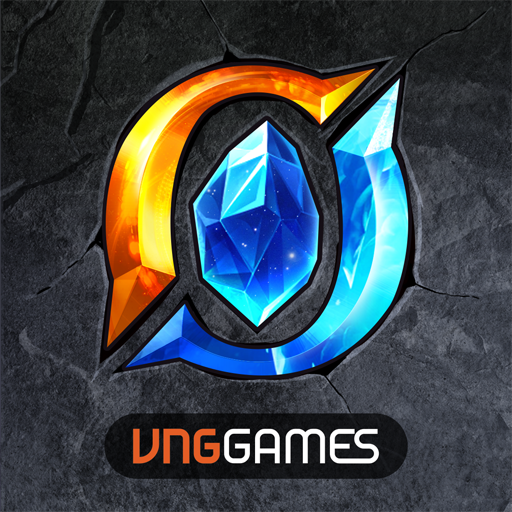
Download Sword of Fire and Ice on PC with MEmu Android Emulator. Enjoy playing on big screen. Sword of Fire and Ice is a Norse fantasy MMORPG where players uncover the secrets of Ragnarok, collect divine gear, advance sacred armors, summon Valkyries, and freely switch between over 30 classes and light and dark powers.
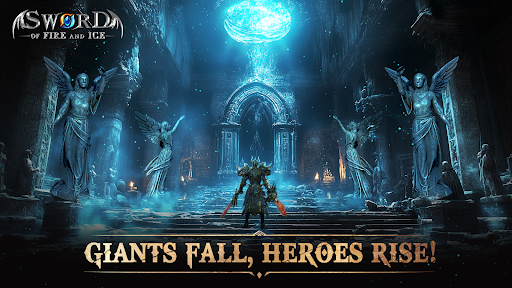
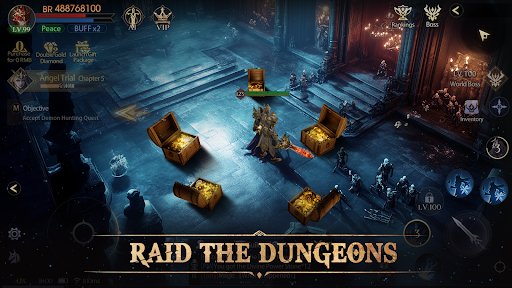
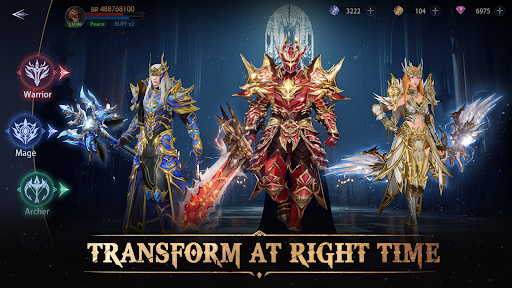
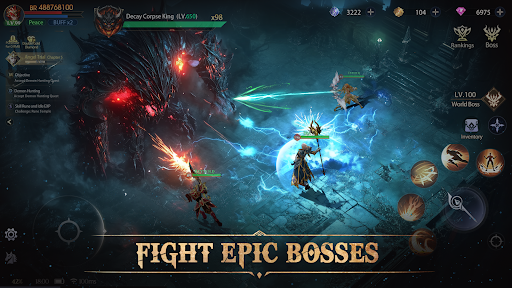
Sword of Fire and Ice is a Norse fantasy MMORPG where players uncover the secrets of Ragnarok, collect divine gear, advance sacred armors, summon Valkyries, and freely switch between over 30 classes and light and dark powers. Rise as the ruler of the new world!
Powered by an advanced game engine, the game features a richly detailed Nine Realms map and breathtaking effects, delivering an unparalleled audiovisual experience. Enjoy high drop rates in endless dungeons, intelligent AI-assisted gameplay, and massive 100v100 arenas as you push your combat skills to the limit!
Game Features
[Norse Fantasy, Reimagined in Stunning Detail]
Immerse yourself in the mythical world brought to life by an advanced engine. Explore the expansive Nine Realms map, summon the lost Valkyries, and experience aerial battles with dynamic perspectives. Spectacular effects ignite the battlefield, creating an unmatched visual and auditory feast.
[Strategic Choices, Forge Your Path]
Be it as a deity or a titan, choose your elemental affinity to unlock exclusive class advancements, skill trees, and transformation systems. Customize your growth journey to become a beacon of light or a rising hero of darkness, shaping your destiny in your unique way.
[High Drop Rates, Abundant Rewards]
Dive into dungeons with incredible drop rates to gather legendary armors and rare resources. Embark on adventures filled with challenges and surprises, battling your way to greatness in a world brimming with opportunities.
[Team Up for Epic Boss Fights]
Unite players worldwide to form alliances and take on large-scale cross-server battles with hundreds of participants. Challenge over 50 types of dungeon bosses, coordinate strategies, trade resources, and rise together on the world stage to claim glory and prestigious rewards.
[Idle Play, Seamless Progress]
Enjoy flexible gameplay with auto-battle and cutting-edge AI assistance. Whether online or offline, gain experience and rewards effortlessly while the AI intelligently plans daily tasks and boosts your combat power, allowing you to focus on overcoming greater challenges.
The fall of the primordial giant Ymir has shattered the fragile peace among the gods, giants, and humans. As the prelude to Ragnarok echoes across the realms, the shackles of the old world have been broken. Download or reserve now to shape the fate of the new world with your own hands!
Show more

1. Download MEmu installer and finish the setup

2. Start MEmu then open Google Play on the desktop

3. Search Sword of Fire and Ice in Google Play
Install
4. Download and Install Sword of Fire and Ice
5. On install completion click the icon to start

6. Enjoy playing Sword of Fire and Ice on PC with MEmu
MEmu Play is the best Android emulator and 100 million people already enjoy its superb Android gaming experience. The MEmu virtualization technology empowers you to play thousands of Android games smoothly on your PC, even the most graphic-intensive ones.
Bigger screen with better graphics; Long duration, without limitation of battery or mobile data.
Full Keymapping support for precise control of keyboard and mouse or gamepad.
Multiple game accounts or tasks on single PC at one time with Multi-Instance manager.
Play Sword of Fire and Ice on PC by following steps: