Tile Match puzzle - Tiletopia
Updated
Current Version
1.418.0
Offered By

With your passion for Tile Match puzzle - Tiletopia, you shouldn’t have to limit yourself to the small screen of a phone. Play like a pro and take full control of the game using a keyboard and mouse. MEmu gives you everything you’re looking for. Download and play Tile Match puzzle - Tiletopia on PC. Play as long as you want — no more worries about battery life, mobile data, or unexpected calls. The all-new MEmu 9 is the best way to play Tile Match puzzle - Tiletopia on PC. With our expertly designed keymapping system, Tile Match puzzle - Tiletopia feels just like a real PC game. The MEmu multi-instance manager lets you run two or more accounts on the same device at the same time. Most importantly, our exclusive emulation engine unlocks your PC’s full potential, delivering smooth and seamless performance.
Show more
Download Tile Match puzzle - Tiletopia on PC with MEmu Android Emulator. Enjoy playing on big screen. Introducing "Tile Match" – the captivating tile-matching puzzle game that will immerse you in a world of triple tile-tapping challenges and brain-teasing fun.
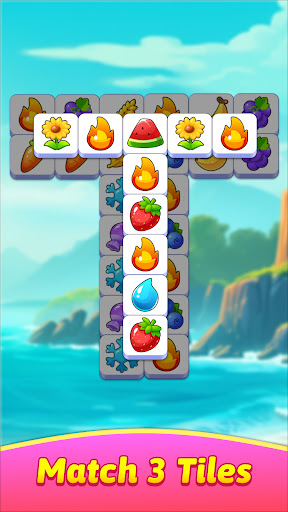
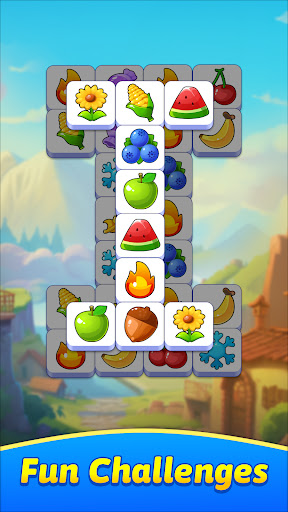
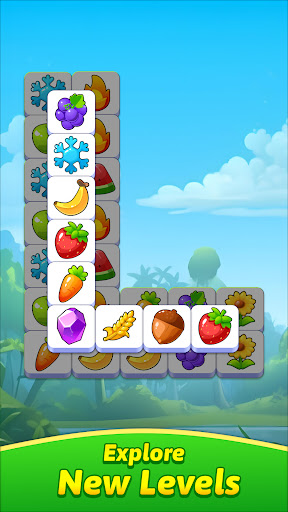
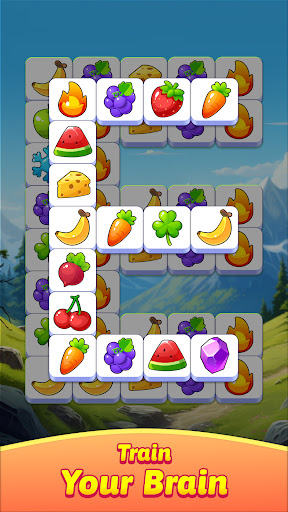
Introducing "Tile Match" – the captivating tile-matching puzzle game that will immerse you in a world of triple tile-tapping challenges and brain-teasing fun.
Get ready to embark on an exciting journey through intricate puzzles as you match tiles, clear boards, and become the ultimate tile master.
With its friendly mechanics and addictive gameplay, Tile Match is the perfect choice for tile-matching enthusiasts who crave a delightful puzzle gaming experience.
In Tile Match, your objective is simple yet engaging: match three or more tiles to clear them from the board. What starts as a straightforward game quickly evolves into a thrilling mental workout as you progress through increasingly intricate levels. The game takes inspiration from classic Mahjong puzzles and elevates them with modern graphics and a touch of innovation, making Tile Match a classic matching game for players of all ages.
Key Features of Tile Match:
1. Addictive Matching Gameplay: Dive into the world of triple tile matching with easy-to-learn mechanics that quickly become addictive. The more you play, the more challenging it gets, ensuring you're always engaged.
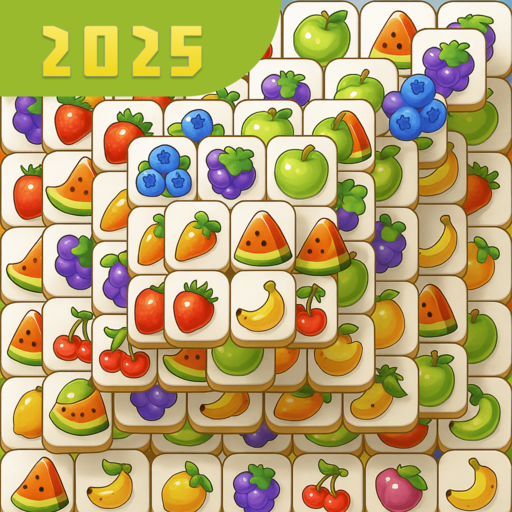
2. Beautifully Crafted 3D Tiles: Tile Match boasts stunning 3D tiles that not only enhance the visual appeal but also provide a delightful sensory experience as you tap tiles and match your way through the game.
3. Brain-Teasing Challenges: Each level in Tile Match presents a new and exciting puzzle to solve. It's not just about matching tiles; it's about strategy and skill as you navigate through brain-teasers that will keep you on your toes.
4. Unlock Scenic Landscapes: Traverse a mesmerizing game world filled with scenic landscapes and interesting tiles as you progress through the levels. From serene seascapes to lush rainforests, Tile Match offers a visually diverse gaming experience.
5. Endless Entertainment: With thousands of challenging puzzles, brainteasers, and classic tile-matching games at your fingertips, you'll never run out of opportunities to test your tile-matching prowess.
6. Regular Game Updates: Stay excited and engaged with Tile Match, as new levels are added regularly to keep the gameplay fresh and invigorating.
7. Master the Art of Matching: Clear the tile game board by matching three tiles and unlock new triple tile match chapters, each with its unique set of challenges and scenic backdrops.
8. For Gamers of All Levels: Whether you're a casual gamer looking for a relaxing pastime or a hardcore enthusiast seeking a formidable challenge, Tile Match caters to a wide range of players.
In conclusion, Tile Match is a must-have for anyone who appreciates the thrill of triple tile-matching puzzles. With its beautiful 3D tiles, regular updates, and a vast array of brain-teasing levels, it promises hours of entertainment.
Download Tile Match today and embark on a journey to become the ultimate tile master. Tap, match, and conquer the world of tiles in this exciting puzzle adventure!
Show more

1. Download MEmu installer and finish the setup

2. Start MEmu then open Google Play on the desktop

3. Search Tile Match puzzle - Tiletopia in Google Play
Install
4. Download and Install Tile Match puzzle - Tiletopia
5. On install completion click the icon to start

6. Enjoy playing Tile Match puzzle - Tiletopia on PC with MEmu
MEmu Play is the best Android emulator and 100 million people already enjoy its superb Android gaming experience. The MEmu virtualization technology empowers you to play thousands of Android games smoothly on your PC, even the most graphic-intensive ones.
Bigger screen with better graphics; Long duration, without limitation of battery or mobile data.
Full Keymapping support for precise control of keyboard and mouse or gamepad.
Multiple game accounts or tasks on single PC at one time with Multi-Instance manager.
Play Tile Match puzzle - Tiletopia on PC by following steps: