
Westward Farm: Family Escape
Updated
Current Version
Offered By

With your passion for Westward Farm: Family Escape, you shouldn’t have to limit yourself to the small screen of a phone. Play like a pro and take full control of the game using a keyboard and mouse. MEmu gives you everything you’re looking for. Download and play Westward Farm: Family Escape on PC. Play as long as you want — no more worries about battery life, mobile data, or unexpected calls. The all-new MEmu 9 is the best way to play Westward Farm: Family Escape on PC. With our expertly designed keymapping system, Westward Farm: Family Escape feels just like a real PC game. The MEmu multi-instance manager lets you run two or more accounts on the same device at the same time. Most importantly, our exclusive emulation engine unlocks your PC’s full potential, delivering smooth and seamless performance.
Show more
Download Westward Farm: Family Escape on PC with MEmu Android Emulator. Enjoy playing on big screen. Welcome to Westward Farm: Family Escape!
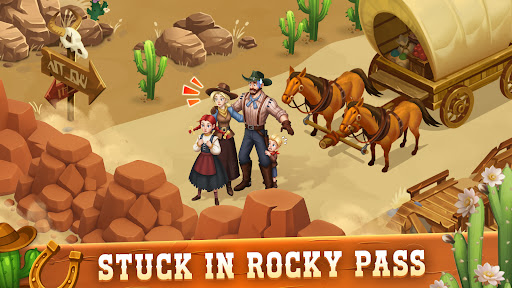
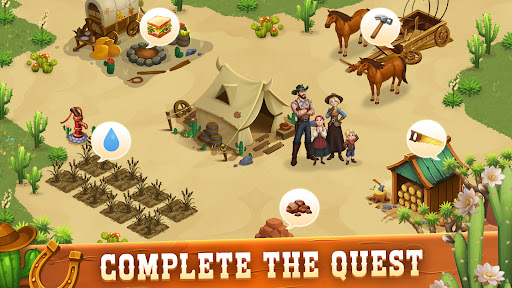
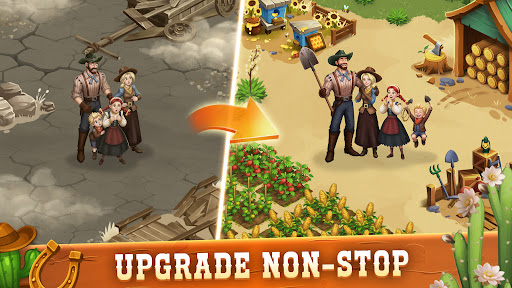

Welcome to Westward Farm: Family Escape!
Step into the Wild West and experience a thrilling farming life in Westward Farm: Family Escape! Join a family of four as they set out to build their dream farm and embark on an exciting adventure across the untamed lands of the West. It’s a farming simulator like no other, where farming, exploration, and survival come together in a captivating journey.
Imagine waking up every day on a beautiful farm surrounded by vast, wild landscapes. In this western world, you’ll grow crops, raise animals, explore new territories, and survive the challenges of the frontier with your loved ones by your side. It’s time to create the family farm of your dreams and thrive in the heart of the West!
Key Features of Westward Farm: Family Escape:
Farm and Thrive
Build and grow your family farm in the wild lands of the West. Grow crops, raise animals, and craft goods to trade with other settlers.
Farm the land, create a sustainable lifestyle, and overcome the challenges of the frontier to create a thriving township.
Explore the Wild Frontier
Venture into new, wild territories, discovering treasures and hidden secrets along the way. Unlock new regions, uncover lost artifacts, and build your farm’s legacy.
Go on thrilling quests, solve puzzles, and find rare resources that will help expand your farm and town.
Family Life on the Frontier
Your family of four is at the heart of this adventure. Help each family member contribute to the farm, cooking meals, and completing quests together.
Work as a team to farm, build, and survive the challenges of Westward life.
Build Your Western Town
Expand your township as you grow your farm. Build new structures, upgrade existing ones, and decorate your town with western-style decorations.
Each building you construct helps your family farm grow and thrive in the untamed West.
Customize Your Farm and Town
Personalize your family farm with unique decorations, plants, and buildings that match the rustic charm of the western frontier.
Add a personal touch to your township, making it a reflection of your family’s journey in the West.
Meet Colorful Characters
Encounter traders, explorers, and other settlers who will help you on your journey. Complete their quests and unlock new roles for your family members to help you grow your farm.
Each new character you meet adds depth to your story and helps you unlock new features in the game.
Survive and Escape the Wild West
Life in the West isn’t easy, but together with your family, you can overcome any obstacle. Help them navigate the dangers of the frontier and face new challenges.
From building your farm to surviving the wild, Westward Farm: Family Escape is a journey of survival and growth.
Westward calls, and it’s time to answer. With every quest, you’ll unlock new adventures and discover the vast beauty of the Wild West. Create the family farm of your dreams, explore unknown lands, and build a legacy in the heart of the West.
Start your Westward adventure today and escape to the Wild West!
Show more

1. Download MEmu installer and finish the setup

2. Start MEmu then open Google Play on the desktop

3. Search Westward Farm: Family Escape in Google Play
Install
4. Download and Install Westward Farm: Family Escape
5. On install completion click the icon to start

6. Enjoy playing Westward Farm: Family Escape on PC with MEmu
MEmu Play is the best Android emulator and 100 million people already enjoy its superb Android gaming experience. The MEmu virtualization technology empowers you to play thousands of Android games smoothly on your PC, even the most graphic-intensive ones.
Bigger screen with better graphics; Long duration, without limitation of battery or mobile data.
Full Keymapping support for precise control of keyboard and mouse or gamepad.
Multiple game accounts or tasks on single PC at one time with Multi-Instance manager.
Play Westward Farm: Family Escape on PC by following steps: