Woodoku Blast
Updated
Current Version
1.30.01
Offered By

With your passion for Woodoku Blast, you shouldn’t have to limit yourself to the small screen of a phone. Play like a pro and take full control of the game using a keyboard and mouse. MEmu gives you everything you’re looking for. Download and play Woodoku Blast on PC. Play as long as you want — no more worries about battery life, mobile data, or unexpected calls. The all-new MEmu 9 is the best way to play Woodoku Blast on PC. With our expertly designed keymapping system, Woodoku Blast feels just like a real PC game. The MEmu multi-instance manager lets you run two or more accounts on the same device at the same time. Most importantly, our exclusive emulation engine unlocks your PC’s full potential, delivering smooth and seamless performance.
Show more
Download Woodoku Blast on PC with MEmu Android Emulator. Enjoy playing on big screen. Welcome to Woodoku Blast: The Mesmerizing Colorful Block Puzzle Game!
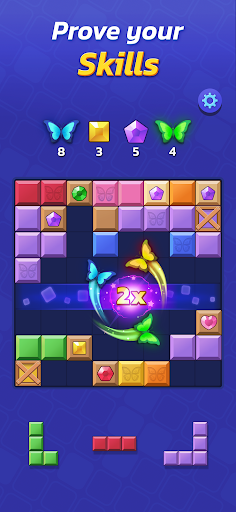
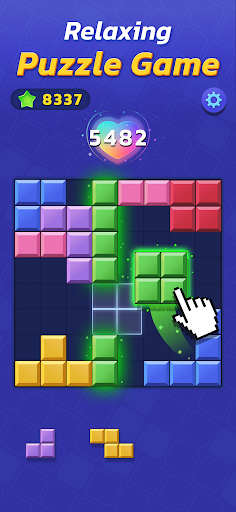
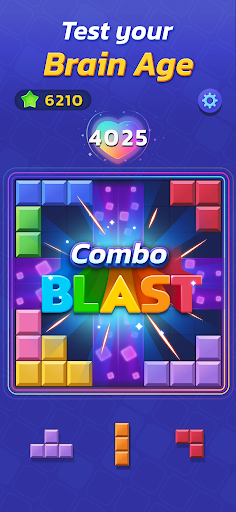
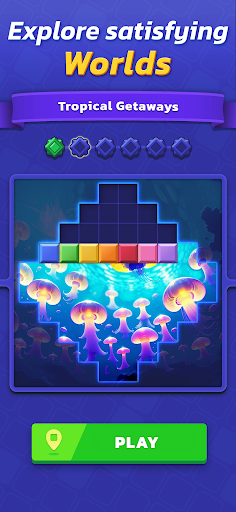
Welcome to Woodoku Blast: The Mesmerizing Colorful Block Puzzle Game!
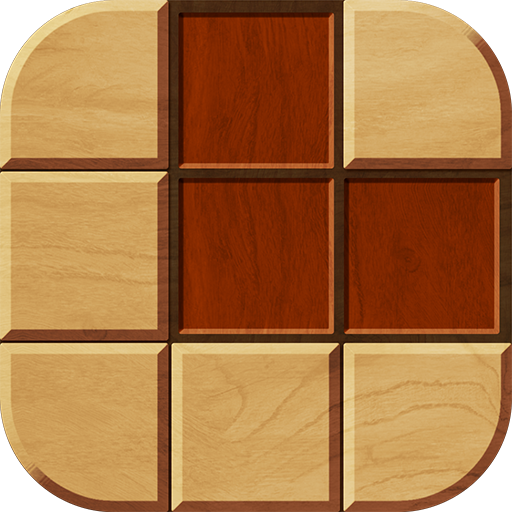
Prepare yourself for an addictive puzzle adventure like no other, where you can blast blocks on Sudoku grid. Woodoku Blast is here to captivate your senses and challenge your puzzle-solving skills, even offline and with no Wifi. Dive into a world of vibrant colors, creative challenges, and endless block puzzle fun – all in the palm of your hand.
Easy to Learn, Challenging to Master:
Woodoku Blast's simple and intuitive gameplay makes becoming a block master accessible to players of all ages. Place colorful blocks on the block puzzle grid, clear lines on the Sudoku inspired layout, and score points to progress through the levels, all while enjoying the game offline with no Wifi required.. But don't be fooled by its ease; as you advance, the block games become more intricate, requiring strategic thinking and clever moves to conquer. Can you rise to the challenge and become the block master?
Boundless Levels of Colorful Fun:
With a vast array of levels, Woodoku Blast ensures you'll never run out of exciting block games to solve. Explore diverse landscapes and themes, from tranquil gardens to futuristic cities, each offering a unique and immersive puzzle-solving experience that is playable offline with no Wifi required.
Relax and Recharge:
Need a break? Woodoku Blast offers a soothing and meditative puzzle experience that you can enjoy offline. Unwind, clear your mind, and recharge your mental energy while surrounded by delightful visuals and calming sounds anytime and anywhere with no Wifi required!
Stay Tuned for Exciting Events:
The fun never stops in Woodoku Blast! Keep an eye out for thrilling events, limited-time challenges, and exclusive rewards on the Sudoku-inspired grid. Participate to put your skills to the test and earn unique prizes that set you apart as a Woodoku Blast block master!
Ready to Embark on a Colorful Puzzle Adventure? Download Woodoku Blast’s Block Games Now!
Are you ready for a mesmerizing and challenging puzzle experience? Download Woodoku Blast now and immerse yourself in a world of colorful blocks, creative challenges, and endless excitement. Blast blocks on a Sudoku grid and show off your strategic skills, design your puzzles, and conquer the world of Woodoku Blast!
Show more

1. Download MEmu installer and finish the setup

2. Start MEmu then open Google Play on the desktop

3. Search Woodoku Blast in Google Play
Install
4. Download and Install Woodoku Blast
5. On install completion click the icon to start

6. Enjoy playing Woodoku Blast on PC with MEmu
MEmu Play is the best Android emulator and 100 million people already enjoy its superb Android gaming experience. The MEmu virtualization technology empowers you to play thousands of Android games smoothly on your PC, even the most graphic-intensive ones.
Bigger screen with better graphics; Long duration, without limitation of battery or mobile data.
Full Keymapping support for precise control of keyboard and mouse or gamepad.
Multiple game accounts or tasks on single PC at one time with Multi-Instance manager.
Play Woodoku Blast on PC by following steps: