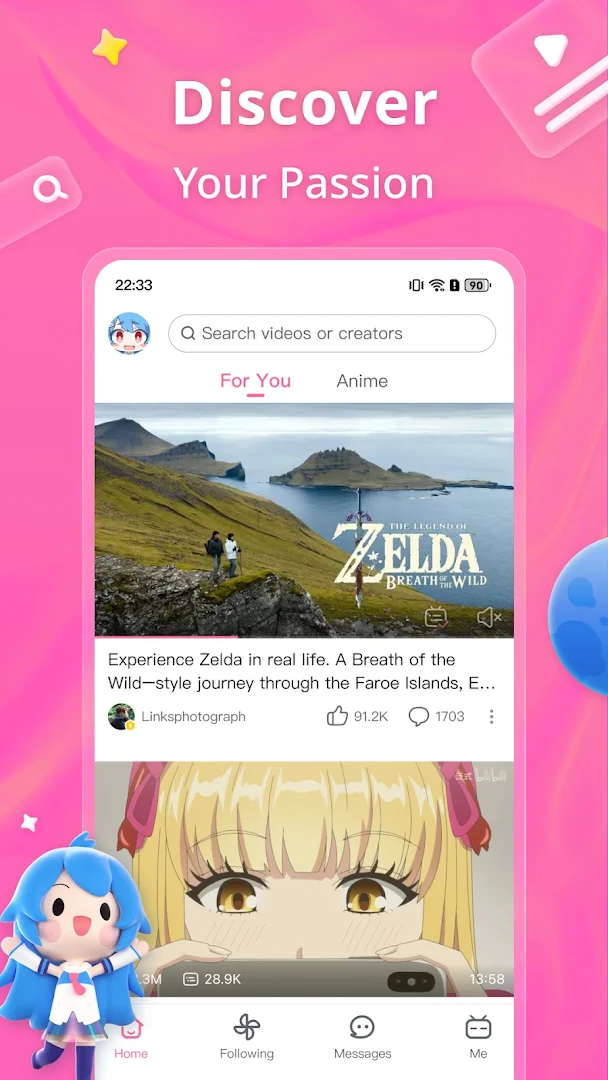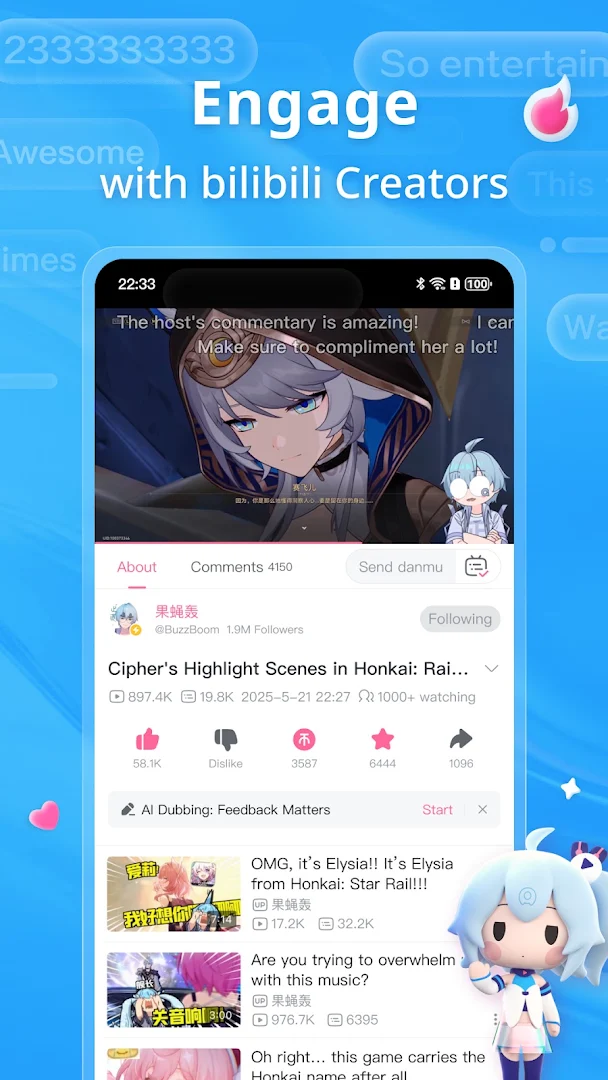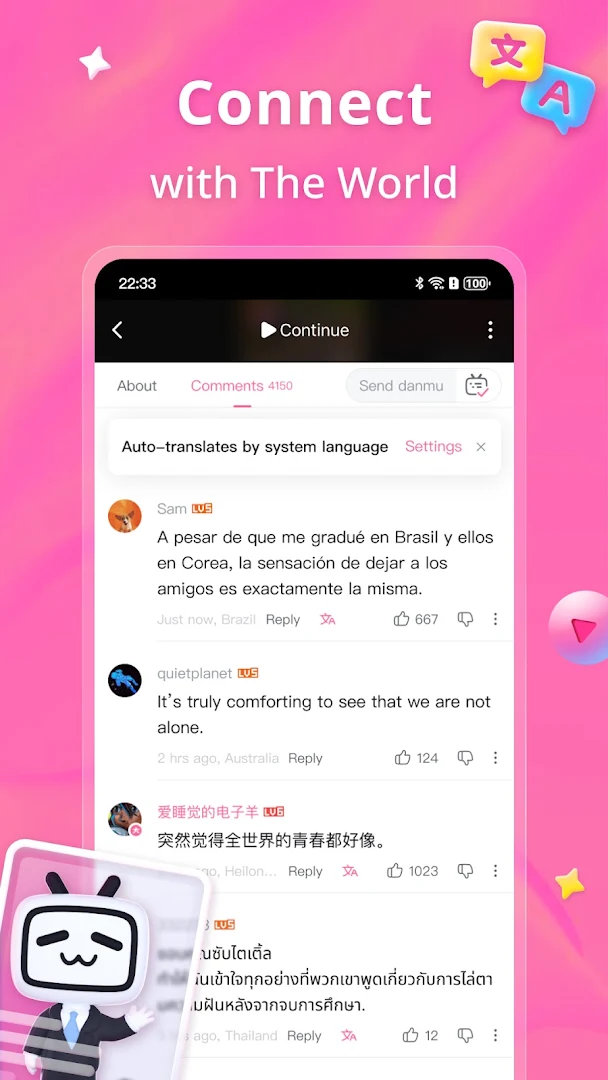
bilibili - Anime · Video HD
Updated
Current Version
6.8.0
Offered By

Stop worrying about high battery drain when using bilibili - Anime · Video HD on your phone. Free yourself from the tiny screen and enjoy the app on a much larger display. From now on, get a full-screen experience of your app with the convenience of a keyboard and mouse. MEmu offers you all the surprising features you’d expect: quick installation and easy setup, intuitive controls, and no more worries about battery life, mobile data, or unexpected calls. The all-new MEmu 9 is the choice for using bilibili - Anime · Video HD on your computer. With the MEmu multi-instance manager, you can run two or more accounts at the same time. Most importantly, our exclusive emulation engine unlocks your PC’s full potential, delivering smooth and enjoyable performance.
Show more
Enjoy superb experience of using bilibili-弹幕动画直播高清视频 on PC with MEMU App Player. It's a powerful free Android emulator which provides you with thousands of android apps for their desktop version. Enjoy connecting with friends and polishing your work with higher efficiency! Welcome to bilibili – the ultimate home for anime fans, gamers, tech geeks, and culture lovers.
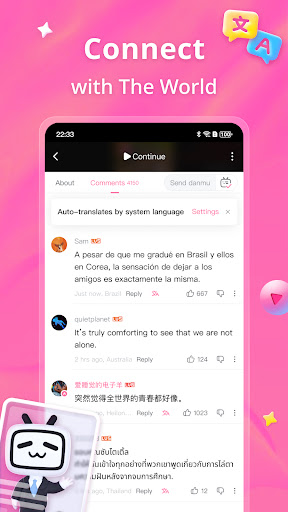
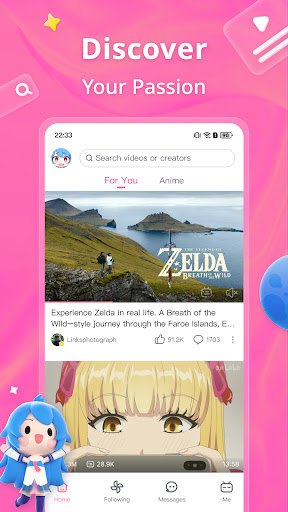
Welcome to bilibili – the ultimate home for anime fans, gamers, tech geeks, and culture lovers.
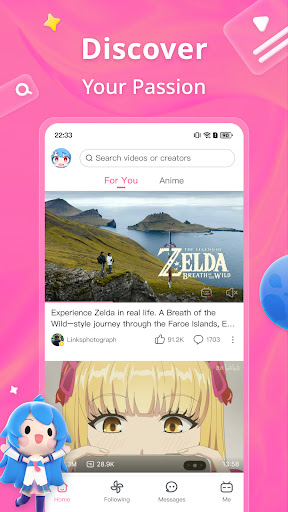
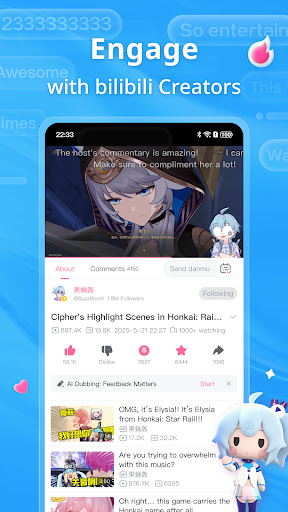
Ever dreamed of a place where you could binge anime edits, watch live esports with 10,000 danmu (bullet comments), and explore street food from across the globe—all in a single afternoon?
That's what we do here.
We're bilibili. We watch, we laugh, we remix, we overthink, and then we create again.
Whatever you're into—we've got it.
Hardcore into gaming?
From competitive esports to chill strategy Let's Plays, we've got gameplay videos, walkthroughs, speedruns, and rage quits galore.
Love cool gadgets and tech?
Dive into in-depth unboxings, honest reviews, or sci-fi concepts brought to life.
Obsessed with anime and fandoms?
This is your paradise—AMVs, cosplay tutorials, parody dubs, and wild fan theories included.
Into global culture?
Explore music, performing arts, creative writing, and street food from all over the world. Here, culture is binged just like a series.
Hear creators in your language
With our new AI Dubbing feature, you can enjoy creators from around the world without needing subtitles. Fewer language barriers, more "I get you."
Your passion deserves a stage. Or at least a fanbase.
Got a hot take? A crazy remix idea? A cosplay transformation to show off? This is your space.
Everyone here is a creator in the making—drawing, dubbing, animating, narrating, memeing, and constantly inventing something new. From "fan" to "creator," you're just one upload away.
We're not just a video app.
We're a creative community where culture meets fandom, memes meet meaning, and your interests meet their tribe.
We'll see you in the danmu. Or maybe on the Trending tab
– With creativity & culture,
The bilibili team
Show more

1. Download MEmu installer and finish the setup

2. Start MEmu then open Google Play on the desktop

3. Search bilibili - Anime · Video HD in Google Play
Install
4. Download and Install bilibili - Anime · Video HD
5. On install completion click the icon to start

6. Enjoy using bilibili - Anime · Video HD on PC with MEmu
MEmu Play is the best Android emulator, and 100 million users already enjoy its superb Android app experience. Powered by advanced virtualization technology, it lets you enjoy thousands of Android apps smoothly on your PC—including the most graphics-intensive ones.
Bigger screen with better graphics; Long duration, without limitation of battery or mobile data.
Full Keymapping support for precise control of keyboard and mouse or gamepad.
Multiple game accounts or tasks on single PC at one time with Multi-Instance manager.
Use bilibili - Anime · Video HD on PC by following steps: