
Face Dance: AI Photo Animator
Updated
Current Version
1.8.7
Offered By

Stop worrying about high battery drain when using Face Dance: AI Photo Animator on your phone. Free yourself from the tiny screen and enjoy the app on a much larger display. From now on, get a full-screen experience of your app with the convenience of a keyboard and mouse. MEmu offers you all the surprising features you’d expect: quick installation and easy setup, intuitive controls, and no more worries about battery life, mobile data, or unexpected calls. The all-new MEmu 9 is the choice for using Face Dance: AI Photo Animator on your computer. With the MEmu multi-instance manager, you can run two or more accounts at the same time. Most importantly, our exclusive emulation engine unlocks your PC’s full potential, delivering smooth and enjoyable performance.
Show more
Enjoy superb experience of using Face Dance: AI Photo Animator on PC with MEMU App Player. It's a powerful free Android emulator which provides you with thousands of android apps for their desktop version. Enjoy connecting with friends and polishing your work with higher efficiency! Take a selfie, lip sync, and make it dance with Face Dance AI Photo Animator .
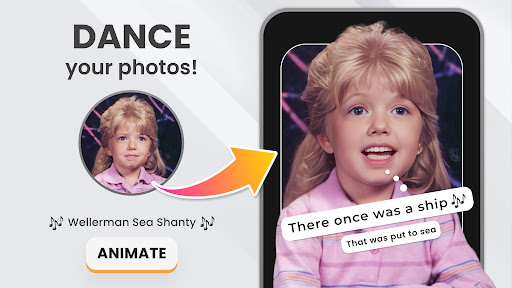
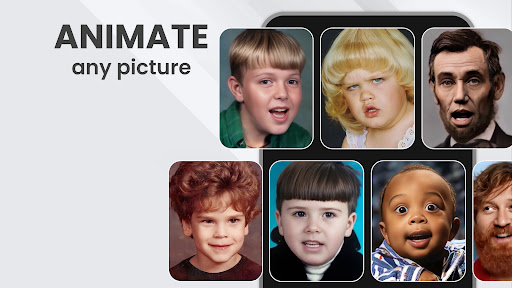
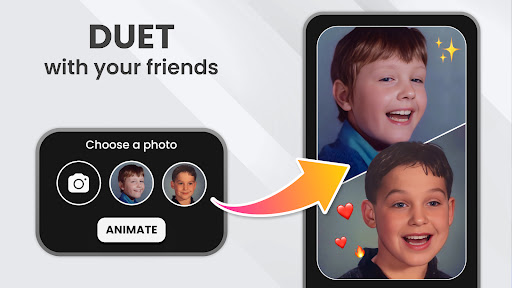
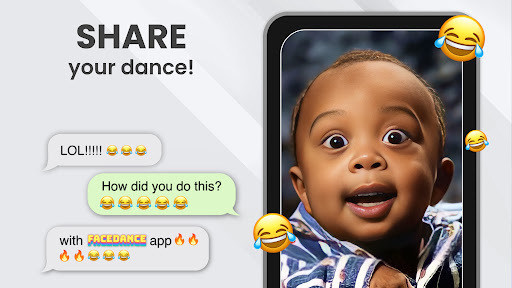
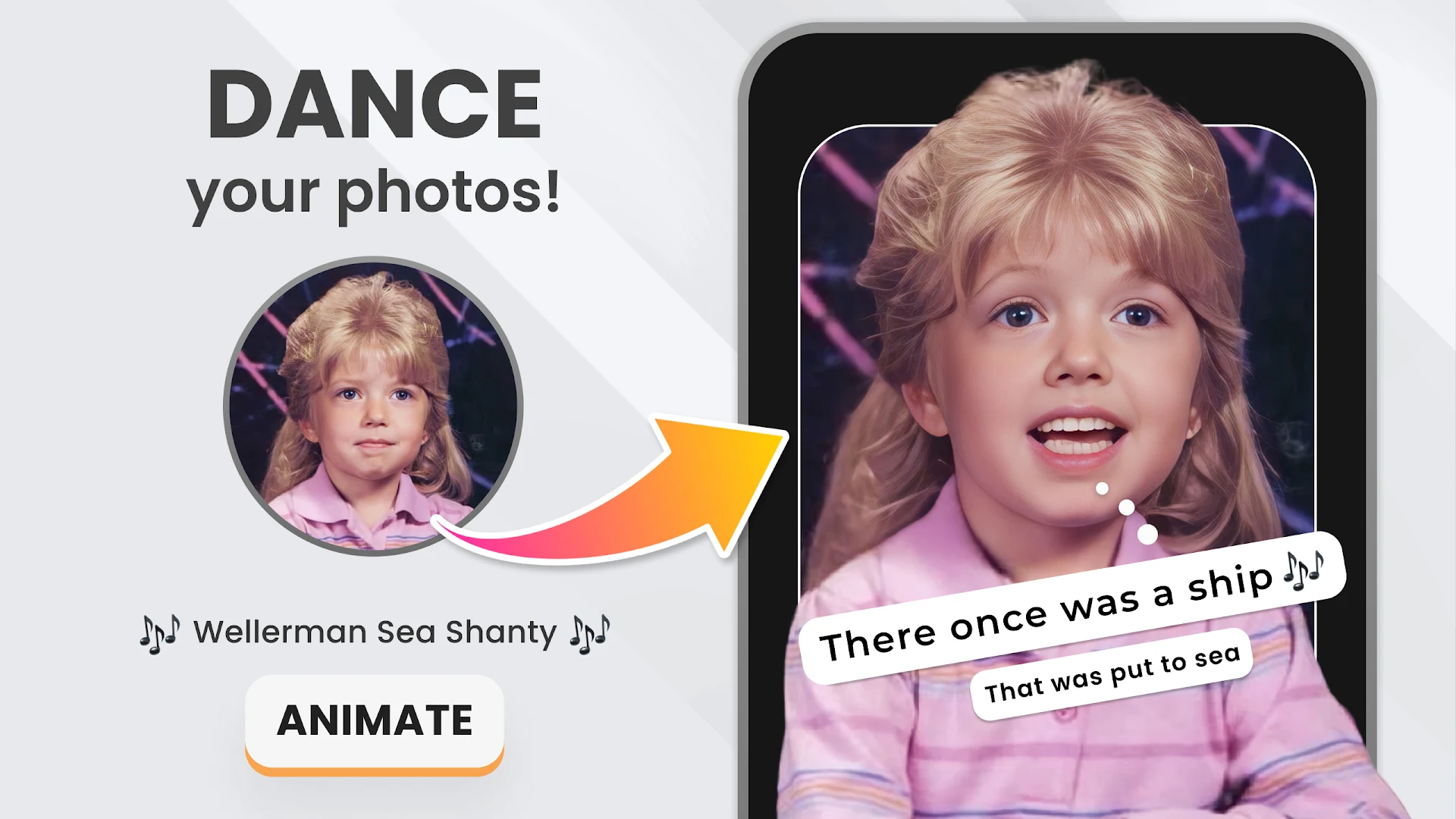
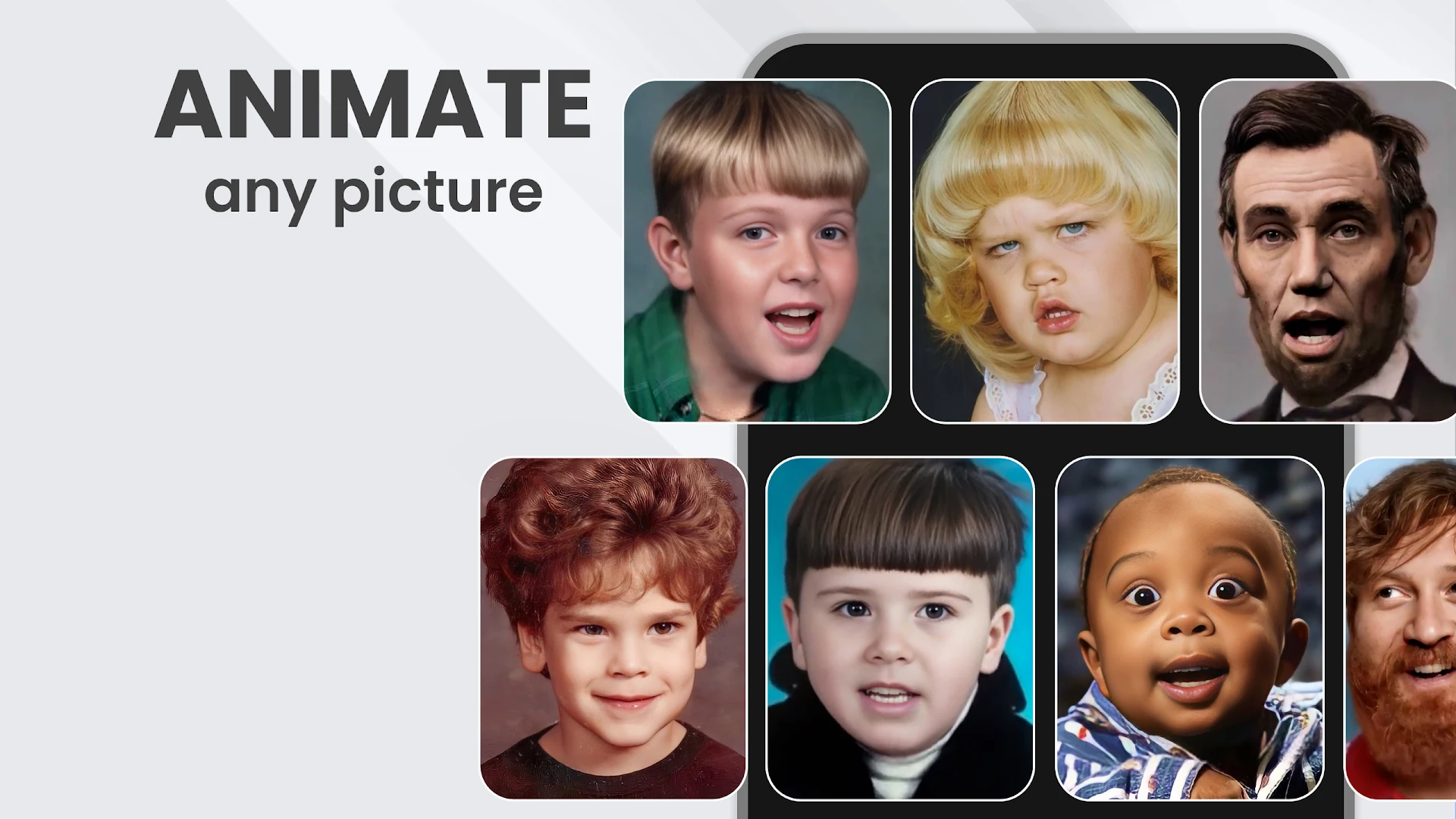
Take a selfie, lip sync, and make it dance with Face Dance AI Photo Animator . Animate selfies & photos with hundreds of face animations to choose from. Try FaceDance today for free!
Don't limit yourself with selfies! Here's how to level up the fun with Face Dance:
Say your baby's first words 2024
Make your boss dance to a hilarious song
Let your pet speak up
Make your boyfriend sing a love song
MAKE YOUR SELFIES & PHOTOS SING
Just upload a selfie, pick your favorite song, and make your selfie sing to it!
ANIMATE OLD PHOTOS
Animate old photos with the Nostalgia mode. Bring black & white photos back to life. Enjoy nostalgic animated photos!
CREATE A FACE DANCE OF YOUR OWN MIMICS
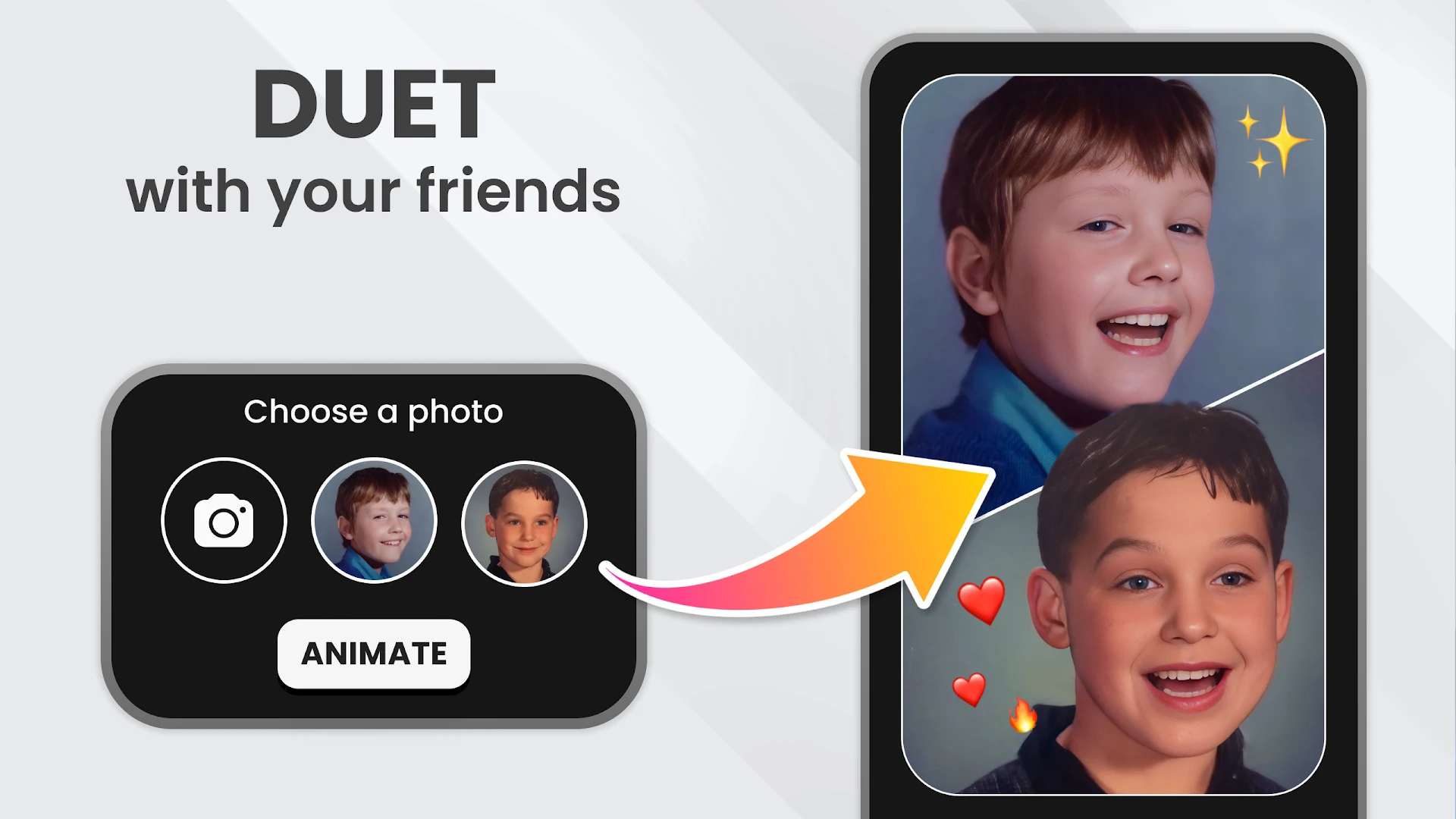
Show off your Face Dance skills! Record yourself while lip-syncing to your favorite sound, and let other users perform your moves with their own selfies!
TURN FRIENDS INTO MEMES
Upload a picture of a friend and make it...
—> SING your favorite song
—> DANCE to trending beats (and yes, TikTok challenges too!)
—> ACT as your favorite movie character
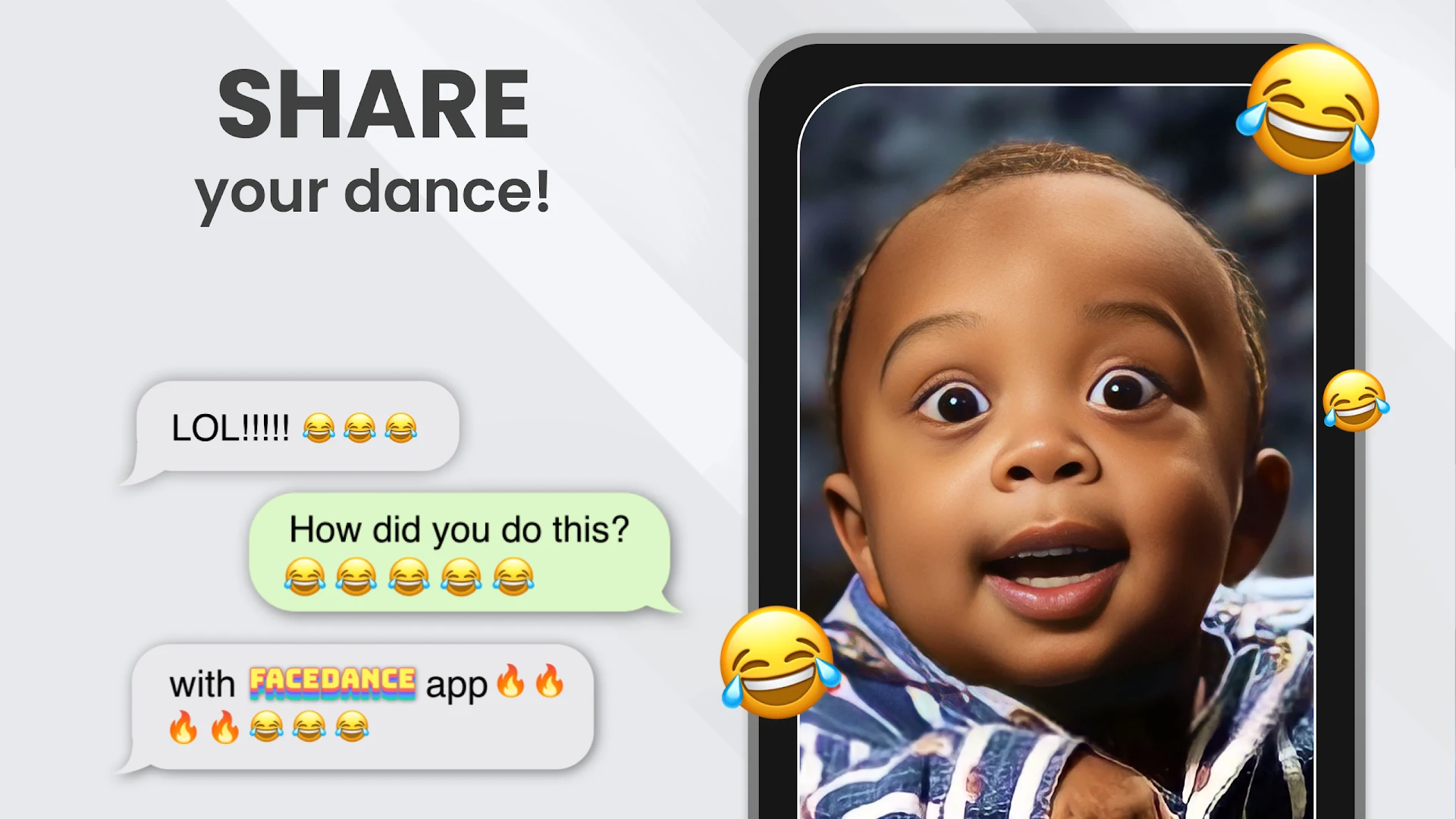
SHARE VIDEOS WITH ONE TAP
FaceDance gives you a perfectly optimized video that's ready to share & go viral on TikTok, Instagram, or your favorite chat group!
KEEP UP WITH TRENDS & GO VIRAL!
We release new dances every day; check in once a day to try new animations on your favorite selfies!
Copyright
Codeway attaches great importance to confidentiality, intellectual property rights including copyrights and personal data; takes care to be transparent about them.
If you believe in good faith that materials transmitted or created through FaceDance App infringe your copyright, your personal right or privacy; you may send us a notice requesting that we remove the Material or block access to it by filling out the Rights Policy Form. For more information, please kindly refer to the Rights Policy Form within the app.
Payment & Subscription Terms:
Choose between the following subscription options for unlimited access to all features:
Weekly Subscription
Annual Subscription
FREE TRIAL FOR 3 DAYS - OFFERING UNLIMITED AD-FREE PHOTO ANIMATION FOR A LIMITED TIME
You may cancel your subscription at any time
FaceDance's free trial allows you unlimited ad-free access to all features for three days. Your account will be automatically charged for renewal, based on the annual subscription plan, within 24 hours before the end of the three-day free trial period.
You can cancel auto-renewal at any time, given that the cancellation is at least 24 hours before the end of the current period. Any unused portion of a free trial period will be forfeited when purchasing an auto-renewing subscription.
Manage your subscription directly from your iPhone
You can cancel the auto-renewal from the Account Settings:
Open the Settings app
Tap your name
Tap Subscriptions
Tap the subscription that you want to manage
Privacy
Your privacy is our concern. We won't save any of your pictures or animated videos. Check out our privacy policy here: codeway.co/facedance-privacy
Terms of Use
Please check our terms of use here: codeway.co/facedance-terms
Contact
If you have any questions, or if you'd like to recommend a new song, email us at facedance@codeway.co
Terms & Conditions: codeway.co/facedance-terms
Privacy Policy & EULA: codeway.co/facedance-privacy
Show more

1. Download MEmu installer and finish the setup

2. Start MEmu then open Google Play on the desktop

3. Search Face Dance: AI Photo Animator in Google Play
Install
4. Download and Install Face Dance: AI Photo Animator
5. On install completion click the icon to start

6. Enjoy using Face Dance: AI Photo Animator on PC with MEmu
MEmu Play is the best Android emulator, and 100 million users already enjoy its superb Android app experience. Powered by advanced virtualization technology, it lets you enjoy thousands of Android apps smoothly on your PC—including the most graphics-intensive ones.
Bigger screen with better graphics; Long duration, without limitation of battery or mobile data.
Full Keymapping support for precise control of keyboard and mouse or gamepad.
Multiple game accounts or tasks on single PC at one time with Multi-Instance manager.
Use Face Dance: AI Photo Animator on PC by following steps:






















![[3D Platformer] Super Bear Adventure PC](https://dl.memuplay.com/new_market/img/com.Earthkwak.Platformer.icon.2024-09-08-15-16-43.png)




