foodpanda - Local Food Delivery
Updated
Current Version
26.19.0
Offered By

Stop worrying about high battery drain when using foodpanda - Local Food Delivery on your phone. Free yourself from the tiny screen and enjoy the app on a much larger display. From now on, get a full-screen experience of your app with the convenience of a keyboard and mouse. MEmu offers you all the surprising features you’d expect: quick installation and easy setup, intuitive controls, and no more worries about battery life, mobile data, or unexpected calls. The all-new MEmu 9 is the choice for using foodpanda - Local Food Delivery on your computer. With the MEmu multi-instance manager, you can run two or more accounts at the same time. Most importantly, our exclusive emulation engine unlocks your PC’s full potential, delivering smooth and enjoyable performance.
Show more
Enjoy superb experience of using foodpanda - Local Food Delivery on PC with MEMU App Player. It's a powerful free Android emulator which provides you with thousands of android apps for their desktop version. Enjoy connecting with friends and polishing your work with higher efficiency! Discover the local choice for meals, groceries, and food delivery with foodpanda!
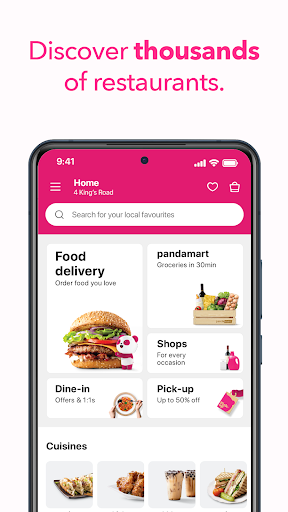
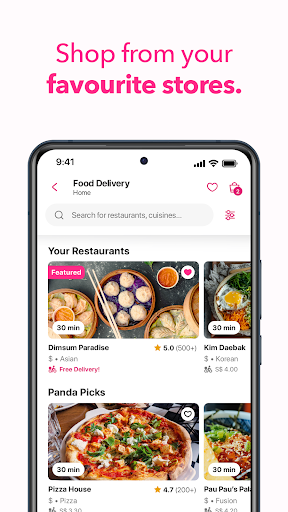
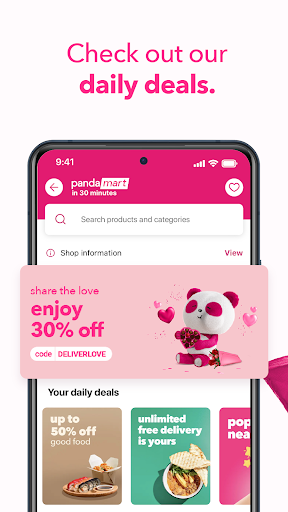
Discover the local choice for meals, groceries, and food delivery with foodpanda!
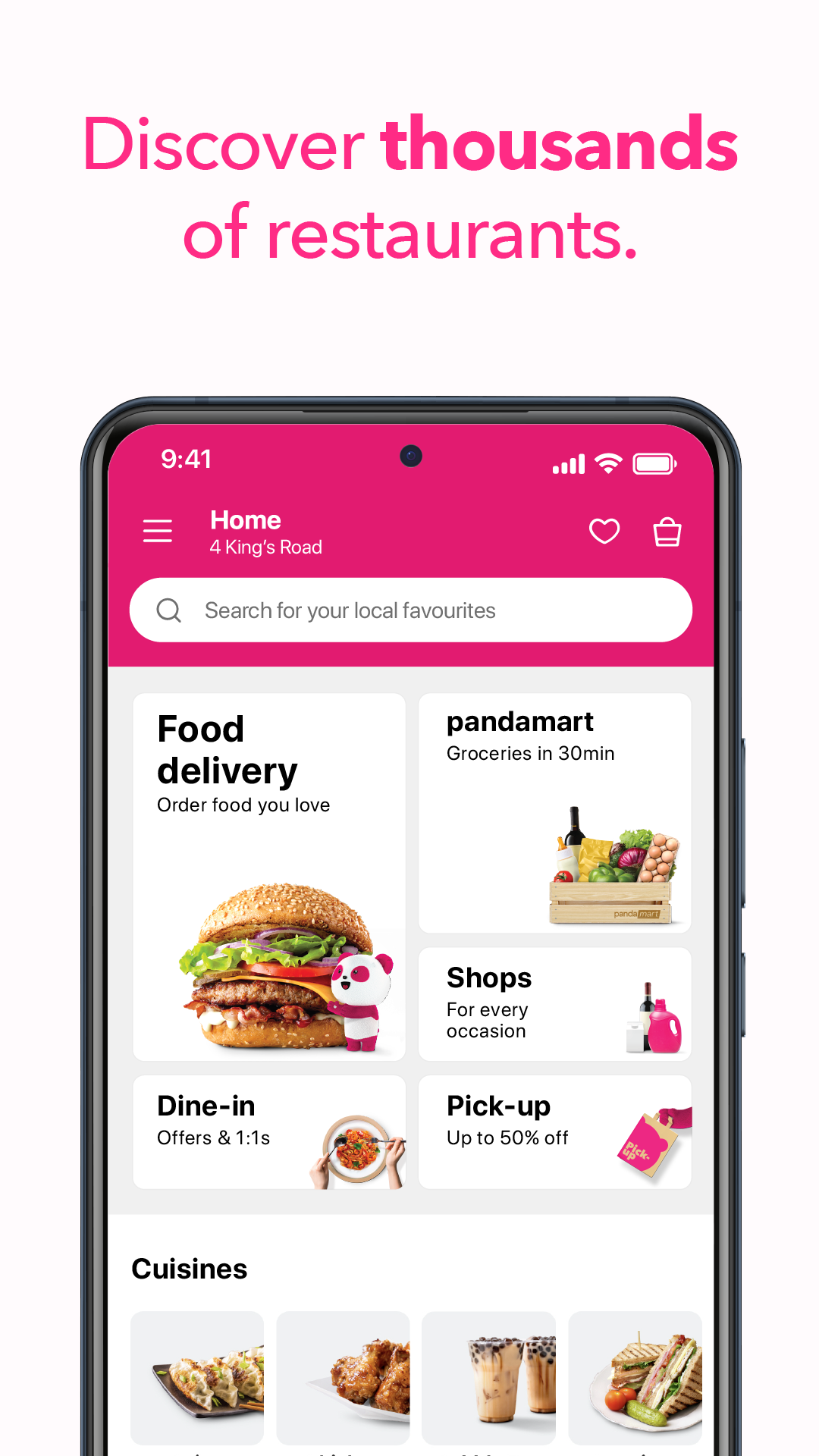
Life can get overwhelming, but we’re here to help! Whether you need daily meals, groceries, or shopping essentials, foodpanda has got you covered with convenient food delivery.
Order Your Favourite Food with Just 3 Simple Taps!
With foodpanda, you can easily choose the food you love, and we’ll deliver it right to your door. Serving millions across over 400 cities in 11 Asian markets — Singapore, Hong Kong, Thailand, Malaysia, Pakistan, Taiwan, the Philippines, Bangladesh, Laos, Cambodia, and Myanmar — foodpanda is your go-to for everyday food delivery.
Endless Food and Grocery Delivery Choices at Your Fingertips!
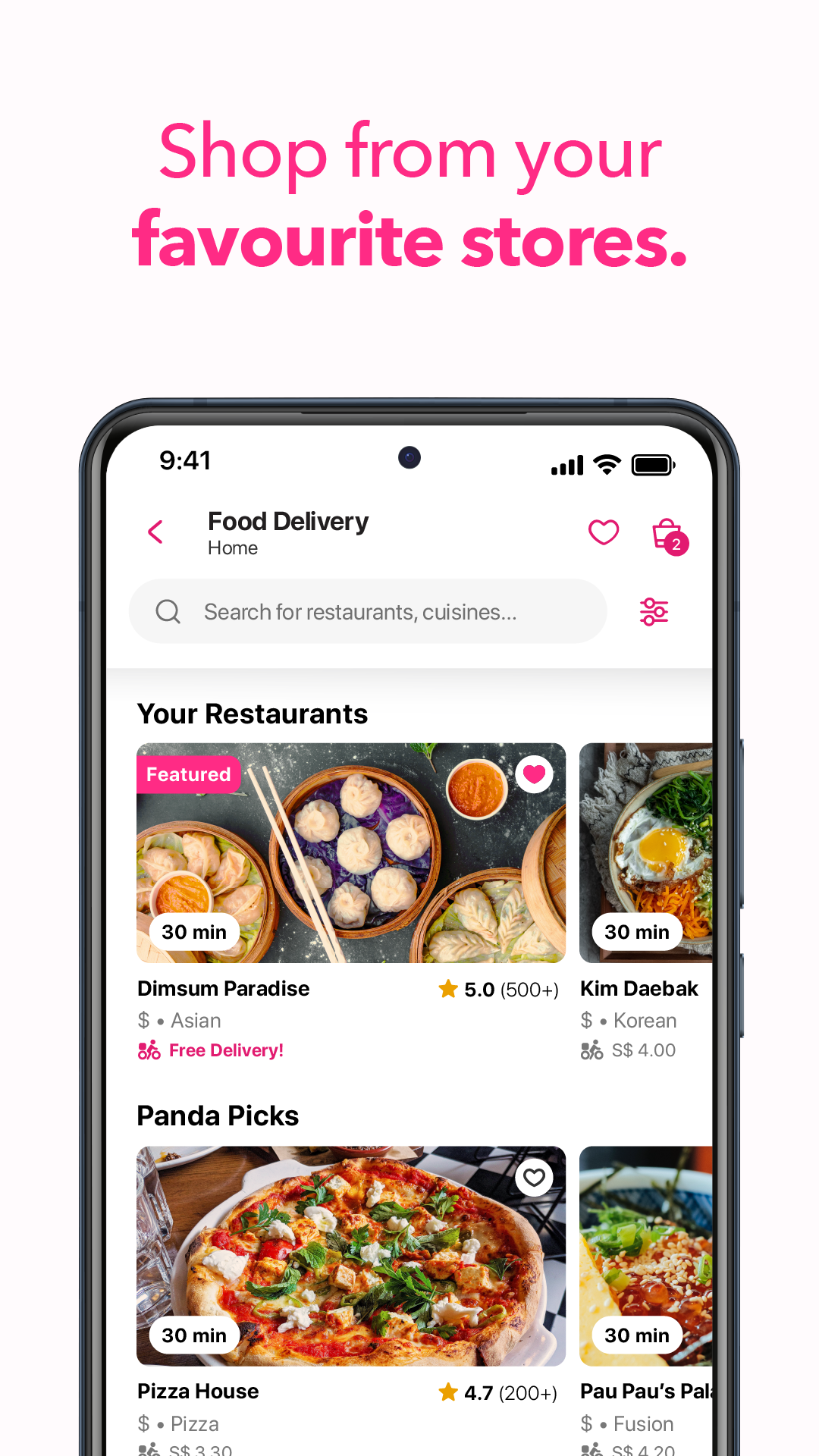
Hungry for wood-fired pizza, a classic burger or fried chicken? We know the best restaurants near you – big famous brands and tiny local faves. Best part? We've got exclusive discounts and promos waiting for all new foodies. With a simple click, your food and groceries are on their way with fast delivery!
Need Groceries? We’ve Got You Covered!
Want to cook but short on time? Imagine having fresh produce, pantry staples, frozen goods, personal care items, your cute pets' needs, and much more, delivered in a flash — everything you need for a hassle-free home-cooked meal, all available through our speedy groceries delivery service from foodpanda shops and pandamarts.
Best Food and Grocery Delivery Deals Just for You!
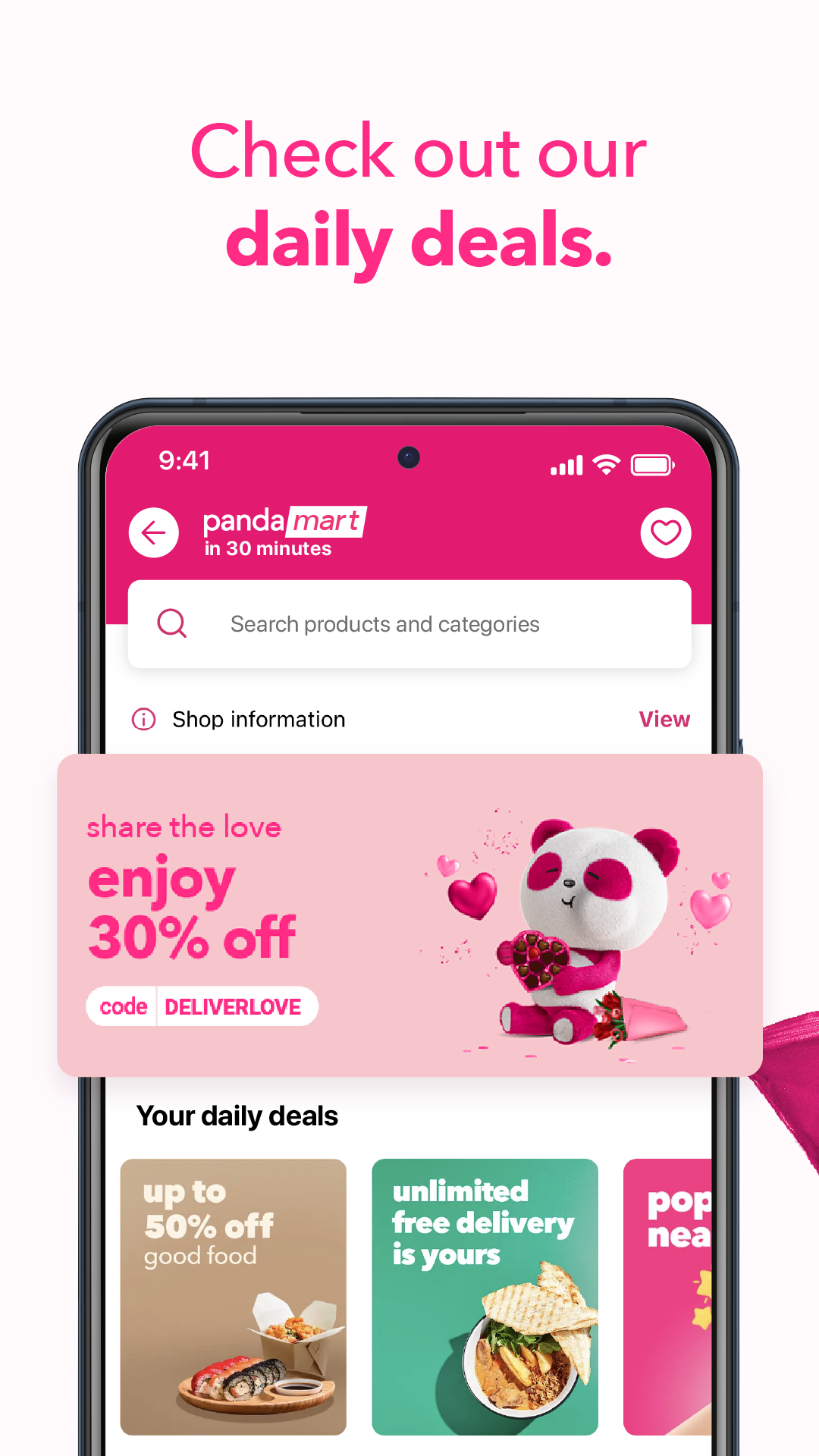
Looking for the best savings on groceries and food? We regularly update our daily deals, personalised just for you! Here’s a tip: skip the queue and choose self pick-up for extra savings on your grocery orders, or enjoy the convenience of our food delivery options.
Save on tasty takeaways.
On the go? Try pick-up! Skip the queue and save up when you self-collect your order.
Worry-free package delivery.
Need to send or receive a parcel? Go with pandago. Our reliable fleet and on-demand delivery service will safely deliver it for you in no time.
Our tech is shaped by you.
Explore personalised offers and delicious picks just for you. Dish out what you feel about your order and let foodies know what’s yum.
Want More? Join pandapro!
Unlock even greater savings on food delivery and grocery options with our pandapro membership today!
Live like a panda and let us take care of the rest — let’s do it the panda way with seamless food delivery!
For more info, please visit our website.
Show more

1. Download MEmu installer and finish the setup

2. Start MEmu then open Google Play on the desktop

3. Search foodpanda - Local Food Delivery in Google Play
Install
4. Download and Install foodpanda - Local Food Delivery
5. On install completion click the icon to start

6. Enjoy using foodpanda - Local Food Delivery on PC with MEmu
MEmu Play is the best Android emulator, and 100 million users already enjoy its superb Android app experience. Powered by advanced virtualization technology, it lets you enjoy thousands of Android apps smoothly on your PC—including the most graphics-intensive ones.
Bigger screen with better graphics; Long duration, without limitation of battery or mobile data.
Full Keymapping support for precise control of keyboard and mouse or gamepad.
Multiple game accounts or tasks on single PC at one time with Multi-Instance manager.
Use foodpanda - Local Food Delivery on PC by following steps: