Launcher iOS 14
Updated
Current Version
7.2.5
Offered By

Stop worrying about high battery drain when using Launcher iOS 14 on your phone. Free yourself from the tiny screen and enjoy the app on a much larger display. From now on, get a full-screen experience of your app with the convenience of a keyboard and mouse. MEmu offers you all the surprising features you’d expect: quick installation and easy setup, intuitive controls, and no more worries about battery life, mobile data, or unexpected calls. The all-new MEmu 9 is the choice for using Launcher iOS 14 on your computer. With the MEmu multi-instance manager, you can run two or more accounts at the same time. Most importantly, our exclusive emulation engine unlocks your PC’s full potential, delivering smooth and enjoyable performance.
Show more
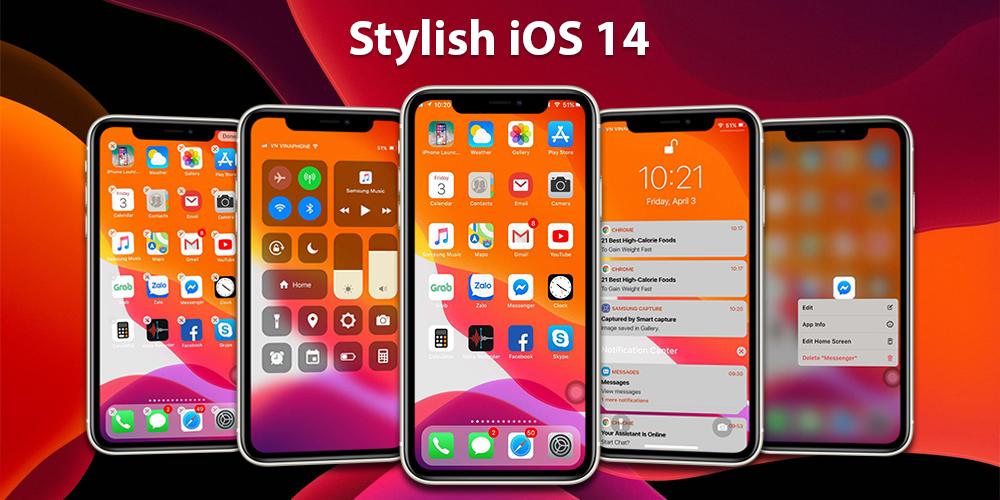
Enjoy superb experience of using Launcher iOS 14 on PC with MEMU App Player. It's a powerful free Android emulator which provides you with thousands of android apps for their desktop version. Enjoy connecting with friends and polishing your work with higher efficiency! The iOS 14 Launcher is intuitive, it's simple and the design is so tasteful that it sucks you in.
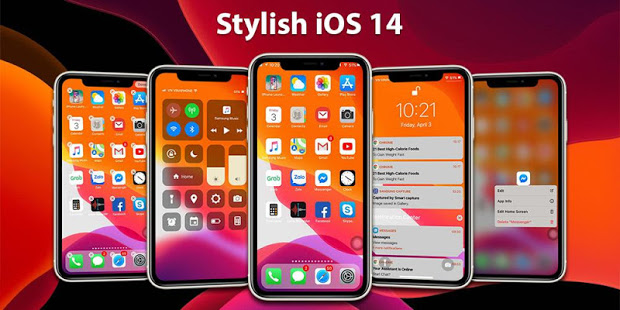
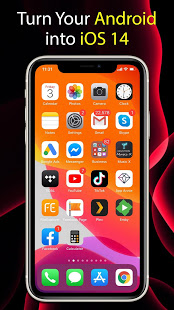
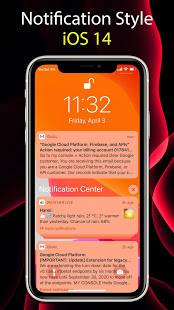
The iOS 14 Launcher is intuitive, it's simple and the design is so tasteful that it sucks you in
Who will get value from this iOS 14 Launcher?
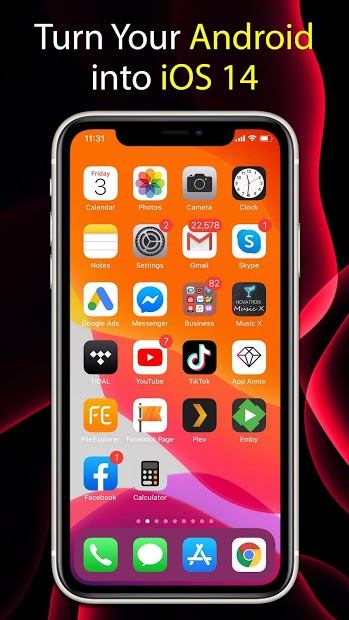
1. All those who love iPhone, love apple but don't have money to buy it, ios14 will turn your android phone like a real iPhone.
2. Everyone who loves iOS operating system, beautiful and easy to use, wants to use the latest operating system experience iOS14
iOS 14 Launcher Feature:
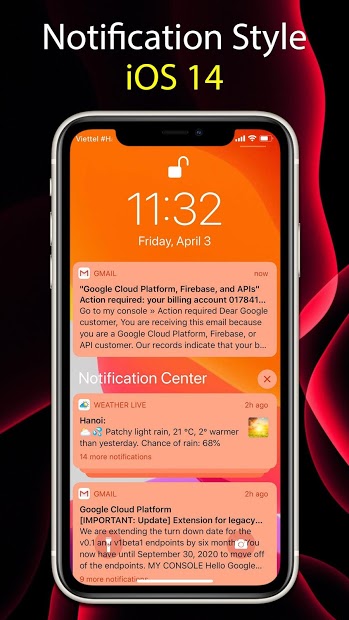
- Notification Center shows your notifications history, allowing you to scroll back and see what you've missed. There are two ways to see your alerts from the Notification Center:
* From the Lock screen, swipe up from the middle of the screen.
* From any other screen, swipe down from the center of the top of your screen.
* With Notifications in iOS14, it’s even easier to view and manage multiple notifications at once—helping you reduce interruptions throughout the day
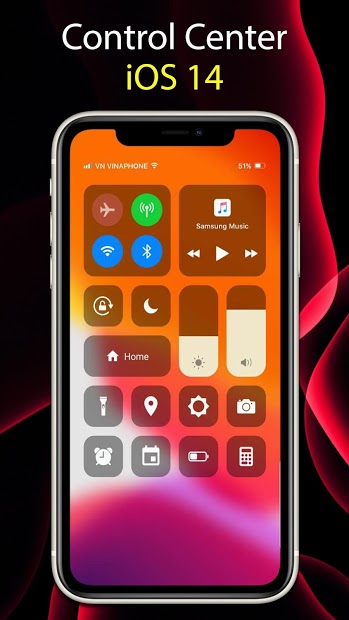
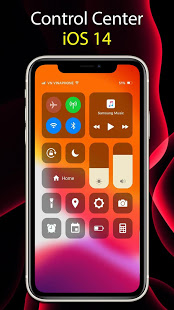
- Control Center: you can quickly take a picture, turn on lights, wifi, Airplane Mode, You can even customize Control Center so you have instant access to the things you do most.
* Open Control Center: Swipe up from the bottom edge of any screen.
* Close Control Center: Tap the top of the screen or press the Home button
* Use: Brightness: Drag the brightness control up or down to adjust the brightness of your display.
Calculator:* Use the standard calculator to quickly calculate numbers...
- Spotlight Search: Search helps you quickly find anything on your device and on the web:
*Swipe down from the middle of the Home screen.
*Tap the Search field, then enter what you're looking for. As you type, Search updates results in real time.
*To see more results, tap Show More or search directly in an app by tapping Search in App.
*Tap a search result to open it.
- The Lock screen: which shows the current time and date and your most recent notifications, appears when you turn on or wake iPhone. From the Lock screen, you can see notifications, open Camera and Control Center, get information from your favorite apps at a glance, and more.
USER EXPERIENCE
This example really comes down to preference, but in my opinion, iOS products offer a much more crisp and engaging user experience. iOS 14 Launcher has strict guidelines when it comes to UI/UX standards and it really sets them apart from the competition.
iOS Launcher used to bring a better user experience because it runs on a closed ecosystem This have created a smoother user experience in the past, and users could focus on actual ergonomics.
Show more

1. Download MEmu installer and finish the setup

2. Start MEmu then open Google Play on the desktop

3. Search Launcher iOS 14 in Google Play
Install
4. Download and Install Launcher iOS 14
5. On install completion click the icon to start

6. Enjoy using Launcher iOS 14 on PC with MEmu
MEmu Play is the best Android emulator, and 100 million users already enjoy its superb Android app experience. Powered by advanced virtualization technology, it lets you enjoy thousands of Android apps smoothly on your PC—including the most graphics-intensive ones.
Bigger screen with better graphics; Long duration, without limitation of battery or mobile data.
Full Keymapping support for precise control of keyboard and mouse or gamepad.
Multiple game accounts or tasks on single PC at one time with Multi-Instance manager.
Use Launcher iOS 14 on PC by following steps: