Photo Prints Now - Print in Minutes
Updated
Current Version
18.5.0
Offered By

Stop worrying about high battery drain when using Photo Prints Now - Print in Minutes on your phone. Free yourself from the tiny screen and enjoy the app on a much larger display. From now on, get a full-screen experience of your app with the convenience of a keyboard and mouse. MEmu offers you all the surprising features you’d expect: quick installation and easy setup, intuitive controls, and no more worries about battery life, mobile data, or unexpected calls. The all-new MEmu 9 is the choice for using Photo Prints Now - Print in Minutes on your computer. With the MEmu multi-instance manager, you can run two or more accounts at the same time. Most importantly, our exclusive emulation engine unlocks your PC’s full potential, delivering smooth and enjoyable performance.
Show more
Enjoy superb experience of using Photo Prints Now - Print in Minutes on PC with MEMU App Player. It's a powerful free Android emulator which provides you with thousands of android apps for their desktop version. Enjoy connecting with friends and polishing your work with higher efficiency! CVS photo printing with Genuine Kodak Moments paper!
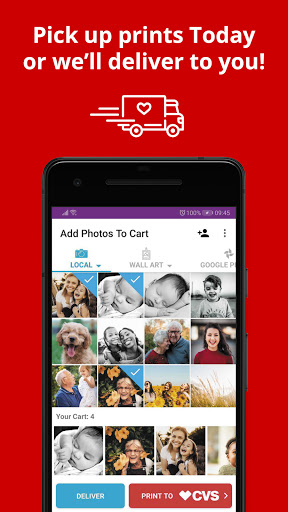
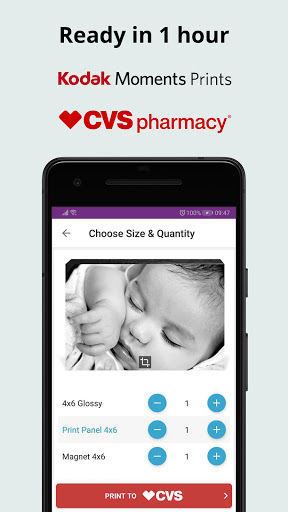
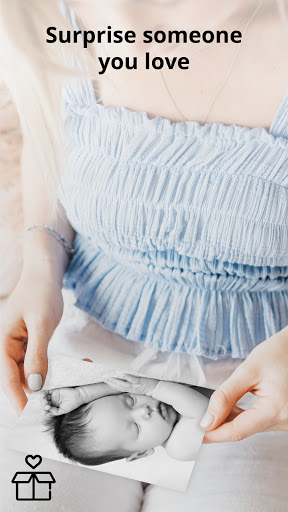
CVS photo printing with Genuine Kodak Moments paper! Print to CVS Pharmacy or order photo prints & gifts home delivered.
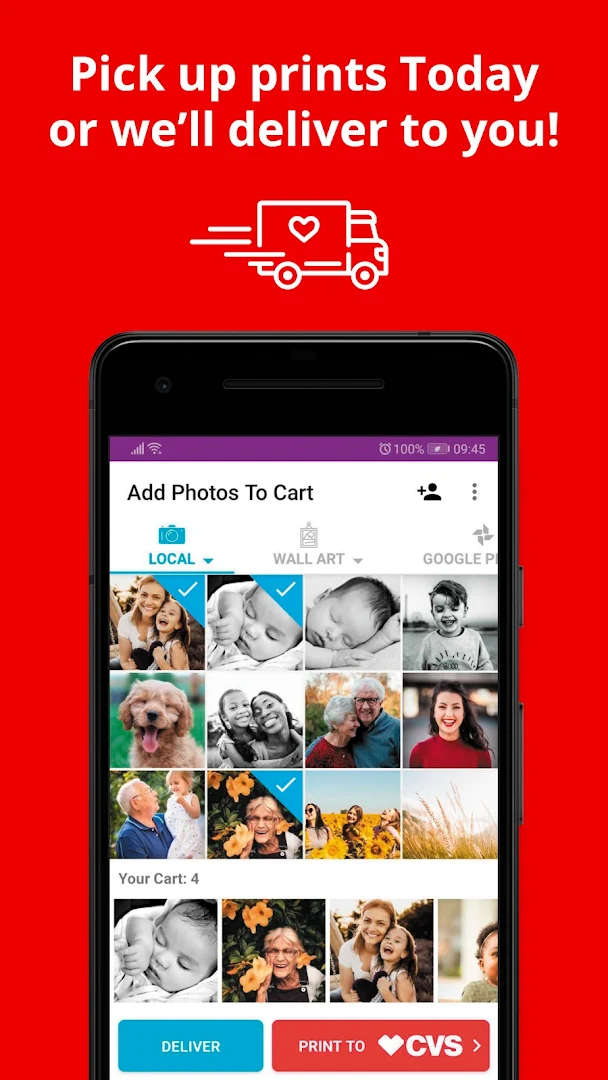
Send photos to print at any CVS location or for home delivery:
1 Select pictures from your phone
2 Choose print sizes
3 Order photo prints at CVS or home delivered.
High quality photo prints available for 1 hour pick up or delivered to your door.
Make Lasting Memories with CVS Photo Prints & Photo Gifts:
Use Photo Prints Now to print your best memories at CVS locations. Transform treasured moments into wall decorations using our large print sizes. Print photos and pick up in 1 hour at your nearest CVS store. Print Instagram, Facebook, Flickr, Dropbox & Print Google+ pictures. Easily access photos wherever you have them stored.
Order Prints Home Delivered:
Enjoy high quality and fast delivery of photo prints & photo gifts. Order photo prints home delivered straight from your phone. Get your photos delivered to your home with super fast shipping. Surprise someone you love with photo gifts and prints ordered from your phone to your home!
Simply the Best CVS Photo Printing App:
Faster than kiosks, and super simple to use. We use high quality Kodak paper to make a lasting archive of your life’s memories. Perfect for scrapbooking or a little extra love to make a greeting card extra special. Transform your memories into the perfect printed photo masterpieces.
CVS Photo Print Sizes:
• 4x6” Photo Prints
• 5x7” Photo Prints
• 8x10” Photo Prints
• 6x6” Square Instagram Prints
• 8x8” Square Instagram Prints
• Canvas Prints
• Print Panels
• Poster Prints
• Magnets
• Wallet Prints
• Panoramic Prints
• Bamboo Ornaments
• Photo Cards
• Unique Affordable Wall Art
Print Pictures at CVS:
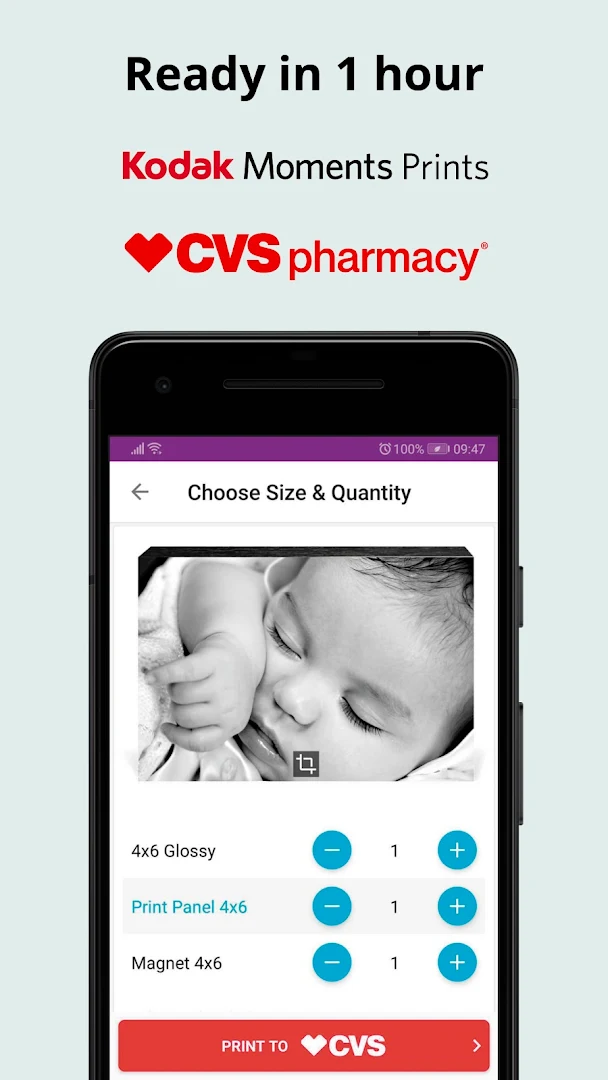
Trust your memories to the best photo paper on the planet, genuine Kodak moments photo paper at your favorite local CVS location. After selecting your favorite memories for printing, use the change size and quantity screen to change print sizes and then, simply send them to CVS to print within the hour. Use our CVS store locator to easily locate your nearest CVS store.
Get your phone’s pictures into print quickly and easily.
Order photo gifts:
Surprise someone you love with photo gifts and photo products home delivered or at CVS.
Print Panels: Print panel sizes range from 4x6 to 8x10. Options include acrylic, bamboo and wood print panels.
Photo Magnets: Add fun to any fridge with photo magnets. Create 4x6 and 5x5 magnets easily.
Photo Posters: Large format poster prints and photo posters are perfect college room decor or business signage. Print your design or photo on a poster easily.
Wallet Prints: Create wallet prints easily. Wallet prints are perfect at gift giving time.
Panoramic prints: Select panoramic print for an extra long photo print.
Bamboo Ornaments: Fun sized 2x2 bamboo ornaments are ready same day at CVS.
Photo Cards: A super way to make a unique statement. Add your photo to our extensive range of designs for Christmas, Birthdays, Invitations, and Save the Date. Photo cards are ready same day at CVS.
Canvas Prints: Decorate your living area with personalized canvas wall art. Add your photo on a canvas. Create canvas prints as large as 20x24 or 24x36.
Home Décor, Wall Art and Designer Prints:
Make a statement in home with our wall art and designer prints. Select your design and product and leave the rest to us. Pick up at your local CVS Pharmacy. Designer prints and wall art as posters, print panels, and canvas prints.
Application partnership with CVS:
By partnering with CVS we have made it possible to print photos at CSV without using Kodak photo kiosk. The app gives access to over 9600 CVS stores nationwide to print 4x6, 4x4, 6x6, 8x8 & 8x10 prints in 1 hour. Displaying pictures on your wall or sharing pictures with your family could never be easier.
If you have questions about Photo Prints Now or CVS photo we’d love to hear from you: support@photoprintsnow.com
Show more

1. Download MEmu installer and finish the setup

2. Start MEmu then open Google Play on the desktop

3. Search Photo Prints Now - Print in Minutes in Google Play
Install
4. Download and Install Photo Prints Now - Print in Minutes
5. On install completion click the icon to start

6. Enjoy using Photo Prints Now - Print in Minutes on PC with MEmu
MEmu Play is the best Android emulator, and 100 million users already enjoy its superb Android app experience. Powered by advanced virtualization technology, it lets you enjoy thousands of Android apps smoothly on your PC—including the most graphics-intensive ones.
Bigger screen with better graphics; Long duration, without limitation of battery or mobile data.
Full Keymapping support for precise control of keyboard and mouse or gamepad.
Multiple game accounts or tasks on single PC at one time with Multi-Instance manager.
Use Photo Prints Now - Print in Minutes on PC by following steps: