Circuit Route Planner PC

Download Circuit Route Planner on PC

Circuit Route Planner PC
  • Updated

  • Current Version

    3.39.1

  • Offered By

    Circuit Route Planner PC

Features of Circuit Route Planner on PC

Stop worrying about high battery drain when using Circuit Route Planner on your phone. Free yourself from the tiny screen and enjoy the app on a much larger display. From now on, get a full-screen experience of your app with the convenience of a keyboard and mouse. MEmu offers you all the surprising features you’d expect: quick installation and easy setup, intuitive controls, and no more worries about battery life, mobile data, or unexpected calls. The all-new MEmu 9 is the choice for using Circuit Route Planner on your computer. With the MEmu multi-instance manager, you can run two or more accounts at the same time. Most importantly, our exclusive emulation engine unlocks your PC’s full potential, delivering smooth and enjoyable performance.

Show more

Screenshots & Video of Circuit Route Planner PC

Enjoy superb experience of using Circuit Route Planner on PC with MEMU App Player. It's a powerful free Android emulator which provides you with thousands of android apps for their desktop version. Enjoy connecting with friends and polishing your work with higher efficiency! Easy-to-use multi-stop route planner and delivery app downloaded by over 10 million drivers - Sign up for a FREE trial today!
APP Info

Easy-to-use multi-stop route planner and delivery app downloaded by over 10 million drivers - Sign up for a FREE trial today!


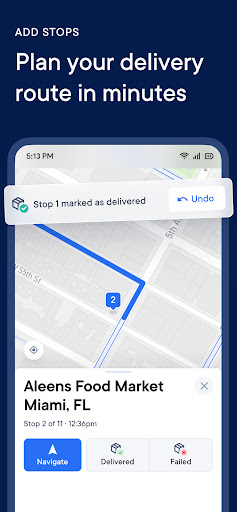

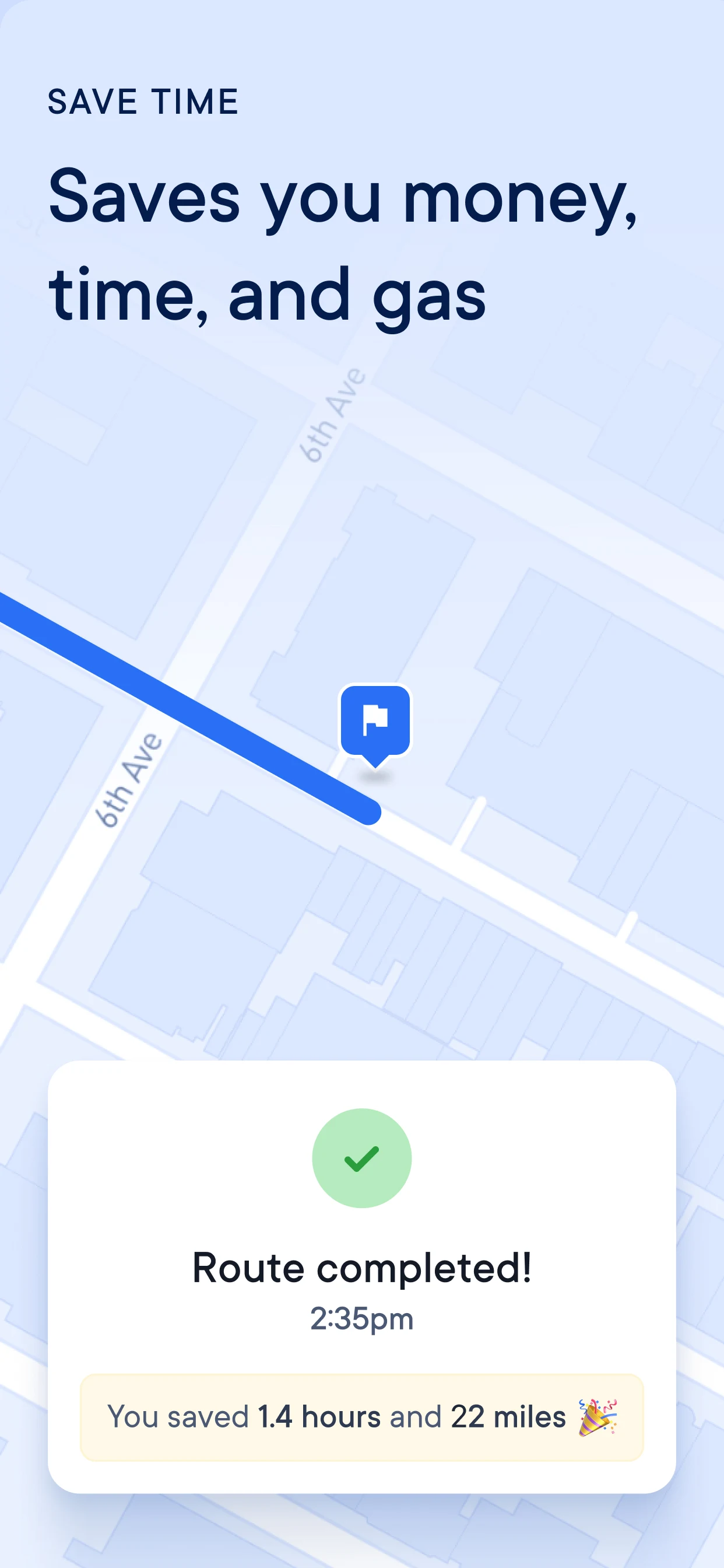
Deliver more packages and finish your route faster. Save time, money, and gas with Circuit Route Planner.

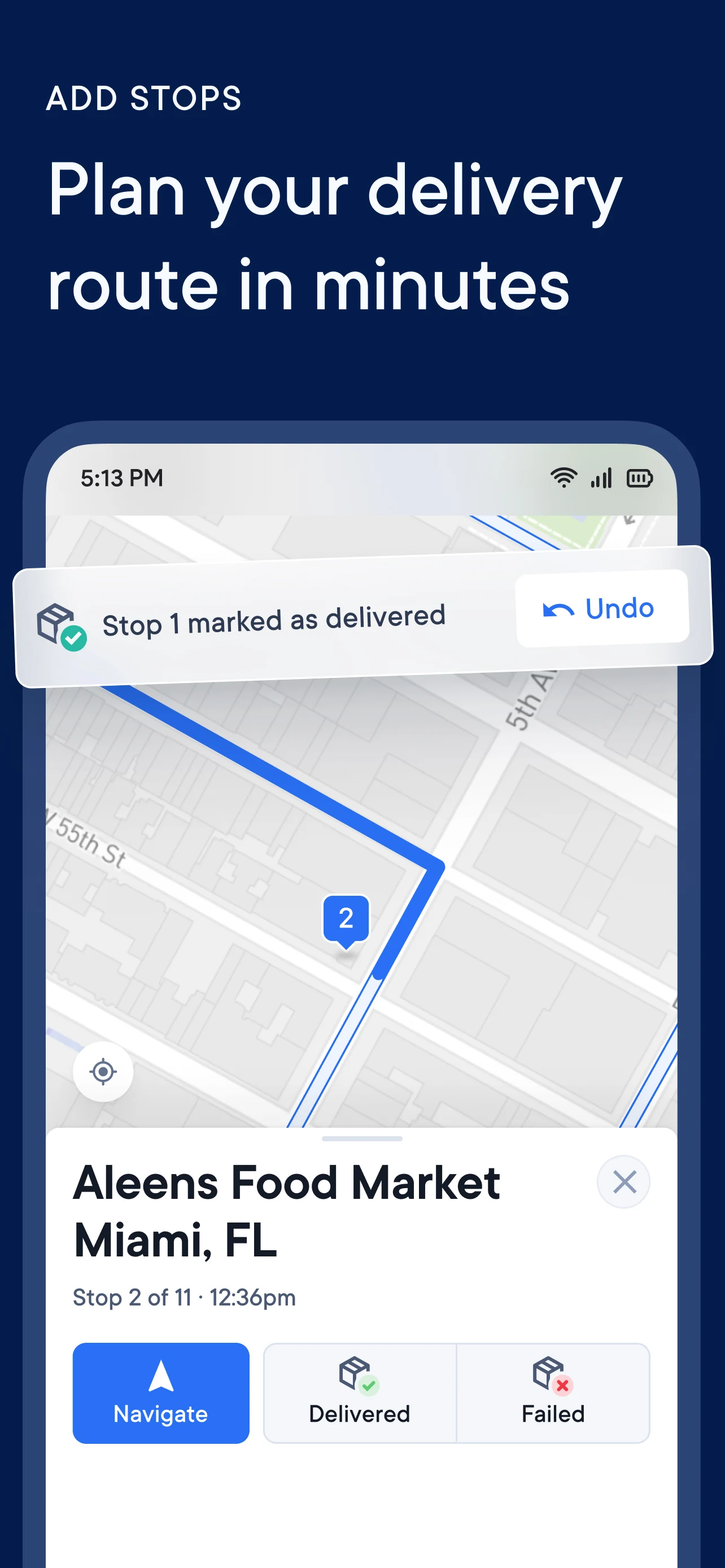
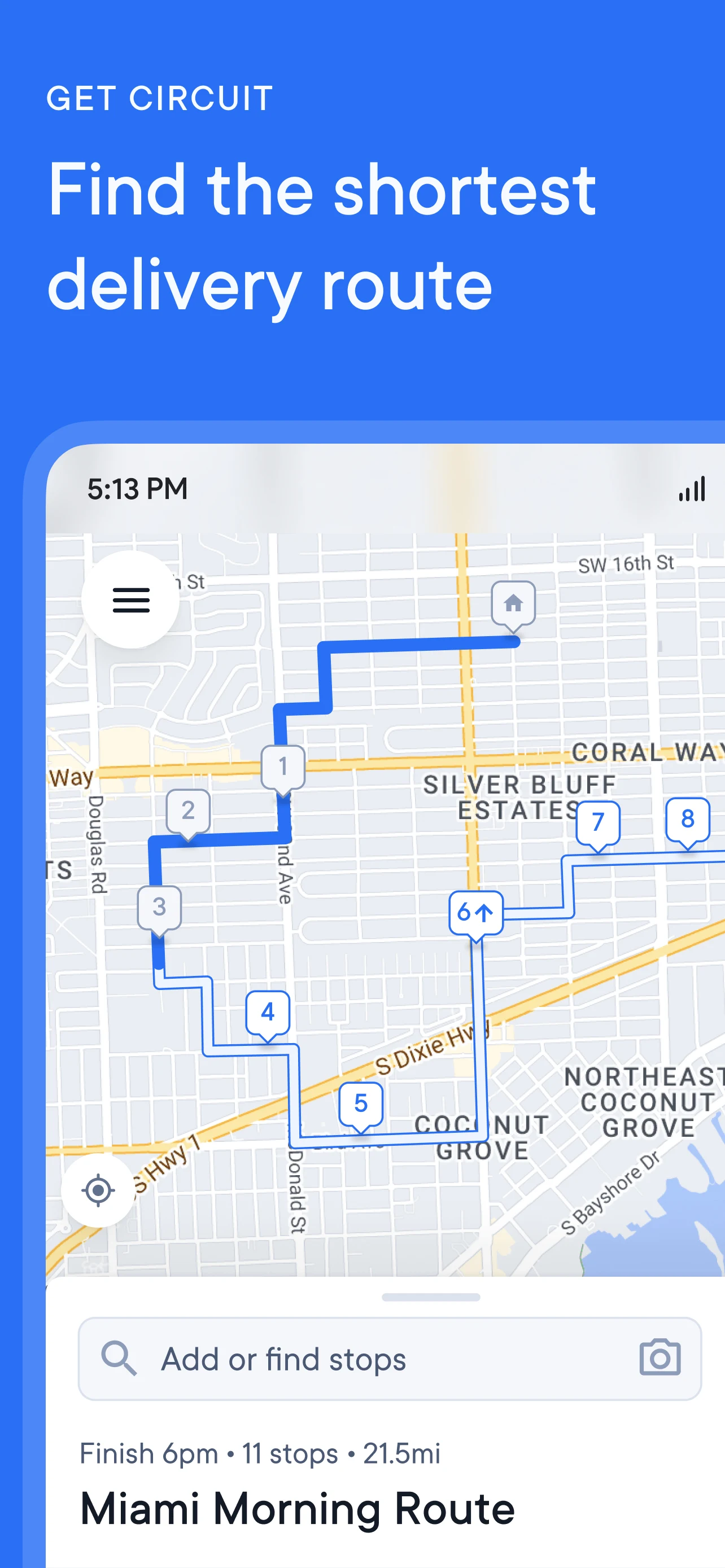
Adding stops to a route takes seconds. A single click optimizes all your deliveries and automatically maps out the fastest routes. Avoid traffic, find packages quicker, and deliver more efficiently.

Using Circuit Route Planner, you can...

Find and add stops easily using your keypad, voice, or upload a spreadsheet
Add an unlimited number of deliveries and routes per day
Avoid traffic and delays with a route planner that automatically maps the fastest routes
Make and slot last-minute changes into your route during the day
Select and move stops to make them next, first or last on your route
Use it with your favorite GPS - Waze, Google Maps, Apple Maps, and more…
Set delivery time windows and priority levels for specific stops
Customize the amount of time to spend at each stop, and add rest breaks
Get instant and accurate ETAs
Add package details to make loading your truck and locating an item easier
And much more…

The top-choice route planning and delivery app for couriers and delivery drivers, used to deliver in over 180 countries. Helping drivers discover the best routes, avoid traffic, boost earnings, and finish ahead of schedule every day.

“I’m a courier and deliver about 150 packages a day. This route planner always gives me the fastest route, so I can deliver more packages in less time. I make more money and save around an hour a day using Circuit. It’s the best app of all the ones I’ve tried” - Nathan, Canada

Circuit Route Planner - Free
The free version of Circuit Route Planner gives you unlimited access to all features, but routes are limited to a maximum of 10 stops.

Circuit Route Planner - Premium
Try Circuit Route Planner Premium and see how much time and fuel you can save in a week with our 7-day Circuit Route Planner Premium free trial. On average, most multi-drop couriers save at least 10 hours a week on their routes.

7-day trial complete? Subscribe to Circuit Route Planner Premium, and your subscription will give you access to unlimited features, stops, and routes. Save time, money, and gas by using a delivery route planner that helps you do more and finish your route faster.


FAQs


Will Circuit Route Planner work in my country?
Circuit Route Planner works in almost every country because it uses location data provided by Google Maps. If Google Maps works where you live, then Circuit Route Planner will work for you. We have users in over 180 countries and on every continent.

Which languages does Circuit support?
Circuit will automatically use your phone language if it is supported. If it is not, it will default to US English.

How many routes can I create?
You can have unlimited routes on the free and premium version of Circuit Route Planner.

How many stops can I add to my route?
You can add up to ten stops per route on the free version of Circuit Route Planner.
You can add an unlimited number of stops per route on the premium version of Circuit Route Planner.

How do I subscribe/cancel my subscription?
Subscriptions auto-renew monthly and are charged to your Google Play account. Cancel anytime by turning off auto-renew in your Google Play account 24 hours before the renewal date. Rates vary by country, and the local price for your region will be provided before you complete payment.


Support: https://help.getcircuit.com/en/collections/385293-circuit-for-individual-drivers
What’s new?: https://getcircuit.com/route-planner/product-updates
Terms of Service: https://getcircuit.com/terms
Privacy Policy: https://getcircuit.com/privacy

Show more

How to Download Circuit Route Planner on PC

  • Circuit Route Planner PC

    1. Download MEmu installer and finish the setup

  • Circuit Route Planner PC

    2. Start MEmu then open Google Play on the desktop

  • Circuit Route Planner PC

    3. Search Circuit Route Planner in Google Play

  • Circuit Route Planner PC Install

    4. Download and Install Circuit Route Planner

  • Circuit Route Planner PC

    5. On install completion click the icon to start

  • Circuit Route Planner PC
    Circuit Route Planner PC Circuit Route Planner PC

    6. Enjoy using Circuit Route Planner on PC with MEmu

Why Use MEmu for Circuit Route Planner

MEmu Play is the best Android emulator, and 100 million users already enjoy its superb Android app experience. Powered by advanced virtualization technology, it lets you enjoy thousands of Android apps smoothly on your PC—including the most graphics-intensive ones.

  • Bigger screen with better graphics; Long duration, without limitation of battery or mobile data.

  • Full Keymapping support for precise control of keyboard and mouse or gamepad.

  • Multiple game accounts or tasks on single PC at one time with Multi-Instance manager.

Ready to Use?

Circuit Route Planner - FAQs

  • How to use Circuit Route Planner on PC?

    Use Circuit Route Planner on PC by following steps:
    • Download MEmu, then install and launch it
    • Login to Google Play Store, install the app
    • Enjoy using the app on PC with MEmu
  • What are the minimum system requirements to run Circuit Route Planner on PC?
    • Intel or AMD Processor
    • Microsoft Windows 7 and above
    • 2GB of memory
    • 5GB of free disk space
    • Hardware Virtualization Technology
Circuit Route Planner PC