DAB+ Radio USB
Updated
Current Version
1.1.6
Offered By

Stop worrying about high battery drain when using DAB+ Radio USB on your phone. Free yourself from the tiny screen and enjoy the app on a much larger display. From now on, get a full-screen experience of your app with the convenience of a keyboard and mouse. MEmu offers you all the surprising features you’d expect: quick installation and easy setup, intuitive controls, and no more worries about battery life, mobile data, or unexpected calls. The all-new MEmu 9 is the choice for using DAB+ Radio USB on your computer. With the MEmu multi-instance manager, you can run two or more accounts at the same time. Most importantly, our exclusive emulation engine unlocks your PC’s full potential, delivering smooth and enjoyable performance.
Show more
Enjoy superb experience of using DAB+ Radio USB on PC with MEMU App Player. It's a powerful free Android emulator which provides you with thousands of android apps for their desktop version. Enjoy connecting with friends and polishing your work with higher efficiency! Control your USB DAB+ receiver with a simple and straightforward user interface.
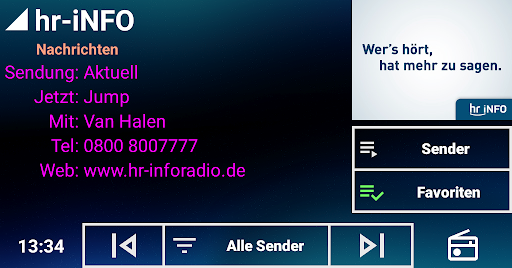
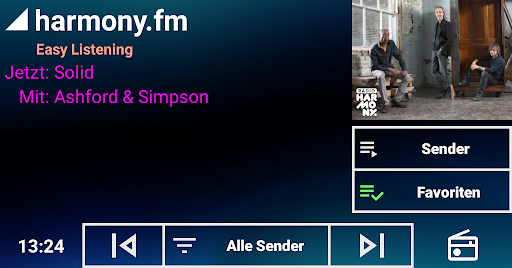
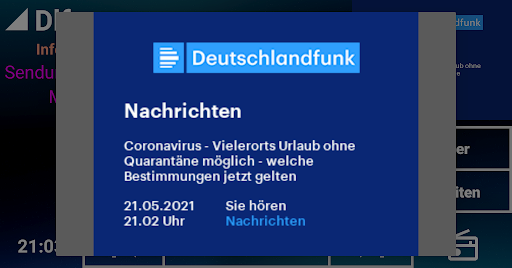
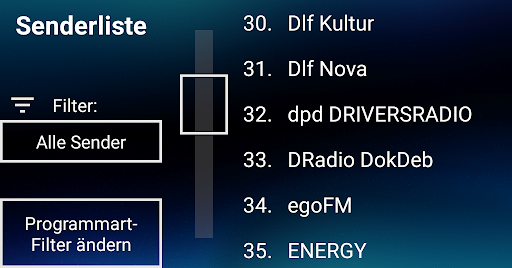
Control your USB DAB+ receiver with a simple and straightforward user interface. Slideshow works nicely. There are no station logos. No network connection required.
* Note that you need a USB receiver with one of the device IDs listed at the bottom. The app does not work without such a receiver !! *
New features:
- Save currently visible infotext to a file (append), then share or export that file
Old features:
- Color customization for the info text - just touch and hold the info text area
- Experimental support for steering wheel button operation; see below
Skip Next = Next Station
Skip Previous = Previous Station
Play = Next Filter (set of stations, cycles through "All" "Selected Program Type", "Favourites")
This is no competition for the excellent "DAB-Z" app. It's rather for people like me with thick fingers and an unreliable touchscreen ...
The user interface is extremely simple, optimized for car screen, with large buttons and selection areas - those touch screens are not always perfectly calibrated.
It's optimized for car screens of 1024x600, in landscape mode. If you have a different resolution and the app looks weird, post at the website (XDA Developers, see link).
This app is build upon the HRadio example code by IRT GmbH (Fabian Sattler), published under the Apache License 2.0.
These are the USB IDs for compatible USB receivers:
0416:b003
0fd9:004c
16c0:05dc
1d19:110d
Show more

1. Download MEmu installer and finish the setup

2. Start MEmu then open Google Play on the desktop

3. Search DAB+ Radio USB in Google Play
Install
4. Download and Install DAB+ Radio USB
5. On install completion click the icon to start

6. Enjoy using DAB+ Radio USB on PC with MEmu
MEmu Play is the best Android emulator, and 100 million users already enjoy its superb Android app experience. Powered by advanced virtualization technology, it lets you enjoy thousands of Android apps smoothly on your PC—including the most graphics-intensive ones.
Bigger screen with better graphics; Long duration, without limitation of battery or mobile data.
Full Keymapping support for precise control of keyboard and mouse or gamepad.
Multiple game accounts or tasks on single PC at one time with Multi-Instance manager.
Use DAB+ Radio USB on PC by following steps: