Genius Scan - PDF Scanner
Updated
Current Version
7.19.1
Offered By

Stop worrying about high battery drain when using Genius Scan - PDF Scanner on your phone. Free yourself from the tiny screen and enjoy the app on a much larger display. From now on, get a full-screen experience of your app with the convenience of a keyboard and mouse. MEmu offers you all the surprising features you’d expect: quick installation and easy setup, intuitive controls, and no more worries about battery life, mobile data, or unexpected calls. The all-new MEmu 9 is the choice for using Genius Scan - PDF Scanner on your computer. With the MEmu multi-instance manager, you can run two or more accounts at the same time. Most importantly, our exclusive emulation engine unlocks your PC’s full potential, delivering smooth and enjoyable performance.
Show more
Enjoy superb experience of using Genius Scan - PDF Scanner on PC with MEMU App Player. It's a powerful free Android emulator which provides you with thousands of android apps for their desktop version. Enjoy connecting with friends and polishing your work with higher efficiency! Genius Scan is a scanner app that lets you quickly scan your paper documents on the go and export them as multiple scan PDF files.
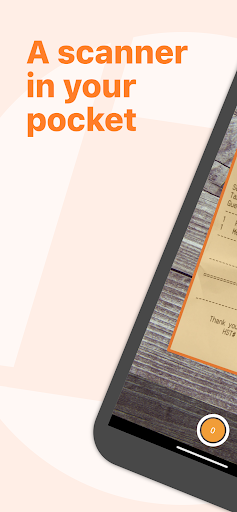
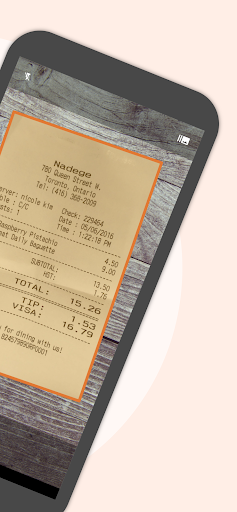
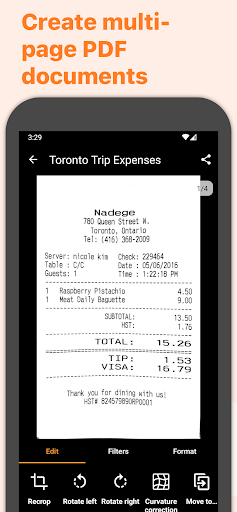
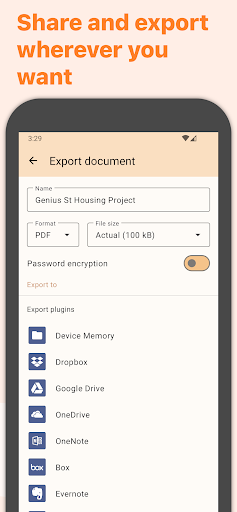
Genius Scan is a scanner app that lets you quickly scan your paper documents on the go and export them as multiple scan PDF files.
*** 20+ million users and 1000s of small businesses use the Genius Scan scanner app ***
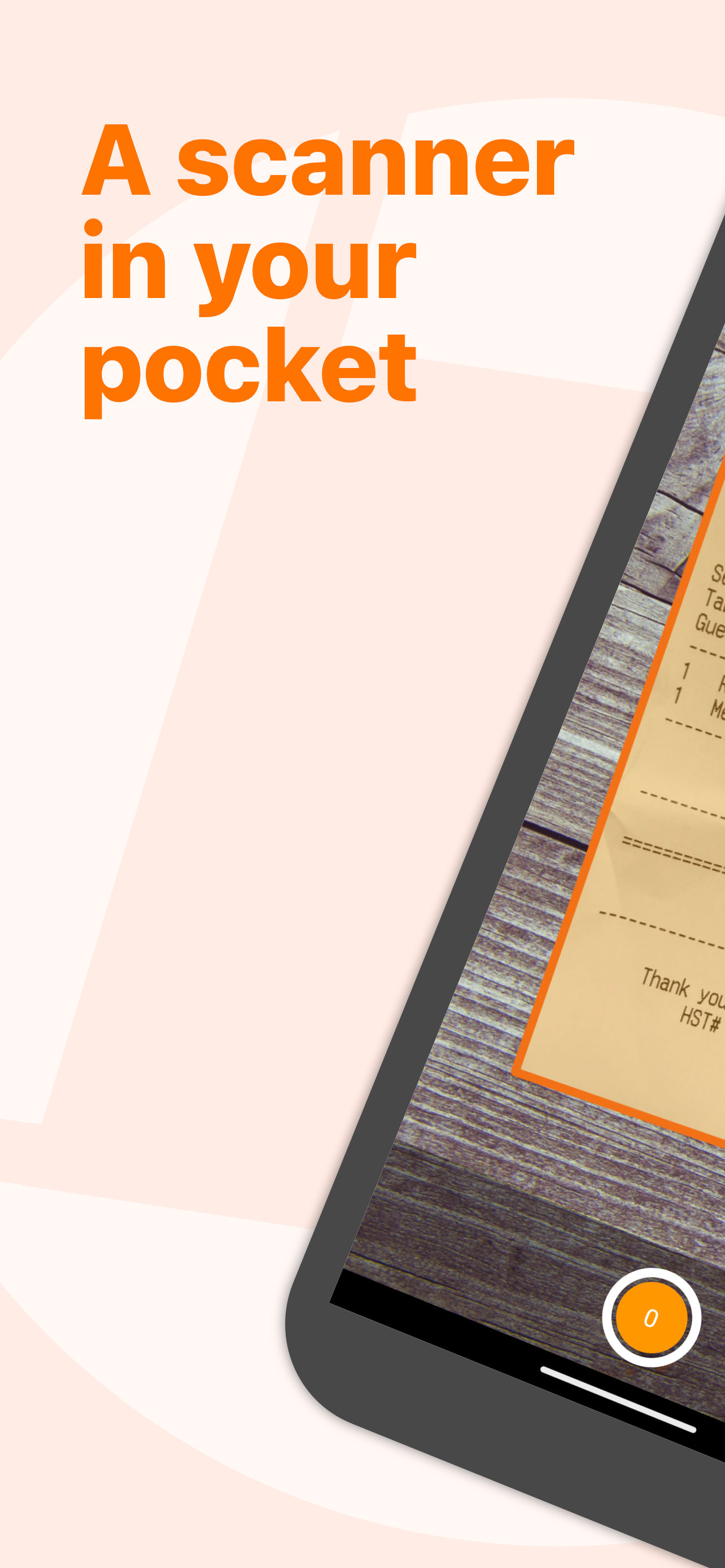
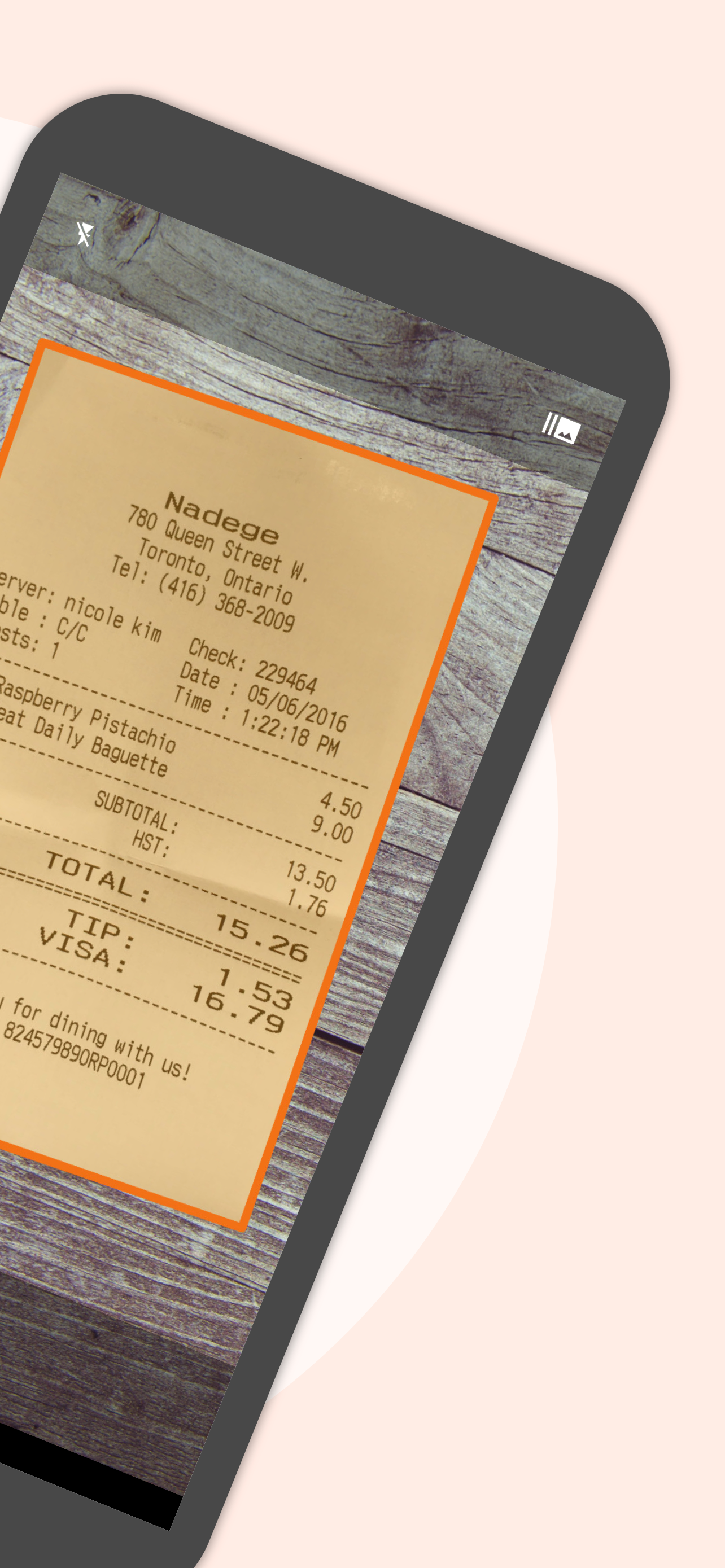
Place any document in front of your device’s camera: our scanner app automatically recognizes the paper against the background, crops it, and cleans up the result. You obtain a crisp, legible scan. The batch scanner lets you scan dozens of pages in a matter of seconds. Powerful tools help you organize, share, or archive your PDF documents.
Genius Scan will replace your desktop scanner and you will never look back.
== KEY FEATURES ==
Smart Scanning:
The Genius Scan scanner app includes all the features to make great scans.
- Document detection & background removal
- Distortion correction
- Shadow removal and defect cleanup
- Filters (black & white, whiteboard, photo)
- Batch scanning
PDF Creation & Editing:
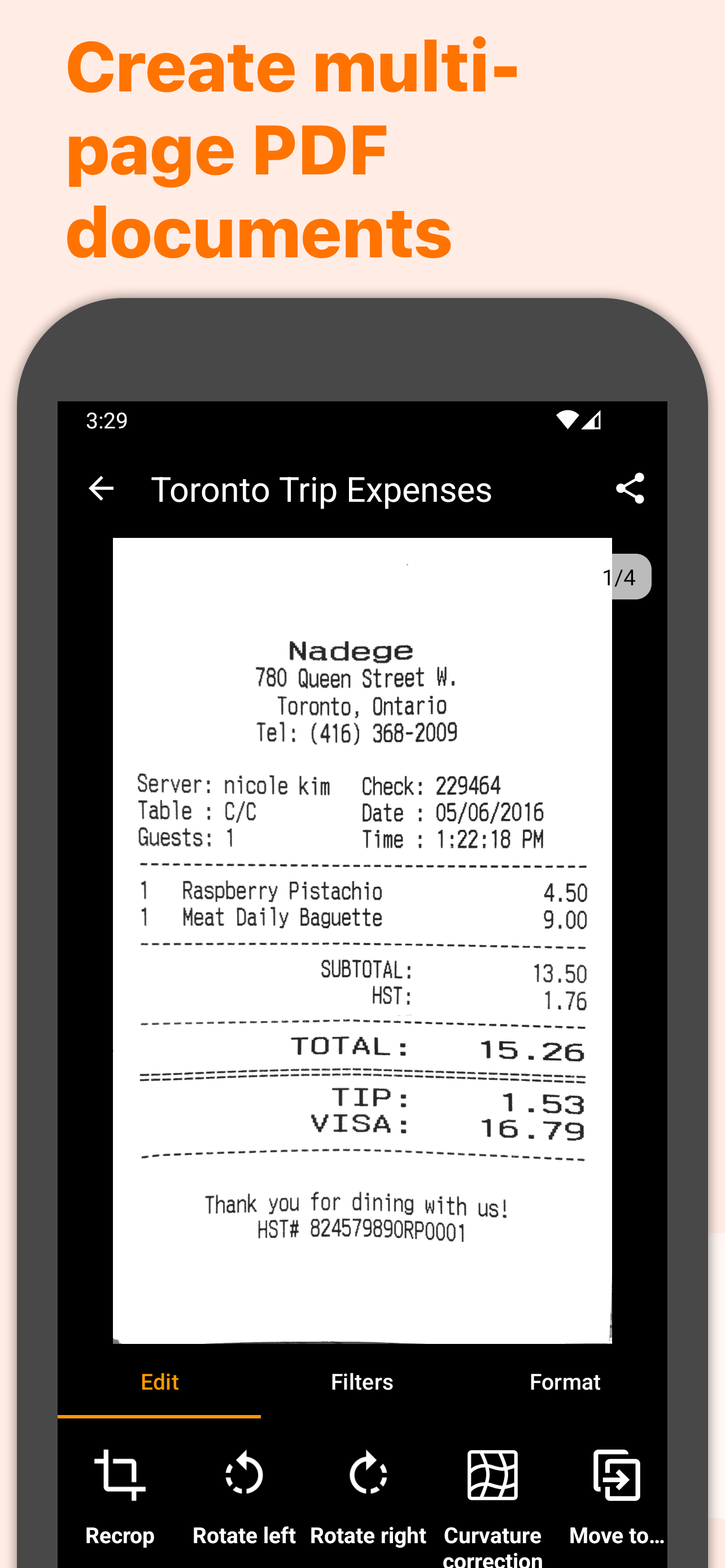
Genius Scan is the best PDF scanner. Scan not just to images, but full PDF documents.
- Automatically combine each scan into PDF documents
- Document merging & splitting
- Multiple page PDF creation
- Photos and PDF import
Security & Privacy:
- On-device document processing
+ Biometric unlock
+ PDF password encryption
Scans Organization:
More than just a PDF scanner app, Genius Scan also lets you organize your scans.
- Document tagging
- Metadata and content search
+ Smart document renaming (custom templates, …)
+ Backup and multi-device sync with Genius Cloud (separate subscription)
Export:
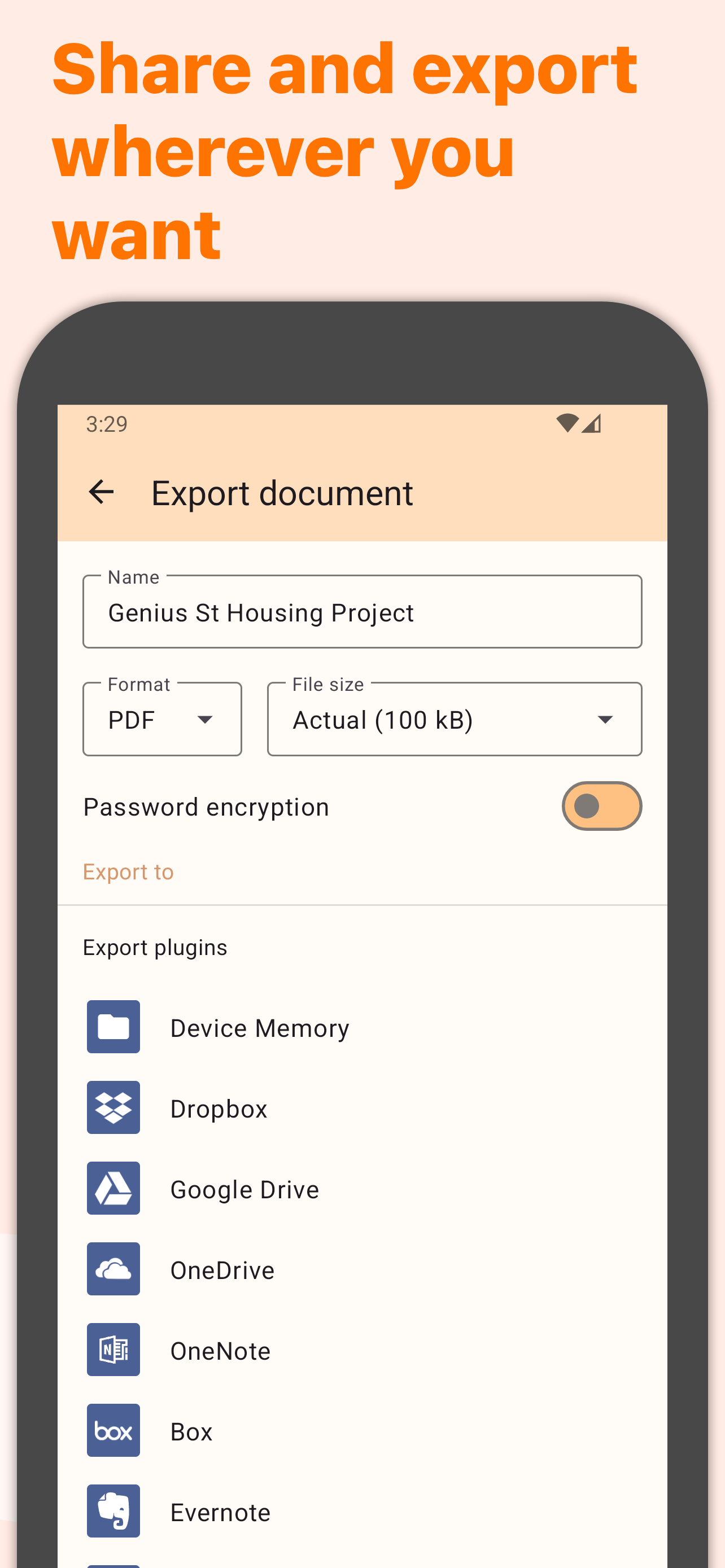
Your scans aren't stuck in your scanner app, you can export them to any other app or services you use.
- Email
+ Box, Dropbox, Evernote, Expensify, Google Drive, OneDrive, FTP, WebDAV.
+ Any WebDAV compatible service such as Citrix ShareFile, NextCloud, ownCloud, Synology, Yandex.
+ Automatic background auto-export
OCR (Text Recognition):
In addition to scanning, this scanner app gives you additional understanding of your scans.
+ Extract text from each scan
+ Searchable PDF creation
+ Scan business cards to create contacts
The features denoted with [+] are available as part of a Genius Scan Plus subscription.
== ABOUT US ==
It’s in the heart of Paris, France that The Grizzly Labs develops the Genius Scan scanner app. We take pride in crafting apps that help millions of users throughout the world and hold ourselves to the highest standards in terms of quality and privacy. Get in touch with us @thegrizzlylabs if you have any questions.
Show more

1. Download MEmu installer and finish the setup

2. Start MEmu then open Google Play on the desktop

3. Search Genius Scan - PDF Scanner in Google Play
Install
4. Download and Install Genius Scan - PDF Scanner
5. On install completion click the icon to start

6. Enjoy using Genius Scan - PDF Scanner on PC with MEmu
MEmu Play is the best Android emulator, and 100 million users already enjoy its superb Android app experience. Powered by advanced virtualization technology, it lets you enjoy thousands of Android apps smoothly on your PC—including the most graphics-intensive ones.
Bigger screen with better graphics; Long duration, without limitation of battery or mobile data.
Full Keymapping support for precise control of keyboard and mouse or gamepad.
Multiple game accounts or tasks on single PC at one time with Multi-Instance manager.
Use Genius Scan - PDF Scanner on PC by following steps: