Kilonotes-Notes & PDF reading
Updated
Current Version
3.10.1.1
Offered By

Stop worrying about high battery drain when using Kilonotes-Notes & PDF reading on your phone. Free yourself from the tiny screen and enjoy the app on a much larger display. From now on, get a full-screen experience of your app with the convenience of a keyboard and mouse. MEmu offers you all the surprising features you’d expect: quick installation and easy setup, intuitive controls, and no more worries about battery life, mobile data, or unexpected calls. The all-new MEmu 9 is the choice for using Kilonotes-Notes & PDF reading on your computer. With the MEmu multi-instance manager, you can run two or more accounts at the same time. Most importantly, our exclusive emulation engine unlocks your PC’s full potential, delivering smooth and enjoyable performance.
Show more
Enjoy superb experience of using Kilonotes-Notes & PDF reading on PC with MEMU App Player. It's a powerful free Android emulator which provides you with thousands of android apps for their desktop version. Enjoy connecting with friends and polishing your work with higher efficiency! We sincerely invite you to join us in exploring more efficient ways of taking notes and jointly reshape the modern learning mode.
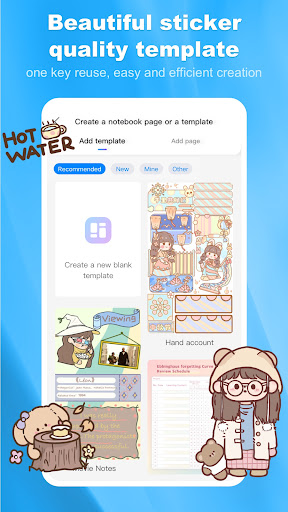
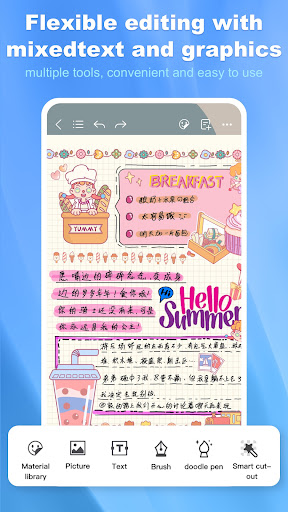
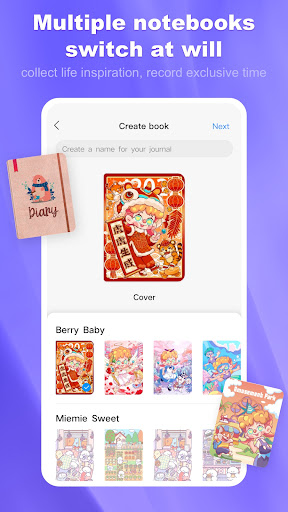
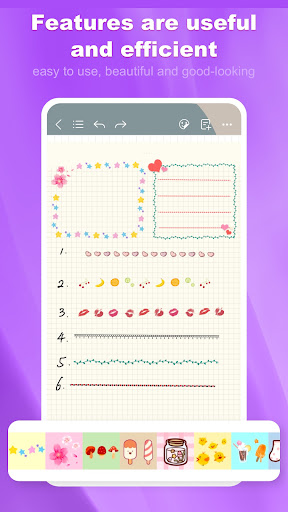
We sincerely invite you to join us in exploring more efficient ways of taking notes and jointly reshape the modern learning mode. As a companion exploring new ways of taking notes, Kilonotes Notes can meet your various needs, whether it is recording class notes, annotating PDFs, doing test exercises, studying online courses, or organizing reading notes, Kilonotes will be your most reliable study partner
[Breakthrough the limitations of paper]
·Handwriting can be moved, scaled and rotated freely
・You can undo what you entered
·The size of the eraser can be adjusted to control the erasing range
·Scale paper function to make writing more comfortable
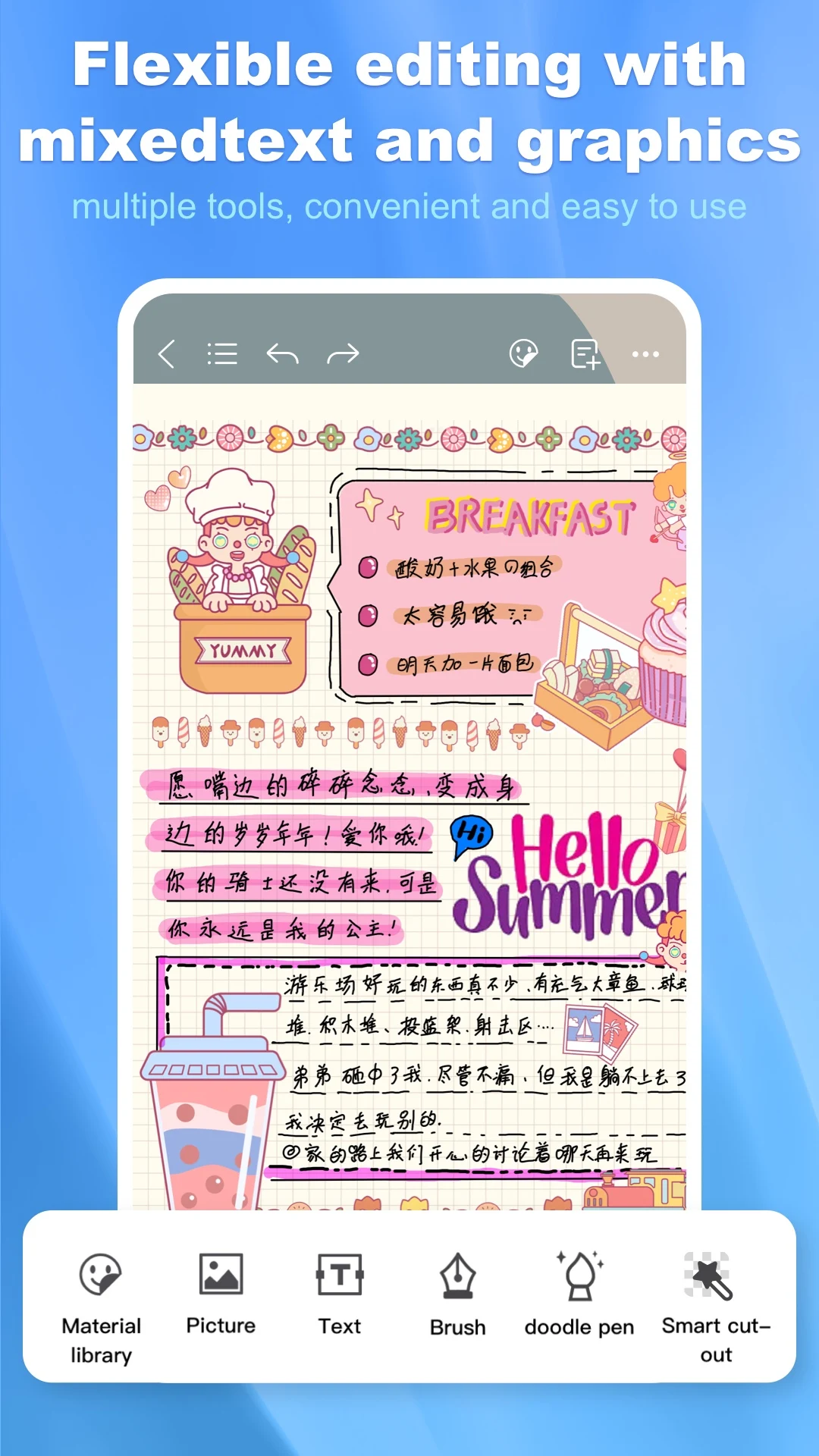
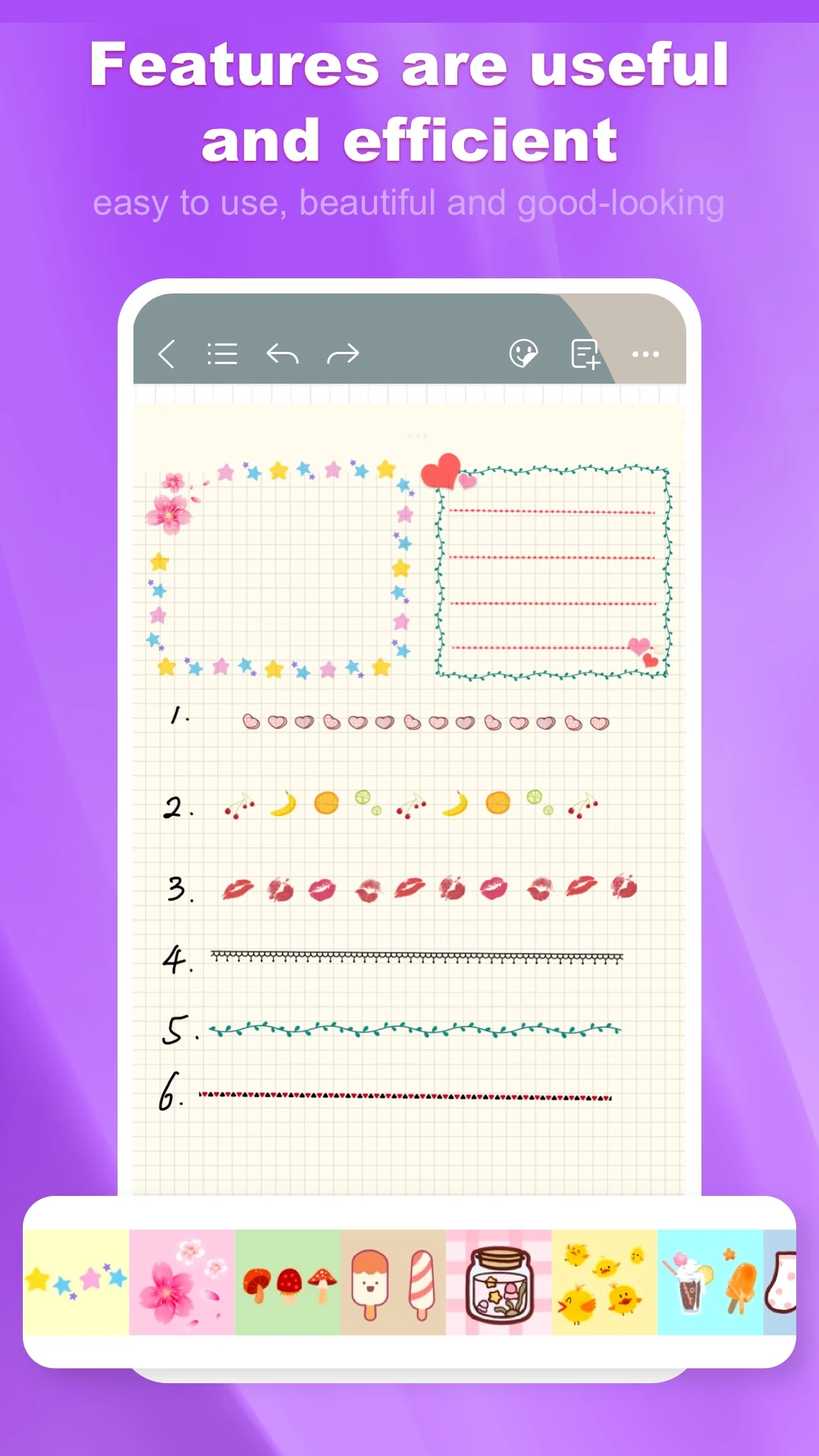
You can insert pictures or photos, and combine text and pictures to deepen memory
· Quick browsing function to help you quickly find what you need
· Unlimited creation of paper, providing endless memory space
·Recording function, allowing you to take notes while listening to lectures
·Card function, create an exclusive knowledge base, you can create your card through pictures, brushes, and typing
OCR function, convenient and fast text extraction
[Optimized reading experience]
·Global PDF search, quickly find what you need in the database
· Outline function, convenient and fast positioning
Multiple reading modes: eye protection, dark color, vision protection
· Quick jump function, enter the page number to quickly navigate
·Translation function to help foreign language literature reading
·Extraction function, easy to collect important information
·PDF extension function, make reading and writing more free
[Beyond the limits of the brush]
· Change brush color, create custom colors, or pick any color with the eyedropper
·Adjustable brush width to adapt to various scenes
·Graffiti pen function, make notes more colorful
[Custom Notebook]
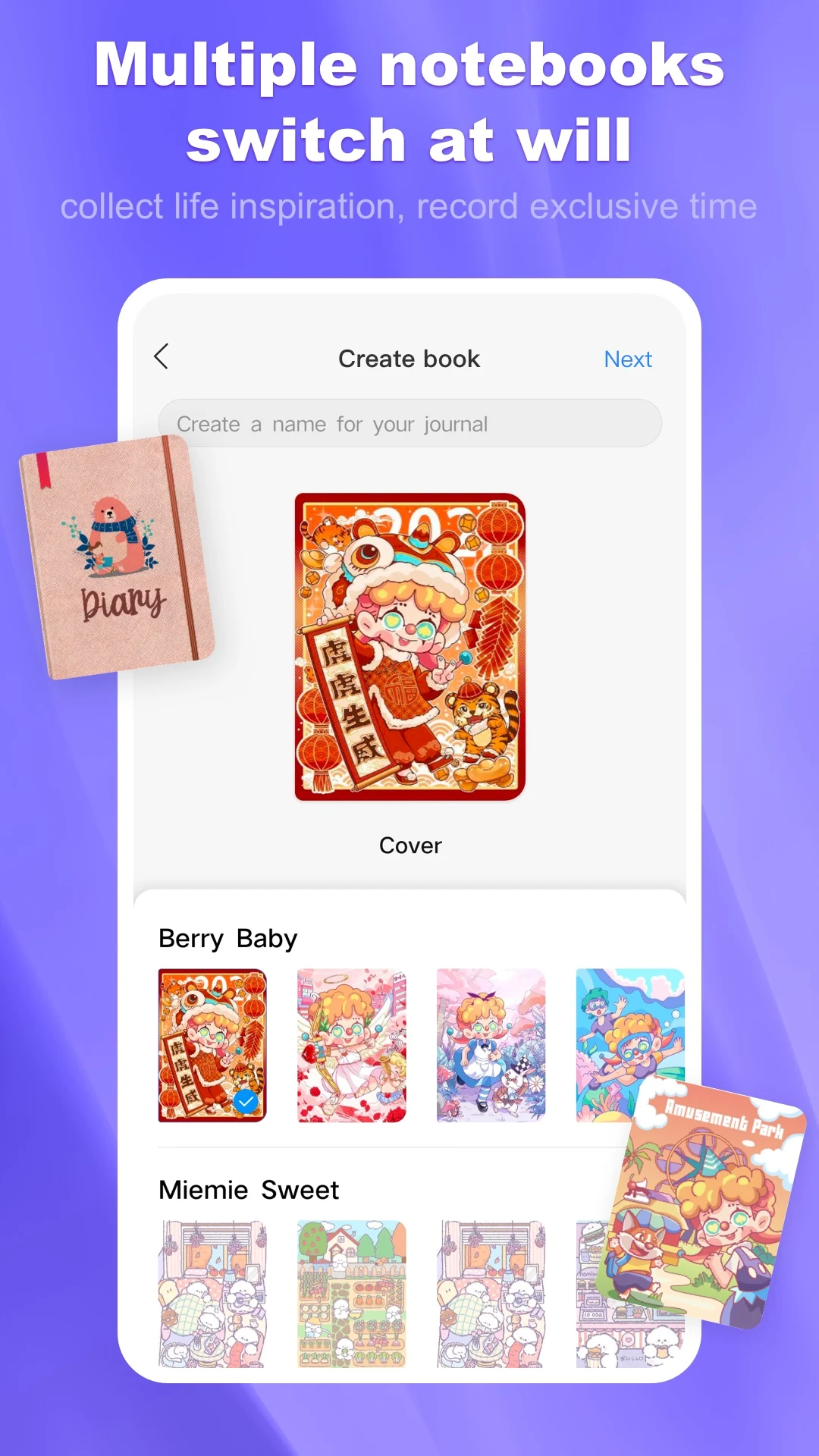
·Provide many unique and beautiful covers for you to choose
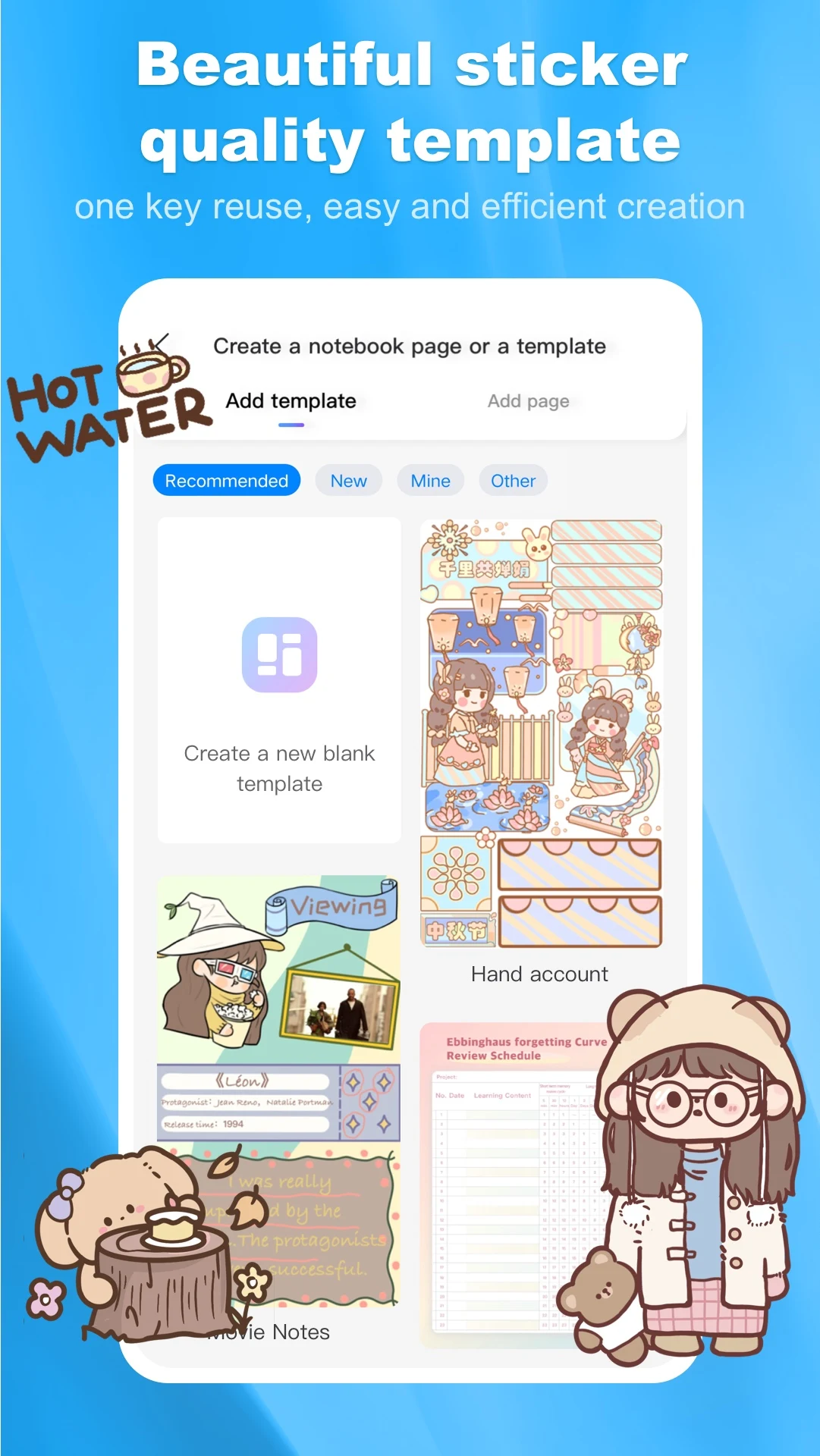
·A variety of paper templates are available: blank paper, dot matrix paper, graph paper, to meet your needs
·You can import PDF and record freely in your own notebook
You are more than welcome to contact us : business@top-stack.com
Show more

1. Download MEmu installer and finish the setup

2. Start MEmu then open Google Play on the desktop

3. Search Kilonotes-Notes & PDF reading in Google Play
Install
4. Download and Install Kilonotes-Notes & PDF reading
5. On install completion click the icon to start

6. Enjoy using Kilonotes-Notes & PDF reading on PC with MEmu
MEmu Play is the best Android emulator, and 100 million users already enjoy its superb Android app experience. Powered by advanced virtualization technology, it lets you enjoy thousands of Android apps smoothly on your PC—including the most graphics-intensive ones.
Bigger screen with better graphics; Long duration, without limitation of battery or mobile data.
Full Keymapping support for precise control of keyboard and mouse or gamepad.
Multiple game accounts or tasks on single PC at one time with Multi-Instance manager.
Use Kilonotes-Notes & PDF reading on PC by following steps:


















![[3D Platformer] Super Bear Adventure PC](https://dl.memuplay.com/new_market/img/com.Earthkwak.Platformer.icon.2024-09-08-15-16-43.png)









