BLIGHTEN
Diupdate
Versi Saat Ini
Ditawarkan Oleh

Dengan sepenuh kebulatan hati Anda dalam memainkan BLIGHTEN, tangan Anda tak seharusnya hanya terbatas pada layar kecil handphone Anda.Bermainlah layaknya seorang profesional dan dapatkan kendali penuh dalam permainan Anda dengan papan ketik dan tetikus.MEmu menawarkan seluruh hal yang Anda harapkan.Unduh dan mainkan BLIGHTEN pada PC. Bermainlah selama yang Anda inginkan, tanpa keterbatasan dari baterai, data seluler dan panggilan yang mengganggu.MEmu 9 baru merupakan pilihan terbaik untuk memainkan BLIGHTEN pada PC. Dipersiapkan bersama teknologi ahli kami, sistem pemetaan kunci preset yang canggih menjadikan BLIGHTEN sebagai permainan PC sejati.Manajer banyak hal dari MEmu memungkinkan Anda untuk memainkan 2 atau banyak akun pada perangkat yang sama.Dan yang terpenting, mesin emulasi eksklusif kami bisa melepaskan potensi penuh PC Anda, membuat segalanya berjalan lancar.
Tampilkan Lebih banyak
Unduh BLIGHTEN di PC dengan Emulator Android MEmu. Nikmati permainan pada layar yang besar. BLIGHTEN is an intense first person survival horror game with grim retro style graphics.


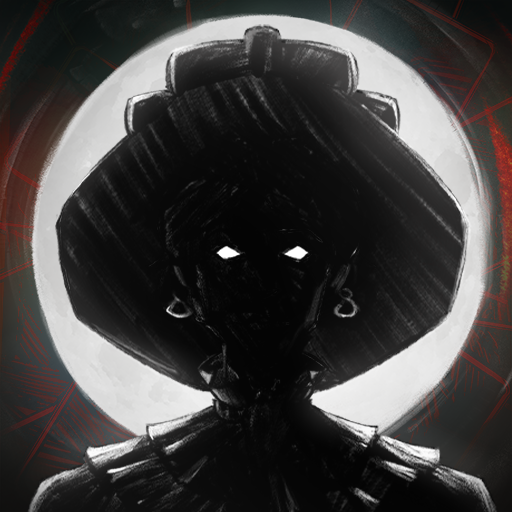
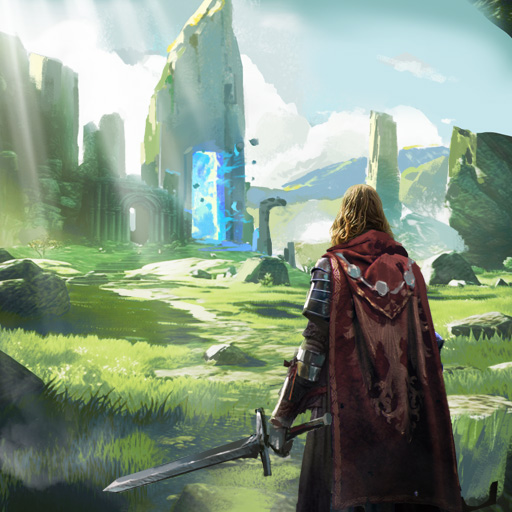
BLIGHTEN is an intense first person survival horror game with grim retro style graphics.Selected to eliminate the last rebels in the eastern wastes, you find yourself lost with your team slaughtered. Now alone you must navigate through the Blight ridden hallways of the facility, explore every room for resources and weapons in an extensive and explorable level based map.Brutal Combat and Resource ManagementArm yourself with an extensive arsenal of various firearms from shotguns to assault rifles, a weapon perfect for every situation. Take part in dynamic and addictive gun play as you take down various mutated horrors throughout the mega structure. Find parts and ammo and make every shot count.Key Features:Immersive Retro Atmosphere: Hand drawn enemy sprites and animation in a 3D retro world creates a unique and dynamic atmosphere while still being fateful to classic retro graphics.Deep and Dark Narrative: As you descend deeper into the decaying facility, an unseen evil lurks in the shadows of the facility, shaping the horrors around you. As you navigate this industrial nightmare, every Blightened creature slain is a grim reminder to what you've lost â and the things you're fighting for.Ammo Management: Ammo and resources are limited, make every shot count, your survival depends upon quick thinking and inventive thinking.Face Blightened Foes: Engage in combat with the blight ridden creatures navigating the facility, each with their own unique abilities and traits.
Tampilkan Lebih banyak

1. Unduh dan instal MEmu APP

2. Menjalankan MEmu lalu buka Google Play di halaman

3. Cari BLIGHTEN di Google Play
Install
4. Unduh dan instal BLIGHTEN
5. Setelah insatl APP selesai,klik ikon untuk mulai

6. Nikmati bermain BLIGHTEN di PC dengan MEmu
MEmu App Player adalah emulator Android gratis terbaik dan 50 Juta orang sudah menikmati pengalaman luar biasa dalam bermain gim Android. Teknologi virtualisasi MEmu memberi kekuasaan untuk memainkan ribuan gim Android dengan lancar di PC anda, bahkan gim dengan grafis yang paling tinggi.
Layar lebih besar dengan grafis yang lebih baik; durasi panjang, tanpa batasan baterai atau data seluler.
Didukung penuh oleh Pemetaan tombol yang lengkap untuk keakuratan kontrol keyboard dan mouse maupun gamepad.
Membuka beberapa akun game atau tugas di waktu yang sama hanya pada satu PC, dengan Multi-Instance manager.
Play BLIGHTEN on PC by following steps: