NTE: Neverness to Everness
Aggiornata
Versione corrente
1.1.1.75715
Offerta da

Vista tutta la passione dimostrata nel giocare a NTE: Neverness to Everness, le tue mani non dovrebbero essere limitate al minuscolo schermo di un telefono. Gioca come un professionista e ottieni il pieno controllo del gioco con tastiera e mouse. MEmu ti offre tutto ciò che ti aspetti. Scarica e gioca a NTE: Neverness to Everness su PC. Gioca quanto vuoi, niente più limitazioni di batteria, dati mobili e chiamate inquietanti. Il nuovissimo MEmu 9 è la scelta migliore per giocare a NTE: Neverness to Everness su PC. Realizzato sulla base della nostra esperienza, lo squisito sistema di mappatura dei tasti preimpostati rende NTE: Neverness to Everness un vero e proprio gioco per PC. MEmu è un gestore multi-instanza che permette di giocare con 2 o più account sullo stesso dispositivo. E la cosa più importante, il nostro esclusivo motore di emulazione può liberare tutto il potenziale del tuo PC, rendendo tutto fluido.
Mostra altro
Scarica NTE: Neverness to Everness su PC con MEmu Android Emulator. Divertiti giocando sul grande schermo. NTE is a supernatural open-world RPG developed by Hotta Studio.

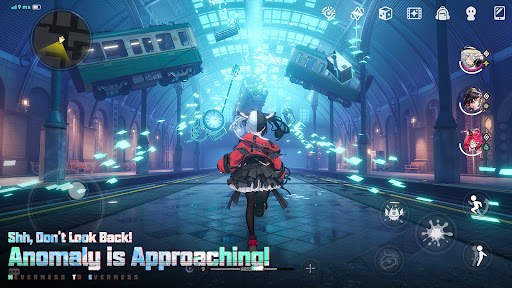
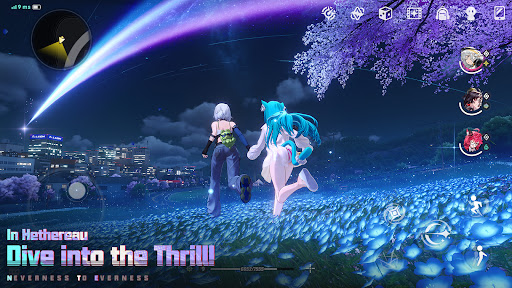
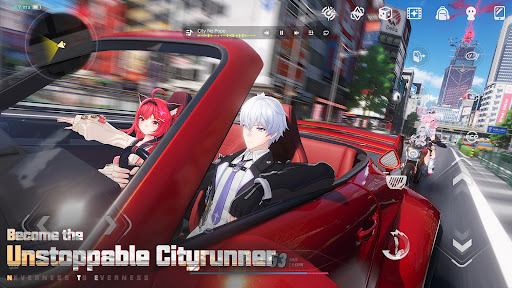
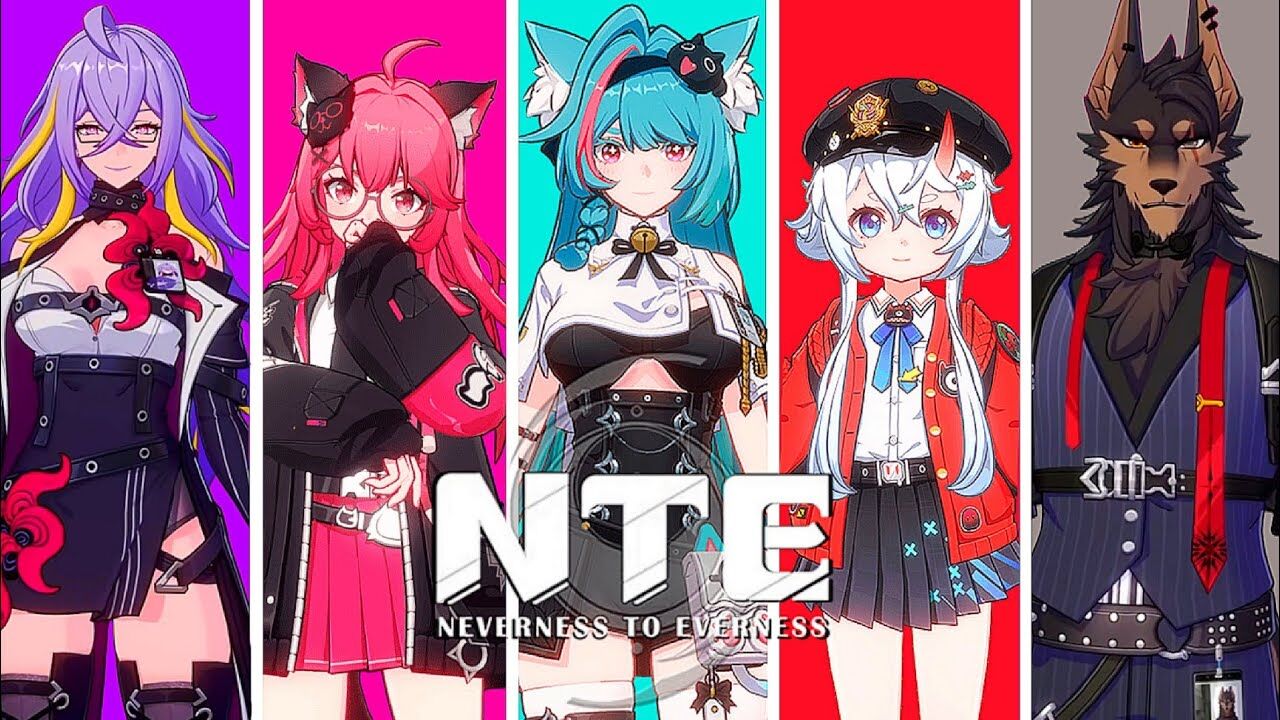
NTE is a supernatural open-world RPG developed by Hotta Studio. The story begins in the city of Hethereau, where you play as its first "unlicensed" Anomaly Hunter. You'll join the crew at Eibon, a rundown antique shop that keeps the lights on by taking Anomaly commissions from anyone willing to pay. Alongside a diverse cast of extraordinary companions, you'll unravel urban mysteries, ride out adventures full of laughs and heartbreak, and write your own stories in the neon-lit streets.
◆ Strange City, Strange Adventures
Welcome to the first stop in your appraisal career—Hethereau, a sprawling and vibrant metropolis!
In the crowded halls of the Bureau of Anomaly Control, hopeful Oddities queue up for resident permits, while over at the train station, an Esper commuter snaps his fingers to clean his work suit on the fly. Down one block, a chaotic chase after Danzaburou is spiraling out of control; while across the street, a vacationing silver-gloved Butler is shooting the breeze with the owner of a second-hand electronics shop. Everywhere you look, there's no shortage of intriguingly "abnormal" scenes.
Want to dive deeper into a world where humans and the supernatural coexist? Start your journey in Hethereau to see it for yourself. The lively and quirky daily life here is a grand adventure in itself.
◆ Interesting Stories, Lighthearted Connections
Today's Top Story: Rumors are swirling about a mysterious pawnshop that only appears on the night of the full moon. What would you trade for a wish?
Breaking News: Taygedo's romance crisis! Romance and impulse, heartbreak and missed chances—Miss Tako, the object of a secret crush, is about to leave Hethereau with her guarantor. How will the lovestruck otter get his feelings across before it's too late?
Reliable Insider Tip: Film Orbit Studio is back in business! Members of the Eibon Antique Shop get exclusive discounts!
Weather Update: The Anomaly Rainman is entering an active phase—don't forget your rain gear on the way out!
That wraps up today's 10AM broadcast. Stay tuned for mysterious Anomalies, unbreakable "Oaths," and the ever-growing shadow of the colossal "Circle" organization, looming larger in the fragmented echoes of "Prophecies"...
◆ Encounters and Bonds
Explore hidden shops tucked away in back alleys and meet their enigmatic owners, along with absurdly overpowered bodyguards, "jack-of-all-trades" robotic butlers, troublemakers who can't help finding problems, and TV-headed repairmen with some very curious eating habits.
As part of the Eibon crew, you'll never be short on energetic companions for the road ahead.
Expand your social circle starting from the bustling Hankaku Street! Meet members from different factions and add them as "Bagel" friends!
From the tight-knit neighborhood of street shops to the city's unique hunter organizations, countless side stories await—ready for you to make friends and forge bonds across every corner of Hethereau.
◆ Customize Your Urban Lifestyle
Explore the city on your own terms—stick to familiar routines or shake things up.
Customize your ride and tear through the city streets, or hop on the Ghost Train to cut through Anomaly space and arrive in a flash.
In your downtime, swing by the old shops on Hankaku Street to browse their secret seasonal stock, or buy a cozy little home and deck it out to your liking.
Go at your own pace, follow your instincts, and let Hethereau reward you with colorful days worth remembering.
Follow our official channels for the latest on NTE!
Official Website: https://nte.perfectworld.com
YouTube: https://www.youtube.com/@NTE_Official
X: https://x.com/NTE_GL
Discord: https://discord.gg/nte
TikTok: https://tiktok.com/@ntegame.official
Facebook: https://facebook.com/NTE.Official.Game
Instagram: https://www.instagram.com/ntegame.official/
Reddit: https://reddit.com/r/NevernessToEverness
Twitch: https://www.twitch.tv/nte_global
Mostra altro

1. Scarica il programma di installazione di MEmu e completa l'installazione

2. Avvia il Memu e apri il Google Play sulla homepage

3. Cerca NTE: Neverness to Everness in Google Play
Install
4. Scarica e installa NTE: Neverness to Everness
5. Al termine dell'installazione, fai clic sull'icona per avviar

6. Divertiti giocando a NTE: Neverness to Everness su PC con MEmu
MEmu App Player è il miglior emulatore Android gratuito, utilizzato da 50 milioni di persone per ottenere un'esperienza di gioco Android superba. La tecnilogia di virtualizzazione MEmu ti permette di giocare a migliaia di giochi Android con semplicità sul tuo computer, anche i giochi con la grafica più esigente.
Schermo più grande con una grafica migliore; Lunga durata, senza limitazione di batteria o dati mobili.
Supporto completo per mappa di tastiera per un controllo preciso di tastiera e mouse o gamepad.
Multipli account di gioco o attività su un singolo PC contemporaneamente con il gestore di multi istanza.
Play NTE: Neverness to Everness on PC by following steps: