Titan Revenge
Aggiornata
Versione corrente
Offerta da

Vista tutta la passione dimostrata nel giocare a Titan Revenge, le tue mani non dovrebbero essere limitate al minuscolo schermo di un telefono. Gioca come un professionista e ottieni il pieno controllo del gioco con tastiera e mouse. MEmu ti offre tutto ciò che ti aspetti. Scarica e gioca a Titan Revenge su PC. Gioca quanto vuoi, niente più limitazioni di batteria, dati mobili e chiamate inquietanti. Il nuovissimo MEmu 9 è la scelta migliore per giocare a Titan Revenge su PC. Realizzato sulla base della nostra esperienza, lo squisito sistema di mappatura dei tasti preimpostati rende Titan Revenge un vero e proprio gioco per PC. MEmu è un gestore multi-instanza che permette di giocare con 2 o più account sullo stesso dispositivo. E la cosa più importante, il nostro esclusivo motore di emulazione può liberare tutto il potenziale del tuo PC, rendendo tutto fluido.
Mostra altro
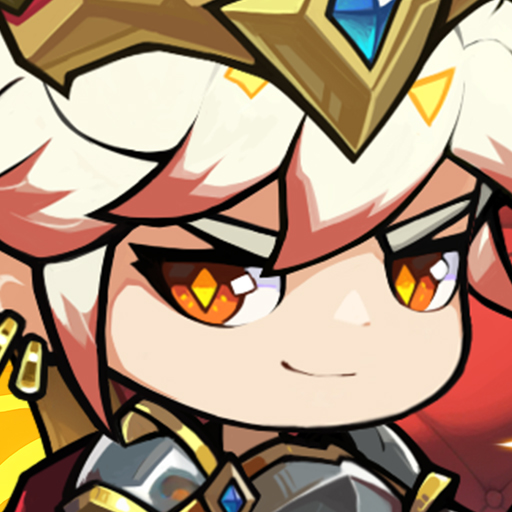
Scarica Titan Revenge su PC con MEmu Android Emulator. Divertiti giocando sul grande schermo. In Titan Revenge, Zeus, King of the Gods, foresees the coming of Ragnarok and seeks to save the divine realm using the power of Pandora's Box.
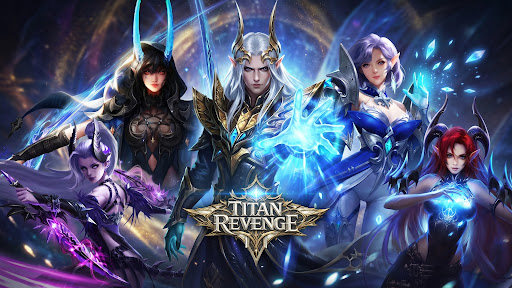
In Titan Revenge, Zeus, King of the Gods, foresees the coming of Ragnarok and seeks to save the divine realm using the power of Pandora's Box. But when he opens it, the sealed darkness corrupts him, turning Zeus into a Demon King. He unleashes monsters from the Abyss, plunging the world into chaos and destruction.
As darkness spreads, a new prophecy emerges: Boros will become the new God King and end the disaster of Pandora's Box. Pursued by Demon King Zeus and his armies, the chosen hero begins a journey to seal the evil, awaken divine powers with angelic guidance, and save the world.
Titan Revenge is a Greek mythology MMORPG featuring hack-and-slash combat, boss battles, guild systems, and deep character progression in an epic fantasy world of gods and demons.
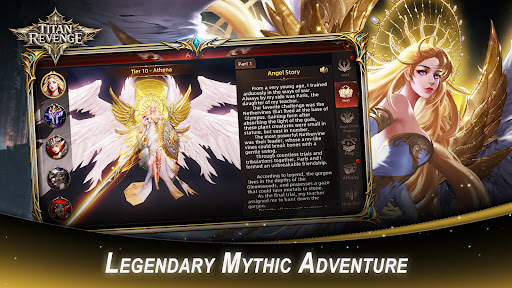
[Legendary Mythic Adventure]
Enter the world of Immortals Revenge and journey through a realm shaped by ancient legends, mighty gods, heroic warriors, and divine conflicts. Harness celestial power and carve your own path through an epic fantasy adventure.
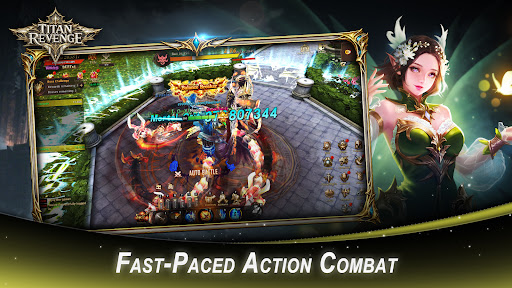
[Fast-Paced Action Combat]
Experience thrilling hack-and-slash battles packed with flashy abilities, impactful combos, and intense encounters that deliver nonstop excitement.
[Legendary Angels at Your Side]
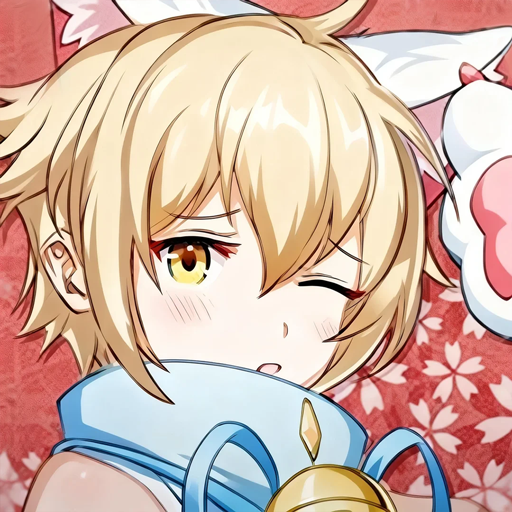
Unlock and command a roster of powerful angels, each with unique skills, visual designs, and backstories. Fight alongside celestial allies and unleash their divine powers in battle.
[Endless Collection & Customization]
Hunt for hundreds of collectible Wings, Spirits, Mounts, Artifacts, and more. Customize your hero's appearance, boost your combat power, and complete your ultimate collection.
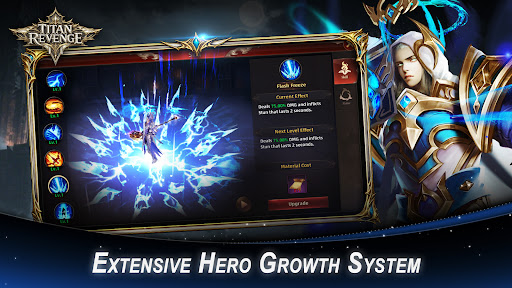
[Extensive Hero Growth System]
Strengthen your character through equipment upgrades, powerful artifacts, majestic wings, and unique mounts. Multiple progression systems allow you to continuously increase your strength.
[Immersive MMORPG Multiplayer World]
Build alliances through guilds, challenge powerful world bosses with teammates, and prove your strength in competitive PvP battles alongside players from around the globe.
[Play Your Way]
Whether you prefer active combat or effortless progression, enjoy gameplay systems that support both hands-on action and idle advancement.
[Endless Activities & Valuable Rewards]
Take part in seasonal celebrations, daily missions, and limited-time events to unlock rare rewards and speed up your growth on the battlefield.
Facebook: https://www.facebook.com/TitanRevengeMobile/
Discord: https://discord.gg/J5DRCRPJRn
Mostra altro

1. Scarica il programma di installazione di MEmu e completa l'installazione

2. Avvia il Memu e apri il Google Play sulla homepage

3. Cerca Titan Revenge in Google Play
Install
4. Scarica e installa Titan Revenge
5. Al termine dell'installazione, fai clic sull'icona per avviar

6. Divertiti giocando a Titan Revenge su PC con MEmu
MEmu App Player è il miglior emulatore Android gratuito, utilizzato da 50 milioni di persone per ottenere un'esperienza di gioco Android superba. La tecnilogia di virtualizzazione MEmu ti permette di giocare a migliaia di giochi Android con semplicità sul tuo computer, anche i giochi con la grafica più esigente.
Schermo più grande con una grafica migliore; Lunga durata, senza limitazione di batteria o dati mobili.
Supporto completo per mappa di tastiera per un controllo preciso di tastiera e mouse o gamepad.
Multipli account di gioco o attività su un singolo PC contemporaneamente con il gestore di multi istanza.
Play Titan Revenge on PC by following steps: