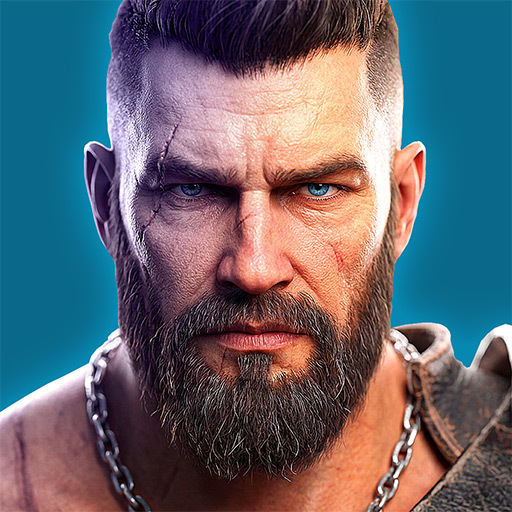
Titan Revenge
Actualizada
Versión actual
Ofrecida por

Con toda tu pasión para jugar Titan Revenge, no se supone que tus manos estén limitadas en una pequeña pantalla de tu teléfono. Juega como un profesional y obtén el control total de tu juego con el teclado y el mouse. MEmu le ofrece todas las cosas que espera. Descargar y jugar Titan Revenge en PC. Juega todo el tiempo que quieras, sin más limitaciones de batería, datos móviles y llamadas molestas. El nuevo MEmu 9 es la mejor opción para jugar Titan Revenge en PC. Preparado con nuestra experiencia, el exquisito sistema de keymapping preestablecido convierte a Titan Revenge en un verdadero juego de PC. Codificado con nuestra absorción, el administrador de instancias múltiples hace posible jugar 2 o más cuentas en el mismo dispositivo. Y lo más importante, nuestro exclusivo motor de emulación puede liberar todo el potencial de su PC, hacer que todo sea más fluido. Nos importa no solo cómo juegas, sino también todo el proceso de disfrutar de la felicidad de los juegos.
Más detalles
Descargar Titan Revenge en PC con MEmu Android Emulador. Disfruta jugando en la pentalla grande. In Titan Revenge, Zeus, King of the Gods, foresees the coming of Ragnarok and seeks to save the divine realm using the power of Pandora's Box.
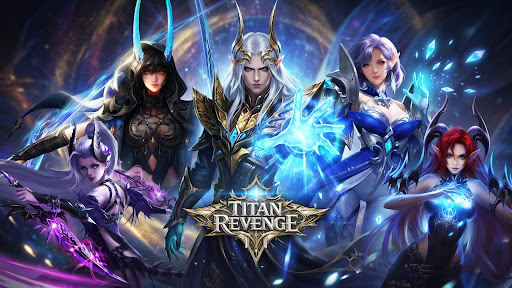
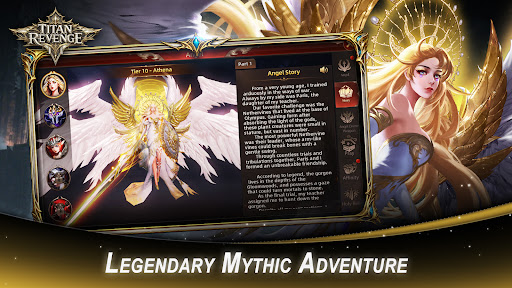
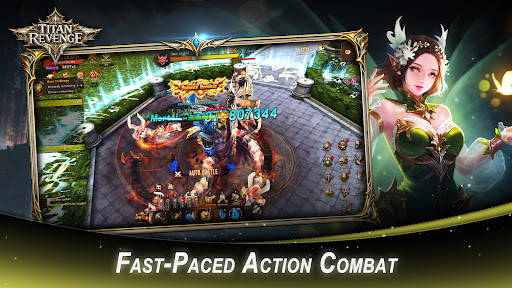
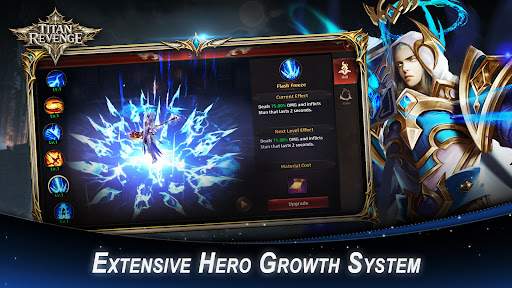
In Titan Revenge, Zeus, King of the Gods, foresees the coming of Ragnarok and seeks to save the divine realm using the power of Pandora's Box. But when he opens it, the sealed darkness corrupts him, turning Zeus into a Demon King. He unleashes monsters from the Abyss, plunging the world into chaos and destruction.
As darkness spreads, a new prophecy emerges: Boros will become the new God King and end the disaster of Pandora's Box. Pursued by Demon King Zeus and his armies, the chosen hero begins a journey to seal the evil, awaken divine powers with angelic guidance, and save the world.
Titan Revenge is a Greek mythology MMORPG featuring hack-and-slash combat, boss battles, guild systems, and deep character progression in an epic fantasy world of gods and demons.
[Legendary Mythic Adventure]
Enter the world of Immortals Revenge and journey through a realm shaped by ancient legends, mighty gods, heroic warriors, and divine conflicts. Harness celestial power and carve your own path through an epic fantasy adventure.
[Fast-Paced Action Combat]
Experience thrilling hack-and-slash battles packed with flashy abilities, impactful combos, and intense encounters that deliver nonstop excitement.
[Legendary Angels at Your Side]
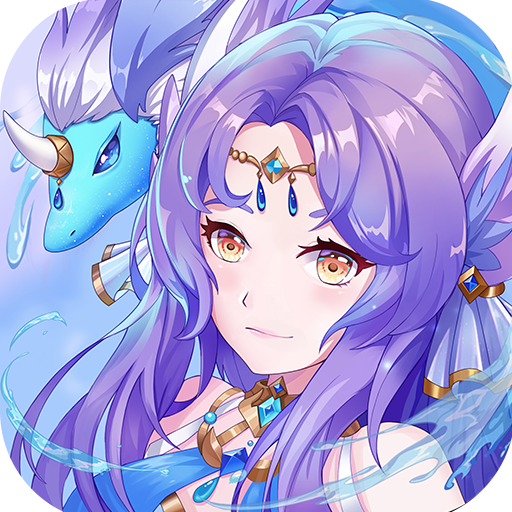
Unlock and command a roster of powerful angels, each with unique skills, visual designs, and backstories. Fight alongside celestial allies and unleash their divine powers in battle.
[Endless Collection & Customization]
Hunt for hundreds of collectible Wings, Spirits, Mounts, Artifacts, and more. Customize your hero's appearance, boost your combat power, and complete your ultimate collection.
[Extensive Hero Growth System]
Strengthen your character through equipment upgrades, powerful artifacts, majestic wings, and unique mounts. Multiple progression systems allow you to continuously increase your strength.
[Immersive MMORPG Multiplayer World]
Build alliances through guilds, challenge powerful world bosses with teammates, and prove your strength in competitive PvP battles alongside players from around the globe.
[Play Your Way]
Whether you prefer active combat or effortless progression, enjoy gameplay systems that support both hands-on action and idle advancement.
[Endless Activities & Valuable Rewards]
Take part in seasonal celebrations, daily missions, and limited-time events to unlock rare rewards and speed up your growth on the battlefield.
Facebook: https://www.facebook.com/TitanRevengeMobile/
Discord: https://discord.gg/J5DRCRPJRn
Más detalles

1. Descargar el instalador de MEmu y finalice la instalación

2. Iniciar MEmu y abrir Google Play en la página de inicio

3. Buscar Titan Revenge en Google Play
Install
4. Descargar y instalar Titan Revenge
5. Hacer click al icono para iniciar

6. Disfruta jugando Titan Revenge en PC con MEmu
MEmu App Player es el mejor emulador de Android gratuito y 50 millones de personas ya están disfrutando su magnífica experiencia jugando en Android. La tecnología de virtualización de MEmu te permite jugar a miles de juegos Android suavemente en tu PC, incluso los más intensivos gráficamente.
Pantalla más grande con mejores gráficos; Larga duración, sin limitación de batería o datos móviles.
Soporte completo de keymapping para un control preciso del teclado y el mouse o gamepad.
Múltiples cuentas de juegos o tareas en una sola PC a la vez con el administrador de instancias múltiples.
Play Titan Revenge on PC by following steps: