ダウンロード中...
ダウンロードが開始しない場合は、ここをクリック
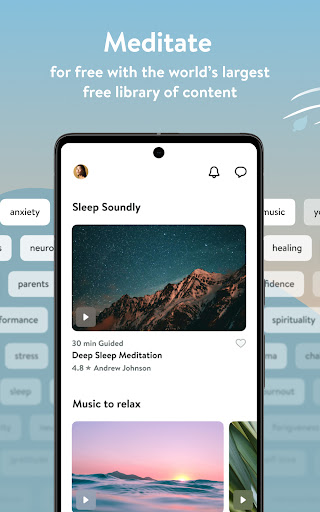
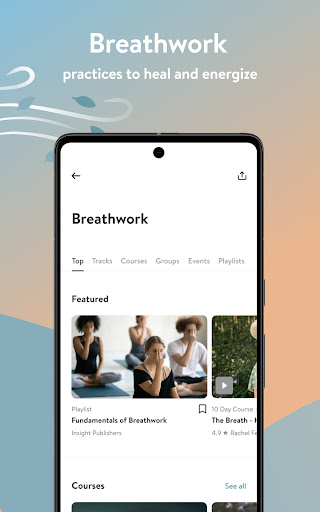
Insight Timer - 瞑想アプリをPCでダウンロードする方法
-
![Insight Timer - 瞑想アプリ PC版]()
1. MEmuインストーラーをダウンロードしてセットアップを完了する
-
![Insight Timer - 瞑想アプリ PC版]()
2. MEmuを起動し、デスクトップでのPlayストアを開く
-
![Insight Timer - 瞑想アプリ PC版]()
3. PlayストアでInsight Timer - 瞑想アプリを検索する
-
 Install
4. Insight Timer - 瞑想アプリをダウンロードしてインストールする
-
5. インストールが完了したら、アイコンをクリックしてスタート
-
![Insight Timer - 瞑想アプリ PC版]()

6. MEmuを使ってパソコンでInsight Timer - 瞑想アプリを体験する











ホットな話題