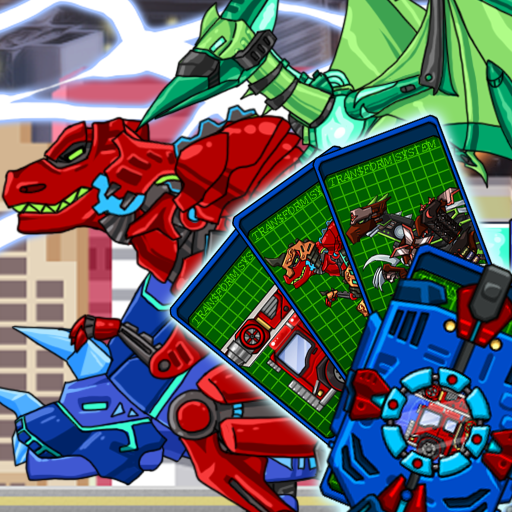
変身! ダイノロボット:組み立ておもちゃ恐竜ロボットゲーム
更新日
現在のバージョン
1.34.18
提供元

スマホ不要!プロ選手のようにキーボードとマウスで操作しよう。MEmuエミュはあなたにすべての期待を与える。電池が切れてしまうとか画面が小さいとかの問題を心配する必要がなくて、存分変身! ダイノロボット:組み立ておもちゃ恐竜ロボットゲームを楽しんでください。新しいMEmuエミュ7はPCで変身! ダイノロボット:組み立ておもちゃ恐竜ロボットゲームをプレイするのに最適!完璧なキーマッピングシステムにより、まるでパソコンゲームみたい。マルチインスタンスで複数のゲームやアプリを同時に実行!唯一無二な仮想化エンジンがパソコンの可能性を最大限になる。遊べるだけでなく、より楽しめる!
もっと見る
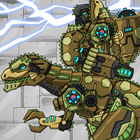
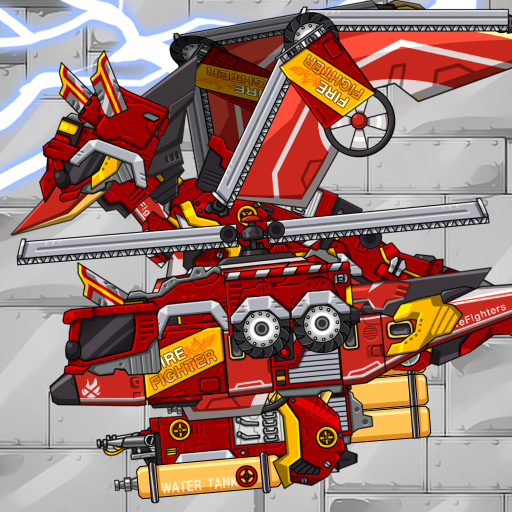
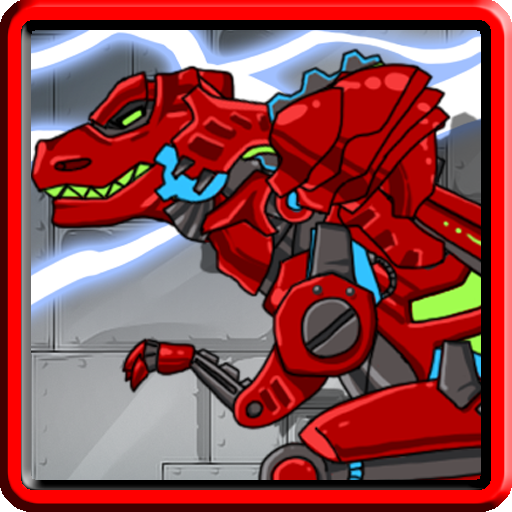
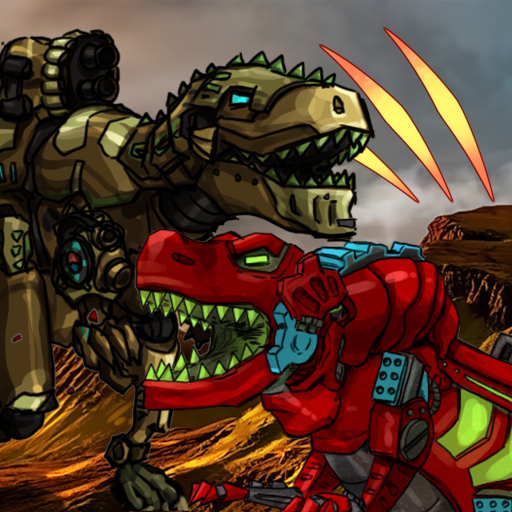
変身! ダイノロボット:組み立ておもちゃ恐竜ロボットゲームをPCでダウンロード!大画面でより楽しむ。電源が落ちてしまうとか通信料が足りないとかの問題を心配する必要がなく、PCの大画面でより快適にゲームを楽しましょう! ジュラ紀、白亜紀に登場した恐竜をモチーフにした様々な恐竜ロボットが集結!
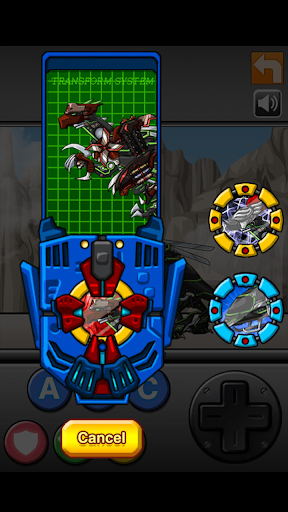
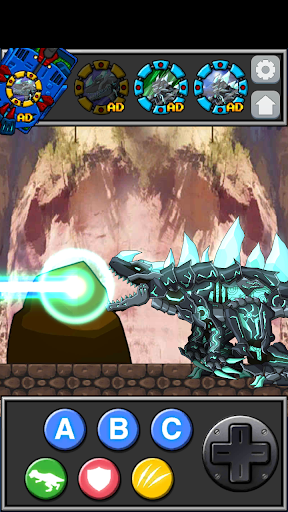
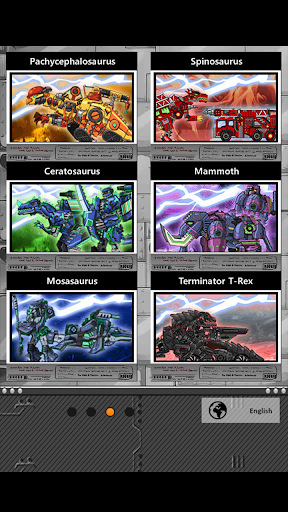
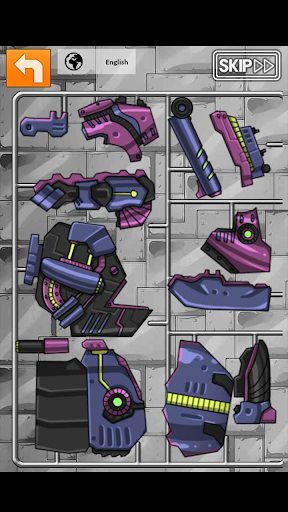
ジュラ紀、白亜紀に登場した恐竜をモチーフにした様々な恐竜ロボットが集結!
好みのディーノロボットを選んで組み立ててください。
組み立てられたロボットをトランスフォームスロットで変身させましょう!
変身ごとに様々なモーションが用意されています。
新しディーノロボットがアップデートされる予定です。
▼Dino Robot and background description
In Dino World, There is an evil force that wants to conquer,
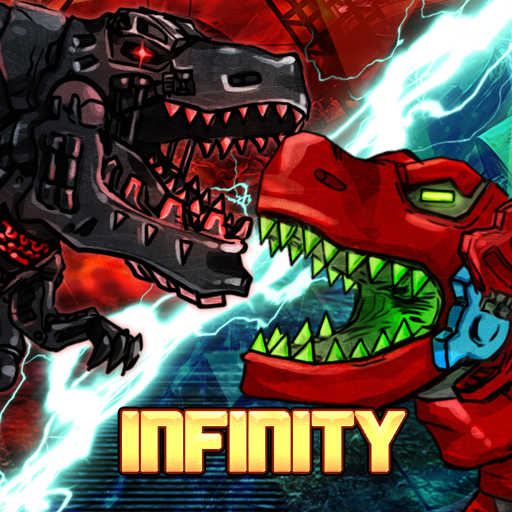
Representatives are the "BlackUnion", a group that values power and has tremendous ambitions, and the group "MachineLegion" of the law of the jungle.
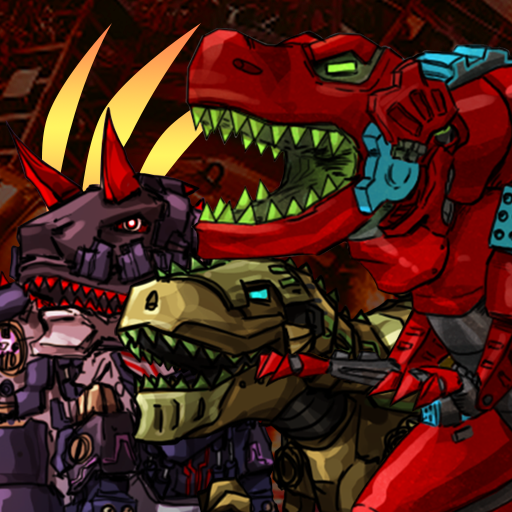
The BlackUnion consists of the Commander Giganotosaurus and captain of the bodyguard, Smilodon Black and the scientist Baryonyx.
In the "MachineLegion", the Legion Boss Terminator T-Rex leads the Legion.
They habitually destroy from place to place in continents and confuse the world.
Eventually they attacked Tyranno City, known as the City of Peace,
To prevent them, T-Rex Red, who leads the elite squad of Tyranno City, "Storm Dragon"
The original members, the ancient Octopus, and the Triceratops of Double Target, who are responsible for the city's security, are helping to stop them.
Meanwhile, there are dinosaurs that do not belong anywhere and live anywhere the continent.
A typical example is the black octopus and the outlaw Alpha Megalodon of the sea. Also The ancient King Kong, the guardian of the forest, protects the wide jungle.
もっと見る

1. MEmuインストーラーをダウンロードしてセットアップを完了する

2. MEmuを起動し、デスクトップでのPlayストアを開く

3. Playストアで変身! ダイノロボット:組み立ておもちゃ恐竜ロボットゲームを検索する
Install
4. 変身! ダイノロボット:組み立ておもちゃ恐竜ロボットゲームをダウンロードしてインストールする
5. インストールが完了したら、アイコンをクリックしてスタート

6. MEmuを使用してPCで変身! ダイノロボット:組み立ておもちゃ恐竜ロボットゲームを楽しむ
MEmu App Playerは最高の無料で提供されるAndroidエミュレータで、5,000万人がすでに優れたAndroidゲーム体験を楽しんでいます。 MEmuの仮想化技術は、あなたのPCで何千ものAndroidゲームを快適にプレイすることを可能にします。
大画面でより精細;無限の待機、電池とドラフィックの極限を超え
キーボード・マウス・コントローラーを全力でサポート、より快適
マルチインスタンスで複数のゲームを同時に実行
Play 変身! ダイノロボット:組み立ておもちゃ恐竜ロボットゲーム on PC by following steps: