Cross Stitch: Antistress
更新日
現在のバージョン
提供元

スマホ不要!プロ選手のようにキーボードとマウスで操作しよう。MEmuエミュはあなたにすべての期待を与える。電池が切れてしまうとか画面が小さいとかの問題を心配する必要がなくて、存分Cross Stitch: Antistressを楽しんでください。新しいMEmuエミュ7はPCでCross Stitch: Antistressをプレイするのに最適!完璧なキーマッピングシステムにより、まるでパソコンゲームみたい。マルチインスタンスで複数のゲームやアプリを同時に実行!唯一無二な仮想化エンジンがパソコンの可能性を最大限になる。遊べるだけでなく、より楽しめる!
もっと見る
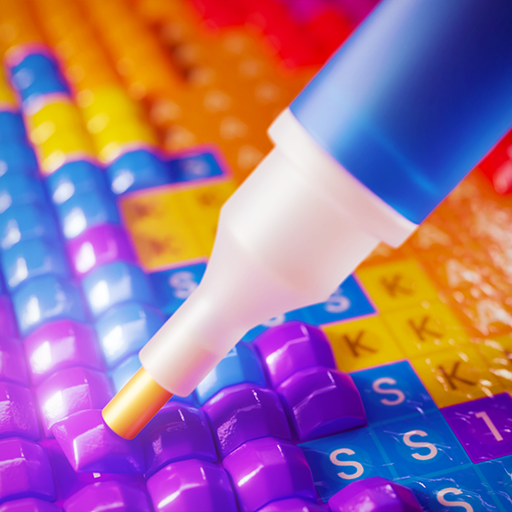
Cross Stitch: AntistressをPCでダウンロード!大画面でより楽しむ。電源が落ちてしまうとか通信料が足りないとかの問題を心配する必要がなく、PCの大画面でより快適にゲームを楽しましょう! Cross Stitch: Antistress digitizes one of the world's most beloved needlework traditions - and bridges it back to the physical world.
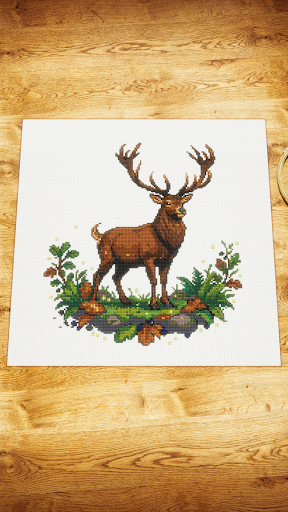
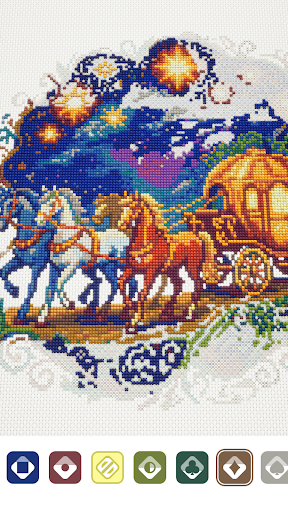
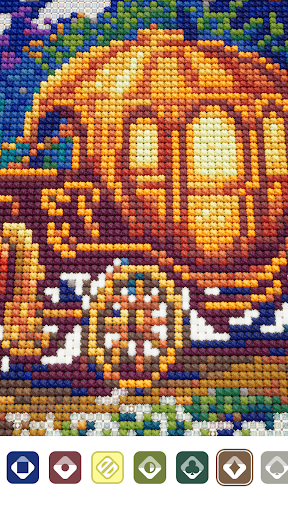
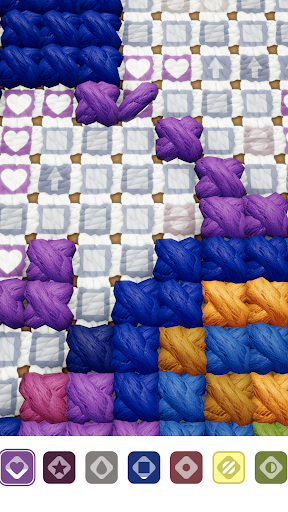
Cross Stitch: Antistress digitizes one of the world's most beloved needlework traditions - and bridges it back to the physical world.
Following our hit Diamond Painting: Antistress, this is the next chapter in the Antistress Games universe: a portfolio of mobile experiences that transform real-world creative hobbies into therapeutic digital rituals enjoyed by millions.
Three things set this launch apart:
Hyperrealistic, not pixel art. We've built Cross Stitch: Antistress with photorealistic linen canvas, 3D thread textures, and tactile stitch animations.
Authentic content. Patterns and DMC thread palettes match what real cross stitchers use IRL - the kind you'd find on Etsy or in a craft store.
Digital unlocks physical. Complete an artwork in the app and earn its free printable PDF pattern - ready to stitch on real fabric with real thread.
Zero anxiety by design. No timers, no lives, no fail states!
もっと見る

1. MEmuインストーラーをダウンロードしてセットアップを完了する

2. MEmuを起動し、デスクトップでのPlayストアを開く

3. PlayストアでCross Stitch: Antistressを検索する
Install
4. Cross Stitch: Antistressをダウンロードしてインストールする
5. インストールが完了したら、アイコンをクリックしてスタート

6. MEmuを使用してPCでCross Stitch: Antistressを楽しむ
MEmu App Playerは最高の無料で提供されるAndroidエミュレータで、5,000万人がすでに優れたAndroidゲーム体験を楽しんでいます。 MEmuの仮想化技術は、あなたのPCで何千ものAndroidゲームを快適にプレイすることを可能にします。
大画面でより精細;無限の待機、電池とドラフィックの極限を超え
キーボード・マウス・コントローラーを全力でサポート、より快適
マルチインスタンスで複数のゲームを同時に実行
Play Cross Stitch: Antistress on PC by following steps: