Digital Night Music Battles
更新日
現在のバージョン
1.7
提供元

スマホ不要!プロ選手のようにキーボードとマウスで操作しよう。MEmuエミュはあなたにすべての期待を与える。電池が切れてしまうとか画面が小さいとかの問題を心配する必要がなくて、存分Digital Night Music Battlesを楽しんでください。新しいMEmuエミュ7はPCでDigital Night Music Battlesをプレイするのに最適!完璧なキーマッピングシステムにより、まるでパソコンゲームみたい。マルチインスタンスで複数のゲームやアプリを同時に実行!唯一無二な仮想化エンジンがパソコンの可能性を最大限になる。遊べるだけでなく、より楽しめる!
もっと見る
Digital Night Music BattlesをPCでダウンロード!大画面でより楽しむ。電源が落ちてしまうとか通信料が足りないとかの問題を心配する必要がなく、PCの大画面でより快適にゲームを楽しましょう! What a crazy Fridays!
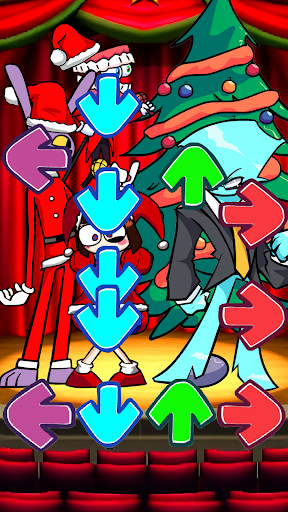
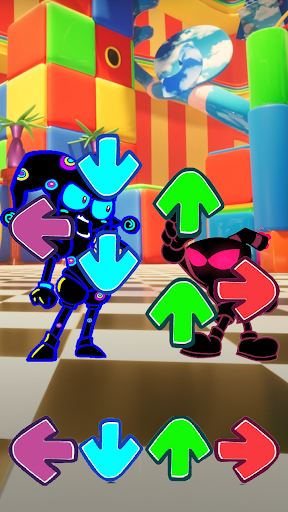
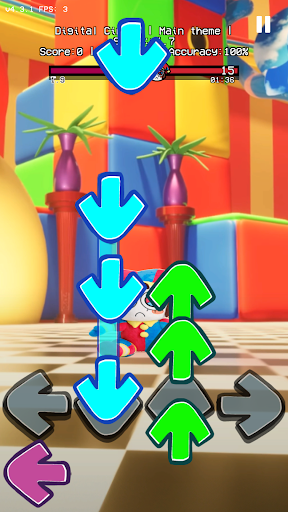
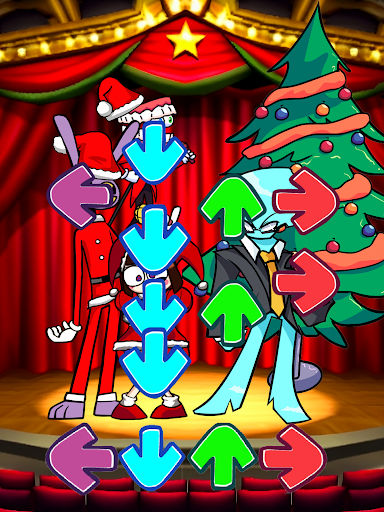
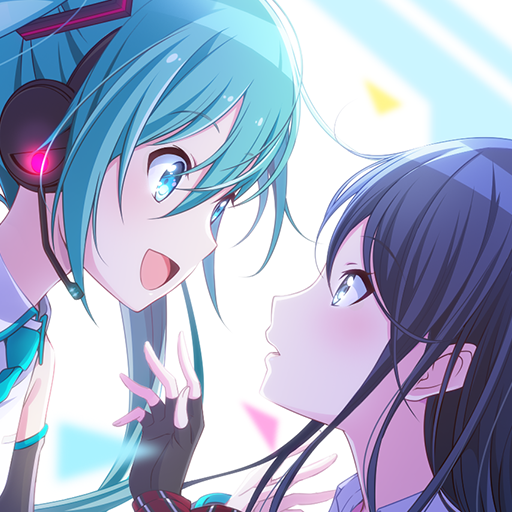
What a crazy Fridays! Tonight, you and your girlfriend are hanging out for funky dating. Suddently, Miku - a singer in the future - invite you sing with her in funky digital night battles. Do BF dare sing with Miku and rainbow friends like Indie Impostor V5, Blue V1, Kaine to prove his rap talent?
GAMEPLAY
- Tap the arrow when they exactly match.
- Feel digital rhythm! Rock the beat! Dance with cg5 in digital show of the circus!
- Match notes to have the highest score points! Beat all mods!
GAME FEATURES
- All for FREE!
- Play online/offline mode anytime
- All Mod Full enemie (like Whitty, Tricky, Garcello, Tord, Rainbow Friends, Darkness Takeover, Indie Cross)
- Bunch of catchy song with amazing sounds effect
- Over +10 fantastic background from over 7 mods
- Be updated frequently!
Have fun!
Follow our game community for more update!
もっと見る

1. MEmuインストーラーをダウンロードしてセットアップを完了する

2. MEmuを起動し、デスクトップでのPlayストアを開く

3. PlayストアでDigital Night Music Battlesを検索する
Install
4. Digital Night Music Battlesをダウンロードしてインストールする
5. インストールが完了したら、アイコンをクリックしてスタート

6. MEmuを使用してPCでDigital Night Music Battlesを楽しむ
MEmu App Playerは最高の無料で提供されるAndroidエミュレータで、5,000万人がすでに優れたAndroidゲーム体験を楽しんでいます。 MEmuの仮想化技術は、あなたのPCで何千ものAndroidゲームを快適にプレイすることを可能にします。
大画面でより精細;無限の待機、電池とドラフィックの極限を超え
キーボード・マウス・コントローラーを全力でサポート、より快適
マルチインスタンスで複数のゲームを同時に実行
Play Digital Night Music Battles on PC by following steps: