What's the Password?
更新日
現在のバージョン
提供元

スマホ不要!プロ選手のようにキーボードとマウスで操作しよう。MEmuエミュはあなたにすべての期待を与える。電池が切れてしまうとか画面が小さいとかの問題を心配する必要がなくて、存分What's the Password?を楽しんでください。新しいMEmuエミュ7はPCでWhat's the Password?をプレイするのに最適!完璧なキーマッピングシステムにより、まるでパソコンゲームみたい。マルチインスタンスで複数のゲームやアプリを同時に実行!唯一無二な仮想化エンジンがパソコンの可能性を最大限になる。遊べるだけでなく、より楽しめる!
もっと見る
What's the Password?をPCでダウンロード!大画面でより楽しむ。電源が落ちてしまうとか通信料が足りないとかの問題を心配する必要がなく、PCの大画面でより快適にゲームを楽しましょう! 『What's the Password?
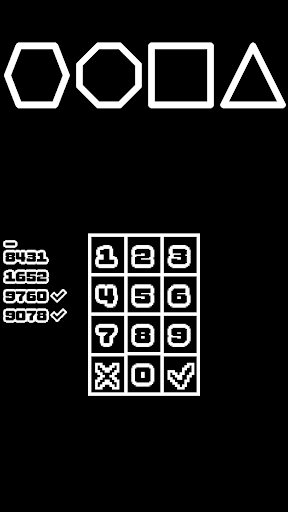
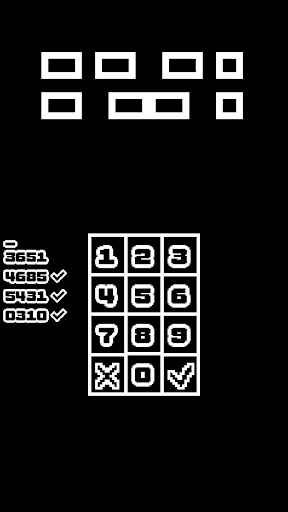
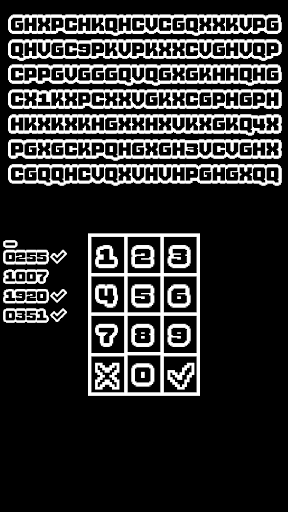
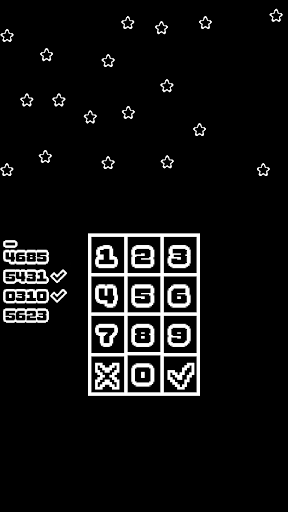
『What's the Password?』は4桁のパスワードを解読する、ミニマリスティックなパズルゲームです。 100個以上のパズルに挑戦しましょう!
特徴:
約2時間でクリア可能な、満足感溢れるゲームプレイ。
ひらめき重視な100個の小難しいパズル。
目に優しい白黒グラフィック。
リプレイ性を高めるため、パズルの答えは毎回ランダム。
特に難しいパズルには追加のヒントも用意。
解除すると賢くなったように思える実績。
もしここまで読んでいるなら、少し頭をひねる必要があるパズルが好きなのでしょう。このゲームなら沢山ありますよ!
もっと見る

1. MEmuインストーラーをダウンロードしてセットアップを完了する

2. MEmuを起動し、デスクトップでのPlayストアを開く

3. PlayストアでWhat's the Password?を検索する
Install
4. What's the Password?をダウンロードしてインストールする
5. インストールが完了したら、アイコンをクリックしてスタート

6. MEmuを使用してPCでWhat's the Password?を楽しむ
MEmu App Playerは最高の無料で提供されるAndroidエミュレータで、5,000万人がすでに優れたAndroidゲーム体験を楽しんでいます。 MEmuの仮想化技術は、あなたのPCで何千ものAndroidゲームを快適にプレイすることを可能にします。
大画面でより精細;無限の待機、電池とドラフィックの極限を超え
キーボード・マウス・コントローラーを全力でサポート、より快適
マルチインスタンスで複数のゲームを同時に実行
Play What's the Password? on PC by following steps: