Words Everywhere PRO
更新日
現在のバージョン
1725543979
提供元

スマホ不要!プロ選手のようにキーボードとマウスで操作しよう。MEmuエミュはあなたにすべての期待を与える。電池が切れてしまうとか画面が小さいとかの問題を心配する必要がなくて、存分Words Everywhere PROを楽しんでください。新しいMEmuエミュ7はPCでWords Everywhere PROをプレイするのに最適!完璧なキーマッピングシステムにより、まるでパソコンゲームみたい。マルチインスタンスで複数のゲームやアプリを同時に実行!唯一無二な仮想化エンジンがパソコンの可能性を最大限になる。遊べるだけでなく、より楽しめる!
もっと見る
Words Everywhere PROをPCでダウンロード!大画面でより楽しむ。電源が落ちてしまうとか通信料が足りないとかの問題を心配する必要がなく、PCの大画面でより快適にゲームを楽しましょう! How many English words will you find in our relaxing word search game Words Everywhere?
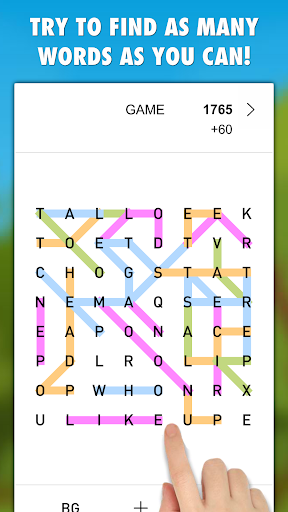
How many English words will you find in our relaxing word search game Words Everywhere?
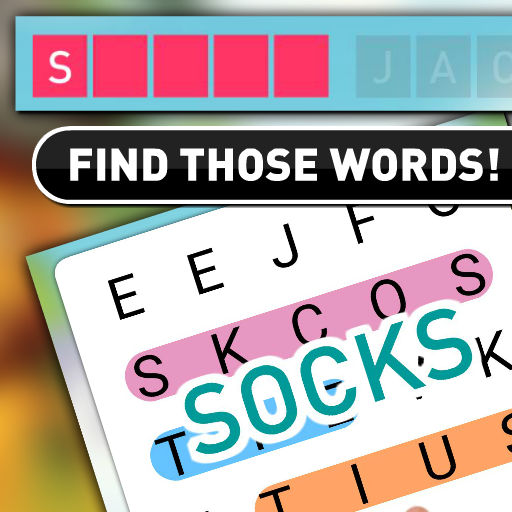
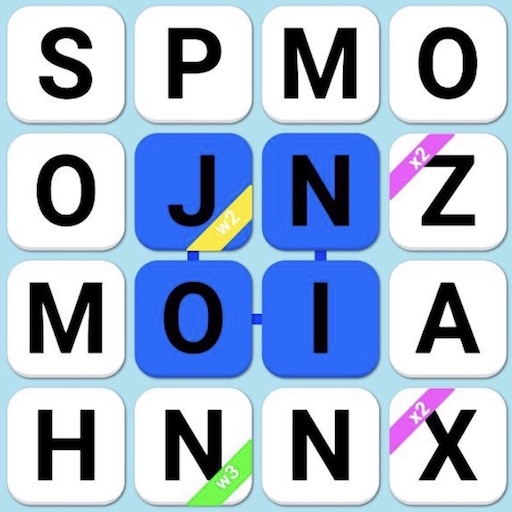
In Words Everywhere you don't have any list of words that you must find, simply try to find as many hidden words as you can in any direction (you can combine the directions)! Watch out, all the letters stay on the screen, so try to look in all possible directions and their combinations to find all the possible words!
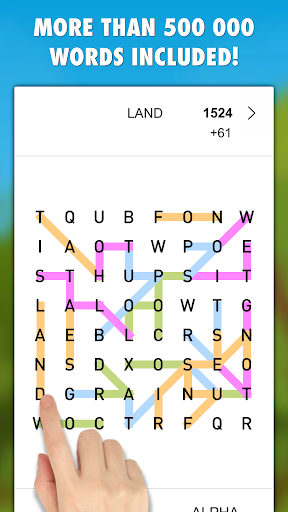
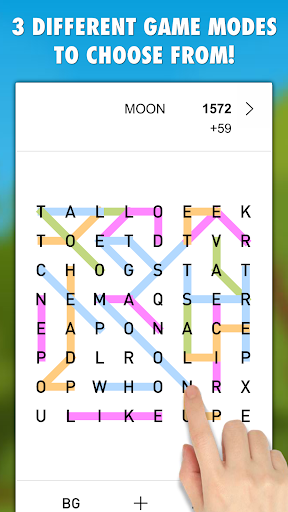
Our challenging word search game Words Everywhere contains 3 different game modes to choose from in 3 difficulties and more than 500 000 English words!
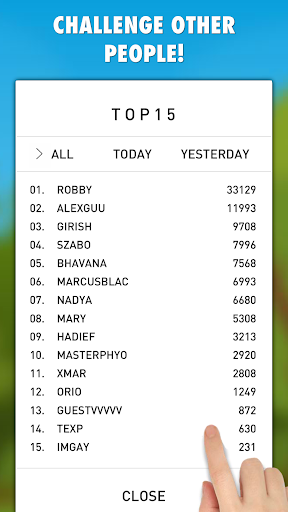
Play as a single player and try to break your personal bests or submit your points and challenge other people from all around the world!
Words Everywhere PRO is a full version with no ads, no In-App purchases and the game can be played offline without an internet connection.
Words Everywhere is a must game for all the fans of word search games!
FEATURES:
* A relaxing word search game for all ages
* No ads + no in-app purchases + no subscriptions
* Playable without an internet connection
* 3 GAME MODES - Quick, Challenge, Relax
* 3 Difficulties - Easy, Medium, Hard
* More than 500 000 English words included
* CHALLENGE - Submit and share your points and challenge people from all around the world
HOW TO PLAY:
There will be a board of letters shown on the screen. Move your finger over the letters and create words with 3+/4+/5+ letters each (based on your chosen difficulty). You can move in any direction and combine the directions. In case that the word exists the game will automatically show WORD POINTS in the top right corner of the screen, release your finger to submit your word! Create words with 5, 6, 7, 8+ letters for extra bonus points! To end the game and submit your points tap on an ARROW button in the top right corner.
GAME MODES:
* Quick - 150 seconds time limit
* Challenge - 2 minutes + extra seconds for 4+ letters words
* Relax - no time limit, play as long as you want
DIFFICULTIES:
* Easy - each word must have at least 3 letters.
* Medium - each word must have at least 4 letters.
* Hard - each word must have at least 5 letters.
Thank you for choosing our game Words Everywhere!
Have fun!
もっと見る

1. MEmuインストーラーをダウンロードしてセットアップを完了する

2. MEmuを起動し、デスクトップでのPlayストアを開く

3. PlayストアでWords Everywhere PROを検索する
Install
4. Words Everywhere PROをダウンロードしてインストールする
5. インストールが完了したら、アイコンをクリックしてスタート

6. MEmuを使用してPCでWords Everywhere PROを楽しむ
MEmu App Playerは最高の無料で提供されるAndroidエミュレータで、5,000万人がすでに優れたAndroidゲーム体験を楽しんでいます。 MEmuの仮想化技術は、あなたのPCで何千ものAndroidゲームを快適にプレイすることを可能にします。
大画面でより精細;無限の待機、電池とドラフィックの極限を超え
キーボード・マウス・コントローラーを全力でサポート、より快適
マルチインスタンスで複数のゲームを同時に実行
Play Words Everywhere PRO on PC by following steps: