Fake GPS location
更新日
現在のバージョン
1660705064
提供元

スマートフォンは不要!パソコンと同じようにキーボードとマウスで操作できます。MEmu Playは、あなたが待ち望んでいたすべての楽しみをお届けします。バッテリー残量や小さな画面を気にすることなく、Fake GPS locationをご利用ください。最新のMEmu 9は、Fake GPS locationをPCで体験するのに最適です!完璧なキーマッピングシステムにより、PCのようなスムーズな操作性を実現します。マルチインスタンス機能により、複数のアプリケーションを同時に実行できます。独自の仮想化エンジンがPCのパフォーマンスを最大限に引き出します。アプリを使用するだけでなく、高品質な体験を得ることができます。
もっと見る
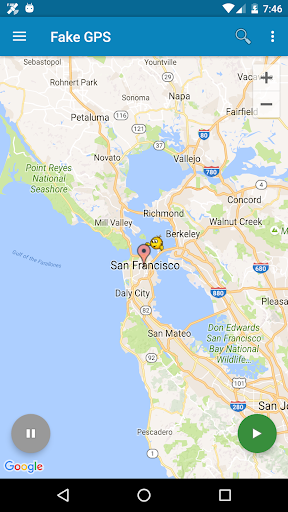
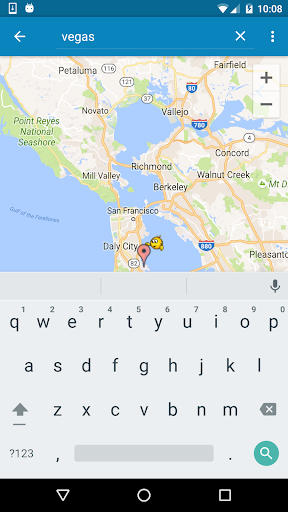
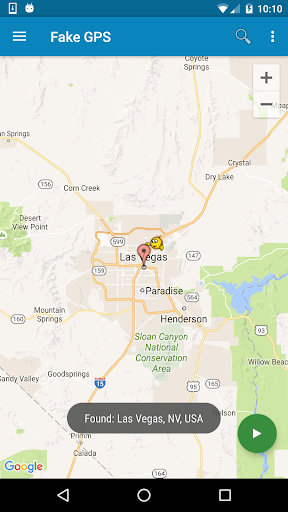
Fake GPS locationをPCでダウンロード!大画面でより楽しむ。電源が落ちてしまうとか通信料が足りないとかの問題を心配する必要がなく、PCの大画面でより快適にゲームを楽しましょう! Teleport your phone to any place in the world with two clicks!
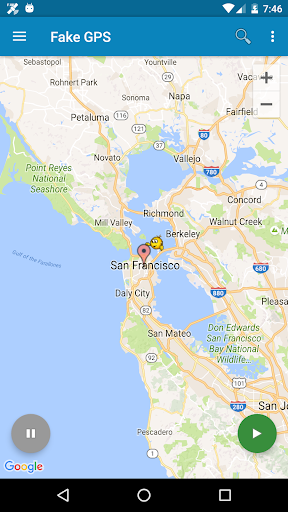
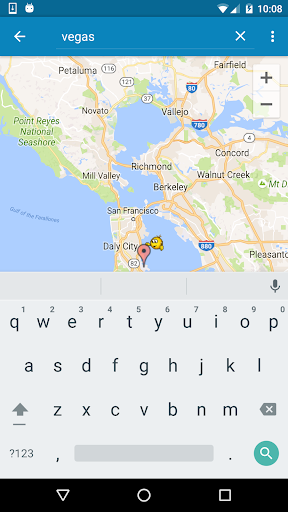
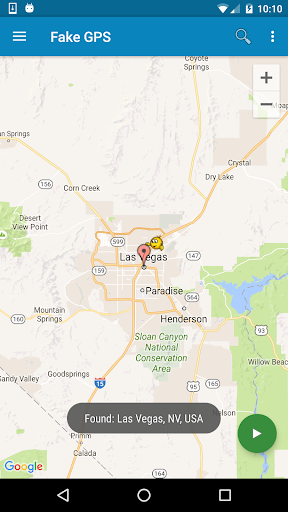
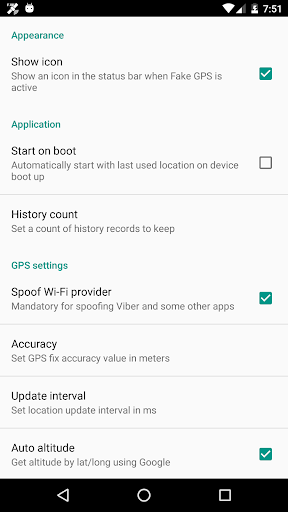
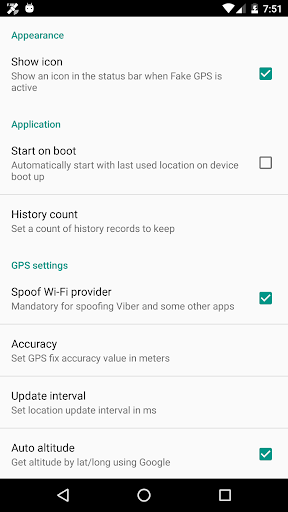
Teleport your phone to any place in the world with two clicks! This app sets up fake GPS location so every other app in your phone belives you are there!
Has Tasker support and can be started/stopped from command line (See FAQ for details)
+++IMPORTANT+++
Be aware that after using FakeGPS you may find your location LOCKED TO THE LAST MOCKED LOCATION EVENT AFTER UNINSTALL FakeGPS!
It's not a bug and your GPS sensor isn't broken. There are two ways to fix this issue:
1. Install "GPS Status" from the Play, launch and get a fresh GPS fix. You may need to repeat it several times with 30 min interval.
2. Start FakeGPS, set your real location and leave it so for several hours.
You may combine these steps. The issue will disappear in one or two days - be patient.
For ROOTED devices you can mock locations without enabling "Allow mock locations" option. To do so please use Root Explorer or other similar app and move /data/app/ru.lexa.fakegps~1.apk to /system/priv-app or to /system/app (for Android 4.3 and older). Then change apk permissions to rw-r-r and reboot your device. If you find apk in /syste/priv-app disappears after reboot it means that your devices has S-ON mode enabled and so restores /system folder aftear each reboot. Please google how to switch your device to S-OFF mode.
If you can't find ru.lexa.fakegps.apk in /data/app you may find it at /mnt/asec/ru.lexa.fakegps/1.apk. In this case you should copy and rename it to /system/priv-app/ru.lexa.fakegps.apk.
END USER LICENSE AGREEMENT
This app is provided "as is" and we can not be held responsible for any usage by the end users of our app. This app is free with limited functionality and is for testing purposes only.
もっと見る

1. MEmuインストーラーをダウンロードしてセットアップを完了する

2. MEmuを起動し、デスクトップでのPlayストアを開く

3. PlayストアでFake GPS locationを検索する
Install
4. Fake GPS locationをダウンロードしてインストールする
5. インストールが完了したら、アイコンをクリックしてスタート

6. MEmuを使ってパソコンでFake GPS locationを体験する
MEmu Playは現在、最高の無料Androidエミュレーターであり、5,000万人のユーザーが優れたAndroidアプリ体験を楽しんでいます。MEmuの仮想化テクノロジーにより、数千ものAndroidアプリをコンピューターでスムーズに実行できます。
大画面でより精細;無限の待機、電池とドラフィックの極限を超え
キーボード・マウス・コントローラーを全力でサポート、より快適
マルチインスタンスで複数のゲームを同時に実行
Use Fake GPS location on PC by following steps: