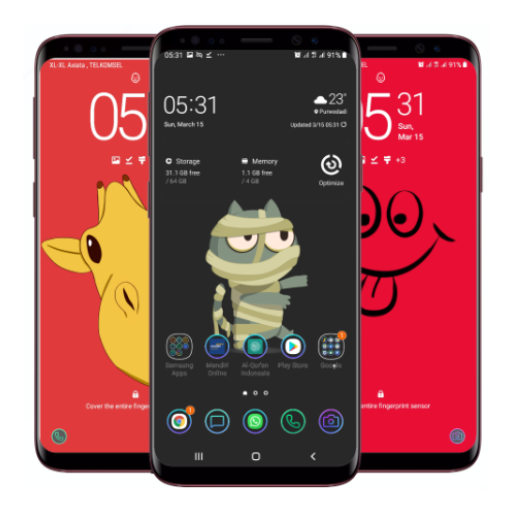
Funny Wallpaper
更新日
現在のバージョン
1.0.7
提供元

スマートフォンは不要!パソコンと同じようにキーボードとマウスで操作できます。MEmu Playは、あなたが待ち望んでいたすべての楽しみをお届けします。バッテリー残量や小さな画面を気にすることなく、Funny Wallpaperをご利用ください。最新のMEmu 9は、Funny WallpaperをPCで体験するのに最適です!完璧なキーマッピングシステムにより、PCのようなスムーズな操作性を実現します。マルチインスタンス機能により、複数のアプリケーションを同時に実行できます。独自の仮想化エンジンがPCのパフォーマンスを最大限に引き出します。アプリを使用するだけでなく、高品質な体験を得ることができます。
もっと見る
MEmu Playを使えば、PCでFunny Wallpaperを快適に楽しめます。何千ものAndroidアプリをデスクトップ版で利用できる、パワフルな無料Androidエミュレーターです。友達とつながり、より効率的に作品を磨き上げましょう! Funny Wallpaper provide you an amazing collection of Funny Wallpaper HD for your phone.
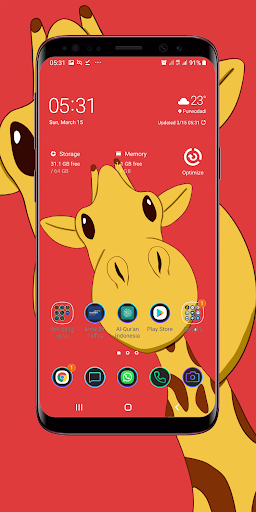
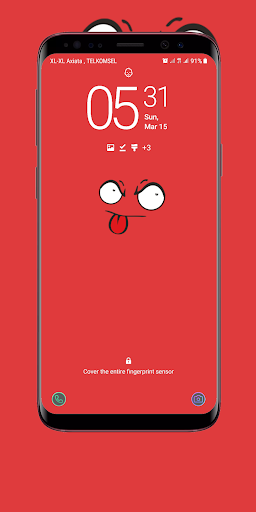
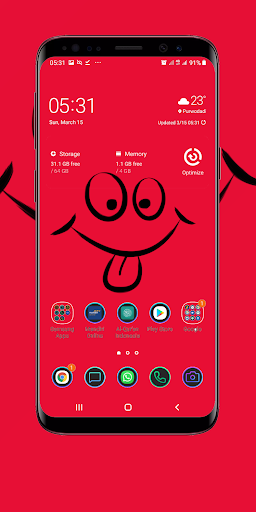
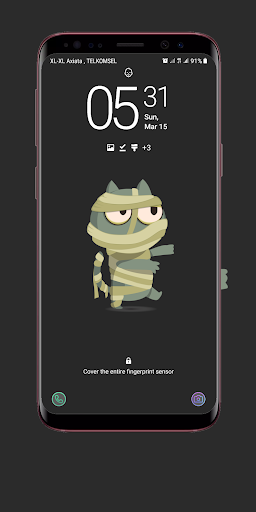
Funny Wallpaper provide you an amazing collection of Funny Wallpaper HD for your phone. You just select category and choose image you like and then apply to your wallpaper on your phone.
Funny wallpaper is an android app for phones and tablets which contain Funny images, Funny background allows you to set any pic as a wallpaper or save/share the pics with your friends through.
If you look for some new ideas for your wallpaper phones we bring you the latest images of high quality also we have some features such as don't touch my phone's wallpaper is a very funny style and look great, just one step and your wallpaper will be ready to use.
Funny Wallpapers, it is a very nice and beautiful wallpaper for your android device! Make Funny Wallpaper and enjoy this beautiful picture completely! Funny Wallpaper is a great image for your phone! Download Funny Wallpapers, set as wallpaper and enjoy Funny Wallpapers!
Funny wallpapers is an application that provides images for emoji wallpapers fans. emoji wallpapers hd has many interesting collections that you can use as wallpaper. For those of you who like Funny wallpapers you must have this application. The best images about emoji wallpapers hd that you can make your choice to make your wallpaper, this wallpaper is made especially for you. For those of you who like Funny wallpapers you must have this application.
Features:
Minimal And Easy
Material Design dashboard.
App can work offline.
Categories.
Favorites.
Wallpapers can be applied and downloaded.
Settings section with these options:
* Option to change app theme (Light, Dark, System).
* Option to color navigation bar (Lollipop+).
* Option to clear app cache.
Disclaimer:
All the Backgrounds and Wallpapers listed in this app is either from public domain or under creative common license for which proper attribution is given to the uploader. If any wallpaper violates any copyright rule then please report it and we will remove it from our database
もっと見る

1. MEmuインストーラーをダウンロードしてセットアップを完了する

2. MEmuを起動し、デスクトップでのPlayストアを開く

3. PlayストアでFunny Wallpaperを検索する
Install
4. Funny Wallpaperをダウンロードしてインストールする
5. インストールが完了したら、アイコンをクリックしてスタート

6. MEmuを使ってパソコンでFunny Wallpaperを体験する
MEmu Playは現在、最高の無料Androidエミュレーターであり、5,000万人のユーザーが優れたAndroidアプリ体験を楽しんでいます。MEmuの仮想化テクノロジーにより、数千ものAndroidアプリをコンピューターでスムーズに実行できます。
大画面でより精細;無限の待機、電池とドラフィックの極限を超え
キーボード・マウス・コントローラーを全力でサポート、より快適
マルチインスタンスで複数のゲームを同時に実行
Use Funny Wallpaper on PC by following steps: