
Medium
更新日
現在のバージョン
4.5.1246405
提供元

スマートフォンは不要!パソコンと同じようにキーボードとマウスで操作できます。MEmu Playは、あなたが待ち望んでいたすべての楽しみをお届けします。バッテリー残量や小さな画面を気にすることなく、Mediumをご利用ください。最新のMEmu 9は、MediumをPCで体験するのに最適です!完璧なキーマッピングシステムにより、PCのようなスムーズな操作性を実現します。マルチインスタンス機能により、複数のアプリケーションを同時に実行できます。独自の仮想化エンジンがPCのパフォーマンスを最大限に引き出します。アプリを使用するだけでなく、高品質な体験を得ることができます。
もっと見る
MediumをPCでダウンロード!大画面でより楽しむ。電源が落ちてしまうとか通信料が足りないとかの問題を心配する必要がなく、PCの大画面でより快適にゲームを楽しましょう! Medium is the internet’s encyclopedia of expertise.
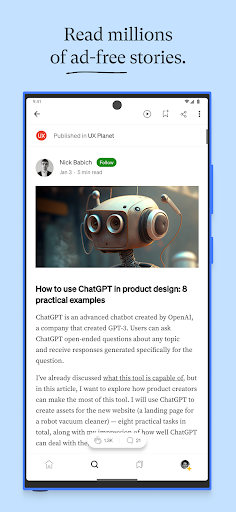
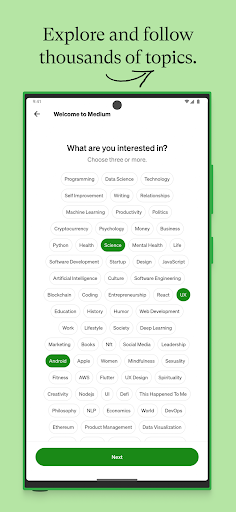
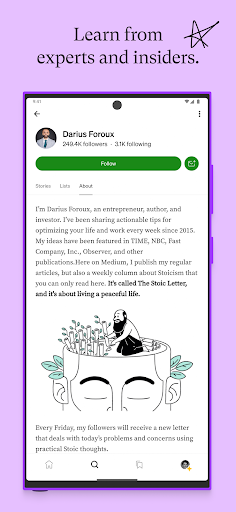
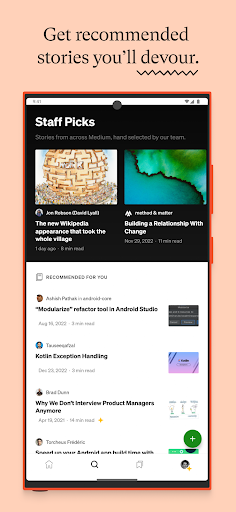
Medium is the internet’s encyclopedia of expertise. Read millions of long-form stories from insiders and thought leaders, deepen your knowledge of the subjects that matter most to you, and harness the power of the written word to spark new ideas, answer big questions, and fuel bold ambitions.
+ Explore millions of ad-free stories from a global community of expert writers and independent voices.
+ Highlight passages, bookmark stories, and create lists to build your personal knowledge base.
+ Follow your favorite writers and publications, and get personalized recommendations based on your interests.
+ Connect with an intelligent community of readers and writers, clap for stories you love, and join thought-provoking conversations in the comments.
+ Listen to audio versions of any story while you commute, exercise, or multitask.
+ Opt in to get exclusive newsletters delivered to your inbox.
+ Enjoy a minimal, distraction-free reading experience that keeps the focus on quality writing.
+ Easily switch between light and dark modes.
+ Access seamlessly across your smartphone, tablet, and desktop.
+ Publish your own stories, grow your audience, and join the Medium Partner Program to earn money from your writing.
+ Become a member for unlimited access to everything on Medium and directly support the writers you read most with your subscription.
If you become a Medium member, payment of $4.99 (monthly) or $49.99 (annual) will be charged to your Google Play account. Subscription automatically renews unless canceled at least 24 hours before the end of the current period. You can manage and cancel your subscription using the Google Play Subscription Center. See Membership Terms of Service for more information: https://policy.medium.com/paid-terms-of-service-cc7f8e165178.
Medium Terms of Service: https://policy.medium.com/medium-terms-of-service-9db0094a1e0f
Privacy Policy: https://policy.medium.com/medium-privacy-policy-f03bf92035c9
Support: https://help.medium.com
もっと見る

1. MEmuインストーラーをダウンロードしてセットアップを完了する

2. MEmuを起動し、デスクトップでのPlayストアを開く

3. PlayストアでMediumを検索する
Install
4. Mediumをダウンロードしてインストールする
5. インストールが完了したら、アイコンをクリックしてスタート

6. MEmuを使ってパソコンでMediumを体験する
MEmu Playは現在、最高の無料Androidエミュレーターであり、5,000万人のユーザーが優れたAndroidアプリ体験を楽しんでいます。MEmuの仮想化テクノロジーにより、数千ものAndroidアプリをコンピューターでスムーズに実行できます。
大画面でより精細;無限の待機、電池とドラフィックの極限を超え
キーボード・マウス・コントローラーを全力でサポート、より快適
マルチインスタンスで複数のゲームを同時に実行
Use Medium on PC by following steps: