Mirror Link
更新日
現在のバージョン
36.0
提供元

スマートフォンは不要!パソコンと同じようにキーボードとマウスで操作できます。MEmu Playは、あなたが待ち望んでいたすべての楽しみをお届けします。バッテリー残量や小さな画面を気にすることなく、Mirror Linkをご利用ください。最新のMEmu 9は、Mirror LinkをPCで体験するのに最適です!完璧なキーマッピングシステムにより、PCのようなスムーズな操作性を実現します。マルチインスタンス機能により、複数のアプリケーションを同時に実行できます。独自の仮想化エンジンがPCのパフォーマンスを最大限に引き出します。アプリを使用するだけでなく、高品質な体験を得ることができます。
もっと見る
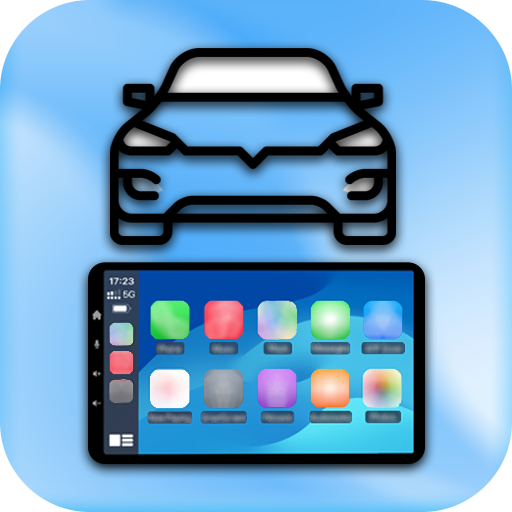
Mirror LinkをPCでダウンロード!大画面でより楽しむ。電源が落ちてしまうとか通信料が足りないとかの問題を心配する必要がなく、PCの大画面でより快適にゲームを楽しましょう! With Mirror Link , you can connect your phone to your car's screen wirelessly or via USB.
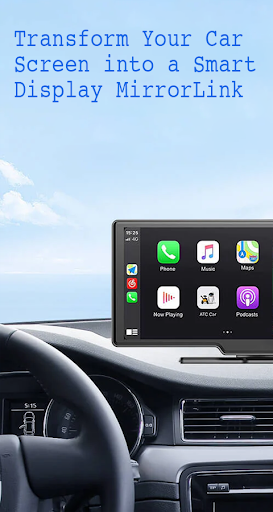
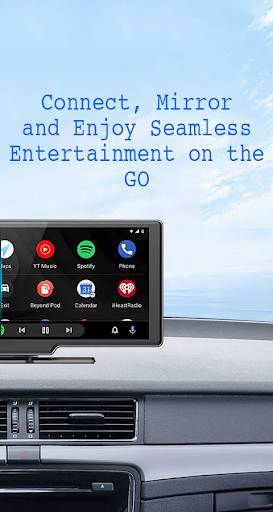
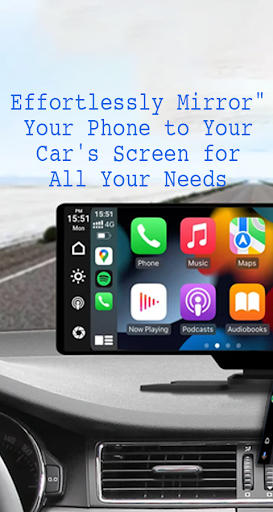
With Mirror Link , you can connect your phone to your car's screen wirelessly or via USB. This app allows you to display your phone's screen on your car's screen and other devices, enhancing driving safety by providing easy access to your phone's features.
Features:
- Static Screen Sharing: Share your smartphone screen with your car screen easily and stably.
- WIRELESS AND USB CONNECTION: Connect your phone to your car's display without any cables using wireless connectivity options.
- Screen Sharing and Communication: Simple and fast connection with one click.
- Multimedia Access: Listen to music, watch movies, text, call, and view maps on your car screen.
- Automation: You can play and pause music automatically when your device connects to the car display.
- Full Mirror Link: Enjoy the phone with full mirror link on the car screen.
- Smart mirror link: Works with old and new cars.
- Universal Compatibility: Compatible with all car brands and devices with built-in web browsers.
- Mirrorlink Car Play: Seamlessly integrates with Mirror Link CarPlay and Android Auto systems.
Turn your phone into a convenient control panel for using various applications via your car's touchscreen, watch movies and listen to music on YouTube and other platforms, and utilize Apple CarPlay and Android Auto for hands-free calling, navigation maps, and music streaming. Enhance road safety with easy access to your phone's features, allowing you to focus on driving. Additionally, use a simple car starter app to connect your phone to your car's TV without any screen sharing cable.
how to use:
1. Make sure your phone and car have Miracast/Wireless display options.
2. In the car's Dashbroid, turn on the "Miracast" function.
3. Open the Mirror Link app, select “Connect Car”, and wait for the device to be searched.
4. Create a connection to mirror your phone screen with car screen easily.
Mirror Link is an easy app to cast to any car screen, providing a great mirror experience. Enable Mirrorlink for your car to enjoy web video streaming, photo streaming, audio streaming, and simple automation screen connections. Automatically play and pause when your mobile phone connects to your car's screen.
Disclaimer:
Mirror Link is owned by us and we are not affiliated, associated, authorized, sponsored, or endorsed by, or in any way officially connected with any other apps or companies.
もっと見る

1. MEmuインストーラーをダウンロードしてセットアップを完了する

2. MEmuを起動し、デスクトップでのPlayストアを開く

3. PlayストアでMirror Linkを検索する
Install
4. Mirror Linkをダウンロードしてインストールする
5. インストールが完了したら、アイコンをクリックしてスタート

6. MEmuを使ってパソコンでMirror Linkを体験する
MEmu Playは現在、最高の無料Androidエミュレーターであり、5,000万人のユーザーが優れたAndroidアプリ体験を楽しんでいます。MEmuの仮想化テクノロジーにより、数千ものAndroidアプリをコンピューターでスムーズに実行できます。
大画面でより精細;無限の待機、電池とドラフィックの極限を超え
キーボード・マウス・コントローラーを全力でサポート、より快適
マルチインスタンスで複数のゲームを同時に実行
Use Mirror Link on PC by following steps: