OPPO Store
更新日
現在のバージョン
1.6.11
提供元

スマートフォンは不要!パソコンと同じようにキーボードとマウスで操作できます。MEmu Playは、あなたが待ち望んでいたすべての楽しみをお届けします。バッテリー残量や小さな画面を気にすることなく、OPPO Storeをご利用ください。最新のMEmu 9は、OPPO StoreをPCで体験するのに最適です!完璧なキーマッピングシステムにより、PCのようなスムーズな操作性を実現します。マルチインスタンス機能により、複数のアプリケーションを同時に実行できます。独自の仮想化エンジンがPCのパフォーマンスを最大限に引き出します。アプリを使用するだけでなく、高品質な体験を得ることができます。
もっと見る
OPPO StoreをPCでダウンロード!大画面でより楽しむ。電源が落ちてしまうとか通信料が足りないとかの問題を心配する必要がなく、PCの大画面でより快適にゲームを楽しましょう! OPPO Store is OPPO's official online shopping app help you to search, browse and buy all-new OPPO products at the best prices, including smartphones, audios, wearables and accessories.
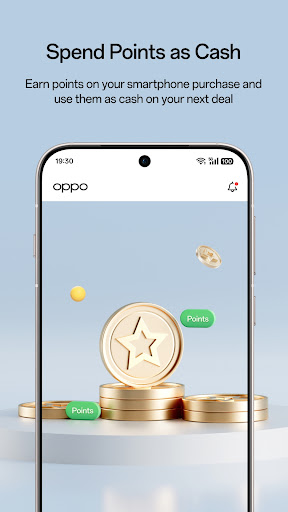
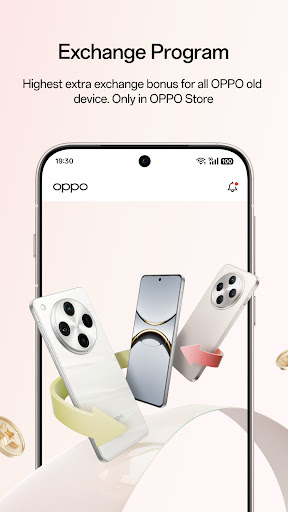
OPPO Store is OPPO's official online shopping app help you to search, browse and buy all-new OPPO products at the best prices, including smartphones, audios, wearables and accessories. you can save up to 50% off on Protection Plan.
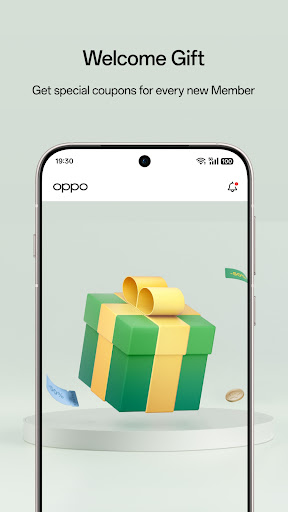
Register Now for welcome gifts, member-only benefits, earn every ruppee spent on oppo online store, spent points as cash, play games everyday to win big vouchers and points. Join 'strike a bargain' invite your friends to help you get products for FREE!
More app-exclusive benefits is waiting for you. Download Now and get the notifications to enjoy Lightning sale and the latest product news.
OPPO Store 1st Anniversary
Don't miss out the big sale on OPPO Store, Lightning sale lowest from Rs.1, more amazing exclusive offers is waiting for you, download the app now and stay tuned for the best offer and activities. Stand a chance to win the all-new F21 Pro phone, Enco Air2, Enco M32, MH135 earphone and Coupons.
1. On the OPPO Store online shopping APP you can find:
-Mobile phones
-Mobile accessories
-Audio
-Wearable
-Discounts on Protection Plan
-Instant discounts, price drops, new launches and special promotions
2. 100% secure and multiple payments available
OPPO Store accepts a variety of payment methods online and track order delivery status. You can choose one of the following payment methods including Credit card, Debit card,American Express.We support UPI including: Google pay, Phone Pe, BHIM, PayTM. With the Wallet we support Paytm and Google pay. We also support Net banking, with over 40 leading banks integrated into our payment system. More important, we will provide No Cost EMI and instant discounts from time to time.
Cash on delivery(COD) is available on OPPO Products, you can choose to make a payment after receiving the product.
3. Install OPPO Store APP for Unique Benefits
-Win points for every rupee spent.
-Spend points as cash, Save up to 50%
-Lightning sales Everyday
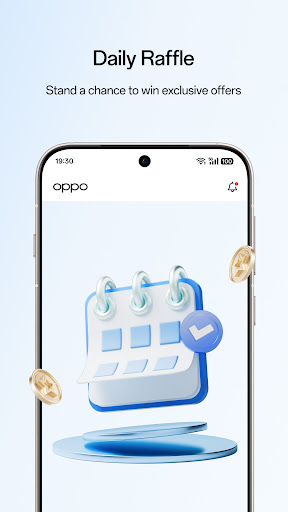
-Earn Points from Task-list, Reward Multiplier, Raffle campaign and more.
-OPPO Store APP Exclusive Benefits
-Limited-time offer for new members
-Bind IMEI to unlock exclusive offers and rewards
-Level up! Unlock new levels and rewards
-Join OPPO weekly and explore more benefits
4. Free Delivery / Free Shipping
OPPO Store offers free delivery on all orders, and there is no minimum order price stipulation.
5. Official Support and Service
With the dedicated support channels for customers through email, chat and voice; OPPO Store online service operates from 9 am to 7 pm throughout the year. We have also 24/7 assistance by Ollie (AI BOT) on chat for round the clock support to customers on basic queries, including purchase, delivery and product selection. Online Service of OPPO Store aims to work towards improving customer experience and on the feedback received while aiding.
We'd love to hear any suggestions, questions or comments. You can contact our customer support. Download OPPO Store APP and start shopping now!
もっと見る

1. MEmuインストーラーをダウンロードしてセットアップを完了する

2. MEmuを起動し、デスクトップでのPlayストアを開く

3. PlayストアでOPPO Storeを検索する
Install
4. OPPO Storeをダウンロードしてインストールする
5. インストールが完了したら、アイコンをクリックしてスタート

6. MEmuを使ってパソコンでOPPO Storeを体験する
MEmu Playは現在、最高の無料Androidエミュレーターであり、5,000万人のユーザーが優れたAndroidアプリ体験を楽しんでいます。MEmuの仮想化テクノロジーにより、数千ものAndroidアプリをコンピューターでスムーズに実行できます。
大画面でより精細;無限の待機、電池とドラフィックの極限を超え
キーボード・マウス・コントローラーを全力でサポート、より快適
マルチインスタンスで複数のゲームを同時に実行
Use OPPO Store on PC by following steps: