Absolum
Dikemas kini
Versi Semasa
Ditawarkan Oleh

Dengan semangat anda untuk bermain Absolum, tangan anda tidak seharusnya terhad pada skrin kecil telefon anda. Main seperti profesional dan kendalikan sepenuhnya permainan anda dengan papan kekunci dan tetikus. MEmu menawarkan semua perkara yang anda harapkan. Muat turun dan mainkan Absolum di PC. Main selagi anda mahu, tidak ada batasan bateri, data mudah alih dan panggilan yang mengganggu. MEmu 9 yang baru adalah pilihan terbaik untuk bermain Absolum di PC. Disiapkan dengan kepakaran kami, sistem pemetaan kunci pratetap yang indah menjadikan Absolum permainan PC sebenar. Dikodkan dengan penyerapan kami, pengurus multi-instance menjadikan bermain 2 atau lebih akaun pada peranti yang sama mungkin. Dan yang paling penting, enjin emulasi eksklusif kami dapat melepaskan potensi penuh PC anda, menjadikan semuanya lancar.Kami tidak hanya peduli bagaimana anda bermain, tetapi juga keseluruhan proses menikmati kebahagiaan permainan.
Tunjukkan Lagi
Muat turun Absolum pada PC dengan MEmu Android Emulator. Nikmati bermain di skrin besar A magical cataclysm left magic mistrusted by the common folk and Sun King Azra took advantage of this panic, enslaving wizards through his Crimson Order and conquering more and more lands.
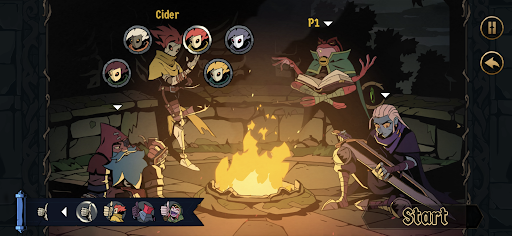
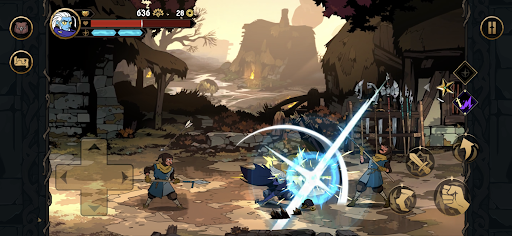
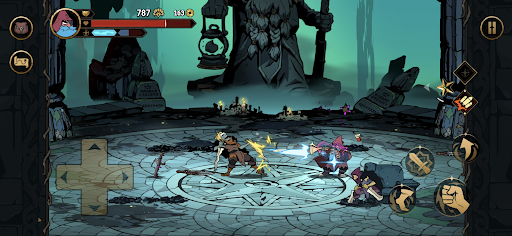
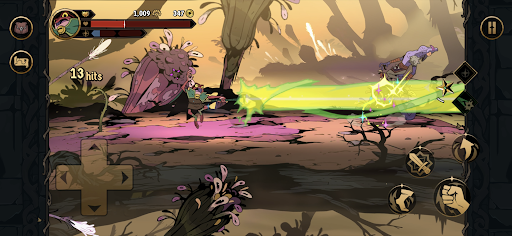
A magical cataclysm left magic mistrusted by the common folk and Sun King Azra took advantage of this panic, enslaving wizards through his Crimson Order and conquering more and more lands. With the help of high enchantress Uchawi, a small group of rebels rises from the shadows.
Fight as the outcast heroes of Talamh in a fierce battle to retake magic from Sun King Azra’s grasp in Absolum, an original roguelite beat ‘em up by Dotemu.
FEATURES
Join the rebellion! With the help of the high enchantress Uchawi, wield forbidden magic to free the lands of Talamh from the iron grip of Sun King Azra.
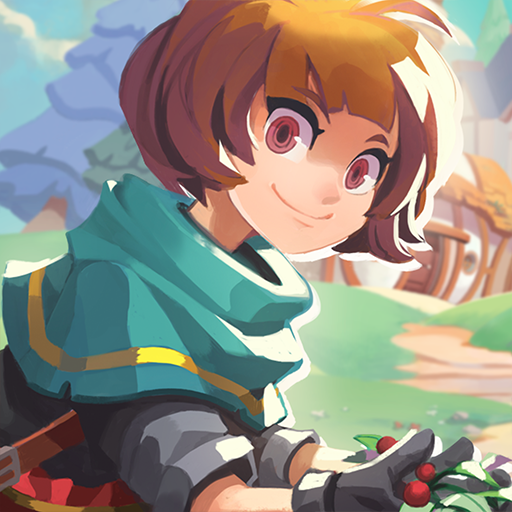
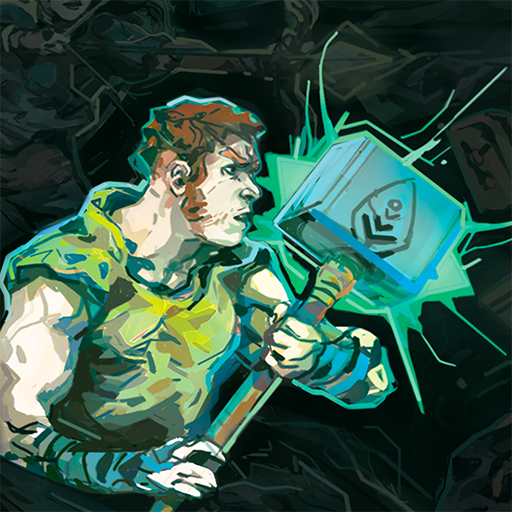
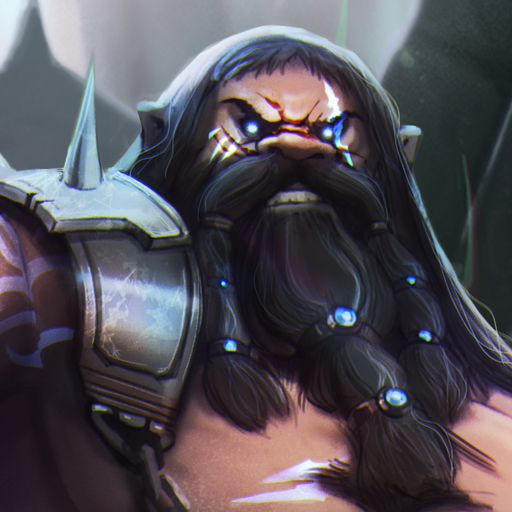
Four heroes, each with their own fighting style: start playing as the calm but deadly Galandra or as Karl, the last free dwarf of Talamh, and discover the prodigious Brome and the enigmatic Cider as they join your journey.
Craft new strategies and get more powerful every run to defeat Azra’s elite guard through a gameplay that blends the best of arcade beat’em up action with modern roguelite mechanics.
-From the majestic mines of Grandery to the lush forests of Jaroba, delve into an original fantasy world that comes alive through gorgeous art, masterful animation and a magnificent soundtrack by composer Gareth Coker (Ori, Halo Infinite, Prince of Persia), featuring collaborations with other legendary composers.
Lead the uprising against Azra's regime as a lone hero, or team up with an ally through the two-player online coop mode. Combine your elemental powers and synchronize your attacks into incredible chained combos!
CAREFULLY REDESIGNED FOR MOBILE
- Revamped interface – exclusive mobile UI with complete touch control
- Google Play Games achievements
-Buy once, play anywhere: Enjoy cross-progression on mobile and PC with the same Google Play Games account
- Cloud Save – Share your progress between Android devices
-Compatible with controllers
Tunjukkan Lagi

1. Muat turun pemasang MEmu dan selesaikan persediaan

2. Mulakan MEnu kemudian buka Google Play di desktop

3. Cari Absolum di Google Play
Install
4. Muat turun dan Pasang Absolum
5. Apabila selesai pemasangan, menekan ikon itu untuk memulakan

6. Nikmati bermain Absolum di komputer dengan MEmu
MEmu Play adalah emulator Android terbaik dan 100 juta orang sudah menikmati pengalaman permainan Androidnya yang luar biasa. Teknologi virtualisasi MEmu memberi kuasa kepada anda untuk bermain beribu-ribu permainan Android dengan lancar di komputar anda, malah yang paling intensif grafik.
Skrin lebih besar dengan grafik yang lebih baik; Tempoh yang panjang, tanpa had bateri atau data mudah alih.
Sokongan Keymapping penuh untuk kawalan tepat papan kekunci dan tetikus atau gamepad.
Pelbagai akaun permainan atau tugas pada satu PC sekaligus dengan pengurus pelbagai contoh.
Play Absolum on PC by following steps: